AppLock With Intruder alarm PC
AM Company
Download AppLock With Intruder alarm on PC With GameLoop Emulator
AppLock With Intruder alarm on PC
AppLock With Intruder alarm, coming from the developer AM Company, is running on Android systerm in the past.
Now, You can play AppLock With Intruder alarm on PC with GameLoop smoothly.
Download it in the GameLoop library or search results. No more eyeing the battery or frustrating calls at the wrong time any more.
Just enjoy AppLock With Intruder alarm PC on the large screen for free!
AppLock With Intruder alarm Introduction
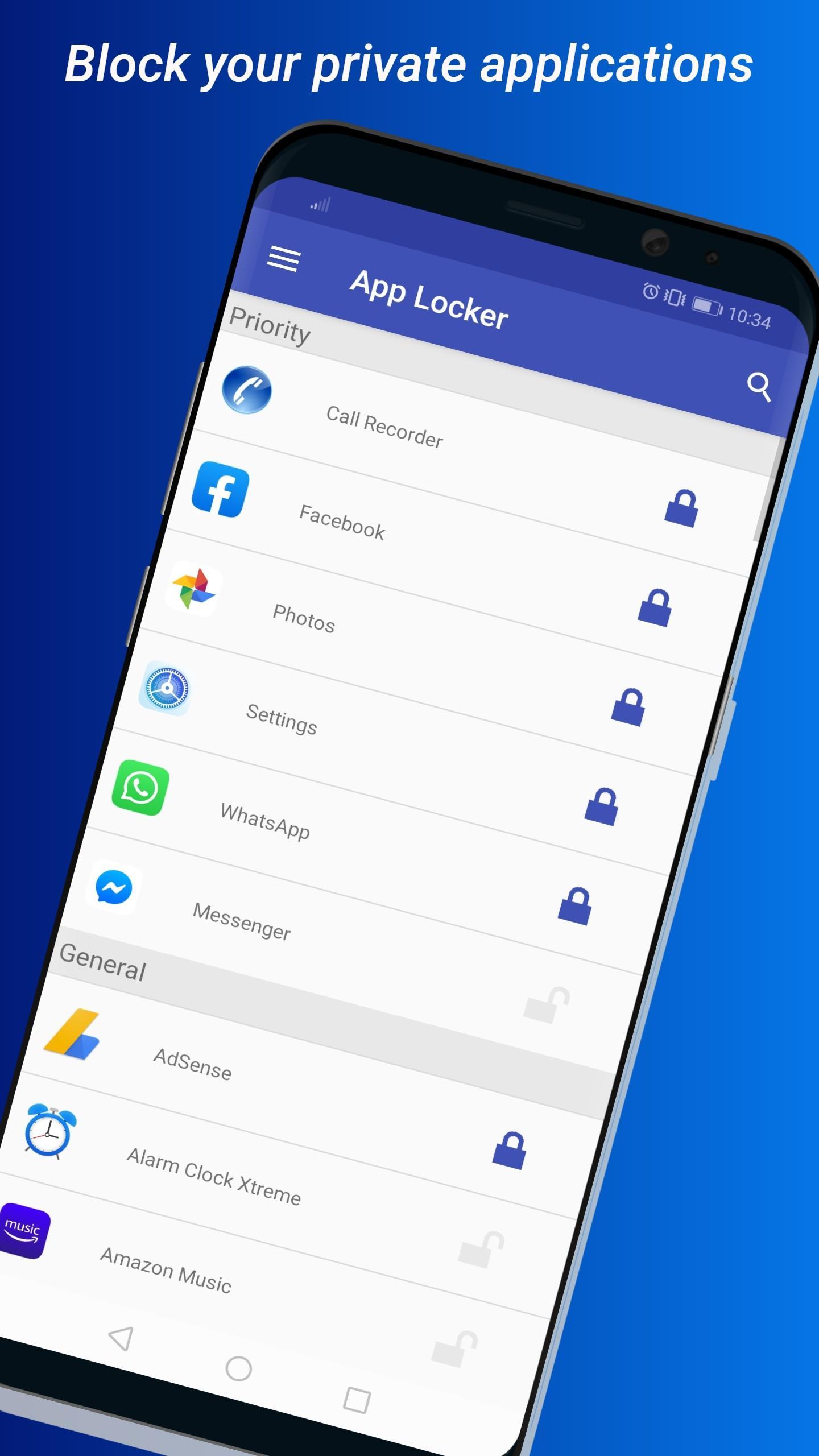
AppLock with intruder alert is a must-have app for anyone who values privacy and security. With AppLock, you can easily lock any app on your Android device using a pattern or PIN lock. Whether it's your social media apps, banking apps, or photo gallery, you can rest assured that your private information is safe and secure.
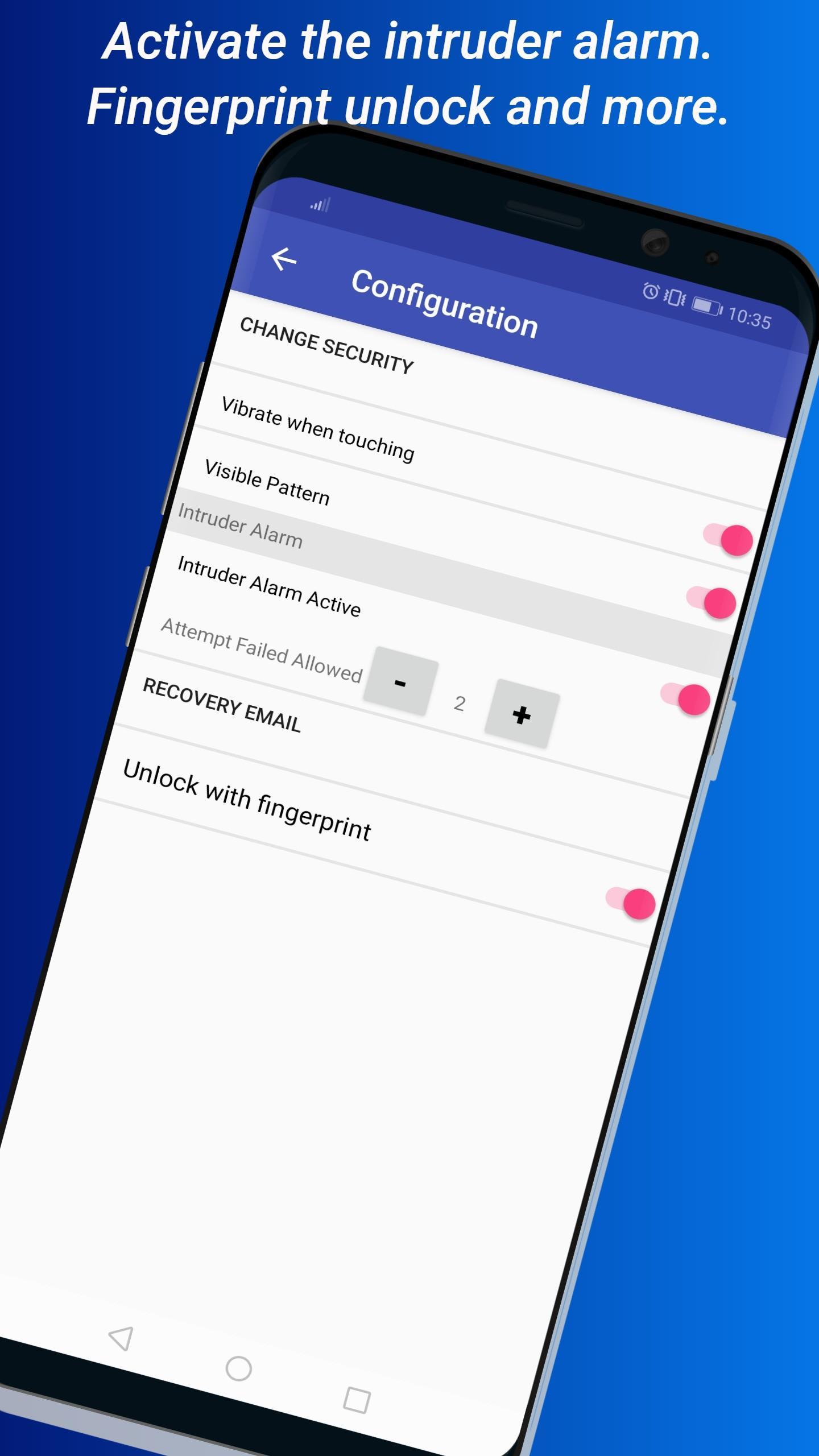
But that's not all. AppLock also comes with an intruder alert feature that notifies you when someone tries to access your apps without authorization. You can even set the number of failed attempts before the alarm goes off. This added layer of security ensures that no one can access your apps without your knowledge.
AppLock is easy to use and highly reliable. Once you download and install it, you can start protecting your private apps immediately. You don't have to worry about anyone reading your confidential information, changing your phone settings, or playing games on your device without your permission.
We take your privacy seriously, which is why we only request the necessary permissions to manage access to your apps. We don't access any private data of the user with the requested permissions, so you can trust AppLock to keep your personal information safe.
Download AppLock now and take control of your privacy. Whether you're at home, at work, or on the go, you can rest assured that your private information is secure with AppLock.
Preview
Tags
ToolsInformation
Developer
AM Company
Latest Version
4.6.1
Last Updated
2023-08-22
Category
Tools
Available on
Google Play
Show More
How to play AppLock With Intruder alarm with GameLoop on PC
1. Download GameLoop from the official website, then run the exe file to install GameLoop
2. Open GameLoop and search for “AppLock With Intruder alarm” , find AppLock With Intruder alarm in the search results and click “Install”
3. Enjoy playing AppLock With Intruder alarm on GameLoop
Minimum requirements
OS
Windows 8.1 64-bit or Windows 10 64-bit
GPU
GTX 1050
CPU
i3-8300
Memory
8GB RAM
Storage
1GB available space
Recommended requirements
OS
Windows 8.1 64-bit or Windows 10 64-bit
GPU
GTX 1050
CPU
i3-9320
Memory
16GB RAM
Storage
1GB available space