VPN - Super Unlimited Proxy PC
VPN Super Inc.
Download VPN - Super Unlimited Proxy on PC With GameLoop Emulator
VPN - Super Unlimited Proxy on PC
VPN - Super Unlimited Proxy, coming from the developer VPN Super Inc., is running on Android systerm in the past.
Now, You can play VPN - Super Unlimited Proxy on PC with GameLoop smoothly.
Download it in the GameLoop library or search results. No more eyeing the battery or frustrating calls at the wrong time any more.
Just enjoy VPN - Super Unlimited Proxy PC on the large screen for free!
VPN - Super Unlimited Proxy Introduction
VPN - Super Unlimited Proxy: Fast, Secure, and Free VPN app for Android
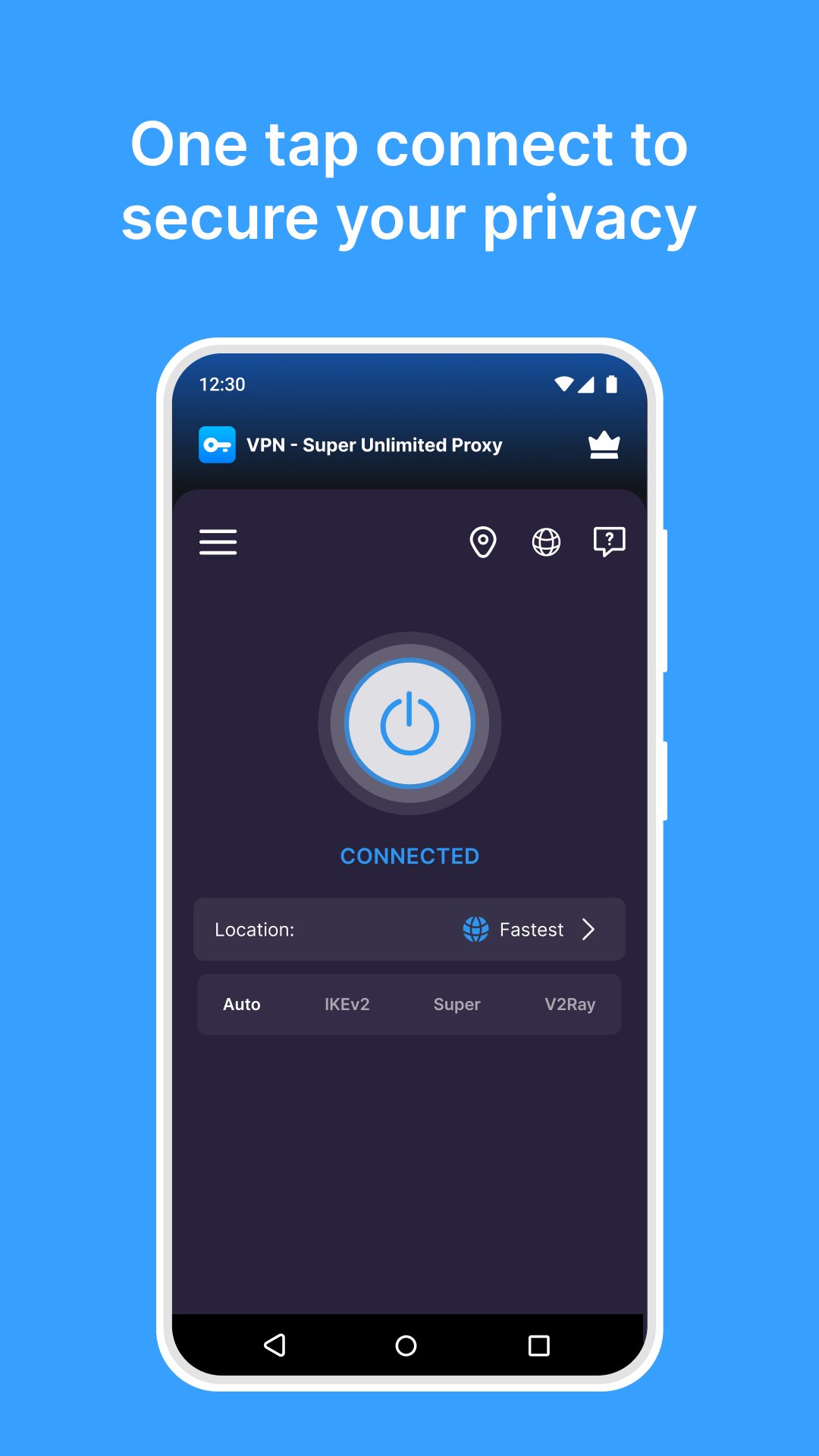
VPN Super is a free VPN and proxy app for Android backed by 1B+ global downloads. Connect to a fast VPN proxy server in one tap to enjoy enterprise-grade encryption, unlimited bandwidth, and ultra-fast speeds across thousands of servers worldwide. No registration or credit card required.
■ Free VPN Features
- Completely free: No time limits or usage caps
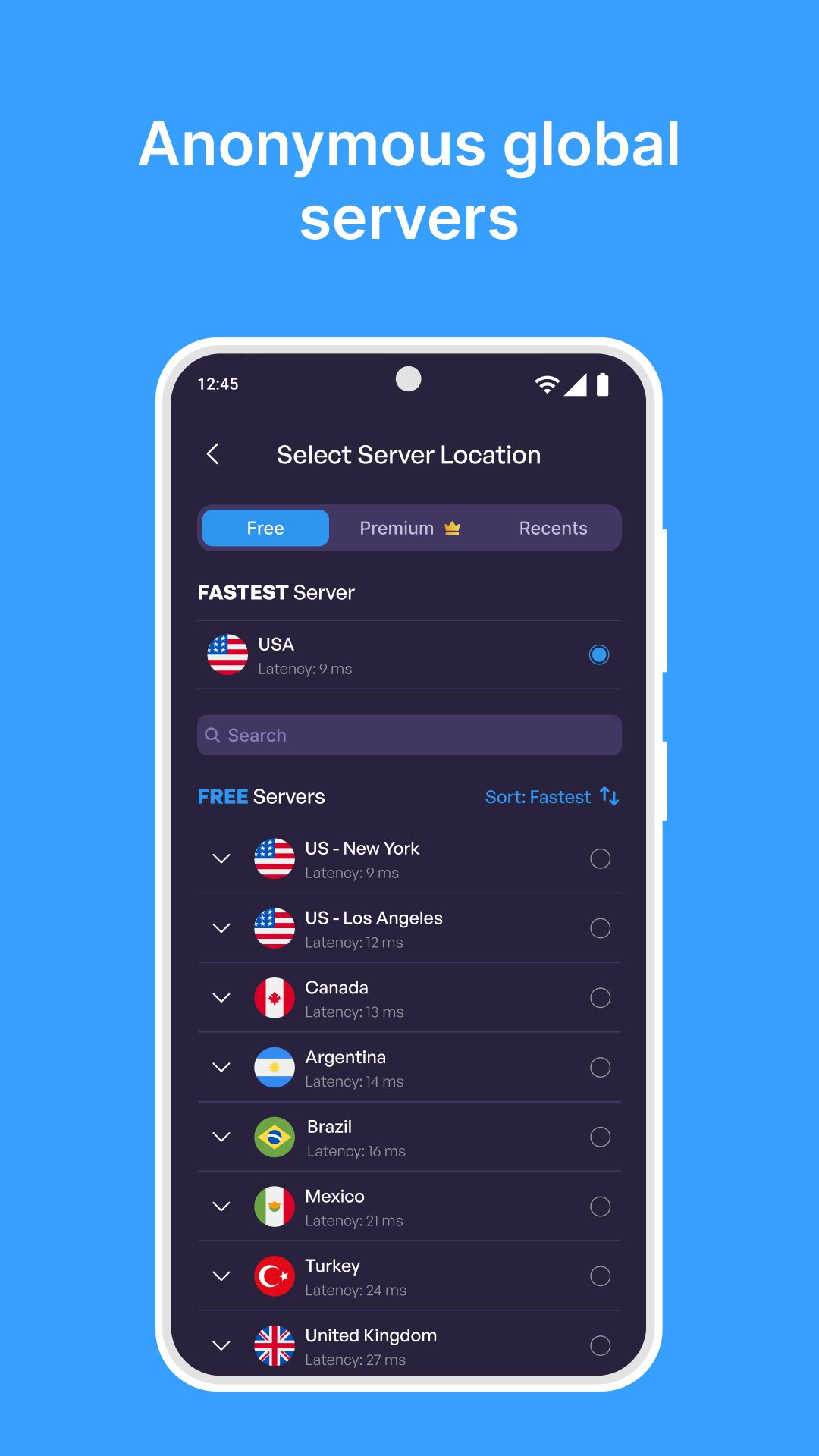
- 25+ server locations, including 10+ U.S. cities
- Smart server selection for optimal performance
- Enterprise-grade encryption for maximum security
- Wi-Fi Protection: Get notified when you connect to an unsecured Wi-Fi network
- Secure and stable: Automatically reconnect to the VPN whenever it drops
- Home screen widget: Control your VPN straight from your Android home screen
- Strict no-activity-logs policy
- Works on Wi-Fi, 5G, LTE/4G, 3G, and all cellular networks
■ What Is a VPN?
Whether you're on public Wi-Fi, streaming, gaming, or browsing, a VPN (virtual private network) creates an encrypted tunnel between your device and the internet. Your internet traffic travels through our secure servers, so websites see the server's IP address instead of yours.
- Get a secure, encrypted connection on public Wi-Fi
- Protect your online activity from your internet service provider
- Use messaging apps like WhatsApp, Telegram, and Messenger
- Use social apps like TikTok, Instagram, X, Reddit, and Facebook
- Stream on Netflix, Prime Video, Hulu, HBO Max, and YouTube
- Play mobile games like PUBG Mobile, Call of Duty: Mobile, Free Fire, Roblox, and more
■ Who Uses VPN Super?
- Travelers, students and remote workers browsing the internet on public Wi-Fi in cafes, airports, hotels and schools
- Gamers who want a gaming VPN to reach game servers in other regions
- Streamers who need a fast VPN with unlimited data on the go
■ VPN protocols
VPN Super supports OpenVPN, IKEv2, and V2Ray. Free VPN users get access to all protocols, depending on location. Choose Auto Mode, and the app selects the fastest protocol for your network.
■ VPN server locations
Choose from thousands of servers in 60+ countries, including:
- North America: USA (19+ cities), Canada, Mexico
- Europe: UK, France, Germany, Italy, Spain, Netherlands, Sweden, Switzerland, Poland, Belgium, Croatia, Finland, Ireland, Norway, Portugal, and more
- Asia-Pacific: Japan, South Korea, Singapore, India, Malaysia, Australia, Hong Kong, Taiwan, Indonesia, Bangladesh, Cambodia, Sri Lanka, Mongolia, Nepal, New Zealand, Thailand, and more
- Central Asia: Kazakhstan, Tajikistan, Turkmenistan
- Middle East: Turkey, Israel
- South America: Brazil, Colombia
- Africa: Egypt, South Africa
■ Free vs Premium Features
Free: Get unlimited data, 25+ server locations, and all 3 VPN protocols.
With Premium, you'll get everything included in the free version, plus:
- 10Gbps servers for up to 10x faster speeds
- No ad breaks, ever
- Access to all 60+ countries
- Servers optimized for streaming on popular sites and services
- Exclusive access to our apps for Windows, Mac, and Android/Google/Apple TV
- VPN protection on up to 10 devices
■ FAQ
Is VPN Super a free VPN?
Yes. The free VPN version includes unlimited bandwidth and 25+ server locations.
Do I need an account?
No. Just download the VPN app and tap connect.
Does VPN Super keep logs?
No. We follow a strict no-activity-logs policy.
How do I change my IP address location?
Pick any server location, and your visible IP address changes to that location.
■ Commitment to User Privacy
VPN - Super Unlimited Proxy is committed to your privacy. We don't collect or store any activity logs or personal data. If you report a connection issue, only minimal diagnostic info is used to improve performance and it's never shared externally.
■ Download VPN Super
Get VPN Super, the fast, free and secure VPN proxy server app for Android: unlimited data, encrypted browsing, and secure servers with your privacy in mind.
Preview
Tags
ToolsInformation
Developer
VPN Super Inc.
Latest Version
2.34.1
Last Updated
2026-10-08
Category
Tools
Available on
Google Play
Show More
How to play VPN - Super Unlimited Proxy with GameLoop on PC
1. Download GameLoop from the official website, then run the exe file to install GameLoop
2. Open GameLoop and search for “VPN - Super Unlimited Proxy” , find VPN - Super Unlimited Proxy in the search results and click “Install”
3. Enjoy playing VPN - Super Unlimited Proxy on GameLoop
Minimum requirements
OS
Windows 8.1 64-bit or Windows 10 64-bit
GPU
GTX 1050
CPU
i3-8300
Memory
8GB RAM
Storage
1GB available space
Recommended requirements
OS
Windows 8.1 64-bit or Windows 10 64-bit
GPU
GTX 1050
CPU
i3-9320
Memory
16GB RAM
Storage
1GB available space