
HiCont Hide your contacts PC
AM Company
Download HiCont Hide your contacts on PC With GameLoop Emulator
HiCont Hide your contacts on PC
HiCont Hide your contacts, coming from the developer AM Company, is running on Android systerm in the past.
Now, You can play HiCont Hide your contacts on PC with GameLoop smoothly.
Download it in the GameLoop library or search results. No more eyeing the battery or frustrating calls at the wrong time any more.
Just enjoy HiCont Hide your contacts PC on the large screen for free!
HiCont Hide your contacts Introduction
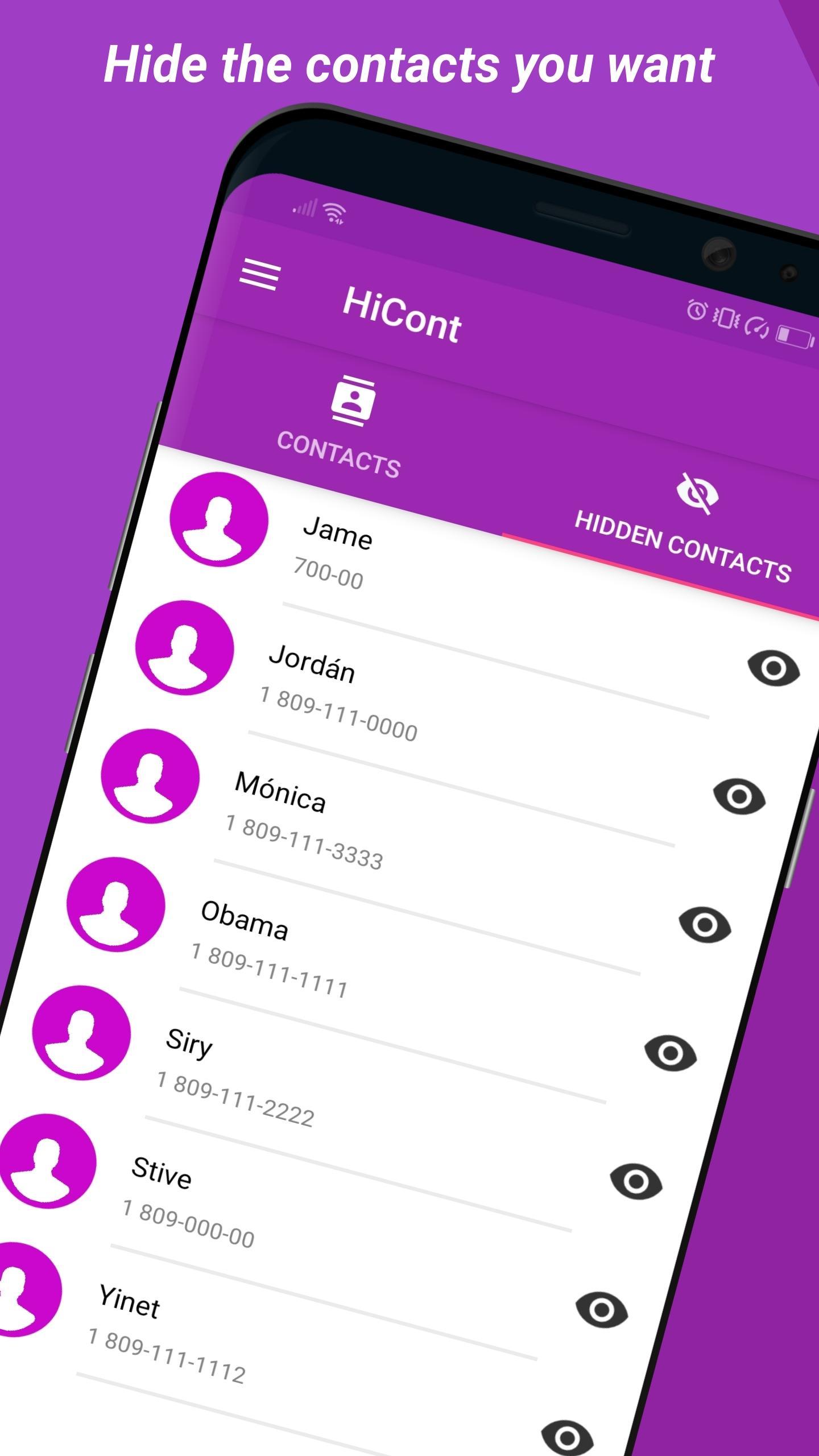
This amazing app lets you hide private contacts to avoid conflicts with your partner, friends and even your boss!
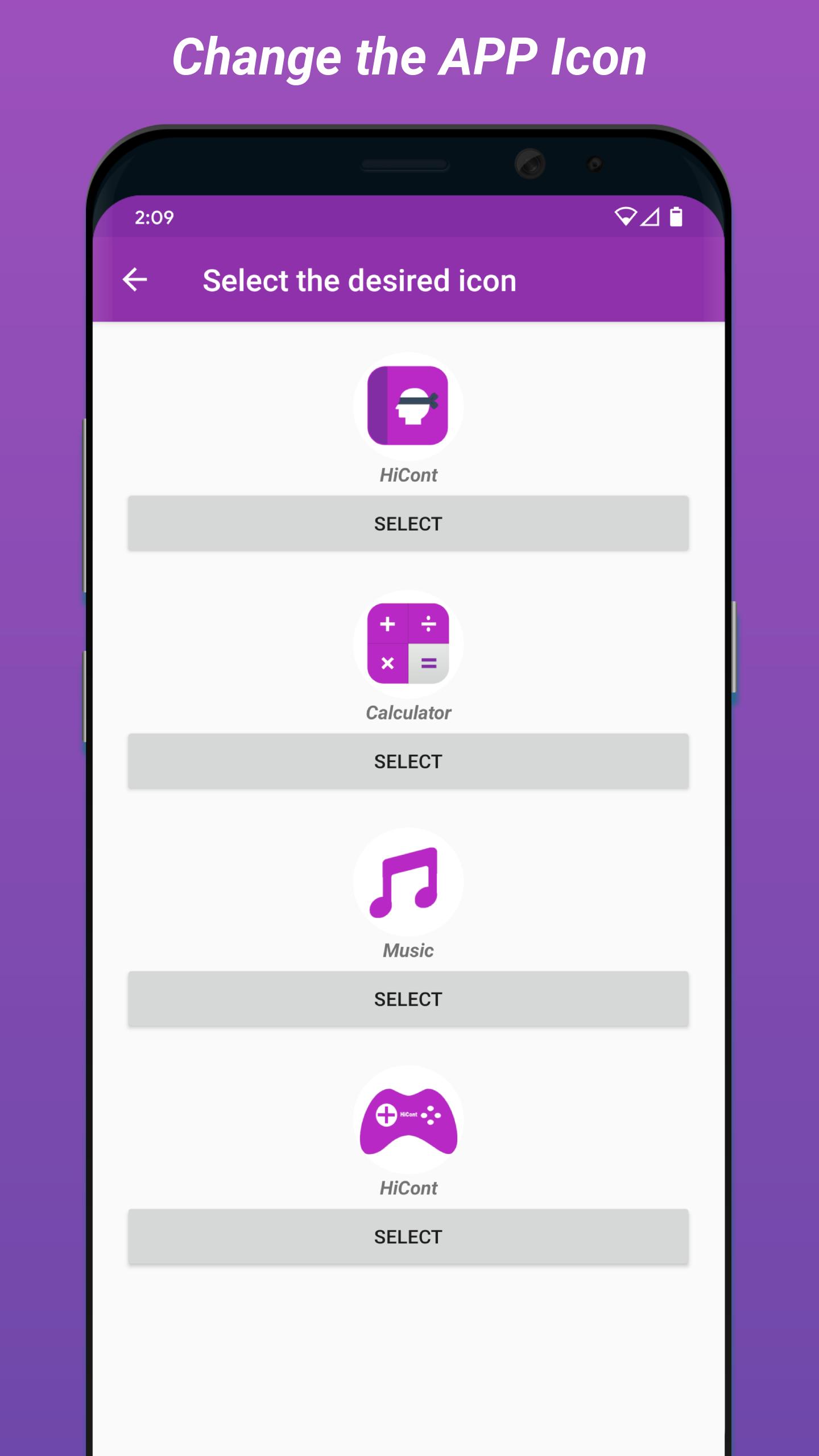
Now you can change the app icon.
Create an invisible contacts list where you can safely hide contacts and phone numbers from your Contacts list. Only you can access your hidden contacts via a safe and reliable security system.
This app uses a highly secure authentication system, giving you the option to set up an Access PIN, Lock Pattern or Calculator Lock, in combination with a highly advanced intruder alarm. You can also protect your photos with fingerprint authentication.
Activate 'false mode' with a separate access code and share this false password to display another list of contacts of your choosing. In this way your real hidden contacts list will go undetected. To activate this option simply enter Settings and press Activate False Mode.
With this app you can make your contacts invisible, hide your ex's number and activate a security system with intruder alarm to alert you if somebody tries to access your private contacts.
Main Features:
Hide contacts from your Contacts list
Hide WhatsApp contacts
Make contacts invisible
Access PIN
Lock Pattern
Camouflage Calculator
Intruder alarm
Restrict contacts
Activate False Mode
This app needs permission to access your contacts in order to be able to hide them. We do not save or share your contacts with anyone. Your private contacts are safe and stored locally on your device only.
Please write to us with any questions or suggestions at: Soporte@AMCompany.com
Preview
Tags
ToolsInformation
Developer
AM Company
Latest Version
2.0.1
Last Updated
2025-05-10
Category
Tools
Available on
Google Play
Show More
How to play HiCont Hide your contacts with GameLoop on PC
1. Download GameLoop from the official website, then run the exe file to install GameLoop
2. Open GameLoop and search for “HiCont Hide your contacts” , find HiCont Hide your contacts in the search results and click “Install”
3. Enjoy playing HiCont Hide your contacts on GameLoop
Minimum requirements
OS
Windows 8.1 64-bit or Windows 10 64-bit
GPU
GTX 1050
CPU
i3-8300
Memory
8GB RAM
Storage
1GB available space
Recommended requirements
OS
Windows 8.1 64-bit or Windows 10 64-bit
GPU
GTX 1050
CPU
i3-9320
Memory
16GB RAM
Storage
1GB available space