
Who is connected to My Wifi PC
AM Company
Download Who is connected to My Wifi on PC With GameLoop Emulator
Who is connected to My Wifi on PC
Who is connected to My Wifi, coming from the developer AM Company, is running on Android systerm in the past.
Now, You can play Who is connected to My Wifi on PC with GameLoop smoothly.
Download it in the GameLoop library or search results. No more eyeing the battery or frustrating calls at the wrong time any more.
Just enjoy Who is connected to My Wifi PC on the large screen for free!
Who is connected to My Wifi Introduction
Meet My WiFi — a powerful WiFi Scanner and network monitor that shows who’s on my WiFi, sends intruder alerts, and gives you simple tools to manage your home or office network.
What My WiFi does
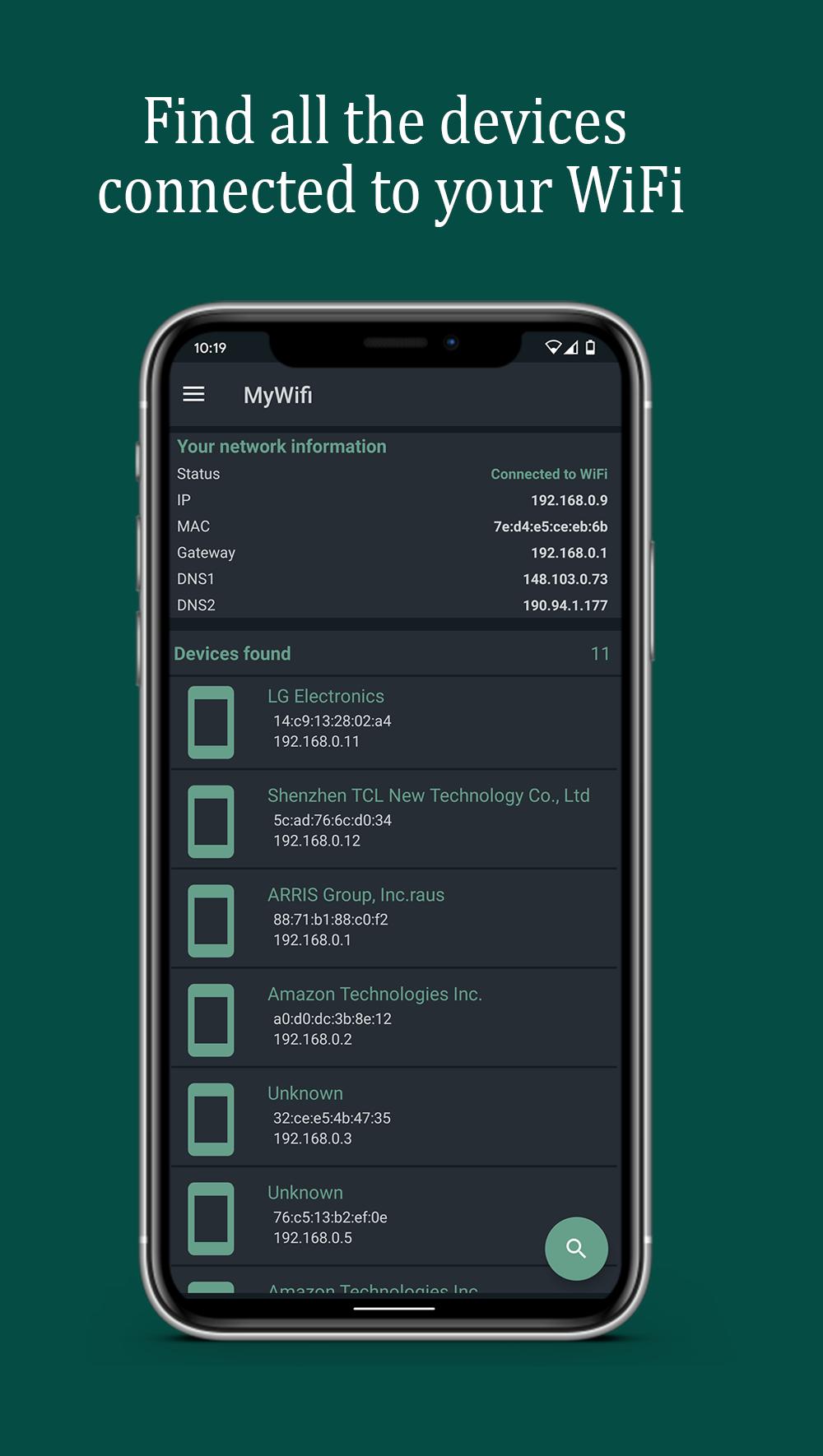
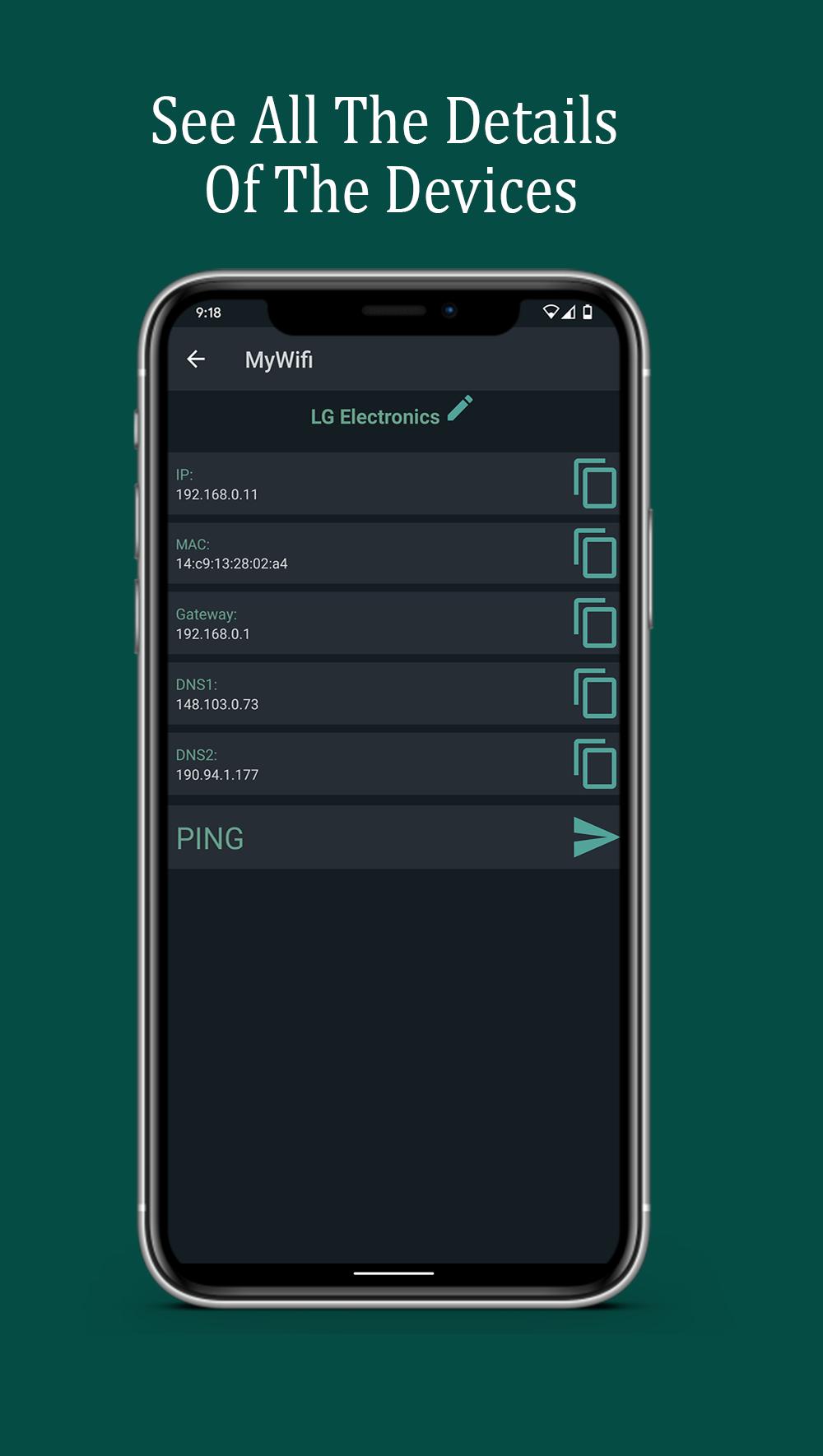
See connected devices instantly: IP, MAC, vendor, and hostname (DNS) when available.
Who is connected to my WiFi at a glance: accurate device count and clear details.
WiFi intruder detector: set an allowed device limit and get an intruder alert if it’s exceeded.
Notification when a new device connects so you always know who joined your network.
Detects new devices on my network automatically with the WiFi network monitor.
Ping any device to check latency and availability.
mDNS/Bonjour discovery (printers, cameras, NAS, smart devices).
Open HTTP/HTTPS in one tap to access router or device dashboards.
Scan and detect open ports to see active services.
Scan history you can review anytime.
Auto-cleanup: choose how many reports to keep and older ones are removed for you.
Why it’s useful
Get control fast: identify every device and who’s on my WiFi without guesswork.
Stay secure: real-time intruder alerts help you act immediately.
Troubleshoot quickly: with ping, open-port scan, and mDNS you can diagnose issues in minutes.
Save time: tap to scan, tap to open your router or IoT device page.
How to use (3 steps)
Tap Scan to discover all devices on your WiFi.
Enable the network monitor and set your allowed device limit.
Receive alerts when a new device connects or the limit is exceeded.
Privacy & transparency
Works only on your local network.
Requires network permissions to analyze the LAN; it doesn’t change your router settings.
You can clear your scan history anytime.
Tips
Keep the WiFi network monitor on to get a notification when a new device connects.
Use open-port detection to review cameras, NAS, and home servers.
With mDNS/Bonjour, quickly find shared services and smart devices.
Keywords woven in for search: WiFi Scanner, Who’s on my WiFi, Who is connected to my WiFi, WiFi intruder detector, Network monitor, See connected devices, WiFi network monitor, Intruder alert, Notification when a new device connects, Detect new devices on my network, Alert when someone connects to my WiFi.
Take control of your network with My WiFi—know exactly who’s connected to your WiFi and get peace of mind.
Preview
Tags
ToolsInformation
Developer
AM Company
Latest Version
3.2.1
Last Updated
2025-09-03
Category
Tools
Available on
Google Play
Show More
How to play Who is connected to My Wifi with GameLoop on PC
1. Download GameLoop from the official website, then run the exe file to install GameLoop
2. Open GameLoop and search for “Who is connected to My Wifi” , find Who is connected to My Wifi in the search results and click “Install”
3. Enjoy playing Who is connected to My Wifi on GameLoop
Minimum requirements
OS
Windows 8.1 64-bit or Windows 10 64-bit
GPU
GTX 1050
CPU
i3-8300
Memory
8GB RAM
Storage
1GB available space
Recommended requirements
OS
Windows 8.1 64-bit or Windows 10 64-bit
GPU
GTX 1050
CPU
i3-9320
Memory
16GB RAM
Storage
1GB available space