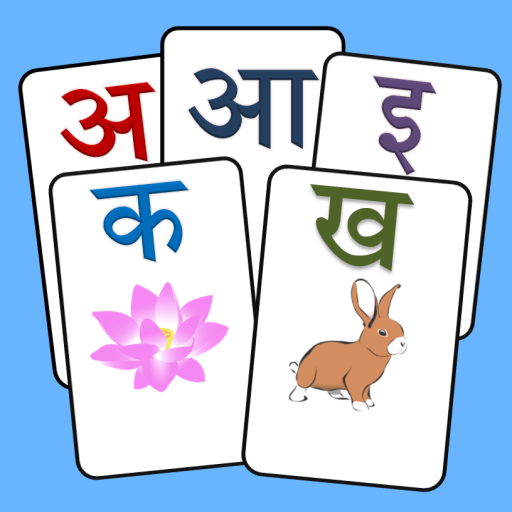
Kids: Hindi Flash cards PC
Genius Games
Download Kids: Hindi Flash cards on PC With GameLoop Emulator
Kids: Hindi Flash cards on PC
Kids: Hindi Flash cards, coming from the developer Genius Games, is running on Android systerm in the past.
Now, You can play Kids: Hindi Flash cards on PC with GameLoop smoothly.
Download it in the GameLoop library or search results. No more eyeing the battery or frustrating calls at the wrong time any more.
Just enjoy Kids: Hindi Flash cards PC on the large screen for free!
Kids: Hindi Flash cards Introduction
Hindi is an Indo-Aryan language spoken all over India. This is just like English language, in which alphabets consists of vowels and consonants. In Hindi, the letters is formed with arrangement of consonants and vowels.
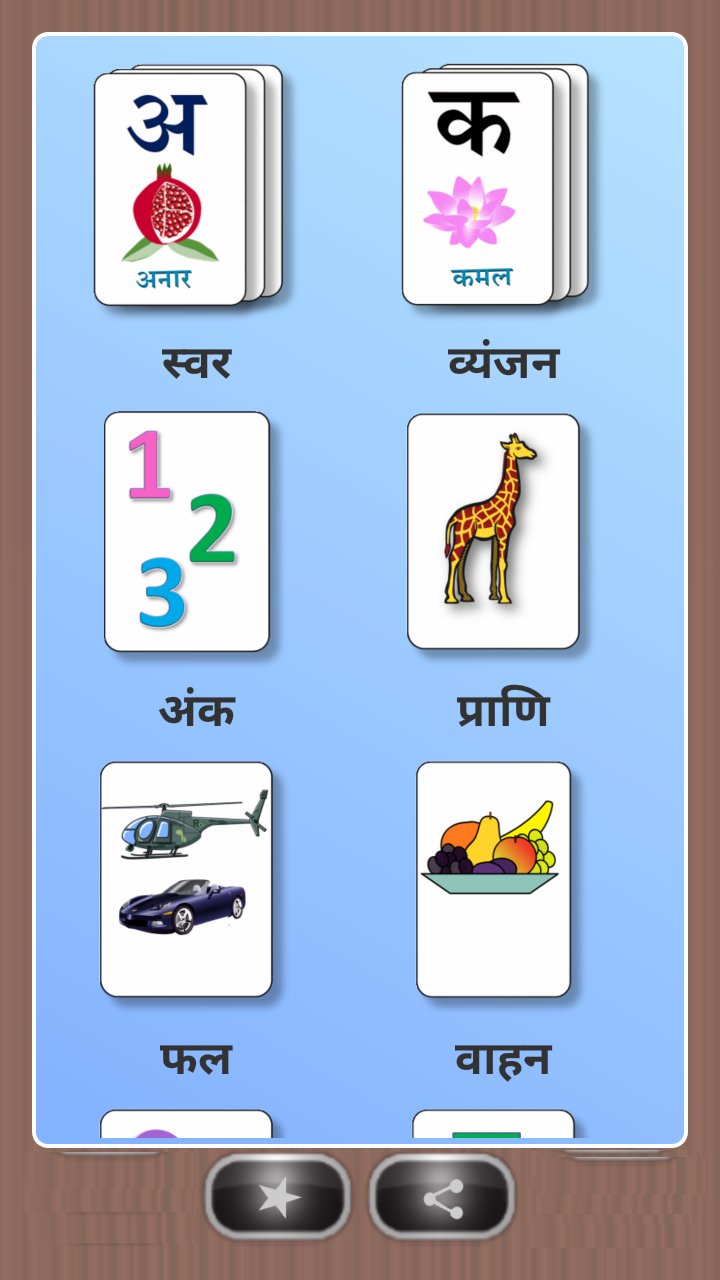
Hindi flash cards application is created for preschool kids to learn Hindi words. This app contains words for alphabet vowels, consonants, numbers, shapes, color, animals, fruits and profession.
Icons are given for each learning group topics. On clicking any one group, it will shows related flash cards.
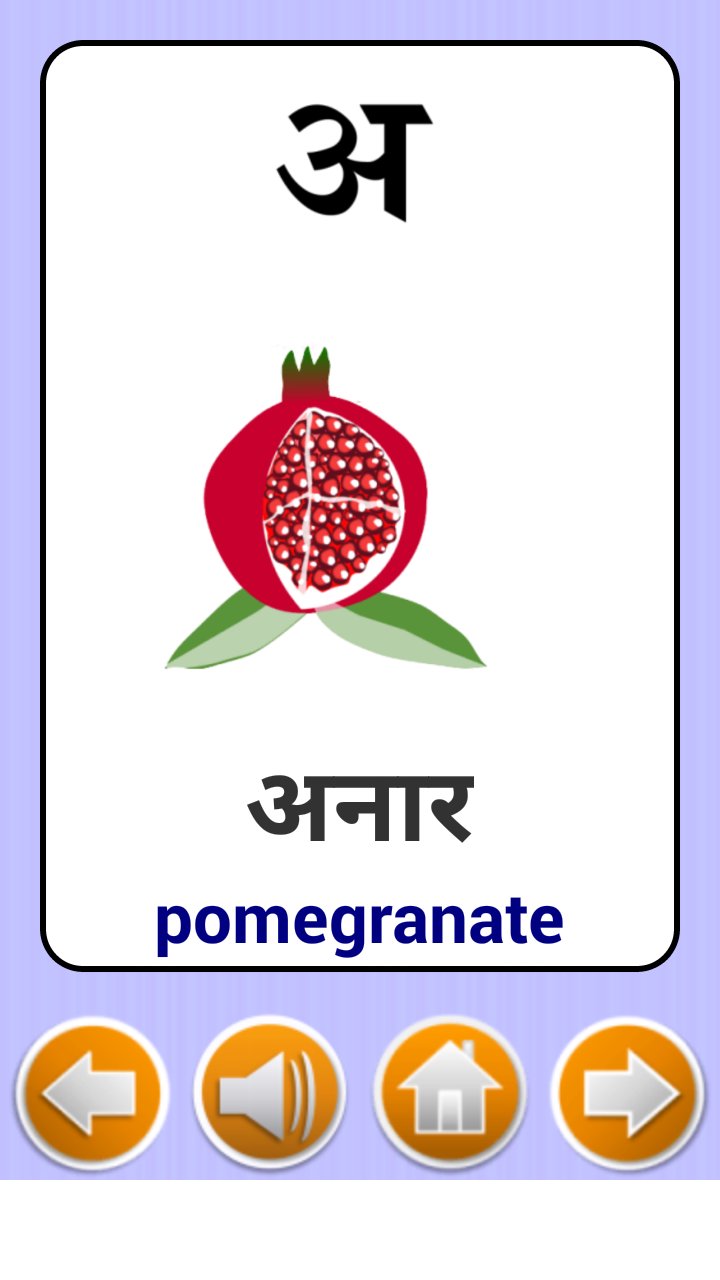
Flash cards have picture and words on page. It will rotate on clicking screen. This will continue till end of last card.
There is option to control sound of cards on page.
Flash card Game :
Added games of image recognition. Flash card are provided as per selection. Select new game and play. Change the type of item user wants with setting button.
Important Note for Parents:-
With internet connection on, this app may display third party Advertisements or social networking websites links.
Please provide your suggestion and feedback for this app.
Preview
Tags
EducationInformation
Developer
Genius Games
Latest Version
2.0.0
Last Updated
2021-05-13
Category
Education
Available on
Google Play
Show More
How to play Kids: Hindi Flash cards with GameLoop on PC
1. Download GameLoop from the official website, then run the exe file to install GameLoop
2. Open GameLoop and search for “Kids: Hindi Flash cards” , find Kids: Hindi Flash cards in the search results and click “Install”
3. Enjoy playing Kids: Hindi Flash cards on GameLoop
Minimum requirements
OS
Windows 8.1 64-bit or Windows 10 64-bit
GPU
GTX 1050
CPU
i3-8300
Memory
8GB RAM
Storage
1GB available space
Recommended requirements
OS
Windows 8.1 64-bit or Windows 10 64-bit
GPU
GTX 1050
CPU
i3-9320
Memory
16GB RAM
Storage
1GB available space