
Reading Eggs - Learn to Read PC
Blake eLearning Pty Ltd
Download Reading Eggs - Learn to Read on PC With GameLoop Emulator
Reading Eggs - Learn to Read on PC
Reading Eggs - Learn to Read, coming from the developer Blake eLearning Pty Ltd, is running on Android systerm in the past.
Now, You can play Reading Eggs - Learn to Read on PC with GameLoop smoothly.
Download it in the GameLoop library or search results. No more eyeing the battery or frustrating calls at the wrong time any more.
Just enjoy Reading Eggs - Learn to Read PC on the large screen for free!
Reading Eggs - Learn to Read Introduction
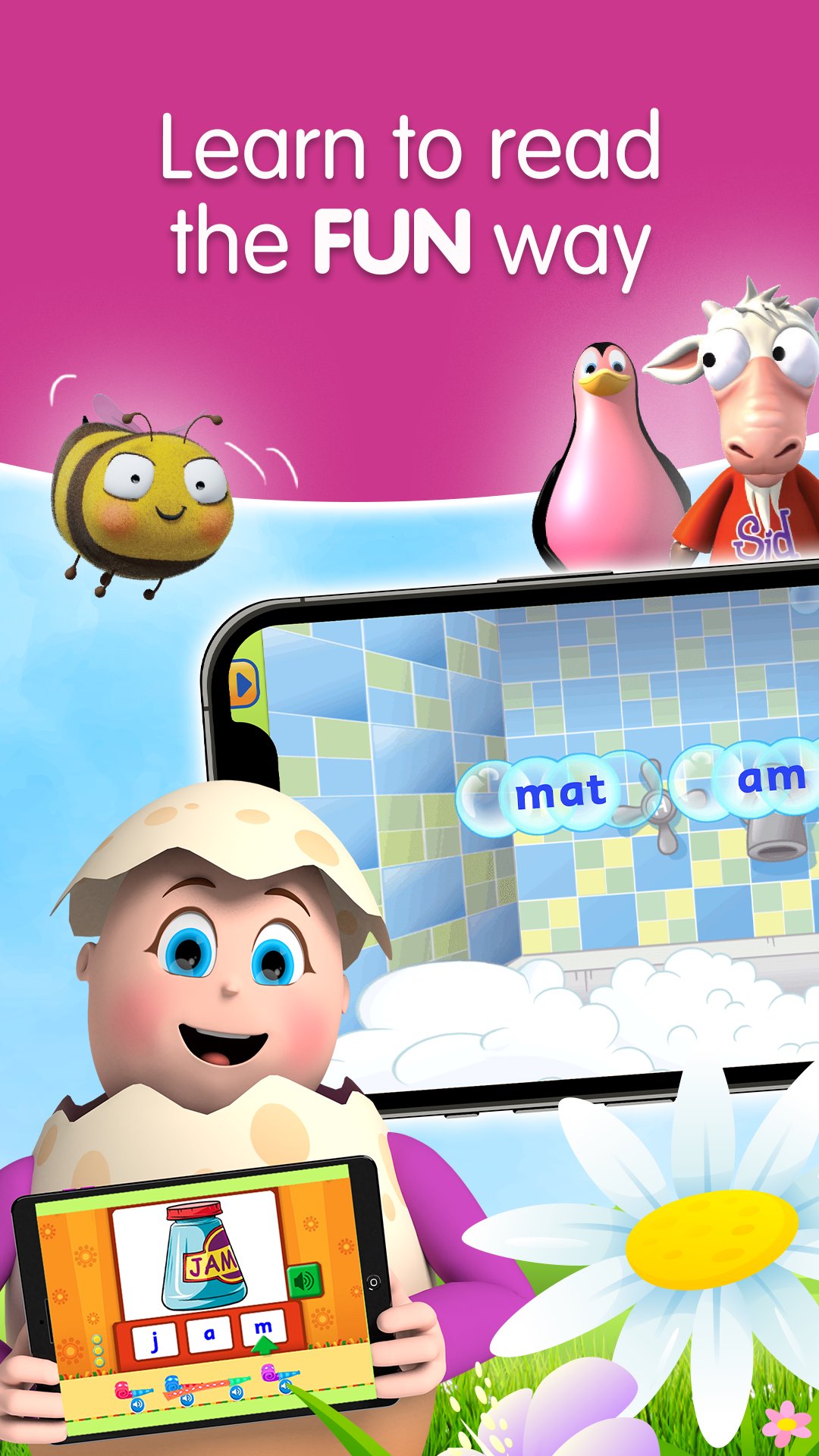
Reading Eggs is the multi-award winning learning program that helps children learn to read. Based on scientific research and designed by experienced elementary teachers, it’s proven to help kids learn to read using interactive reading games, guided reading lessons, fun activities, and over 4000 e-books.
Reading Eggs has already helped over 20 million children worldwide learn to read.
Access all our premium learning programs for up to four children:
• Reading Eggs Junior (ages 2–4): Toddlers build pre-reading skills such as phonemic awareness and alphabet knowledge with fun activities, games, videos and read-aloud books.
• Reading Eggs (ages 3-7): Children take their first steps in learning to read, covering phonics, sight words, spelling, vocabulary and comprehension.
• Fast Phonics (ages 5–10): A systematic, synthetic phonics program to help emergent and struggling readers build key phonics skills.
• Reading Eggspress (ages 7-13): Continues the learning journey by helping children learn to read for meaning and enjoyment.
• Mathseeds (ages 3–9): Develops essential early numeracy skills, covering numbers, measurement, shapes, patterns and more.
ABOUT THE READING EGGS LEARN TO READ APP
• TRUSTED: used in over 12,000 schools and trusted by primary educators.
• SELF-PACED: children are matched to the perfect level and progress with self-paced, one-on-one lessons.
• HIGHLY MOTIVATING: the reward system consists of golden eggs, collectable pets and games, motivating children to keep learning.
• RESEARCH-BASED: based on scientific research and the most up-to-date learning principles on the most effective way children learn to read.
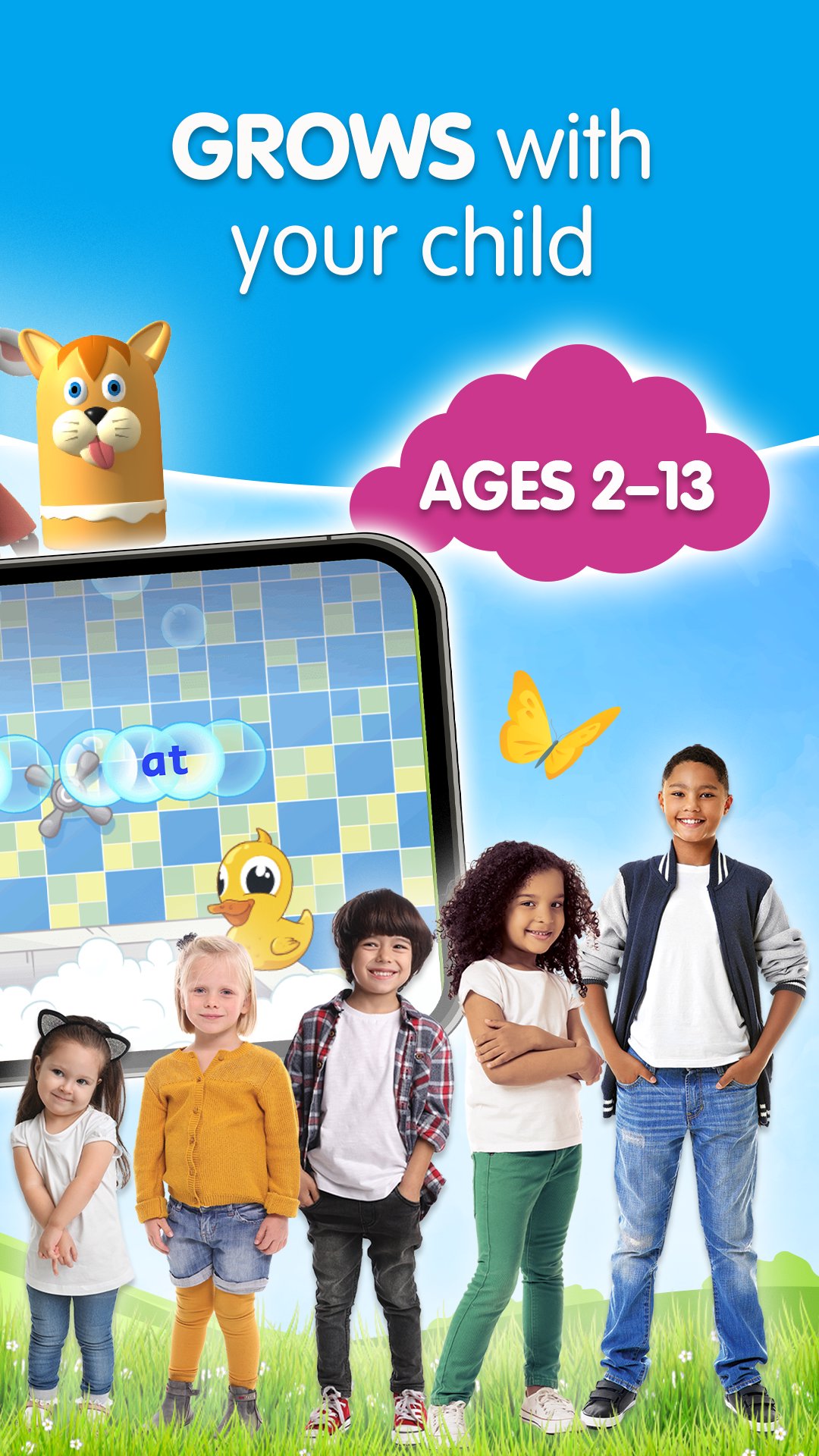
• COMPREHENSIVE: Reading Eggs is a complete learn to read system for children aged 2–13 and covers the five essential components of reading: phonics, phonemic awareness, vocabulary, fluency and comprehension.
• PROVEN RESULTS: 91% of parents report a noticeable improvement within weeks!
• SEE REAL PROGRESS: see instant results and receive detailed progress reports, which show you exactly how your child is improving.
• Users must log in with their account details to access Reading Eggs.
Min requirements:
• Wireless internet connection
• An active trial or subscription
Not recommended for low-performance tablets. Also, not recommended for Leapfrog, Thomson or Pendo tablets.
Note: Teacher accounts are currently supported on desktop only. Go to www.readingeggs.com/schools
For assistance or feedback email: info@readingeggs.com
More Information:
• Each Reading Eggs and Mathseeds subscription provides access to Reading Eggs Junior, Reading Eggs, Fast Phonics, Reading Eggspress and Mathseeds
• Each Reading Eggs subscription provides access to Reading Eggs Junior, Reading Eggs, Fast Phonics and Reading Eggspress
• Subscriptions renew automatically; your Google Play Store account will be charged unless you cancel at least 24 hours before the end of the current period
• Cancel anytime in your Google Play Store account settings
Privacy Policy: https://readingeggs.com/privacy/
Terms and Conditions: https://readingeggs.com/terms/
Preview
Tags
EducationInformation
Developer
Blake eLearning Pty Ltd
Latest Version
v2.20.2+133
Last Updated
2026-09-01
Category
Education
Available on
Google Play
Show More
How to play Reading Eggs - Learn to Read with GameLoop on PC
1. Download GameLoop from the official website, then run the exe file to install GameLoop
2. Open GameLoop and search for “Reading Eggs - Learn to Read” , find Reading Eggs - Learn to Read in the search results and click “Install”
3. Enjoy playing Reading Eggs - Learn to Read on GameLoop
Minimum requirements
OS
Windows 8.1 64-bit or Windows 10 64-bit
GPU
GTX 1050
CPU
i3-8300
Memory
8GB RAM
Storage
1GB available space
Recommended requirements
OS
Windows 8.1 64-bit or Windows 10 64-bit
GPU
GTX 1050
CPU
i3-9320
Memory
16GB RAM
Storage
1GB available space