Kids flashcard game PC
Genius Games
Download Kids flashcard game on PC With GameLoop Emulator
Kids flashcard game on PC
Kids flashcard game, coming from the developer Genius Games, is running on Android systerm in the past.
Now, You can play Kids flashcard game on PC with GameLoop smoothly.
Download it in the GameLoop library or search results. No more eyeing the battery or frustrating calls at the wrong time any more.
Just enjoy Kids flashcard game PC on the large screen for free!
Kids flashcard game Introduction
Application created for preschool kids to learn English words.
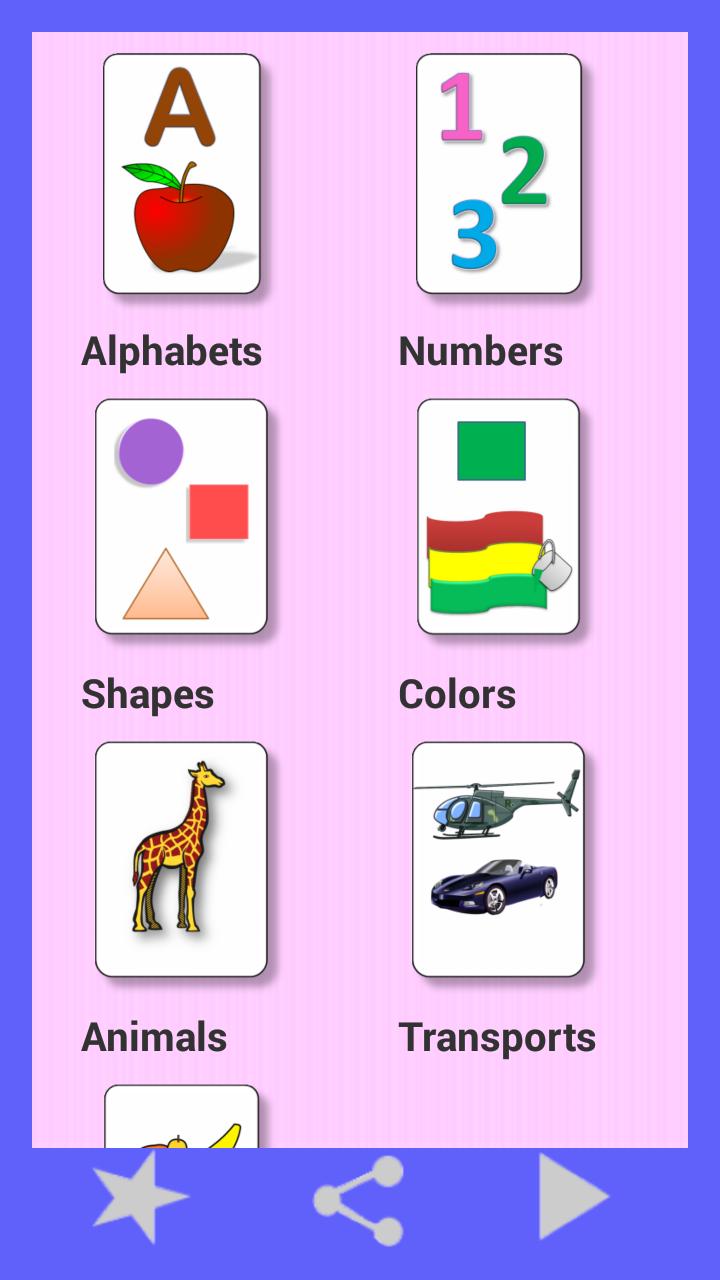
it contains:
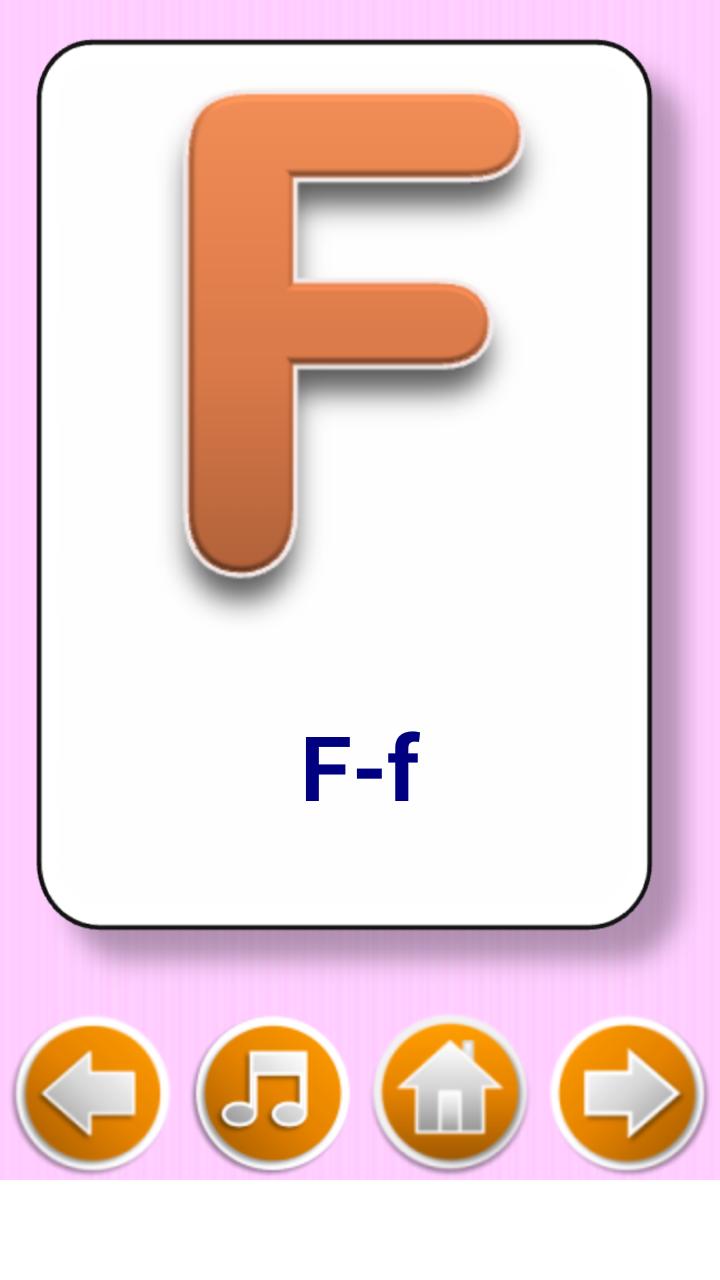
-Alphabet learning.
-Numbers
-Shapes
-Color
-Animals
-Fruits
Flash card Game :
-Added games of image recognition.
-Flash card are provided as per selection.
-Select new game and play.
-Change the type with setting button.
------------------------------------------------------------------------------------
ABOUT US :
Our aim to provide Educational apps for kids. We are creating simple application to Preschool toddler. We always try to give good App to easy learning. We are in continuous progress in app creation with learning, innovation and implementation.
in addition to making new application, we are still making improvement in our existing applications.
----------------------------------------------------------------------------------------
Important Note for Parents:-
- With internet connection on, this app may display third party Advertisements or social networking websites links.
Please provide your suggestion and feedback for this app.
Preview
Tags
EducationInformation
Developer
Genius Games
Latest Version
3.1
Last Updated
2019-10-21
Category
Education
Available on
Google Play
Show More
How to play Kids flashcard game with GameLoop on PC
1. Download GameLoop from the official website, then run the exe file to install GameLoop
2. Open GameLoop and search for “Kids flashcard game” , find Kids flashcard game in the search results and click “Install”
3. Enjoy playing Kids flashcard game on GameLoop
Minimum requirements
OS
Windows 8.1 64-bit or Windows 10 64-bit
GPU
GTX 1050
CPU
i3-8300
Memory
8GB RAM
Storage
1GB available space
Recommended requirements
OS
Windows 8.1 64-bit or Windows 10 64-bit
GPU
GTX 1050
CPU
i3-9320
Memory
16GB RAM
Storage
1GB available space