
DVD Mireru PC
Hitachi-LG Data Storage, Inc.
Download DVD Mireru on PC With GameLoop Emulator
DVD Mireru on PC
DVD Mireru, coming from the developer Hitachi-LG Data Storage, Inc., is running on Android systerm in the past.
Now, You can play DVD Mireru on PC with GameLoop smoothly.
Download it in the GameLoop library or search results. No more eyeing the battery or frustrating calls at the wrong time any more.
Just enjoy DVD Mireru PC on the large screen for free!
DVD Mireru Introduction
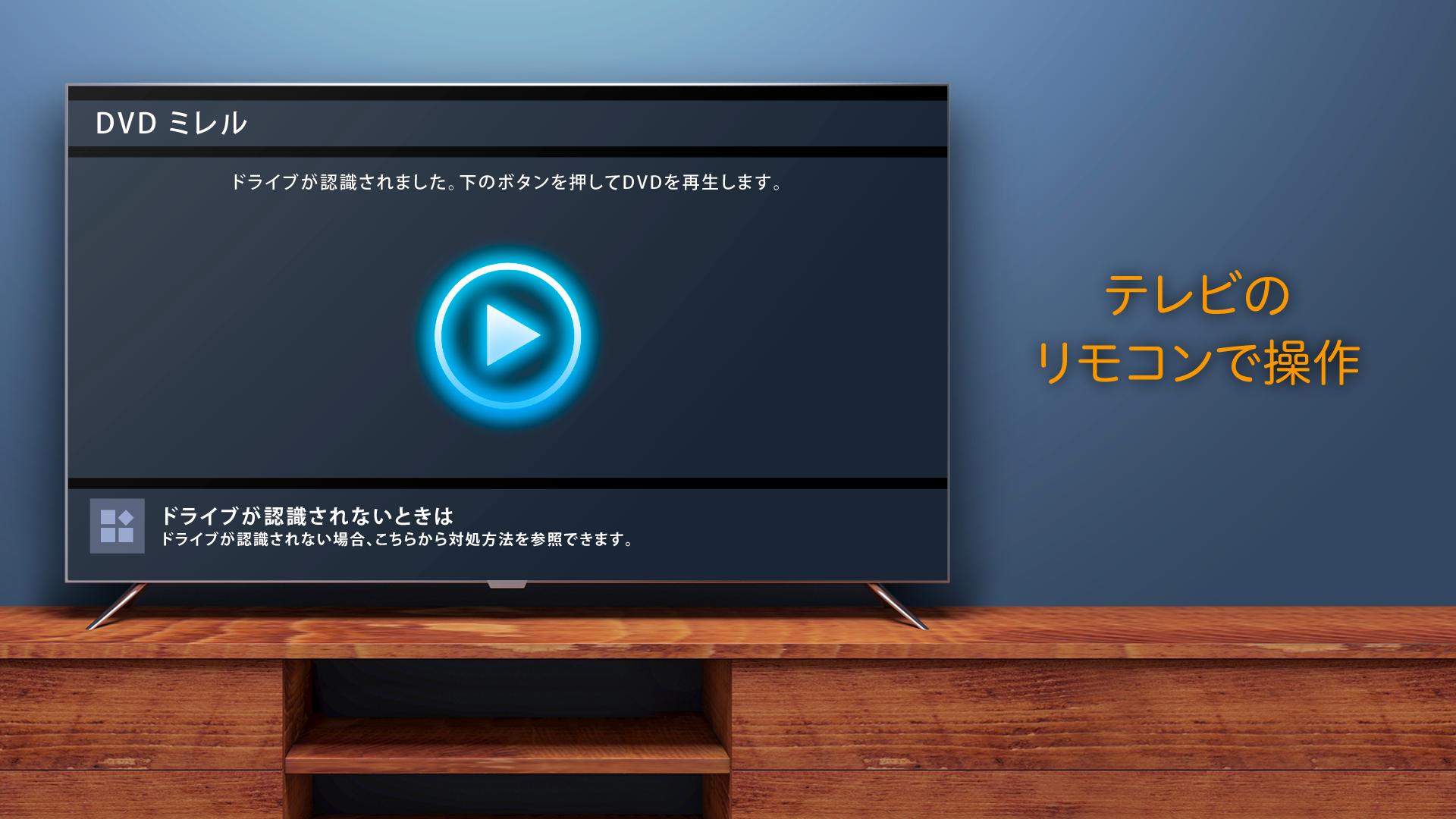
“DVD Mireru” is an application that allow you to play DVD-Video on Android TV.
※For using this application, a CD/DVD drive made by IO-DATA device is required.
=====◆◇ Announcement of end of support for Android TV version DVD Mireru ◇◆=====
Thank you very much for your continued patronage of our app.
We regret to inform you that support for the Android TV version of DVD Mireru will end on October 31, 2025.
Support end date (planned)
Friday, October 31, 2025
About using and installing the app
Even if the support end date has passed, it is expected that you will be able to continue using and installing the app, but maintenance and support such as version updates will end. Therefore, updates to Android TV (OS) or Google Play (store app) may make it impossible to use or install the app.
=====◆◇ Features of “DVD Mireru” ◇◆=====
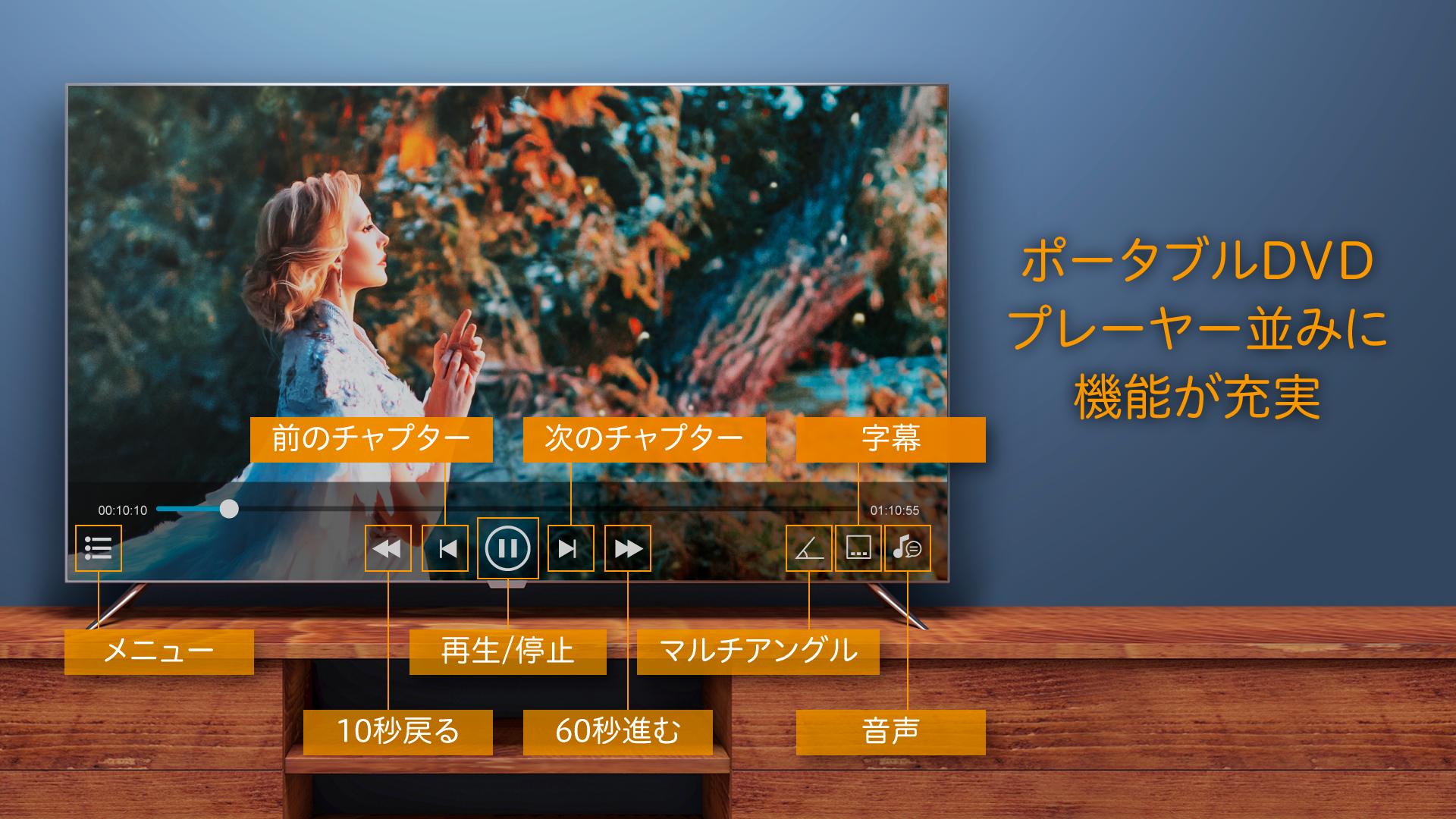
・DVD-Video Playback
・Change Audio and Subtitle of DVD Video
・Resume of Playback position
・Display DVD Video Root Menu
※ Not compatible with CPRM disk. This application can not play DVD Video disk which is recorded with copyright protected TV programs as digital terrestrial broadcasting.
【Support Drive】
Please check the compatible drives from the following URL.
https://www.iodata.jp/product/storage/dvd/dvrp-u8atv/index.htm
※This application can be used on compatible drives.
【Operation Method】
Please refer to the following help (URL) for the Operation Method
https://www.iodata.jp/lib/manual/dvdmireru_atv/
【List of supported Android TV】
Please refer to the following URL for compatible Android TV List.
https://www.iodata.jp/pio/io/storage/dvrp-u8atv.htm
Preview
Tags
Video-PlayersInformation
Developer
Hitachi-LG Data Storage, Inc.
Latest Version
1.0.19
Last Updated
2024-11-05
Category
Video-players-editors
Available on
Google Play
Show More
How to play DVD Mireru with GameLoop on PC
1. Download GameLoop from the official website, then run the exe file to install GameLoop
2. Open GameLoop and search for “DVD Mireru” , find DVD Mireru in the search results and click “Install”
3. Enjoy playing DVD Mireru on GameLoop
Minimum requirements
OS
Windows 8.1 64-bit or Windows 10 64-bit
GPU
GTX 1050
CPU
i3-8300
Memory
8GB RAM
Storage
1GB available space
Recommended requirements
OS
Windows 8.1 64-bit or Windows 10 64-bit
GPU
GTX 1050
CPU
i3-9320
Memory
16GB RAM
Storage
1GB available space