UD Link PC
Hitachi-LG Data Storage, Inc.
Download UD Link on PC With GameLoop Emulator
UD Link on PC
UD Link, coming from the developer Hitachi-LG Data Storage, Inc., is running on Android systerm in the past.
Now, You can play UD Link on PC with GameLoop smoothly.
Download it in the GameLoop library or search results. No more eyeing the battery or frustrating calls at the wrong time any more.
Just enjoy UD Link PC on the large screen for free!
UD Link Introduction
* Web Manual
https://hitachi-lg.com/sw/udlink
UD Link provides an explorer function including CD/DVD, audio file or CD playback and extraction function, audio album management function, and interactive data backup function including cloud in Android System (TV, Smart Device).
* Support Device (Android TV / Android Set-Top box / Android TV box)
- Android TV OS 8.0 or higher
- Test Device
1) Android TV : Sony, Sharp, TCL, Xiaomi, Pixela
2) Android Set-Top box : Service provider Set-Top boxs
3) Android TV box : Nvidia, Xiaomi, others(need USB Type A/C port for storage)
※ This app. might have some compatibility issues depending on devices.
* Support Device (Smartphone/Tablet)
- Android 5.0 / Fire OS 4.1.1 or later and USB OTG support
- Test Device
1) Smart phone : Samsung, Huawei, Xiaomi, OPPO, LG, Lenovo, etc.
2) Tablet : Samsung, LG, Huawei, Amazon, Lenovo, etc.
※ This app. might have some compatibility issues depending on devices.
* Support Portable DVD Writer
- Model : KP95 / KP95+ / KP96 / KP99 / GP95 / GP96 / GP78Y / UD10 / GPM1
You can backup data, play or copy disc files, play Audio CD, rip Audio CD, burn Audio files after connecting a portable DVD writer to smart devices through USB OTG cable/gender.
KEY FEATURES :
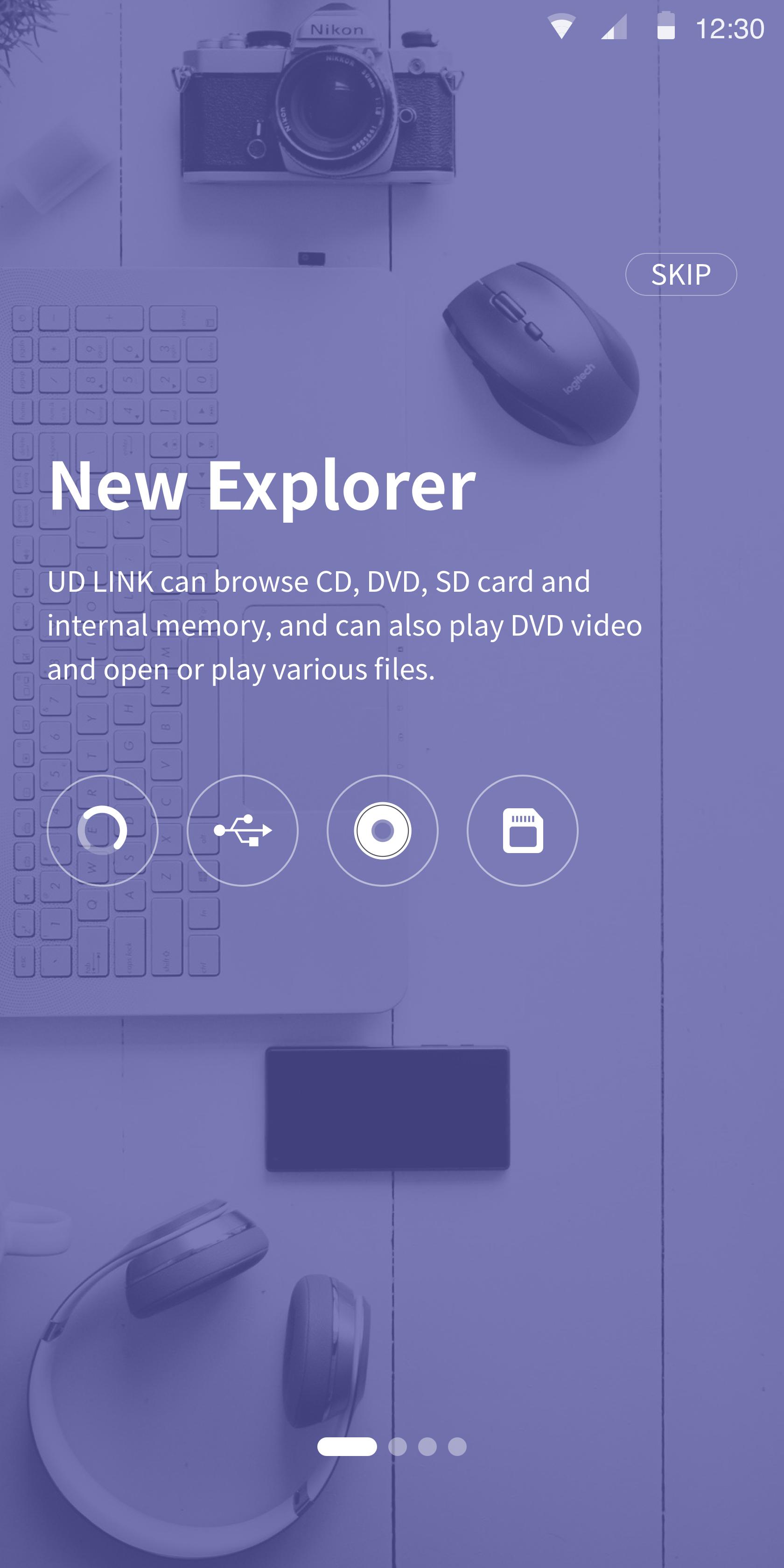
1. DISC EXPLORER
- Internal / external memory, CD/DVD disk data Explorer function
- A click on a disc file or Android device file links to a player or copies onto Android devices
- Supportable disc : CD-ROM, DVD-ROM, CD-R, DVD-R/R DL, DVD+R/R DL
- Supportable file system : ISO9660/Joliet, UDF 1.50~2.01
- Recommendable player for video files : VLC player
- Not support to play & copy the files in CPRM discs, Video CD & CD-TEXT
- Need "TrueDVD" App provided with supported DVD Writer model additionally to play DVD Video
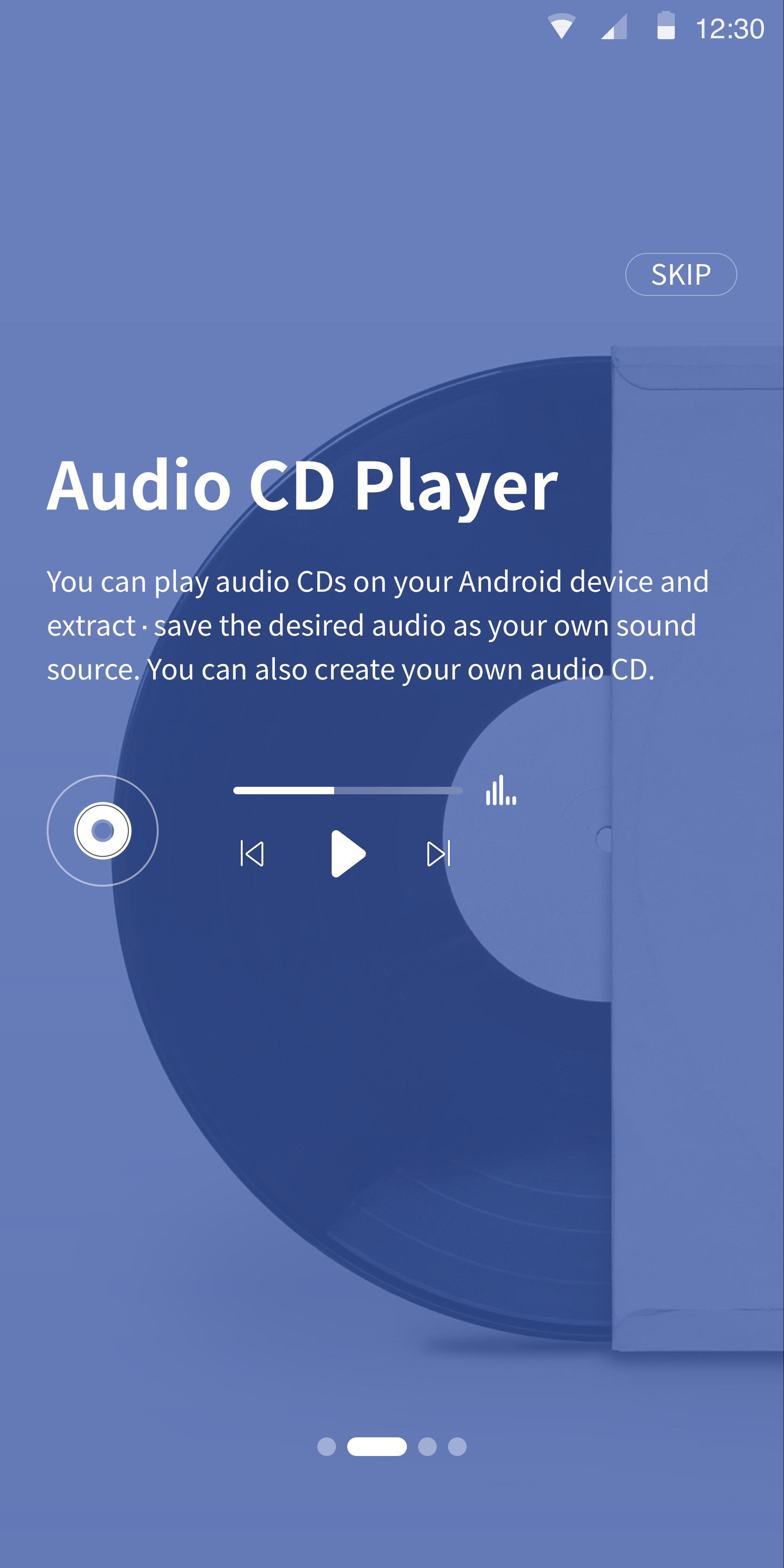
2. AUDIO PLAYER
- A click on an audio track or file plays it
- Supportable disc (Audio) : CD-R, CD-RW, CD-ROM
- The information of album title, artist and track name show up
AUDIO CD RIPPER
- Selected audio tracks are ripped onto the UD Linkfolder
- Supportable disc (Audio) : CD-R, CD-RW, CD-ROM
- Supportable format : FLAC / M4A / WAV / MP3
(Support variable bitrate setting)
AUDIO CD BURNER
- Created audio files are burned onto a disc
- Supportable disc : CD-R
- Album cover image can be edited
- Supportable format : FLAC / M4A / WAV / OGG / AAC / MP3
3. DATA BACKUP
- Selected data files are burned onto a disc
- Supportable disc : CD-R, DVD-R, DVD+R
- Backup disc can be read on all system
- Max number of files : 2000
- Further data can be appended after backup(support Multi-session)
- Not support to cancel during backup
4. Cloud Function
- provides various album services using the cloud function.
- Cloud Audio Album
- Cloud Photo Album
- Cloud Video Album
Guide for connecting this application to a portable DVD writer :
1. Connect a supported portable DVD writer and Android device according to user's manual.
2. Click 'OK' on pop-up window to choose the application for USB device on Android device.
3. UD Link will start on Android device and connection will be completed.
※ Note
1. If you disconnect USB OTG cable during ODD operation, it will not work correctly.
2. If there are other applications that recognize USB device installed on smart device, connect ODD after cancelling 'LAUNCH BY DEFAULT' at Apps menu in Settings on smart device.
3. To eject the disc inside ODD during video/music playback on the player works on with, terminate the player and then press eject key of ODD.
4. For playback of video files in DISC EXPLORER, playback action might be delayed or suspended by some compatibility issues depending on the player works on with.
5. For high resolution sound files such as 32bit, 24bit in AUDIO CD BURNER, play sound might be abnormal if you burn them onto a disc because their bitrate is over CD's bitrate.
Preview
Tags
Video-PlayersInformation
Developer
Hitachi-LG Data Storage, Inc.
Latest Version
2.32.1165b
Last Updated
2024-07-24
Category
Video-players-editors
Available on
Google Play
Show More
How to play UD Link with GameLoop on PC
1. Download GameLoop from the official website, then run the exe file to install GameLoop
2. Open GameLoop and search for “UD Link” , find UD Link in the search results and click “Install”
3. Enjoy playing UD Link on GameLoop
Minimum requirements
OS
Windows 8.1 64-bit or Windows 10 64-bit
GPU
GTX 1050
CPU
i3-8300
Memory
8GB RAM
Storage
1GB available space
Recommended requirements
OS
Windows 8.1 64-bit or Windows 10 64-bit
GPU
GTX 1050
CPU
i3-9320
Memory
16GB RAM
Storage
1GB available space