
PowerDirector - Video Editor PC
Cyberlink Corp
Download PowerDirector - Video Editor on PC With GameLoop Emulator
PowerDirector - Video Editor on PC
PowerDirector - Video Editor, coming from the developer Cyberlink Corp, is running on Android systerm in the past.
Now, You can play PowerDirector - Video Editor on PC with GameLoop smoothly.
Download it in the GameLoop library or search results. No more eyeing the battery or frustrating calls at the wrong time any more.
Just enjoy PowerDirector - Video Editor PC on the large screen for free!
PowerDirector - Video Editor Introduction
With over 150 million downloads and counting, PowerDirector is the Google Editor's Choice AI video editor that turns photos, clips, and text prompts into scroll-stopping videos optimized for TikTok, Reels and Shorts — in minutes, on your phone.
🎬 EASY VIDEO EDITING
■ Trim, cut, and crop — get straight to the good stuff
■ Add music and set the vibe
■ Speed up, slow down, make it yours
■ Background Removal — clean shot, no effort
■ Hundreds of transitions and effects for every mood
■ Text, stickers, and animated titles that pop
■ Edit and export clips in up to 4K resolution
--------------------------------------------------------------------
🤖 CREATE WITH AI
■ AI Video Edit by Chat — just say it. AI does the rest.
■ AI Text-to-Video — words in, viral video out
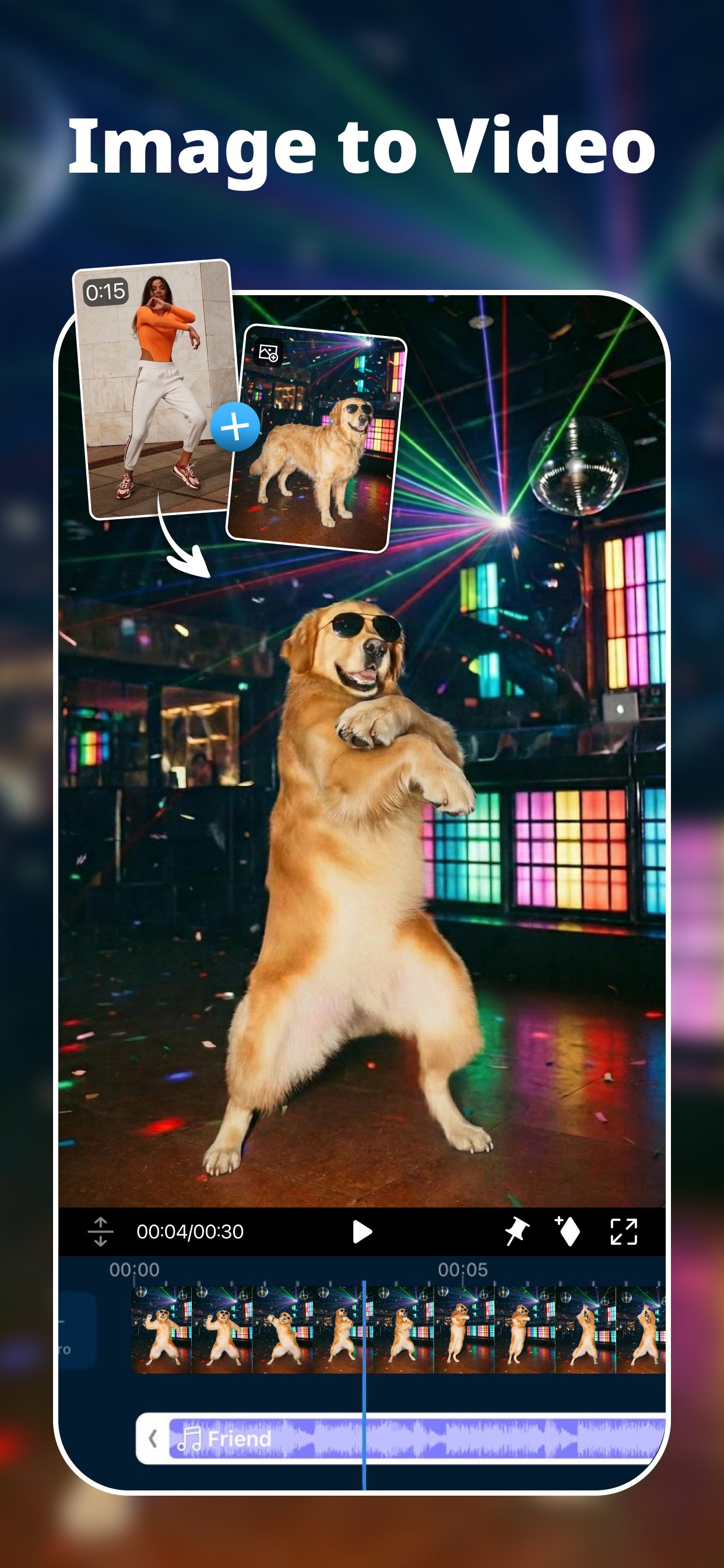
■ AI Image-to-Video — one photo, full cinematic motion
■ Cinematic Reel Creator — one photo, one tap, film-like video
■ AI Character Motion Swap — drop yourself into any scene, instantly
■ AI Storytelling — script it, narrate it, share it (multi-language)
■ AI Anime & AI Art — turn real footage into anime magic
■ AI Auto Edit — one tap to a beat-perfect, share-ready edit
■ AI Video Enhancer — blurry in, crisp HD out
■ AI Super Slow Motion — every frame, buttery smooth
■ Body Effect with Body Tracking — move like the trend
--------------------------------------------------------------------
🎛️ PROFESSIONAL EDITING TOOLS
■ Multi-track timeline — keyframes, chroma key, masks and blend modes
■ Green screen editing — put yourself anywhere
■ Video stabilizer — shaky? not anymore
■ Record and add voiceovers — your voice, your story
--------------------------------------------------------------------
🎵 MUSIC & SOUND EFFECTS
■ Thousands of tracks and sound effects — find your music in seconds
■ AI Voice Changer & Speech Enhancement — sound like a pro, instantly
■ AI Sound Effect Search — type a vibe, get the perfect sound
--------------------------------------------------------------------
👑 PREMIUM BENEFITS
■ Getty-powered stock — unlimited music, footage & images, cleared for commercial use
■ Auto Captions — subtitles that keep up with you
■ Cloud projects — start on your phone, finish anywhere
■ Exclusive filters, titles, transitions and effects
■ Ad-free, zero distractions
Find inspiration on Instagram: @powerdirector_app
How can we help you? Contact us: support.cyberlink.com
Preview

Tags
Video-PlayersInformation
Developer
Cyberlink Corp
Latest Version
16.5.5
Last Updated
2026-07-31
Category
Video-players-editors
Available on
Google Play
Show More
How to play PowerDirector - Video Editor with GameLoop on PC
1. Download GameLoop from the official website, then run the exe file to install GameLoop
2. Open GameLoop and search for “PowerDirector - Video Editor” , find PowerDirector - Video Editor in the search results and click “Install”
3. Enjoy playing PowerDirector - Video Editor on GameLoop
Minimum requirements
OS
Windows 8.1 64-bit or Windows 10 64-bit
GPU
GTX 1050
CPU
i3-8300
Memory
8GB RAM
Storage
1GB available space
Recommended requirements
OS
Windows 8.1 64-bit or Windows 10 64-bit
GPU
GTX 1050
CPU
i3-9320
Memory
16GB RAM
Storage
1GB available space