Translate- Language Translator PC
Office Lens: Android Tool, Translate, Scanner, PDF
Download Translate- Language Translator on PC With GameLoop Emulator
Translate- Language Translator on PC
Translate- Language Translator, coming from the developer Office Lens: Android Tool, Translate, Scanner, PDF, is running on Android systerm in the past.
Now, You can play Translate- Language Translator on PC with GameLoop smoothly.
Download it in the GameLoop library or search results. No more eyeing the battery or frustrating calls at the wrong time any more.
Just enjoy Translate- Language Translator PC on the large screen for free!
Translate- Language Translator Introduction
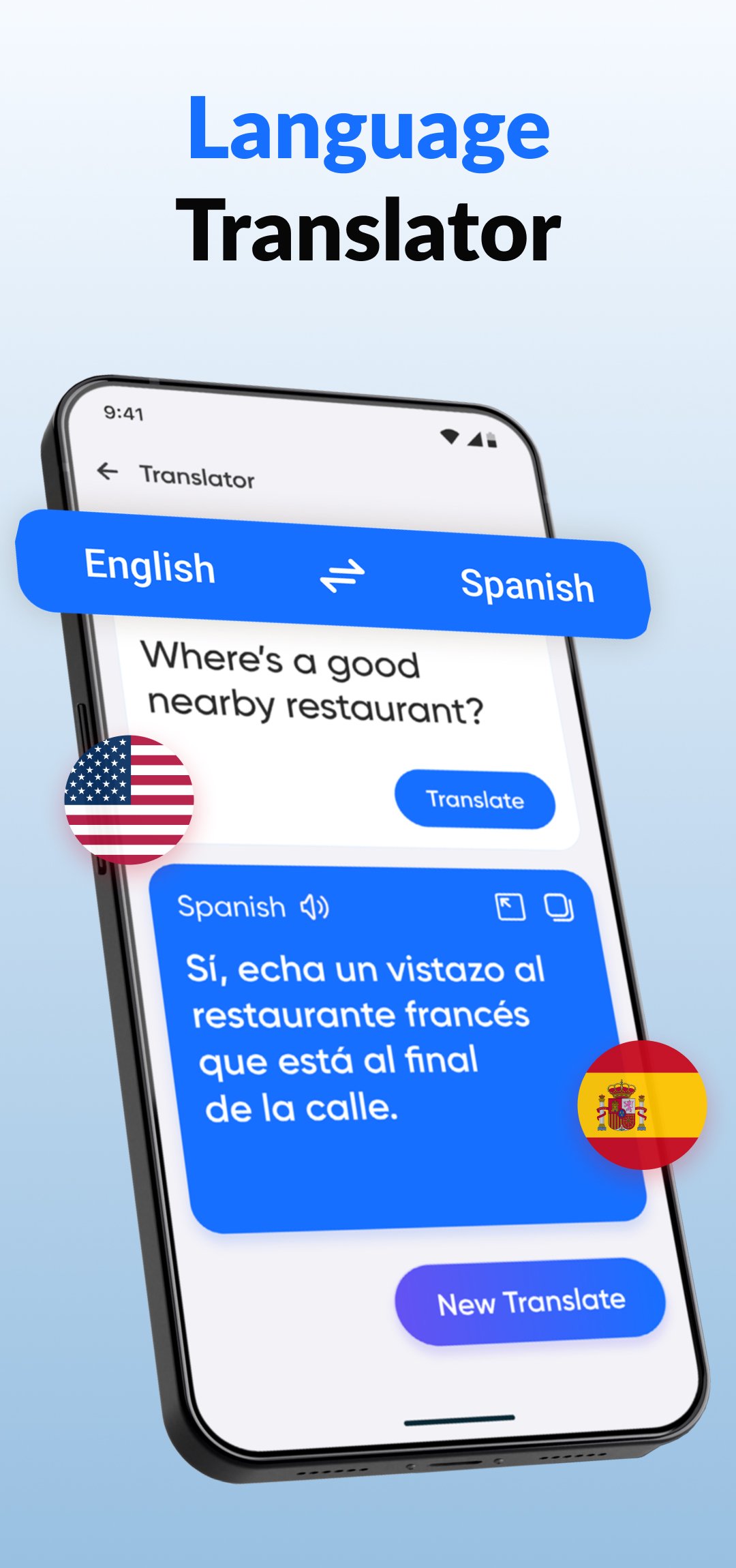
Unlock the world with Translate- Language Translator! 🌍 Your all-in-one tool for instant translation. This powerful app is more than a simple translator; it's a comprehensive dictionary with clear text to speech audio to help you communicate and learn any language. Translate any language now.
Our Features Make Communication Effortless:
🎙️ Voice Translator & Speech Translator:
Speak and get instant audio translation. Break the language barrier, Our real-time voice translator is perfect for conversations, acting as your personal interpreter. Use advanced speech to text to dictate your message, and let our translator handle the rest. Speak & translate now.
📸 Camera Translator & Photo Translator:
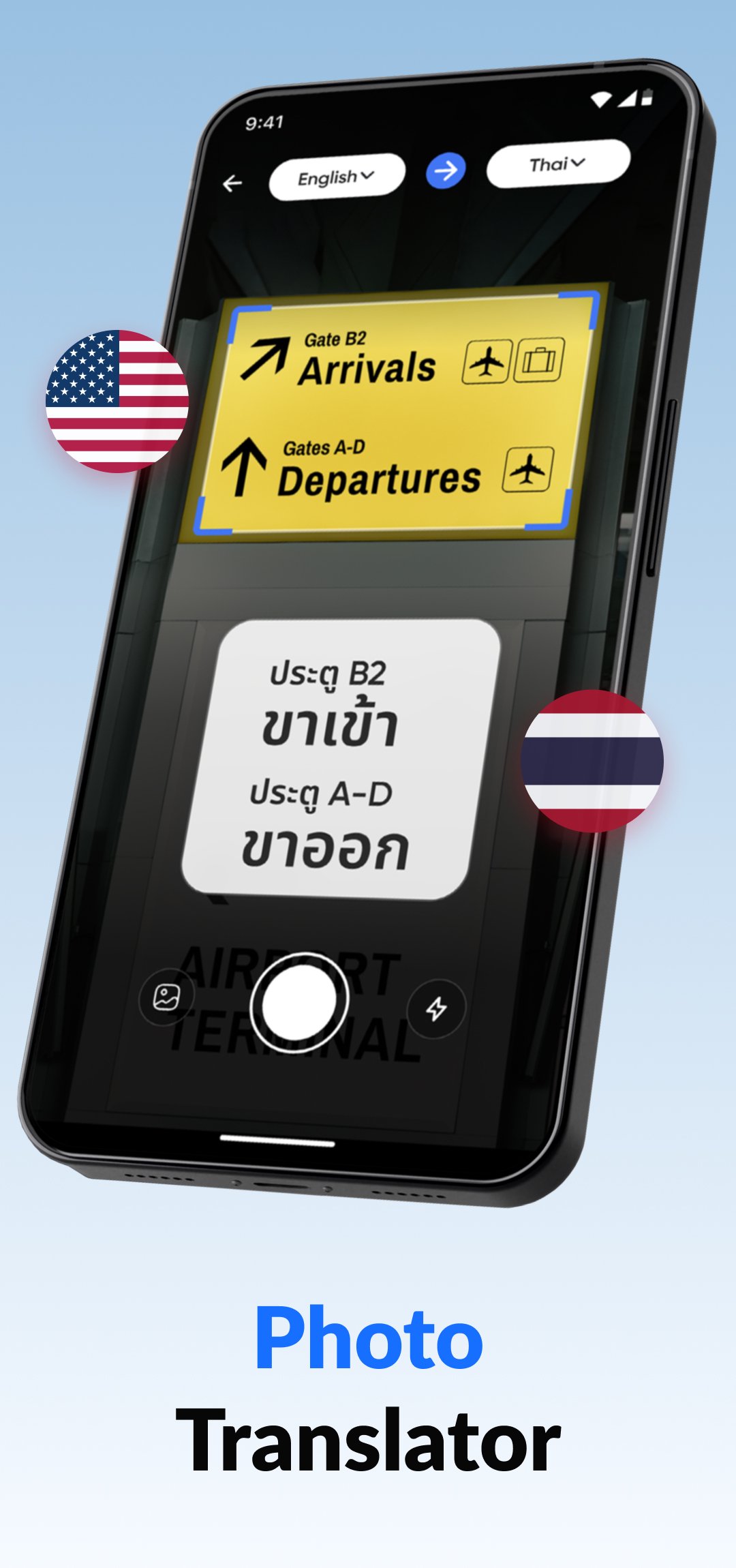
Instantly translate text from your surroundings. Point your camera at signs or menus using the camera translator. The powerful photo translator and image translator technology make understanding visual text a breeze. Scan & translate now.
✍️ Text Translator:
Get fast and accurate text translation for words, phrases, and paragraphs. Our text translator supports over 100 languages, ensuring you're never lost for words.
✨ Magic Translator:
Magic Translation makes it easy to translate text instantly, whether you're typing or receiving messages. It provides real-time, accurate translations within your conversations, making it easy to understand and reply across languages without switching apps. Perfect for fast, seamless communication anytime. Translate what’s on your screen or chat instantly in any language.
📚 Dictionary & Phrasebook:
Go beyond a simple translate function. Use our extensive dictionary to find meanings, synonyms, and example sentences. The high-quality text to speech feature helps you perfect your pronunciation. An essential language learning companion!
Why Choose Our Language Translator?
⭐ All-In-One: A complete translator toolset in your pocket.
⭐ Accurate: Get reliable translation you can trust for every language.
⭐ Versatile: From a photo translator to a voice interpreter, we have you covered.
⭐ User-Friendly: A simple, intuitive design makes every translation easy.
Perfect For:
✈️ Travelers needing a reliable photo translator for signs and menus.
🎓 Students using the dictionary to expand their vocabulary.
💼 Professionals requiring a precise voice translator for meetings.
🌐 Anyone looking to bridge a language gap in daily life.
Disclaimer:
This app uses the Accessibility Service API only to enable the Screen Translator feature, which allows the app to translate text on-screen. The permission is granted only with the user's consent, and we don't collect, store, or share the user's personal data.
Ready to communicate without limits? Download the Translate- Language Translator app now and start your global conversation today! 🚀
Preview
Tags
ToolsInformation
Developer
Office Lens: Android Tool, Translate, Scanner, PDF
Latest Version
2.7.3
Last Updated
2026-06-30
Category
Tools
Available on
Google Play
Show More
How to play Translate- Language Translator with GameLoop on PC
1. Download GameLoop from the official website, then run the exe file to install GameLoop
2. Open GameLoop and search for “Translate- Language Translator” , find Translate- Language Translator in the search results and click “Install”
3. Enjoy playing Translate- Language Translator on GameLoop
Minimum requirements
OS
Windows 8.1 64-bit or Windows 10 64-bit
GPU
GTX 1050
CPU
i3-8300
Memory
8GB RAM
Storage
1GB available space
Recommended requirements
OS
Windows 8.1 64-bit or Windows 10 64-bit
GPU
GTX 1050
CPU
i3-9320
Memory
16GB RAM
Storage
1GB available space