
Scanner App- Scan PDF Document PC
Office Lens: Android Tool, Translate, Scanner, PDF
Download Scanner App- Scan PDF Document on PC With GameLoop Emulator
Scanner App- Scan PDF Document on PC
Scanner App- Scan PDF Document, coming from the developer Office Lens: Android Tool, Translate, Scanner, PDF, is running on Android systerm in the past.
Now, You can play Scanner App- Scan PDF Document on PC with GameLoop smoothly.
Download it in the GameLoop library or search results. No more eyeing the battery or frustrating calls at the wrong time any more.
Just enjoy Scanner App- Scan PDF Document PC on the large screen for free!
Scanner App- Scan PDF Document Introduction
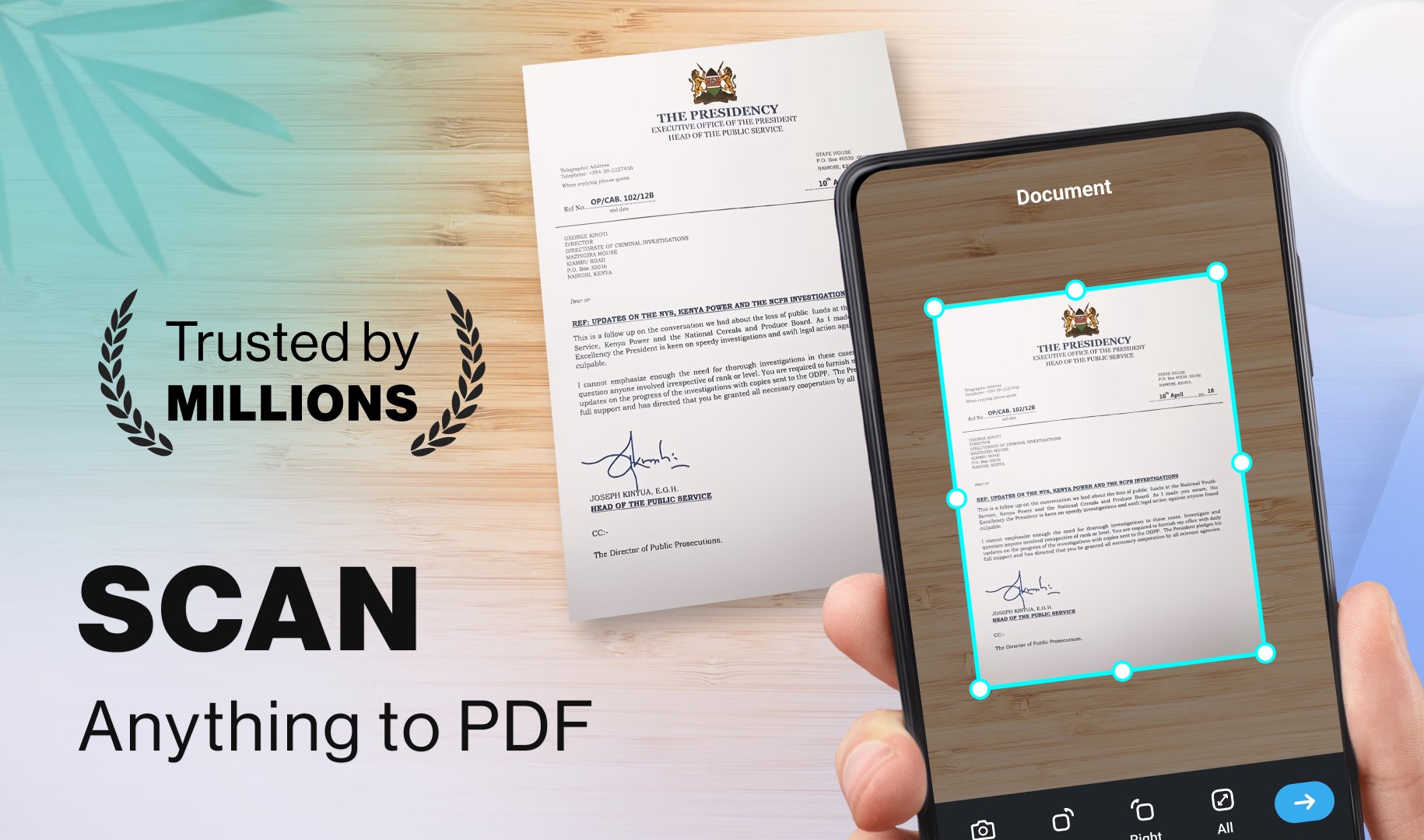
Turn your Android device into a high-performance portable workstation with Scanner App- Scan PDF Document. Whether you’re navigating the office or the classroom, use this PDF scanner to scan, digitize, and organize your files with unmatched speed. Ditch the clunky hardware and enjoy a professional-grade scanner PDF converter that fits right in your pocket. Scan to PDF anything from a document scanner to a simple photo scan instantly.
Smart Document Capture
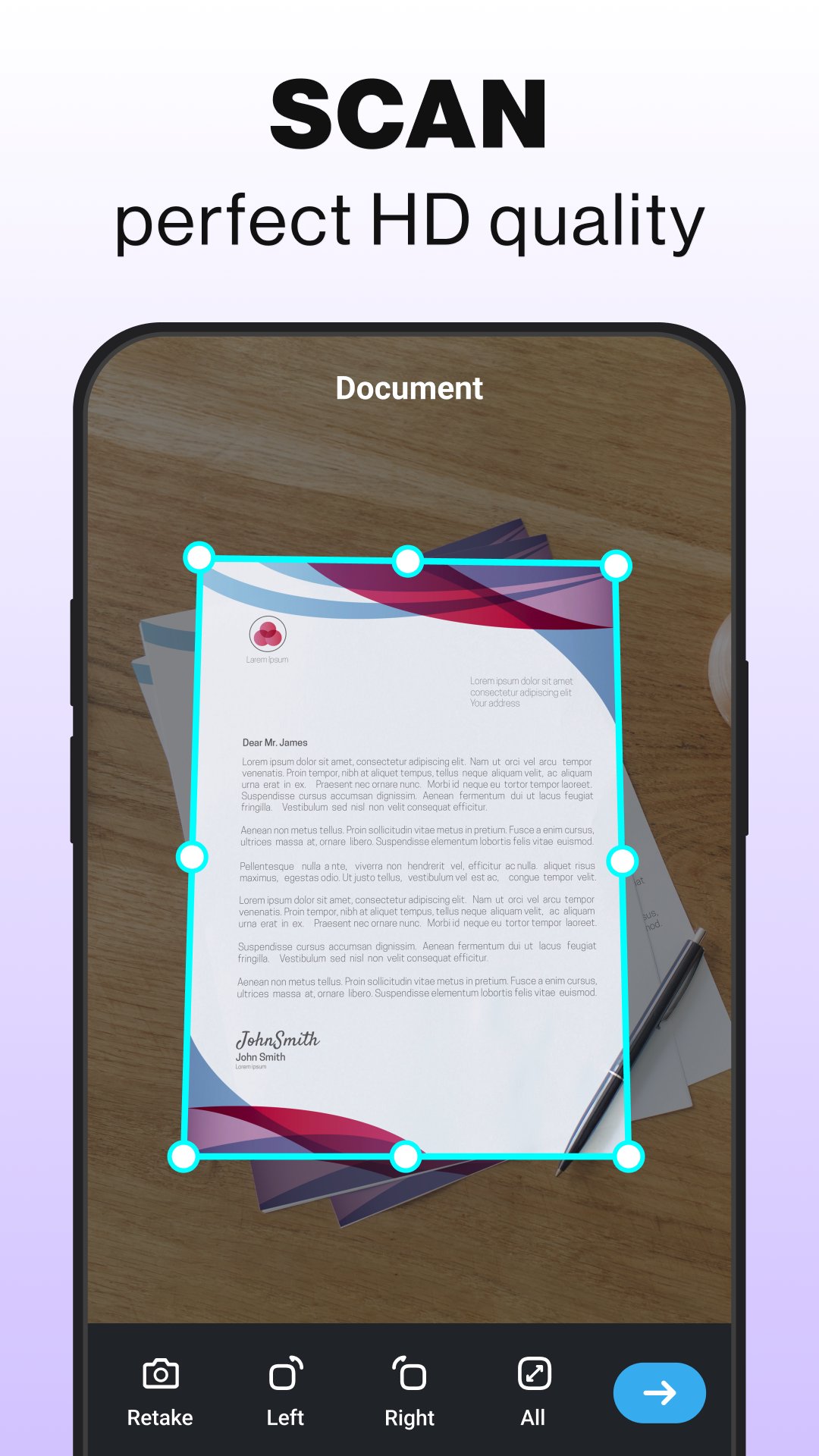
Experience precision with this scanner app for free. From legal contracts to a receipt scanner for business expenses, our PDF scanner features real-time edge detection. The scanner PDF converter ensures every scan is perfectly framed. Use the document scanner to perform a photo scan or scan to PDF for high-quality, professional results every time.
Advanced OCR & Text Extraction
Unlock data with Scanner App- Scan PDF Document. This PDF scanner allows you to instantly pull text from a photo scan or a doc. As a versatile scanner and PDF converter, it makes it easy to scan and edit content. The document scanner features allow you to scan to PDF and translate text, making it the scanner PDF docs pro tool you need for a global workflow.
Seamless Image-to-PDF Conversion
Transform your gallery into a scanner app free archive. With our PDF scanner, you can scan event tickets or a document in one tap. Scanner App- Scan PDF Document is perfect for backing up a photo scan or using the receipt scanner for tax season. Scan to PDF to keep your life clutter-free and secure in one document scanner location.
Enhanced Privacy & Security
Take control of your privacy with Scanner App- Scan PDF Document security features. Lock your scan files with encrypted passwords using our scanner app. Whether it’s a sensitive doc or a private photo scan, our PDF scanner keeps them safe. Use the scanner PDF converter to restrict access to any document scanner file you scan to PDF.
Streamlined File Management
Keep your workspace tidy with this scanner app's free interface. Quickly rename or reorder any scan to suit your needs. PDF scanner makes it simple to locate a doc or a receipt scanner file in seconds. This scanner PDF converter is the ultimate document scanner for organizing every photo scan and scan to PDF project.
Reliable Offline Functionality
Stay productive without data using the Scanner App- Scan PDF Document. This scanner app is optimized for offline use, letting you scan anywhere. Our PDF scanner ensures that even without Wi-Fi, your scanner pdf converter, and document scanner tools work perfectly. Perform a photo scan or scan to PDF without interruption.
Quick & Flexible Sharing
Distribute your doc files instantly. With this Scanner App- Scan PDF Document, you can send a high-quality scan via email or cloud. Our PDF scanner and receipt scanner options keep your projects moving. Use the scanner PDF converter to scan to PDF and share a photo scan or document scanner file with one tap.
Why Choose Scanner App- Scan PDF Document?
Scanner App Free: High-definition captures with intelligent detection.
Scanner PDF Converter: Instantly turn a photo scan into a professional doc.
Scan to PDF: Rapidly scan and convert documents on the fly.
The Scanner PDF Docs Pro: Advanced tools to merge and split your PDF scanner files.
Receipt Scanner: Specialized mode for a clear document scanner capture of tiny text.
From digitizing contracts to using a photo scan for memories, Scanner App- Scan PDF Document is your comprehensive mobile office. Scan to PDF and eliminate paper clutter with the scanner PDF Docs Pro
Download Scanner App- Scan PDF Document today and discover the fastest scanner app to scan, edit, and manage your documents on Android.
Preview
Tags
BusinessProductivityInformation
Developer
Office Lens: Android Tool, Translate, Scanner, PDF
Latest Version
3.0.7
Last Updated
2026-10-05
Category
Business
Available on
Google Play
Show More
How to play Scanner App- Scan PDF Document with GameLoop on PC
1. Download GameLoop from the official website, then run the exe file to install GameLoop
2. Open GameLoop and search for “Scanner App- Scan PDF Document” , find Scanner App- Scan PDF Document in the search results and click “Install”
3. Enjoy playing Scanner App- Scan PDF Document on GameLoop
Minimum requirements
OS
Windows 8.1 64-bit or Windows 10 64-bit
GPU
GTX 1050
CPU
i3-8300
Memory
8GB RAM
Storage
1GB available space
Recommended requirements
OS
Windows 8.1 64-bit or Windows 10 64-bit
GPU
GTX 1050
CPU
i3-9320
Memory
16GB RAM
Storage
1GB available space