
Pockethost: Game Server PC
Pockethost GmbH
Download Pockethost: Game Server on PC With GameLoop Emulator
Pockethost: Game Server on PC
Pockethost: Game Server, coming from the developer Pockethost GmbH, is running on Android systerm in the past.
Now, You can play Pockethost: Game Server on PC with GameLoop smoothly.
Download it in the GameLoop library or search results. No more eyeing the battery or frustrating calls at the wrong time any more.
Just enjoy Pockethost: Game Server PC on the large screen for free!
Pockethost: Game Server Introduction
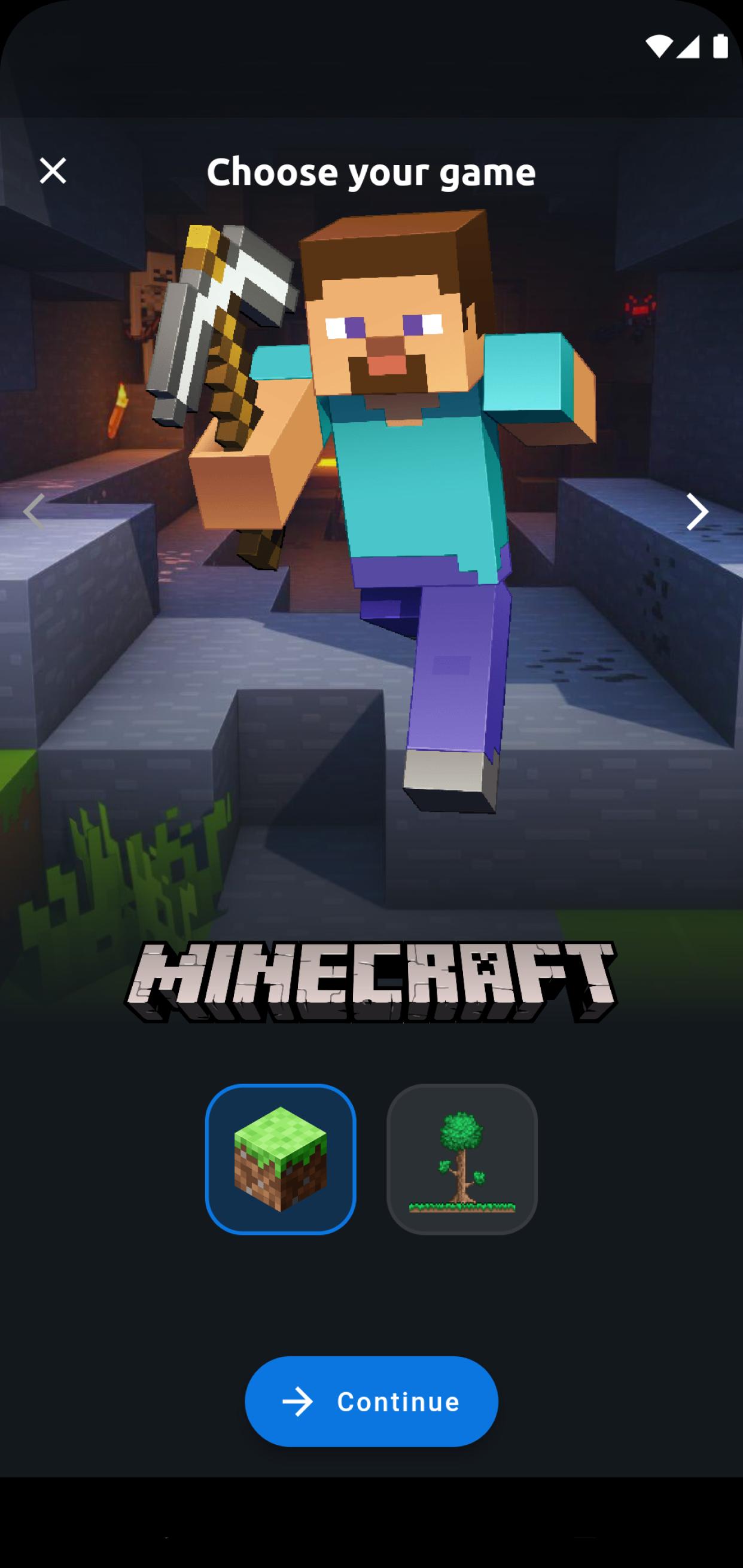
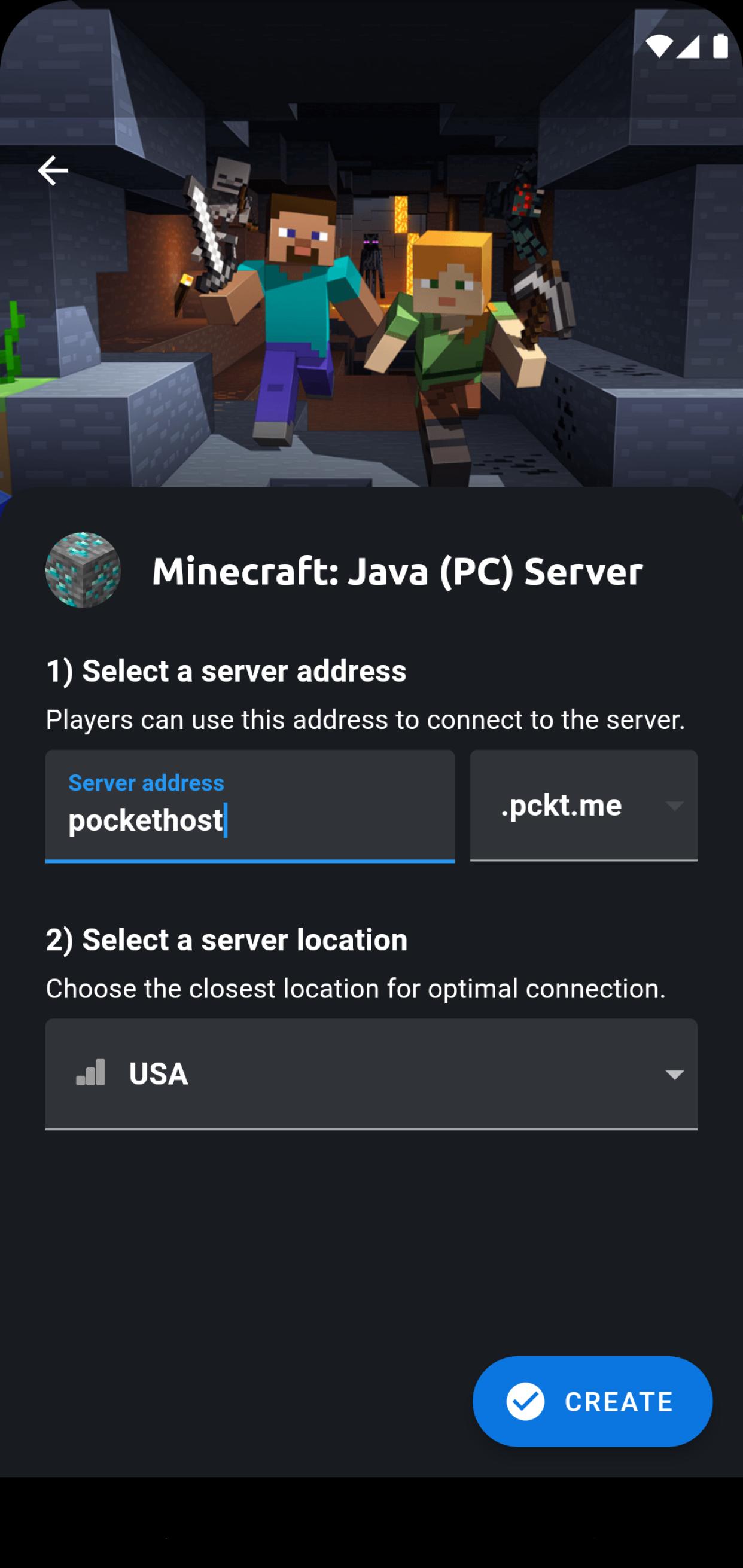
Experience Pockethost, your one-stop solution for powerful game servers in just a minute! 🚀 Create your own server for Minecraft, Terraria, and more!
🎮 Premium servers for an outstanding gaming experience 🎮
🔹 High-performance and lightning-fast servers
🔹 Server locations in Europe for minimal ping
🔹 Comprehensive DDoS protection
🔹 Free backups for your security
⭐️ Host your server for one of this games⭐️
🔹Minecraft
🔹Terraria
🔹Valheim
🔹Satisfactory
🔹Rust
🔹Factorio
🔹7 days to Die
🔹Sons of the Forest
🔹Euro Truck Simulator 2
🕹️ Customizable for a tailored gaming experience 🕹️
🔹 Determine your server's performance and required memory
🔹 Personalize your server with various settings and plugins
🔹 Invite friends and share server management
🔹 Choose the desired game version for your ultimate adventure
🎲 On-Demand or Flatrate – the choice is yours! 🎲
🔹 On-Demand: Use tokens for hourly server access
🔹 Flatrate: Opt for a flat rate and enjoy 24/7 server availability
Discover our community server! Friendly support and exclusive content await you 🤗
What are you waiting for? Join us and, most importantly – enjoy gaming! 🥳
Disclaimer: This is not an official Minecraft product. This application is in no way associated with Mojang AB. The content of the app is in accordance with: https://account.mojang.com/terms#brand
Preview
Tags
ToolsInformation
Developer
Pockethost GmbH
Latest Version
1.18.3
Last Updated
2023-07-31
Category
Tools
Available on
Google Play
Show More
How to play Pockethost: Game Server with GameLoop on PC
1. Download GameLoop from the official website, then run the exe file to install GameLoop
2. Open GameLoop and search for “Pockethost: Game Server” , find Pockethost: Game Server in the search results and click “Install”
3. Enjoy playing Pockethost: Game Server on GameLoop
Minimum requirements
OS
Windows 8.1 64-bit or Windows 10 64-bit
GPU
GTX 1050
CPU
i3-8300
Memory
8GB RAM
Storage
1GB available space
Recommended requirements
OS
Windows 8.1 64-bit or Windows 10 64-bit
GPU
GTX 1050
CPU
i3-9320
Memory
16GB RAM
Storage
1GB available space