Minecraft Shader Mods for 1.20 PC
Pockethost GmbH
Download Minecraft Shader Mods for 1.20 on PC With GameLoop Emulator
Minecraft Shader Mods for 1.20 on PC
Minecraft Shader Mods for 1.20, coming from the developer Pockethost GmbH, is running on Android systerm in the past.
Now, You can play Minecraft Shader Mods for 1.20 on PC with GameLoop smoothly.
Download it in the GameLoop library or search results. No more eyeing the battery or frustrating calls at the wrong time any more.
Just enjoy Minecraft Shader Mods for 1.20 PC on the large screen for free!
Minecraft Shader Mods for 1.20 Introduction
Become the ultimate Pro Modder with the free Pro Shader Mods Minecraft App 🚀
Why should you start using shaders as of today? 💡
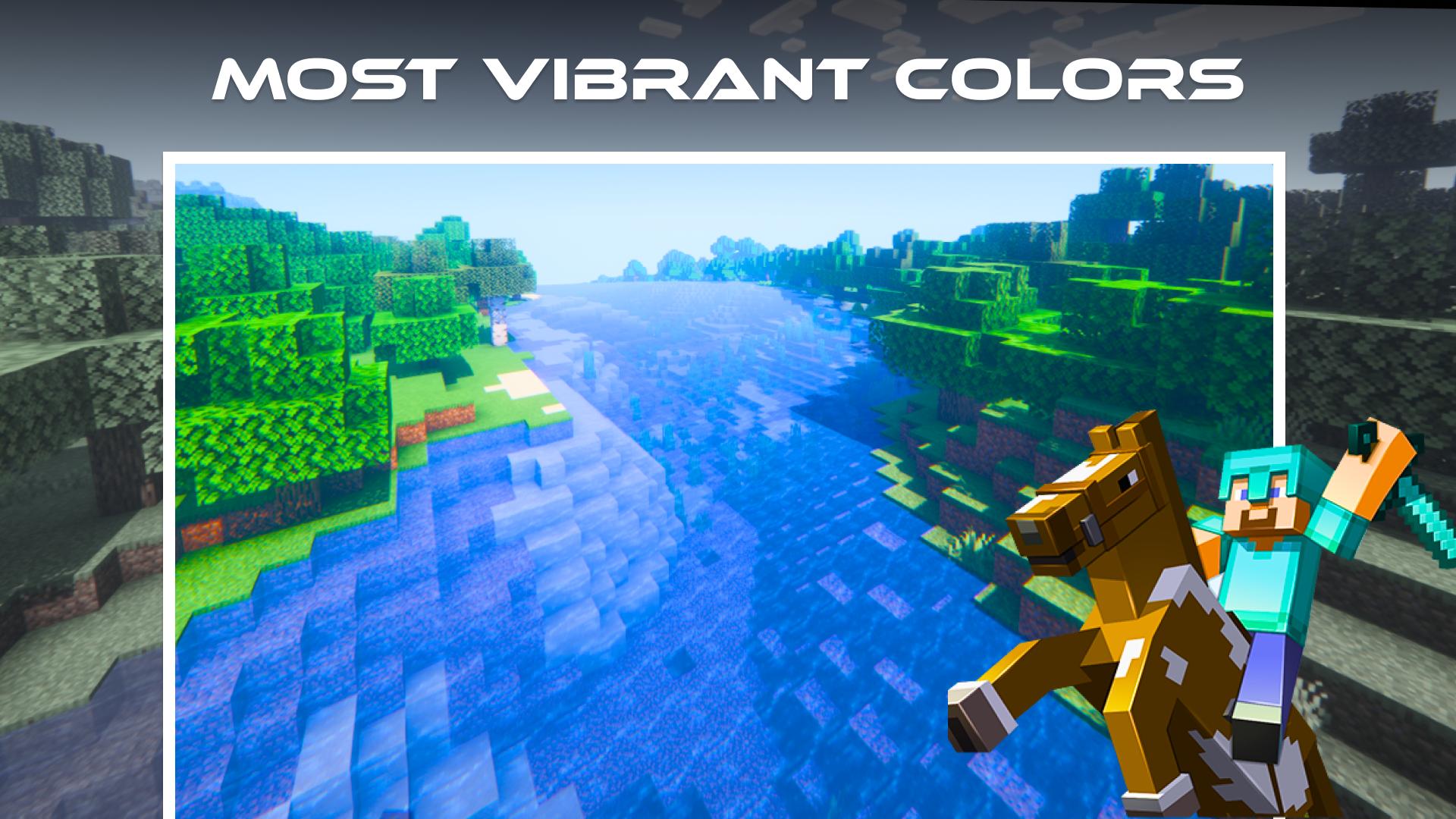
Shaders for Minecraft are an awesome way to reinvent the game’s graphics and customize your own gaming experience. They bring a multitude of features that smooth performance, create realistic graphics and even enhance game features up to 4k texture 😎
Premium Shader 💎
Choose your favorite shader out of our carefully curated list and download it for free. We offer the top-tier shaders such as Parallax and UltraMax Shader. Additionally you will find exciting functional shader mods like ChunkBound or Whiteout Shader. Stay tuned for regular updates of our list 🎺
Seamless Integration ✨
Download shaders with just one click. After the download the shaders will be instantly available for your Minecraft world. Upgrading your experience was never easier 🪶
Pro Shader Mods Minecraft Features:
🔹 Premium Shader Mods for Minecraft Bedrock / Minecraft Pocket Edition (Mcpe)
🔹 Service is completely free
🔹 Compatible with all versions of Minecraft Bedrock / Minecraft Pocket Edition (Mcpe)
🔹 Compatible with other mods and addons
🔹 Automatic mod installer in one click
🔹 User friendly design
🔹 Great overview of the mod packs
🔹 Amazing graphics, fully customizable
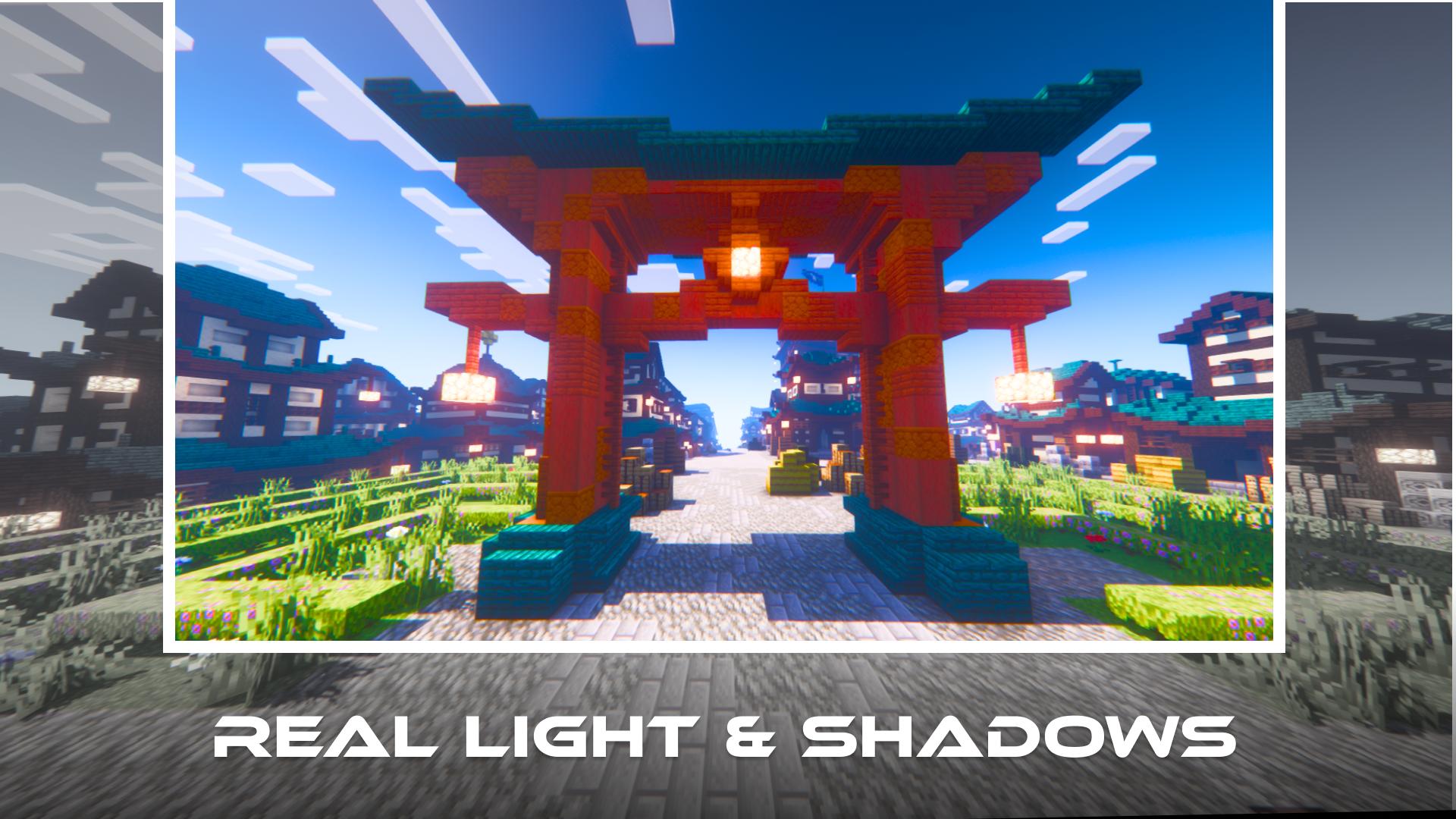
🔹 Mods for realistic light and shadow
Disclaimer:
This is not an official Minecraft product. This application is in no way associated with Mojang AB. The content of the app is in accordance with: https://account.mojang.com/terms#brand
Preview
Tags
EntertainmentInformation
Developer
Pockethost GmbH
Latest Version
1.1.3
Last Updated
2023-03-17
Category
Entertainment
Available on
Google Play
Show More
How to play Minecraft Shader Mods for 1.20 with GameLoop on PC
1. Download GameLoop from the official website, then run the exe file to install GameLoop
2. Open GameLoop and search for “Minecraft Shader Mods for 1.20” , find Minecraft Shader Mods for 1.20 in the search results and click “Install”
3. Enjoy playing Minecraft Shader Mods for 1.20 on GameLoop
Minimum requirements
OS
Windows 8.1 64-bit or Windows 10 64-bit
GPU
GTX 1050
CPU
i3-8300
Memory
8GB RAM
Storage
1GB available space
Recommended requirements
OS
Windows 8.1 64-bit or Windows 10 64-bit
GPU
GTX 1050
CPU
i3-9320
Memory
16GB RAM
Storage
1GB available space