
Grammar Checker PC
Document Converter
Download Grammar Checker on PC With GameLoop Emulator
Grammar Checker on PC
Grammar Checker, coming from the developer Document Converter, is running on Android systerm in the past.
Now, You can play Grammar Checker on PC with GameLoop smoothly.
Download it in the GameLoop library or search results. No more eyeing the battery or frustrating calls at the wrong time any more.
Just enjoy Grammar Checker PC on the large screen for free!
Grammar Checker Introduction
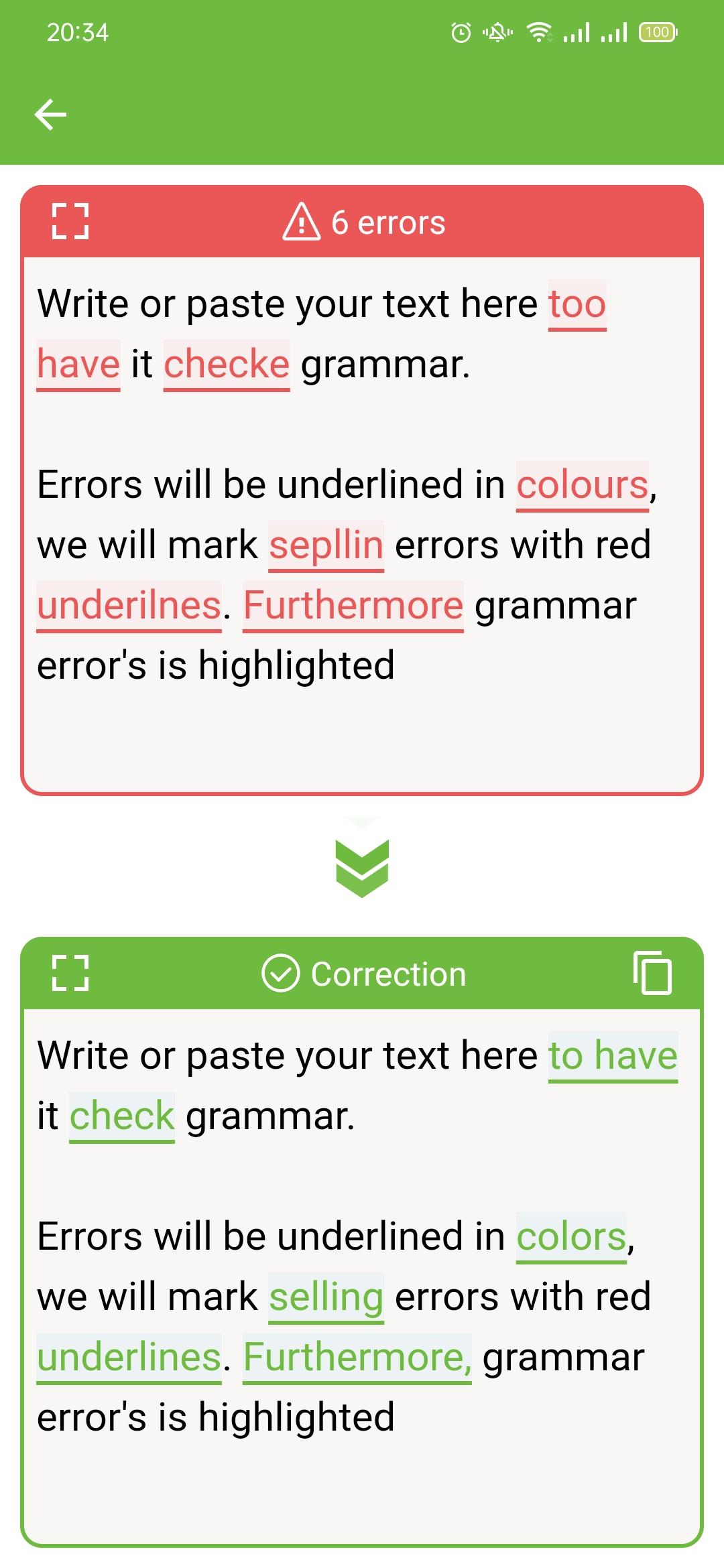
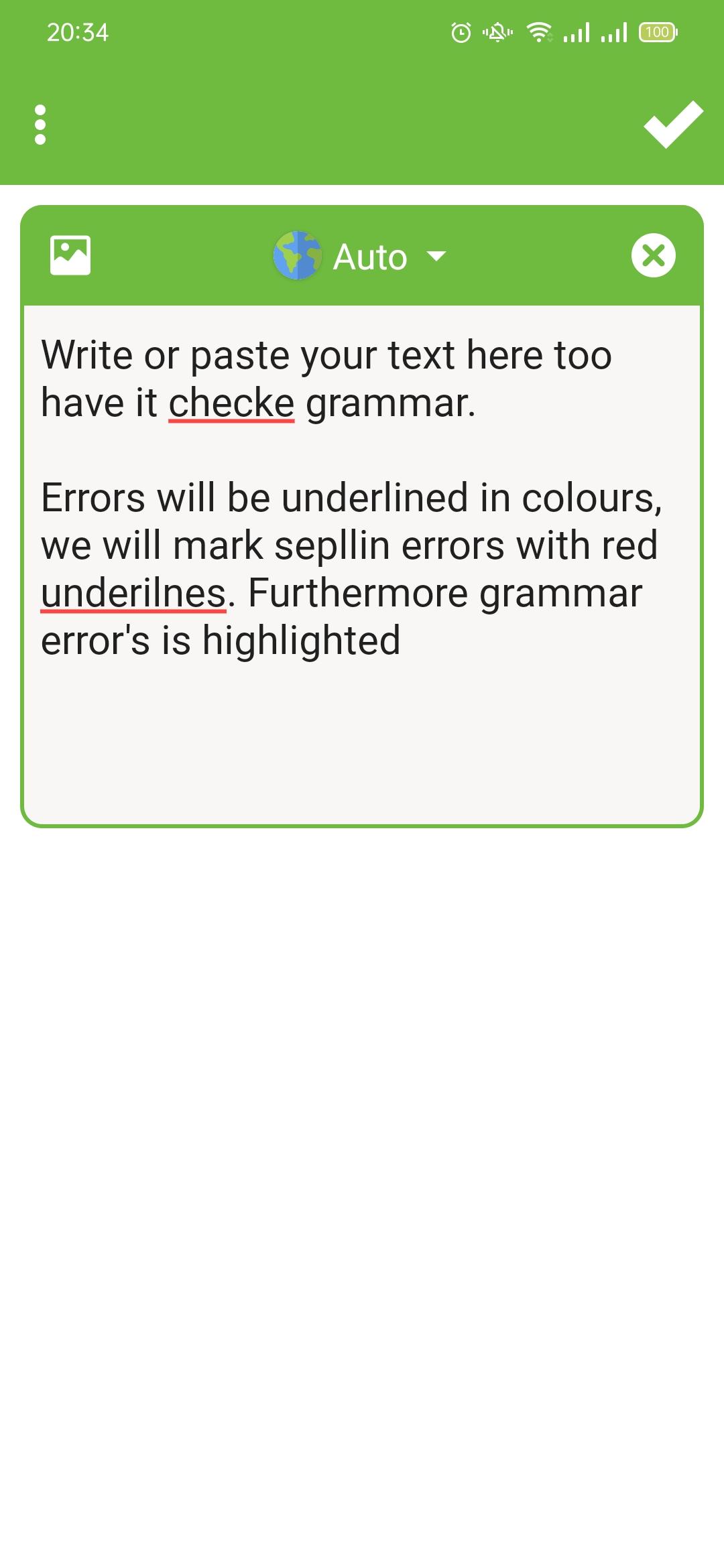
🔥 Grammar Checker - Spelling Check help you correct your grammar, spelling, punctuation, and more with your personal writing assistant, grammar checker, and editor.
🔥 Grammar Checker and Corrector where you can easily, not only check but correct your Grammar Mistakes.
🔥 The Grammar Checker and proofreader allows you to write clearly, confidently, and mistake-free in all your apps.
🔥 Grammar Checker Key Features:
⭐ The Grammar Checker tool is available for free
⭐ It will enable you to learn from your typographical mistakes
⭐ The user interface is extremely friendly
⭐ An advanced grammar correction app
⭐ Language Grammar Checker corrects your spell check and your sentences.
⭐ English Grammar Auto-correct: Whether misspelled words, inaccurate phrases, wrong verb tenses, subject-predicate inconsistencies, or punctuation.
⭐ OCR Text Scanner: Grammar has a built-in OCR camera function, which can accurately identify text in a picture, without having to manually input it, and automatically correct any grammar mistakes.
Preview
Tags
ToolsInformation
Developer
Document Converter
Latest Version
Grammar Checker - Spelling Check 1.0
Last Updated
2023-12-30
Category
Tools
Available on
Google Play
Show More
How to play Grammar Checker with GameLoop on PC
1. Download GameLoop from the official website, then run the exe file to install GameLoop
2. Open GameLoop and search for “Grammar Checker” , find Grammar Checker in the search results and click “Install”
3. Enjoy playing Grammar Checker on GameLoop
Minimum requirements
OS
Windows 8.1 64-bit or Windows 10 64-bit
GPU
GTX 1050
CPU
i3-8300
Memory
8GB RAM
Storage
1GB available space
Recommended requirements
OS
Windows 8.1 64-bit or Windows 10 64-bit
GPU
GTX 1050
CPU
i3-9320
Memory
16GB RAM
Storage
1GB available space