
LibreOffice Reader PC
Document Converter
Download LibreOffice Reader on PC With GameLoop Emulator
LibreOffice Reader on PC
LibreOffice Reader, coming from the developer Document Converter, is running on Android systerm in the past.
Now, You can play LibreOffice Reader on PC with GameLoop smoothly.
Download it in the GameLoop library or search results. No more eyeing the battery or frustrating calls at the wrong time any more.
Just enjoy LibreOffice Reader PC on the large screen for free!
LibreOffice Reader Introduction
LibreOffice Reader ODT OpenOffice reader is the Document Reader app and Document Manager app for Android, it's powerful and complete office suite for OpenDocument format
LibreOffice Reader app is compatible with a wide range of document formats such as Word (.doc, .docx), Excel (.xls, .xlsx), PowerPoint (.ppt, .pptx)
* LibreOffice Reader Features:
• LibreOffice is a powerful and free office suite.
• LibreOffice Reader can view, read open office documents using full features of the OpenOffice reader, OpenDocument reader.
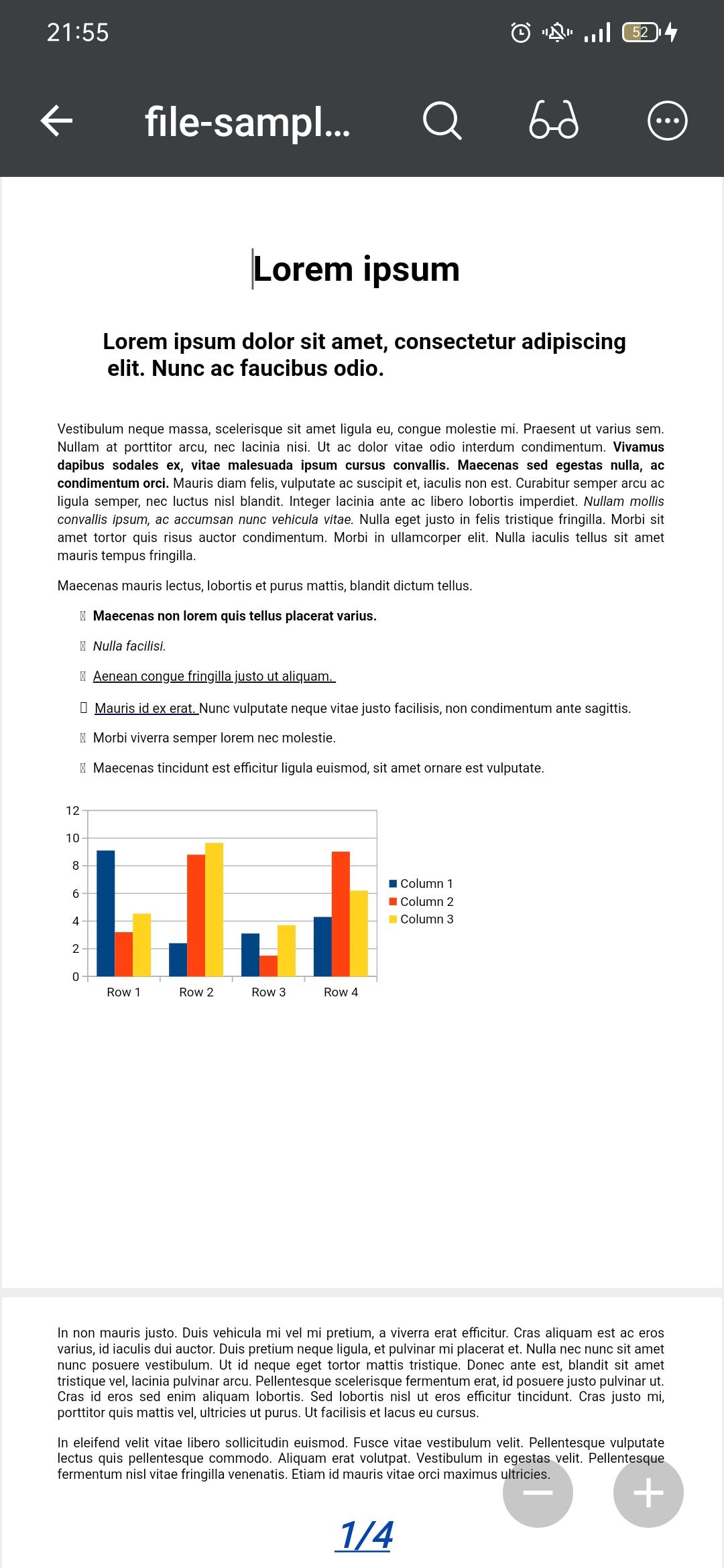
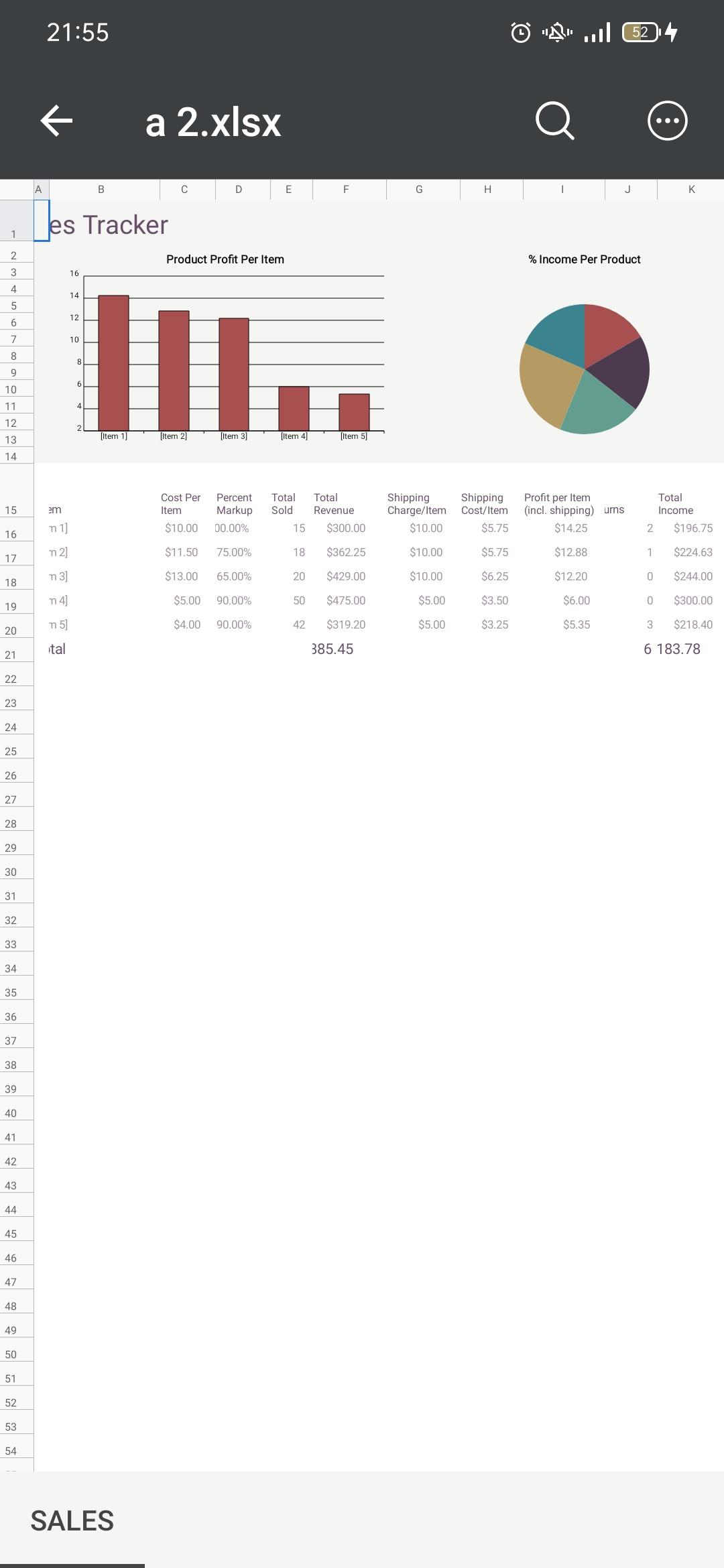
• LibreOffice File Reader support for complex formatting and embedded images. Graphs are no problem either. If you want to secure your data you can even open password-protected documents.
• Libre Office document Reader can open Office OpenDocument Format: ODF (ODT, ODS, ODP).
• LibreOffice ODT Reader support formats of OpenOffice odt reader , OpenOffice ods reader, OpenOffice odp reader.
• LibreOffice odt reader, LibreOffice ods reader, LibreOffice odp reader.
• ODT Reader support OpenDocument OpenOffice with ODT, ODS, ODP, ODF formats.
* Supported File Formats:
• OpenDocument Reader formats: ODT, ODS, ODP
• OpenOffice Reader formats: ODT, ODS, ODP
• LibreOffice Reader formats: ODT, ODS, ODP
• Microsoft Office 2007/2010/2013/2016/2019 (.docx, .pptx, .xlsx)
• Microsoft Office 97/2000/XP/2003 (.doc, .ppt, .xls)
LibreOffice Reader (Open Document Reader) is the format used by office suites like Open Office and Libre Office.
Preview
Tags
ToolsInformation
Developer
Document Converter
Latest Version
LibreOffice Reader - ODT Document Reader
Last Updated
2023-12-10
Category
Tools
Available on
Google Play
Show More
How to play LibreOffice Reader with GameLoop on PC
1. Download GameLoop from the official website, then run the exe file to install GameLoop
2. Open GameLoop and search for “LibreOffice Reader” , find LibreOffice Reader in the search results and click “Install”
3. Enjoy playing LibreOffice Reader on GameLoop
Minimum requirements
OS
Windows 8.1 64-bit or Windows 10 64-bit
GPU
GTX 1050
CPU
i3-8300
Memory
8GB RAM
Storage
1GB available space
Recommended requirements
OS
Windows 8.1 64-bit or Windows 10 64-bit
GPU
GTX 1050
CPU
i3-9320
Memory
16GB RAM
Storage
1GB available space