Edge Screen S9 - Edge Screen S PC
Supreme Spirit Devlopment Department
Download Edge Screen S9 - Edge Screen S on PC With GameLoop Emulator
Edge Screen S9 - Edge Screen S on PC
Edge Screen S9 - Edge Screen S, coming from the developer Supreme Spirit Devlopment Department, is running on Android systerm in the past.
Now, You can play Edge Screen S9 - Edge Screen S on PC with GameLoop smoothly.
Download it in the GameLoop library or search results. No more eyeing the battery or frustrating calls at the wrong time any more.
Just enjoy Edge Screen S9 - Edge Screen S PC on the large screen for free!
Edge Screen S9 - Edge Screen S Introduction
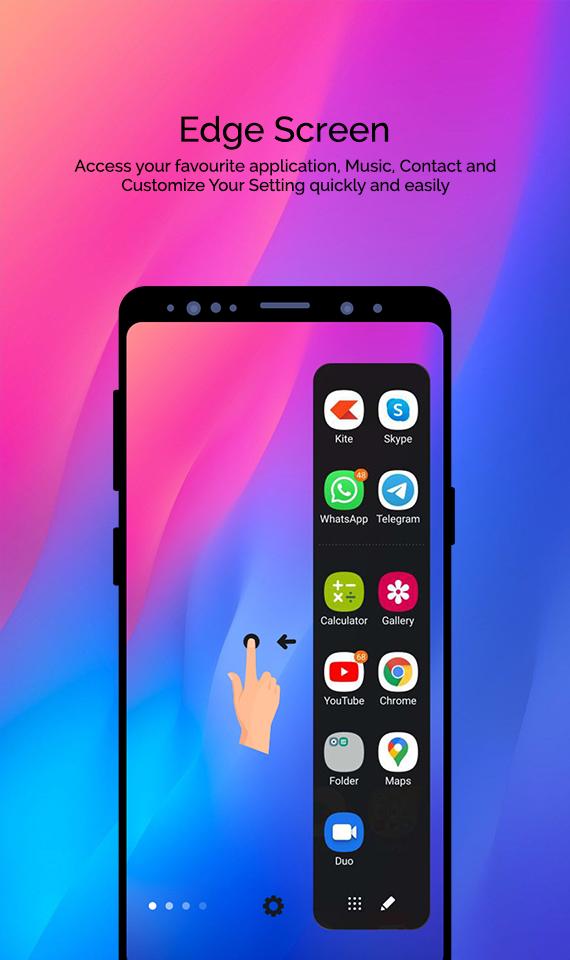
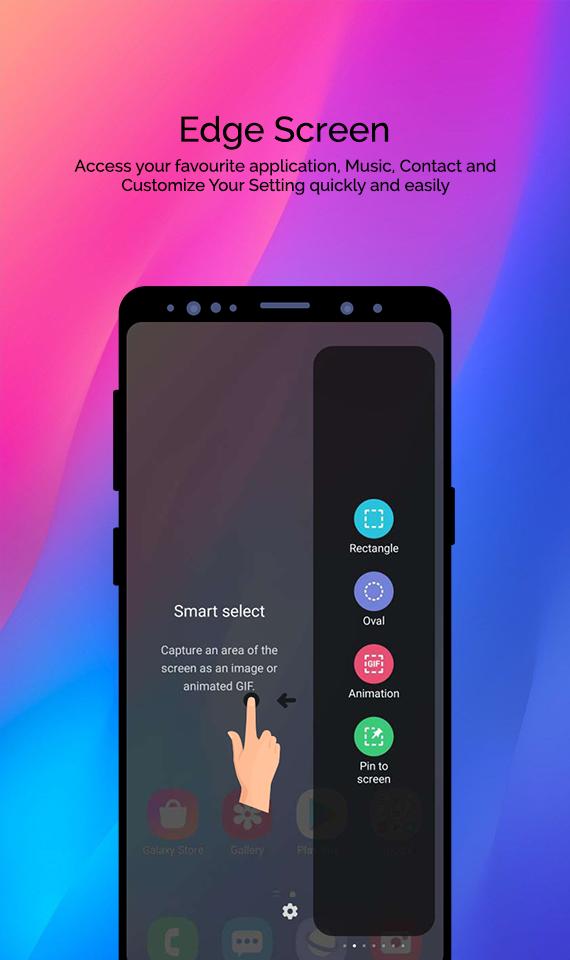
Edge Screen very cool on your phone,Now, It’s available for all Samsung phone and all Android devices!!!Help you quick launch favorite app, quick call dialer and quick messaging everywhere at every time.100+ Wallpaers and Themes Simple, flat UI design, refreshing.
Edge Screen is not another edge screen, side bar, app switcher or side panel app. It includes all of them while stays FREE to give you the best experience.
With Slide Edge 10 – Edge Panel, Swipe Action to experience the the latest handset from Samsung Galaxy Edge. We are happy to receive feedback from you to develop this application. Thank you for using!
app features
➡ It’s totally free.
➡ Provide Contacts Edge and Apps S9 Edge for you.
➡ Compass tool help you determine the direction quickly and accurately.
➡ You can add important contacts to Contacts Edge screen.
➡ You can edit the contacts information in Contacts Edge.
➡ Will not slow down your phone speed or consume your battery.
➡ Make your phone efficient.
➡ Simple intuitive UI is super easy to use.
➡ Add applications which are frequently used to Apps S9 Edge.
➡ Call or email friends with just a swipe.
➡ Set different color markings for your contacts.
Preview
Tags
ToolsInformation
Developer
Supreme Spirit Devlopment Department
Latest Version
1.4
Last Updated
2022-06-25
Category
Tools
Available on
Google Play
Show More
How to play Edge Screen S9 - Edge Screen S with GameLoop on PC
1. Download GameLoop from the official website, then run the exe file to install GameLoop
2. Open GameLoop and search for “Edge Screen S9 - Edge Screen S” , find Edge Screen S9 - Edge Screen S in the search results and click “Install”
3. Enjoy playing Edge Screen S9 - Edge Screen S on GameLoop
Minimum requirements
OS
Windows 8.1 64-bit or Windows 10 64-bit
GPU
GTX 1050
CPU
i3-8300
Memory
8GB RAM
Storage
1GB available space
Recommended requirements
OS
Windows 8.1 64-bit or Windows 10 64-bit
GPU
GTX 1050
CPU
i3-9320
Memory
16GB RAM
Storage
1GB available space