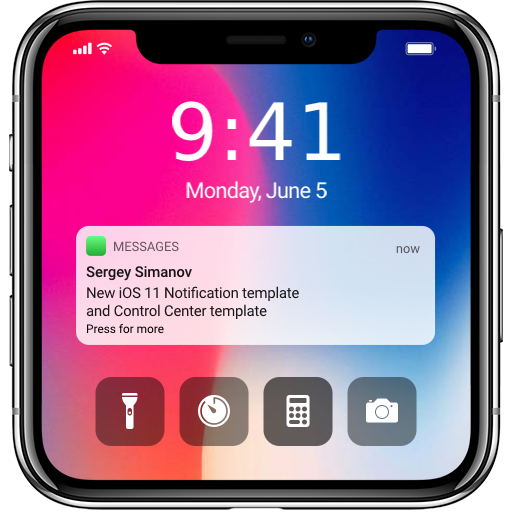
Inotify - Ios lock Screen PC
Supreme Spirit Devlopment Department
Download Inotify - Ios lock Screen on PC With GameLoop Emulator
Inotify - Ios lock Screen on PC
Inotify - Ios lock Screen, coming from the developer Supreme Spirit Devlopment Department, is running on Android systerm in the past.
Now, You can play Inotify - Ios lock Screen on PC with GameLoop smoothly.
Download it in the GameLoop library or search results. No more eyeing the battery or frustrating calls at the wrong time any more.
Just enjoy Inotify - Ios lock Screen PC on the large screen for free!
Inotify - Ios lock Screen Introduction
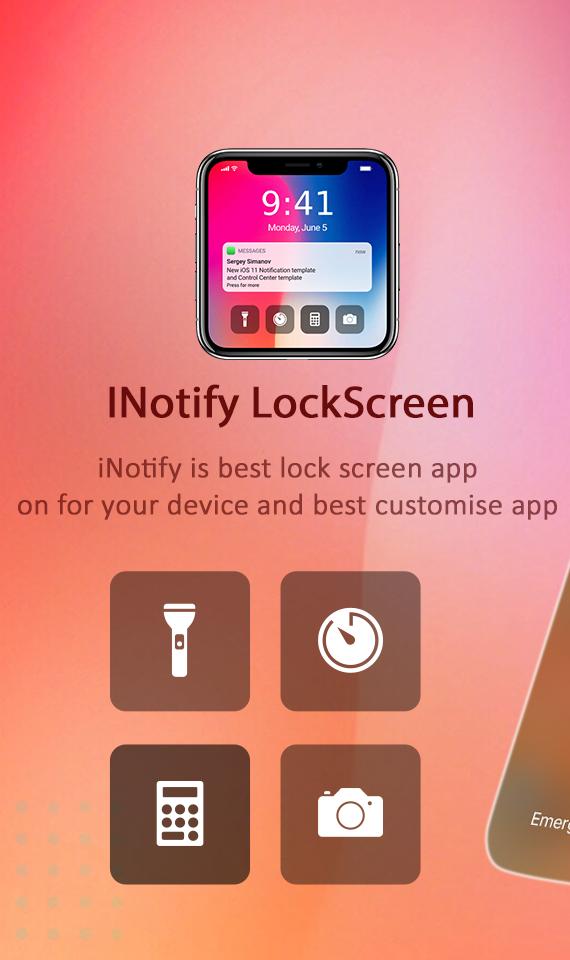
A personalized lock screen replacement that helps protect your phone from unwanted access by others. Lock the screen simply and quickly.
Many people like lock screen app of OS 13 Style Lock Screen, but they using android device and love your Android device more? Don't worry, we already have iLock style OS 13 from Phone 11
swipe up to down from top left you can get notification and you swipe up to down from top right you get control center. easy for use.
features
✔️ Display notifications with iOS style on your lock screen
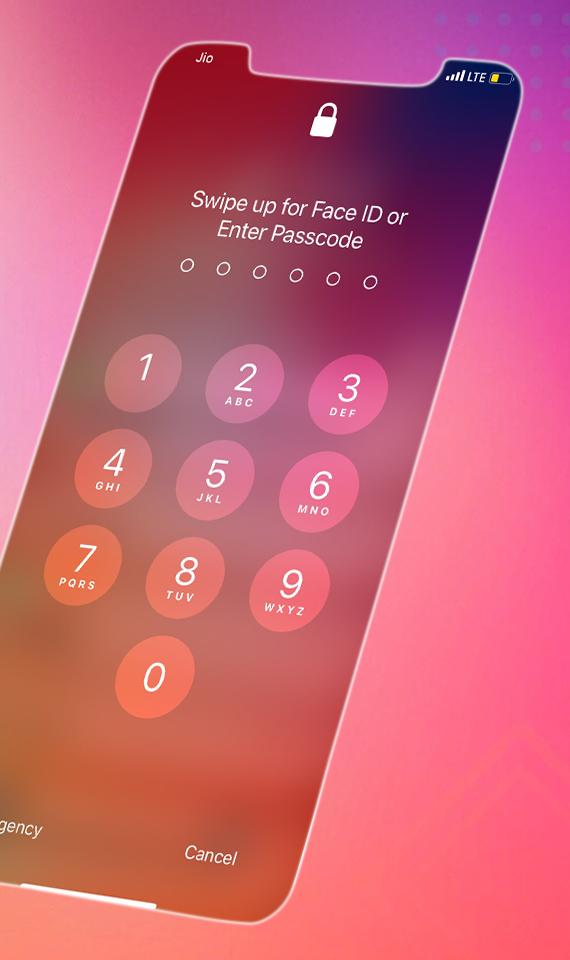
✔️ Passcode protect your privacy.
✔️ Smooth animation make android look like iOS 13
✔️ Swipe left over notifications to manage, view, or clear the notifications.
✔️ Beautifully clock and time
✔️ Group notification click to expand click to collapse.
11: With our lock screen wallpaper, you’ll never know the difference! If you want to customize your wallpaper, you can select an image from your gallery and use it as a background picture
✔️ OS 13 Wallpaper, HD wallpaper, 4K wallpaper, Cool wallpaper
✔️ iLocker – LockScreen from Phone 11 style, and from style OS13, complete from the rounded corners to the font. That’s what our special.
✔️ Low Memory
✔️ Friendly, easy-to-use setting screen
✔️ Save energy
Preview
Tags
ToolsInformation
Developer
Supreme Spirit Devlopment Department
Latest Version
1.5
Last Updated
2023-04-16
Category
Tools
Available on
Google Play
Show More
How to play Inotify - Ios lock Screen with GameLoop on PC
1. Download GameLoop from the official website, then run the exe file to install GameLoop
2. Open GameLoop and search for “Inotify - Ios lock Screen” , find Inotify - Ios lock Screen in the search results and click “Install”
3. Enjoy playing Inotify - Ios lock Screen on GameLoop
Minimum requirements
OS
Windows 8.1 64-bit or Windows 10 64-bit
GPU
GTX 1050
CPU
i3-8300
Memory
8GB RAM
Storage
1GB available space
Recommended requirements
OS
Windows 8.1 64-bit or Windows 10 64-bit
GPU
GTX 1050
CPU
i3-9320
Memory
16GB RAM
Storage
1GB available space