EmoCam - Camera for Emotion Au PC
Pujana
Download EmoCam - Camera for Emotion Au on PC With GameLoop Emulator
EmoCam - Camera for Emotion Au on PC
EmoCam - Camera for Emotion Au, coming from the developer Pujana, is running on Android systerm in the past.
Now, You can play EmoCam - Camera for Emotion Au on PC with GameLoop smoothly.
Download it in the GameLoop library or search results. No more eyeing the battery or frustrating calls at the wrong time any more.
Just enjoy EmoCam - Camera for Emotion Au PC on the large screen for free!
EmoCam - Camera for Emotion Au Introduction
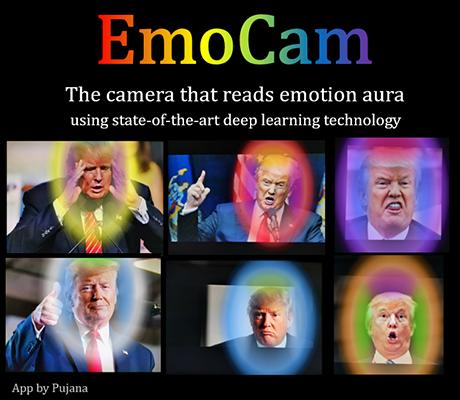
Experience a smart AI camera that reads your emotion!
See how to use: https://p-library.com/a/emocam/
** This app in under testing and problem fixing **
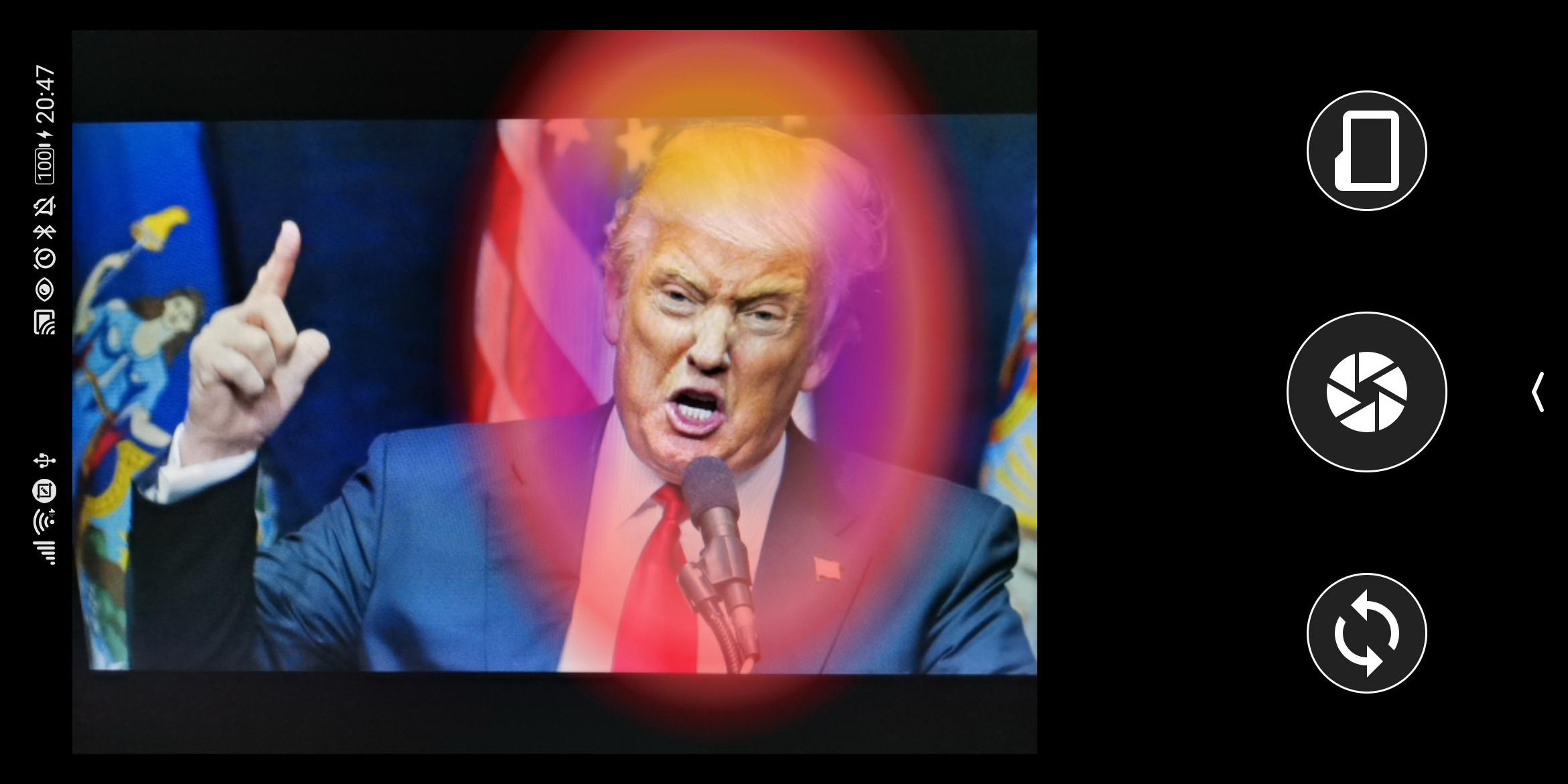
This tool can analyze your emotions based on facial expressions and visualize them as augmented reality aura. The state-of-the-art convolutional neural networks (deep learning models) are employed for face detection and facial expression classification. Moreover, a fuzzy-logic-inspired algorithm for generating color gradients, as well as a vector-quantization-based stabilizer for noise reduction, are invented to make smooth real-time colorization. Basically, this app was built on top a combination of powerful AI algorithms.
Emotion
Blue: Clam-Sadness
Green: Happy, Joyful
Magenta: Disgust
Orange: Confused, Surprised
Red: Angry, Upset
White: Neutral
Yellow: Anxiety, Stressed, Fear
The 3 Sections
Outer Color (1): Primary emotion, the most dominance emotion.
Color on top (2): Secondary emotion
Color on two sides (3): Tertiary
Preview
Tags
PhotographyInformation
Developer
Pujana
Latest Version
1.1.1
Last Updated
2020-10-25
Category
Photography
Available on
Google Play
Show More
How to play EmoCam - Camera for Emotion Au with GameLoop on PC
1. Download GameLoop from the official website, then run the exe file to install GameLoop
2. Open GameLoop and search for “EmoCam - Camera for Emotion Au” , find EmoCam - Camera for Emotion Au in the search results and click “Install”
3. Enjoy playing EmoCam - Camera for Emotion Au on GameLoop
Minimum requirements
OS
Windows 8.1 64-bit or Windows 10 64-bit
GPU
GTX 1050
CPU
i3-8300
Memory
8GB RAM
Storage
1GB available space
Recommended requirements
OS
Windows 8.1 64-bit or Windows 10 64-bit
GPU
GTX 1050
CPU
i3-9320
Memory
16GB RAM
Storage
1GB available space