DrawLots - Random Number Gener PC
Pujana
Download DrawLots - Random Number Gener on PC With GameLoop Emulator
DrawLots - Random Number Gener on PC
DrawLots - Random Number Gener, coming from the developer Pujana, is running on Android systerm in the past.
Now, You can play DrawLots - Random Number Gener on PC with GameLoop smoothly.
Download it in the GameLoop library or search results. No more eyeing the battery or frustrating calls at the wrong time any more.
Just enjoy DrawLots - Random Number Gener PC on the large screen for free!
DrawLots - Random Number Gener Introduction
Drawing lots using you mobile.
Updates & How to use: https://p-library.com/a/drawlots/
Simple and straight forward. No Ads and easy to use interface.
Interface with large fonts, designed for showing to a group of people in parties and events.
You can get the final result at once or draw one by one.
Currently Available Modes
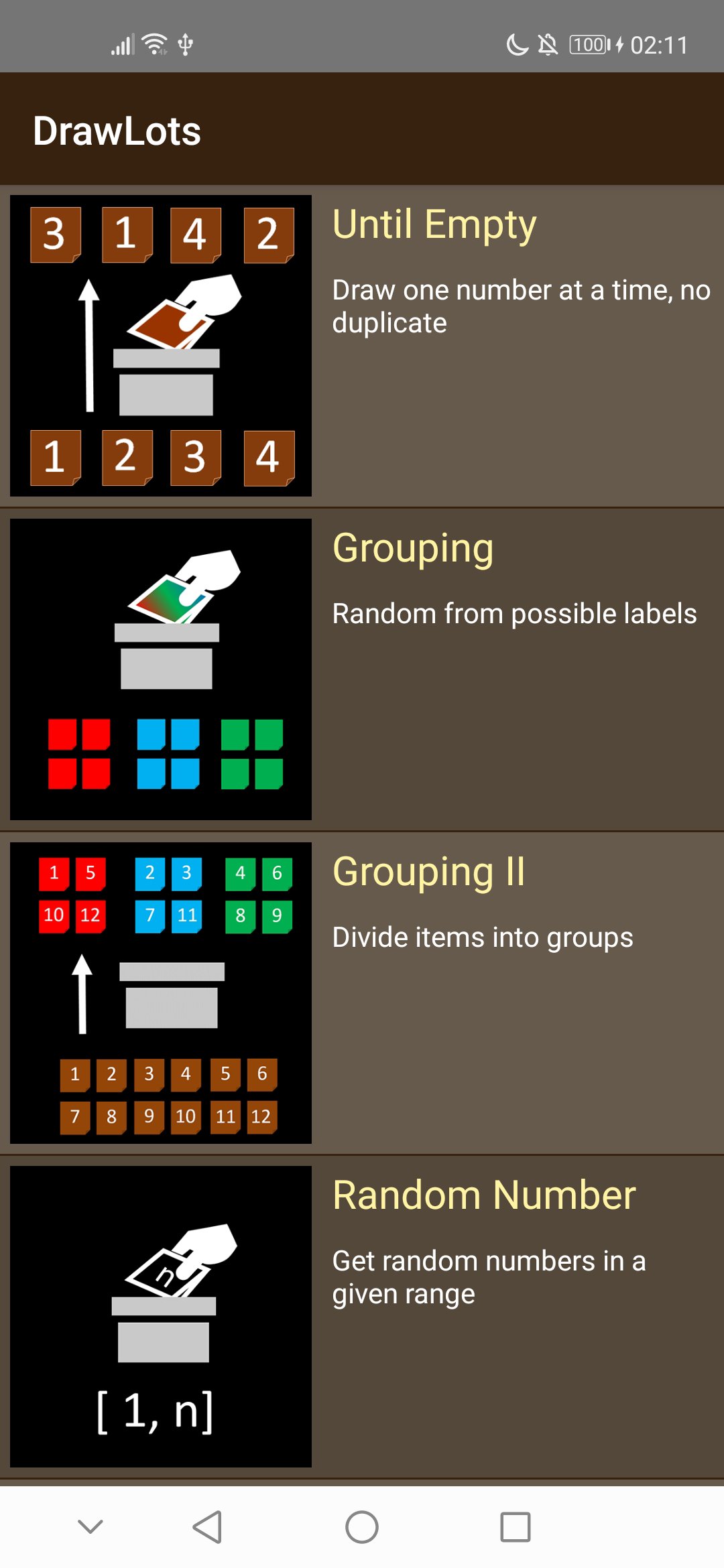
- Until Empty: Draw a number one by one from a list of available number (no duplicated numbers). e.g., for exchanging gifts
- Grouping: Random from possible labels. Can ensure balanced group. e.g., assign people to groups, drawing one item from a set of possible items
- Grouping II: Divide items into equal groups. Similar to the above grouping, but focus on create group containing non-duplicate numbers. e.g., assign students to group; get a list of students' id for each group
- Random Number: Random Number Generator
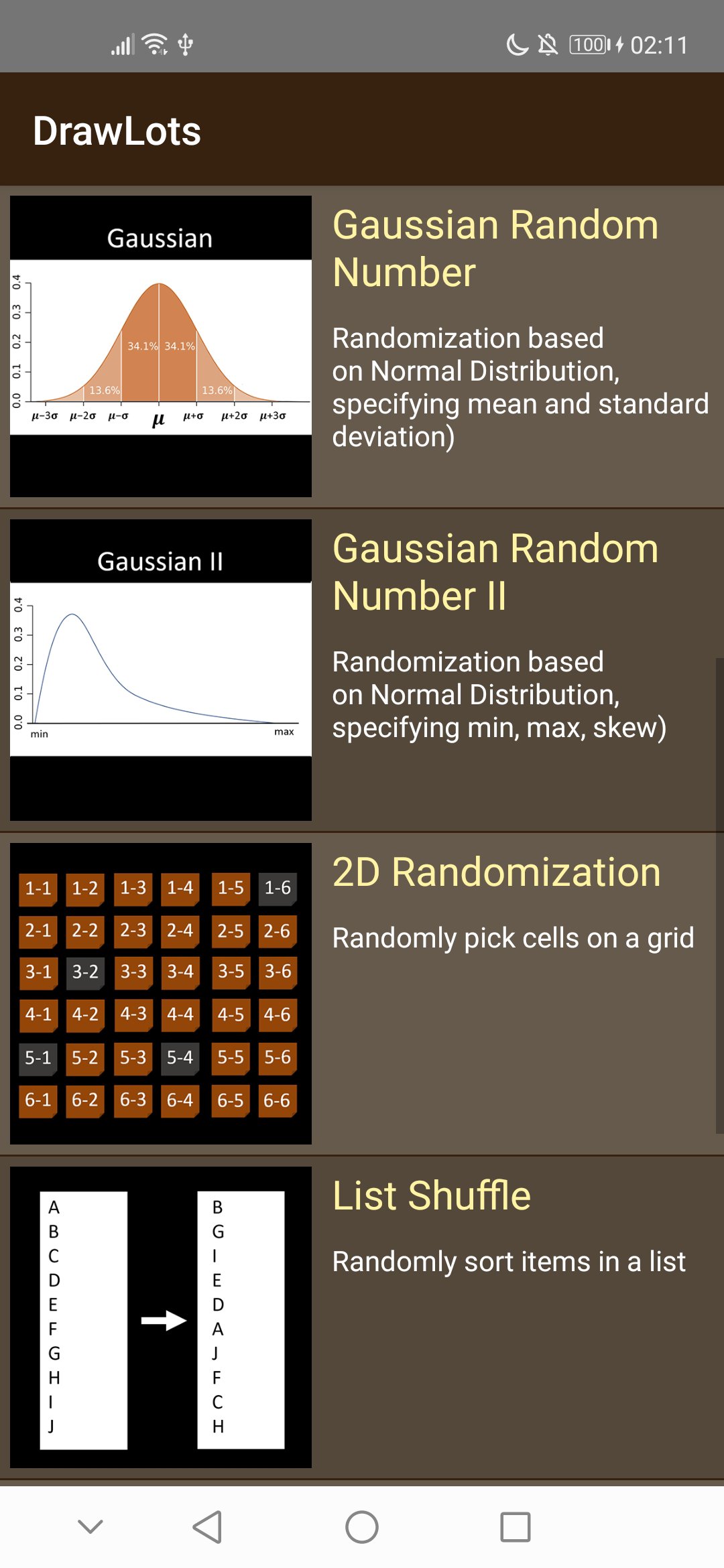
- Gaussian Random Number: Randomization based on Normal Distribution, specifying mean and standard deviation)
- Gaussian Random Number II: Randomization based on Normal Distribution, specifying min, max, skew)
- 2D Randomization: Randomly pick cells on a grid
- List Shuffle: Randomly sort items in a list
- Probability: Pick items based on their probabilities
- Head & Tail: Random from 2 labels, with graphic of tossing a coin
- Rock Paper Scissors: Random from possible labels. Can ensure balanced group.
Preview
Tags
ToolsInformation
Developer
Pujana
Latest Version
1.03
Last Updated
2021-08-23
Category
Tools
Available on
Google Play
Show More
How to play DrawLots - Random Number Gener with GameLoop on PC
1. Download GameLoop from the official website, then run the exe file to install GameLoop
2. Open GameLoop and search for “DrawLots - Random Number Gener” , find DrawLots - Random Number Gener in the search results and click “Install”
3. Enjoy playing DrawLots - Random Number Gener on GameLoop
Minimum requirements
OS
Windows 8.1 64-bit or Windows 10 64-bit
GPU
GTX 1050
CPU
i3-8300
Memory
8GB RAM
Storage
1GB available space
Recommended requirements
OS
Windows 8.1 64-bit or Windows 10 64-bit
GPU
GTX 1050
CPU
i3-9320
Memory
16GB RAM
Storage
1GB available space