
Tunnel 5D Journey Visualizer PC
Mobile Visuals
Download Tunnel 5D Journey Visualizer on PC With GameLoop Emulator
Tunnel 5D Journey Visualizer on PC
Tunnel 5D Journey Visualizer, coming from the developer Mobile Visuals, is running on Android systerm in the past.
Now, You can play Tunnel 5D Journey Visualizer on PC with GameLoop smoothly.
Download it in the GameLoop library or search results. No more eyeing the battery or frustrating calls at the wrong time any more.
Just enjoy Tunnel 5D Journey Visualizer PC on the large screen for free!
Tunnel 5D Journey Visualizer Introduction
Connect with the infinite energy of the tunnels. Enhance the journey with the colorful music visualizer and the Live wallpaper. These tunnels open up your mind to new dimensions and degrees of freedom. Travel in 5D through the infinite tunnels, which connect the universe!
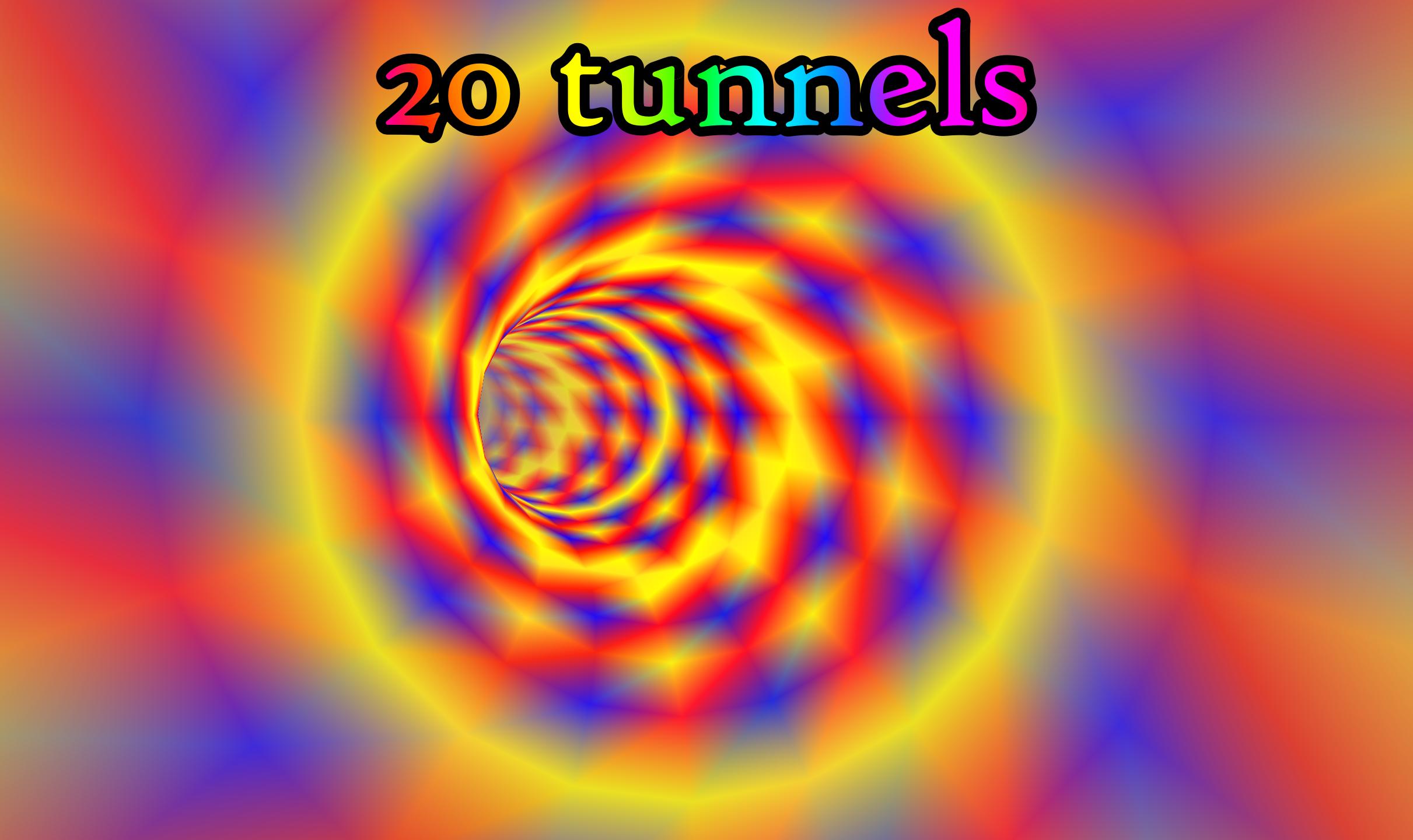
*** 20 tunnels ****
Tunnels like "Crystal fusion tunnel" and "Infinity tunnel" are available from the settings menu. Get temporary access to all the settings by watching a video ad.
*** Music Visualizer ***
Play music with any audio player. Then switch to the visualizer and it will visualize the music. 47 radio channels are available from the radio icon. A player for your music files is also included.
*** Create your own Visualizer and Wallpaper***
Lots of settings are available. Create your own tunnels by choosing the steepness, direction,angle, swing and how much the tunnel turns. You can build all types of tunnels, like narrow or wide. You can also create sharply swinging or long and straight tunnels. You can also choose the colors for the music visualization.
*** Live wallpaper ***
Use the Live wallpaper to personalize your phone.
*** Interactivity ***
Change speed with the arrow keys in the Visualizer.
*** Features in the full version ***
Unlimited access to lots of settings! You can control your ride through the tunnels with the interactive gyroscope. No ads will be shown.
*** 5 D ***
All systems have a certain amount of degrees of freedom. This is their dimensionality, so a 5-dimensional system (5D) has 5 degrees of freedom.
***** Digital Impulse Radio *****
The music in the radio channels comes from Digital Impulse Radio:
http://www.di-radio.com/
These channels are included in the app:
01. Astra Trance
02. Disco Hits '80s
03. EuroDance '90s
04. 9Axis Trance
05. Alyf Recordings Trance
06. Ambient & Lounge
07. Arrakeen Trance
08. Paradise Trance
09. Atlas Corporation Trance
10. Aviv Media Trance
11. Blues Channel
12. House Channel
13. Christmas Channel
14. Classical Channel
15. ATG Trance
16. Country Channel
17. DKR TecHouse
18. Emacore Trance
19. Ambient Fantasy
20. Gate of Paradise Trance
21. Jazz Channel
22. Kuno Trance
23. Matt Paul Trance
24. Heavy Metal Channel
25. Movie Themes Channel
26. Sounds of Nature Channel
27. Oldies but Goldies Channel
28. Ori Uplift Trance
29. Trance Channel 2
30. Funk & Electro Swing Channel
31. Psychedelic Trance
32. Pulsar Recordings Trance
33. Reggae Channel
34. Techno Channel
35. Rock Hits
36. Ahmed Romel Trance
37. French Skies Trance
38. Sundance Recordings
39. Rik Tights Trance
40. Liftburg Trance
41. Global Trance Channel
42. Resident DJ Channel
43. Nick Turner Trance
44. Victor Special Trance
45. New Wave '80s
46. PowerMixNetwork House
47. PowerMixNetwork Techno & UNDGND
******* App video *******
The video is produced by Stefano Rodriguez. Watch other videos by him here:
https://www.youtube.com/user/TheStefanorodriguez
Preview

Tags
PersonalizationInformation
Developer
Mobile Visuals
Latest Version
196
Last Updated
2021-10-31
Category
Personalization
Available on
Google Play
Show More
How to play Tunnel 5D Journey Visualizer with GameLoop on PC
1. Download GameLoop from the official website, then run the exe file to install GameLoop
2. Open GameLoop and search for “Tunnel 5D Journey Visualizer” , find Tunnel 5D Journey Visualizer in the search results and click “Install”
3. Enjoy playing Tunnel 5D Journey Visualizer on GameLoop
Minimum requirements
OS
Windows 8.1 64-bit or Windows 10 64-bit
GPU
GTX 1050
CPU
i3-8300
Memory
8GB RAM
Storage
1GB available space
Recommended requirements
OS
Windows 8.1 64-bit or Windows 10 64-bit
GPU
GTX 1050
CPU
i3-9320
Memory
16GB RAM
Storage
1GB available space