
Morphing Tunnels Visualizer PC
Mobile Visuals
Download Morphing Tunnels Visualizer on PC With GameLoop Emulator
Morphing Tunnels Visualizer on PC
Morphing Tunnels Visualizer, coming from the developer Mobile Visuals, is running on Android systerm in the past.
Now, You can play Morphing Tunnels Visualizer on PC with GameLoop smoothly.
Download it in the GameLoop library or search results. No more eyeing the battery or frustrating calls at the wrong time any more.
Just enjoy Morphing Tunnels Visualizer PC on the large screen for free!
Morphing Tunnels Visualizer Introduction
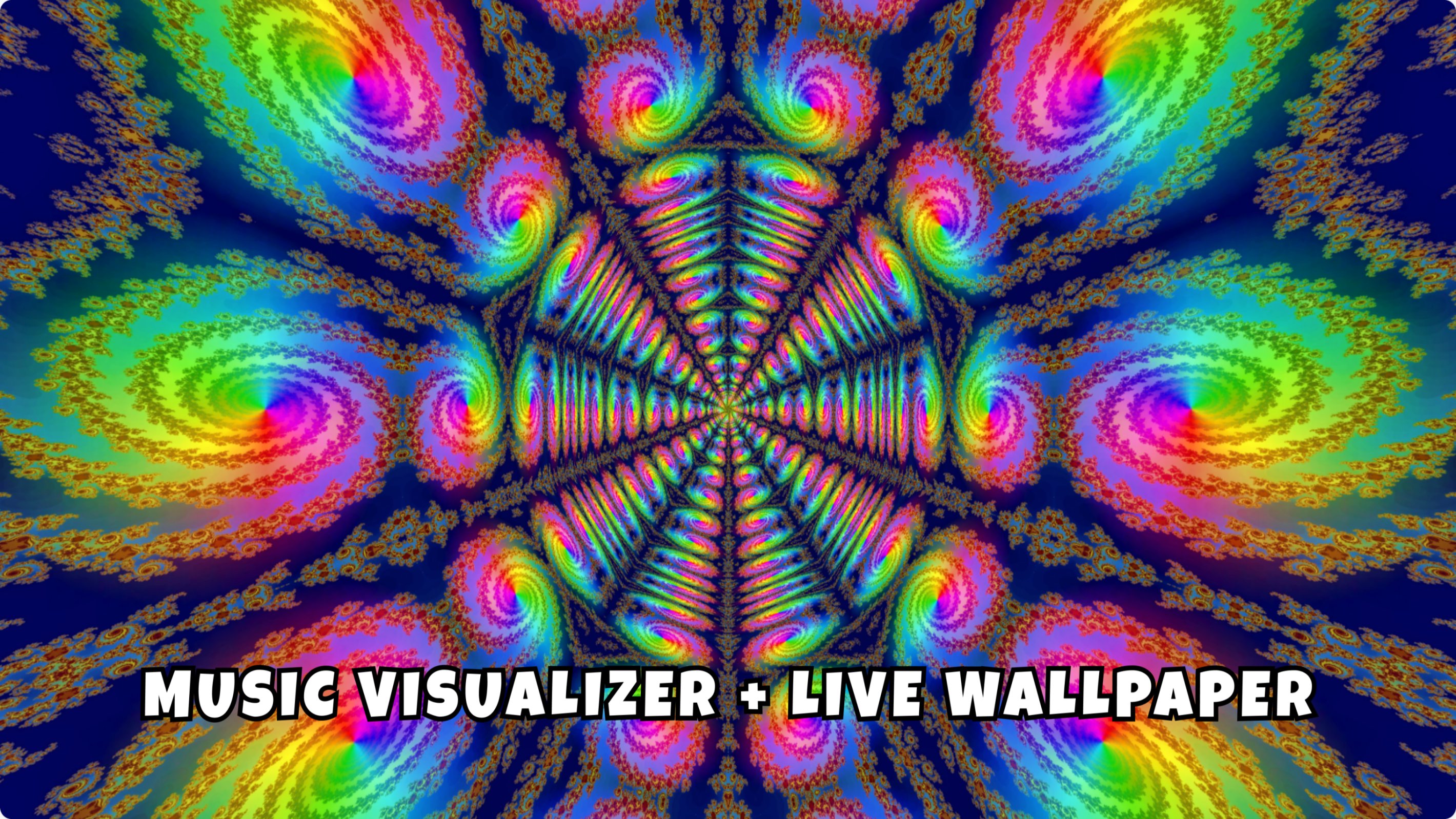
Explore colorful 3D tunnels that react to your music in real time.
Morphing Tunnels combines immersive tunnel animations with an audio-reactive music visualizer. Play music from your favorite music player, your local music library or internet radio while flying through colorful fractal tunnels.
FEATURES
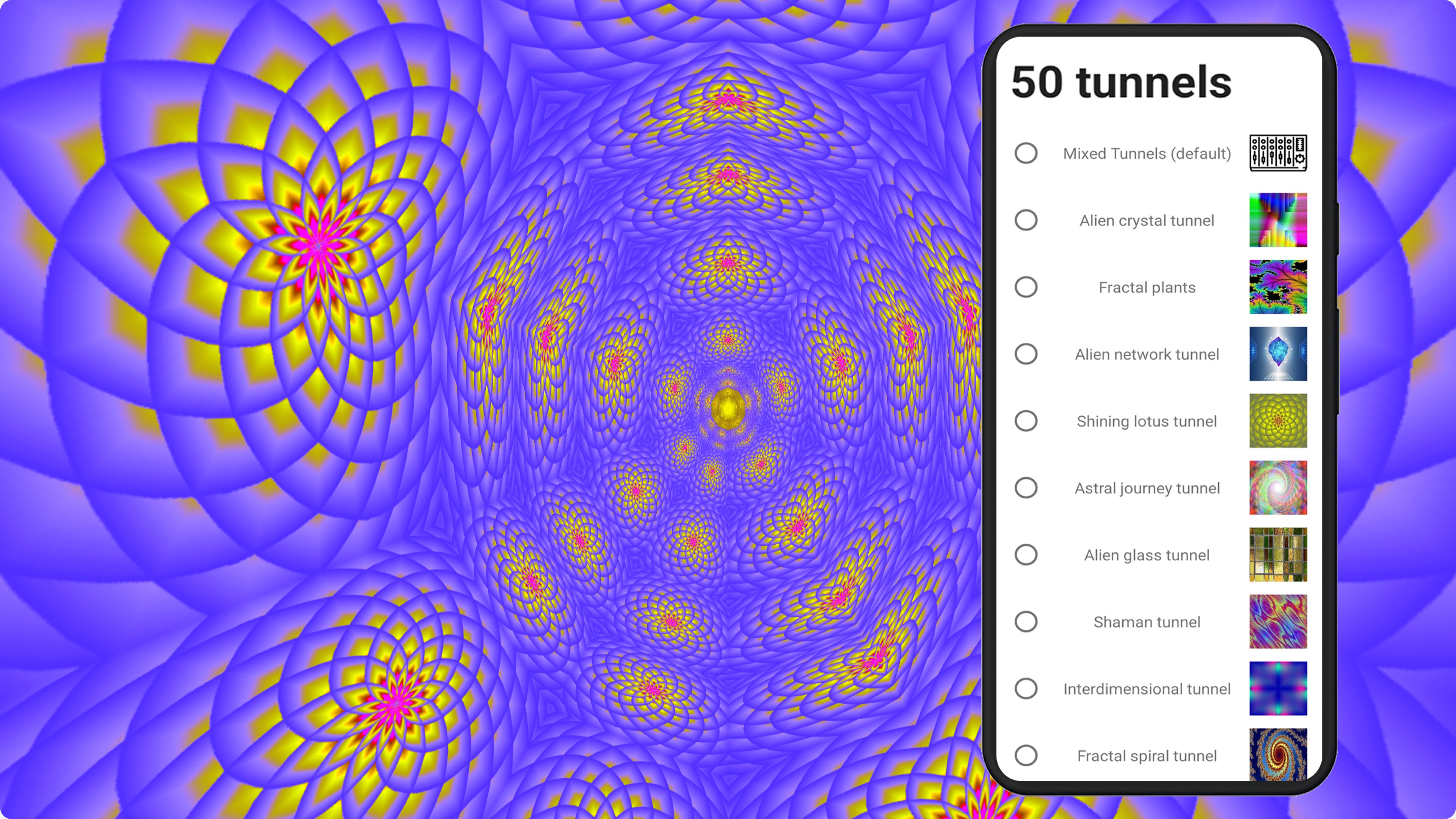
• 50 animated 3D tunnel designs
• Audio-reactive music visualizer
• Built-in music player
• Internet radio with multiple music genres
• Live wallpaper
• Adjustable visual speed
• Customize tunnel textures and visual effects
CUSTOMIZE THE EXPERIENCE
Create your own sequence of favorite tunnel textures and let them loop automatically. Mix different tunnel styles, choose between 10 music visualization modes and customize colors and textures to create your own visual experience.
MUSIC AND RADIO
Play music stored on your device with the built-in music player, or start music in your favorite music app and switch to Morphing Tunnels to visualize the sound.
The app also includes internet radio stations featuring ambient, chillout, trance, techno, rock, disco and many other music styles.
The radio can continue playing while Morphing Tunnels runs in the background, allowing you to listen while using other apps.
LIVE WALLPAPER
Turn the visualizer into a live wallpaper and personalize your device with animated tunnel effects.
INTERACTIVITY
Adjust the speed of the tunnel animations at any time using the + and – buttons.
PREMIUM FEATURES
Microphone visualization
Visualize sounds captured by your device's microphone in real time. Use it with your voice, music from external speakers or live music.
Microphone audio is processed on your device for visualization and is not recorded by the app.
Interactive 3D gyroscope
Navigate through the tunnels by moving and rotating your device with the built-in 3D gyroscope support.
CREDITS
Many of the fractal textures used in this app were created by TextureX.
Preview
Tags
PersonalizationInformation
Developer
Mobile Visuals
Latest Version
262
Last Updated
2026-07-27
Category
Personalization
Available on
Google Play
Show More
How to play Morphing Tunnels Visualizer with GameLoop on PC
1. Download GameLoop from the official website, then run the exe file to install GameLoop
2. Open GameLoop and search for “Morphing Tunnels Visualizer” , find Morphing Tunnels Visualizer in the search results and click “Install”
3. Enjoy playing Morphing Tunnels Visualizer on GameLoop
Minimum requirements
OS
Windows 8.1 64-bit or Windows 10 64-bit
GPU
GTX 1050
CPU
i3-8300
Memory
8GB RAM
Storage
1GB available space
Recommended requirements
OS
Windows 8.1 64-bit or Windows 10 64-bit
GPU
GTX 1050
CPU
i3-9320
Memory
16GB RAM
Storage
1GB available space