Trance 5D Music Visualizer PC
Mobile Visuals
Download Trance 5D Music Visualizer on PC With GameLoop Emulator
Trance 5D Music Visualizer on PC
Trance 5D Music Visualizer, coming from the developer Mobile Visuals, is running on Android systerm in the past.
Now, You can play Trance 5D Music Visualizer on PC with GameLoop smoothly.
Download it in the GameLoop library or search results. No more eyeing the battery or frustrating calls at the wrong time any more.
Just enjoy Trance 5D Music Visualizer PC on the large screen for free!
Trance 5D Music Visualizer Introduction
Trance 5D is an audio-reactive music visualizer designed for trance, psytrance, goa trance, progressive trance, ambient and other electronic music styles. Play music from your own library or stream internet radio while transforming the sound into colorful visuals that react in real time.
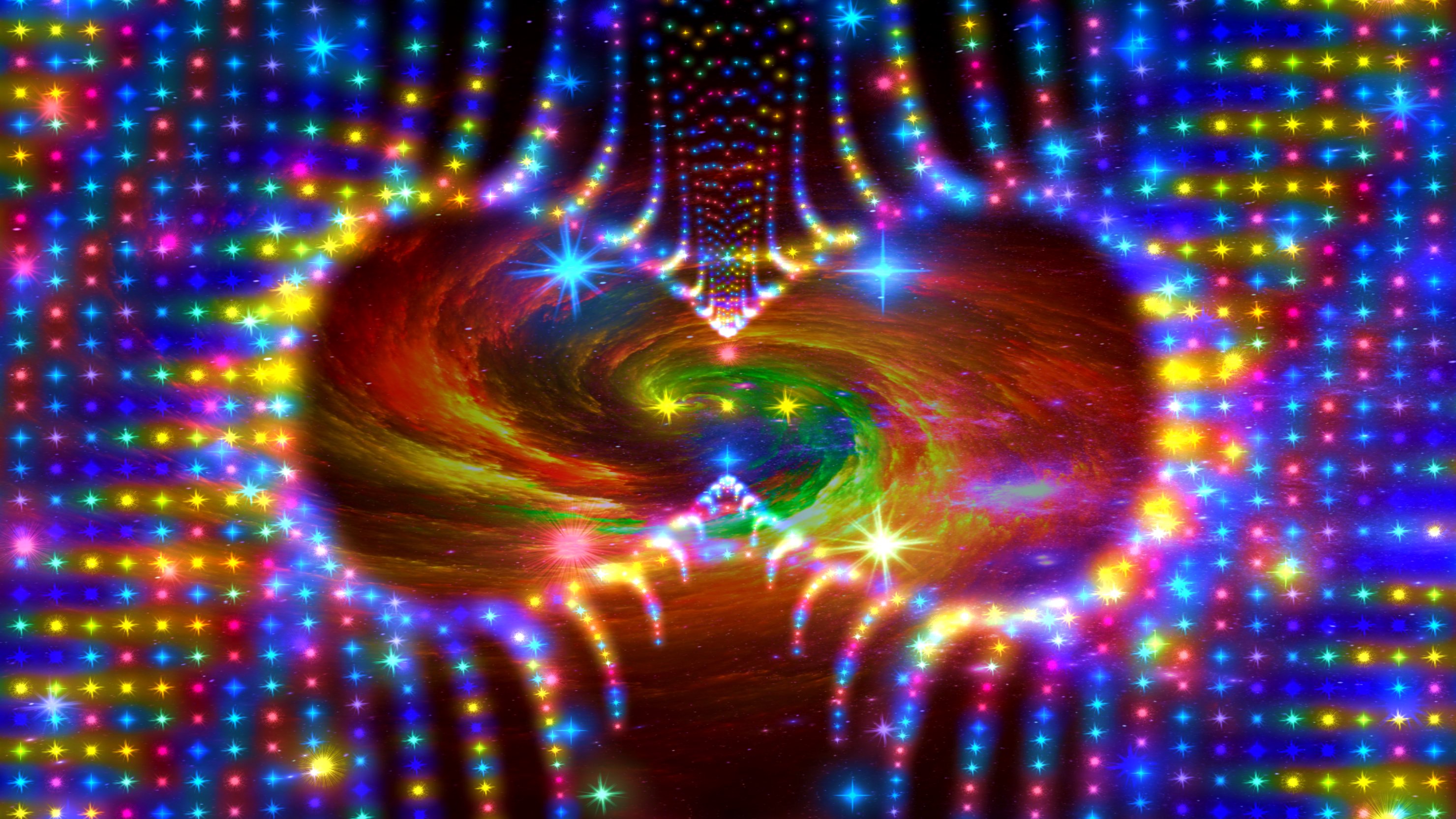
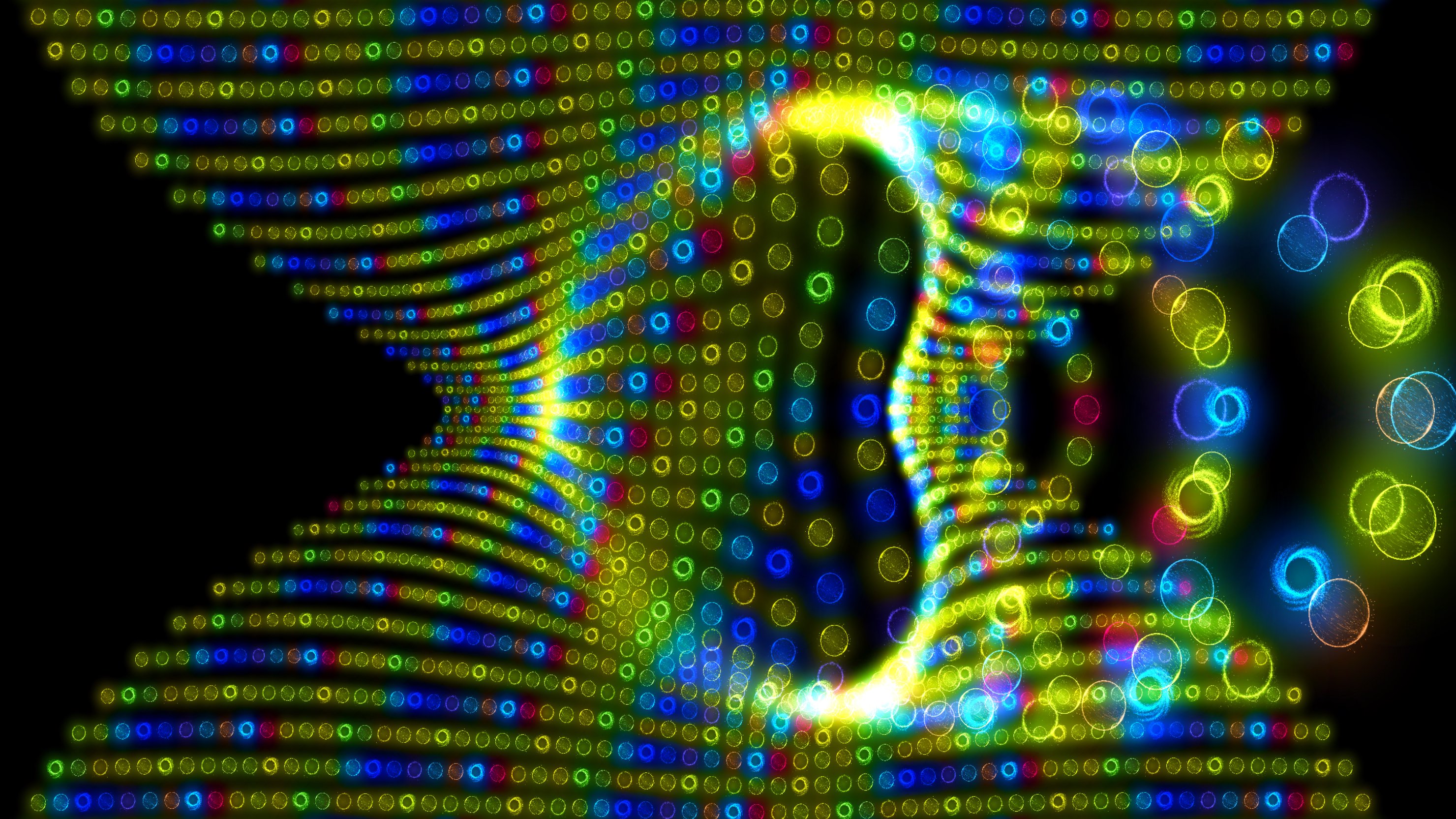
The app includes 3 trance-inspired visualizers, each with its own style and atmosphere, optimized for a deep and immersive trance experience.
FEATURES
• 3 trance-inspired 3D music visualizers with real-time audio reactivity
• Play music stored on your device with the built-in music player
• Stream internet radio with trance, psybient, ambient, techno and related electronic music
• Continue listening to internet radio while using other apps
• Use the visualizers without music in visual stimulation mode
• Change the visualizer speed with the + and − buttons
• Use the included live wallpaper to personalize your device
CUSTOMIZE THE VISUAL EXPERIENCE
Customize the visualizers with 29 color themes and 6 backgrounds. Adjust particles, stars, textures and other visual elements to create your own appearance.
Temporary access to the visualizer settings can be unlocked by watching a rewarded video ad. Access remains available until the app is closed.
MUSIC AND RADIO
Play music using the built-in player, or start music in another compatible music player and then open Trance 5D to visualize the sound.
The app also includes internet radio stations featuring trance, psytrance, psybient, ambient, techno and other electronic music styles.
The radio can continue playing while Trance 5D is running in the background, allowing you to use other apps while listening.
LIVE WALLPAPER
Use the animated live wallpaper to bring the Trance 5D visual experience to your home screen.
VISUAL STIMULATION MODE
Pause or stop the music and continue using the animated visuals without audio. This mode can be used for relaxation, visual enjoyment or meditation.
ABOUT TRANCE 5D
The idea behind Trance 5D is to create a visual and musical experience that feels expansive, hypnotic and multidimensional — inspired by trance culture, psychedelic visuals and the feeling of entering a deeper state through music, rhythm and light.
The mathematical patterns are inspired by multidimensional mathematics studied at Lund University’s Faculty of Engineering.
PREMIUM FEATURES
Microphone visualization
Use your device’s microphone to visualize sounds around you in real time. Visualize your voice, music playing through external speakers or the atmosphere at a live event.
Microphone audio is processed on the device for visualization and is not recorded by the app.
Interactive 3D gyroscope
Control your viewing position and explore the visualizers by moving and rotating your device.
Unlimited access to settings
Unlock permanent access to all visualizer settings without watching rewarded video ads.
Preview
Tags
Music-&Information
Developer
Mobile Visuals
Latest Version
219
Last Updated
2026-08-02
Category
Music-audio
Available on
Google Play
Show More
How to play Trance 5D Music Visualizer with GameLoop on PC
1. Download GameLoop from the official website, then run the exe file to install GameLoop
2. Open GameLoop and search for “Trance 5D Music Visualizer” , find Trance 5D Music Visualizer in the search results and click “Install”
3. Enjoy playing Trance 5D Music Visualizer on GameLoop
Minimum requirements
OS
Windows 8.1 64-bit or Windows 10 64-bit
GPU
GTX 1050
CPU
i3-8300
Memory
8GB RAM
Storage
1GB available space
Recommended requirements
OS
Windows 8.1 64-bit or Windows 10 64-bit
GPU
GTX 1050
CPU
i3-9320
Memory
16GB RAM
Storage
1GB available space