Mix Launcher PC
Beauty Apps Studio
Download Mix Launcher on PC With GameLoop Emulator
Mix Launcher on PC
Mix Launcher, coming from the developer Beauty Apps Studio, is running on Android systerm in the past.
Now, You can play Mix Launcher on PC with GameLoop smoothly.
Download it in the GameLoop library or search results. No more eyeing the battery or frustrating calls at the wrong time any more.
Just enjoy Mix Launcher PC on the large screen for free!
Mix Launcher Introduction
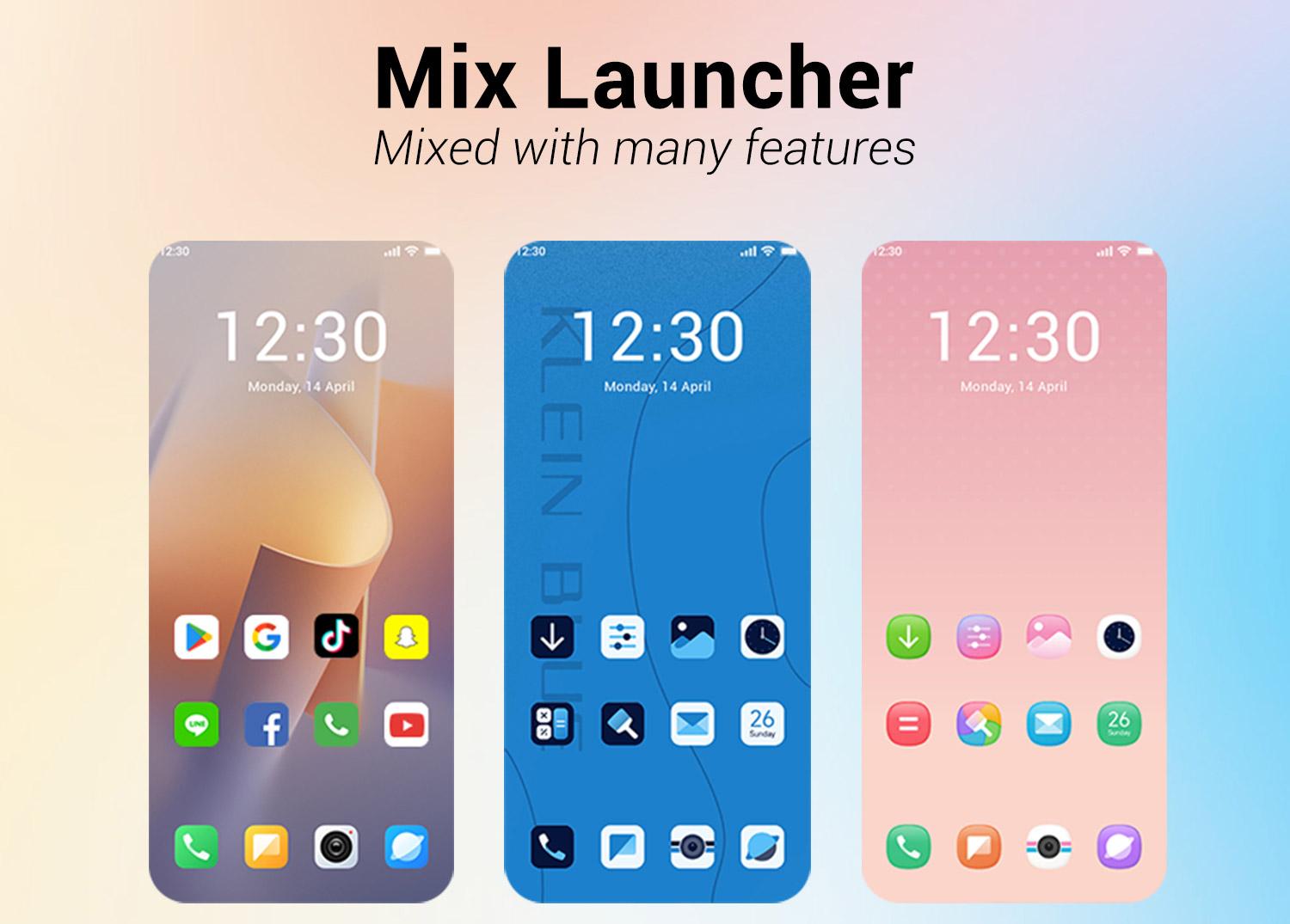
Mix Launcher is a launcher mixed with many useful, cool launcher features, such as themes, 3D parallax wallpapers, finger effects, apps drawer, hide apps, gestures, screen live effects, shuffle wallpaper, kids mode, and many configuration options, etc.
💡 Notice:
- Android™ is a registered trademark of Google, Inc.
🔥 Mix Launcher features:
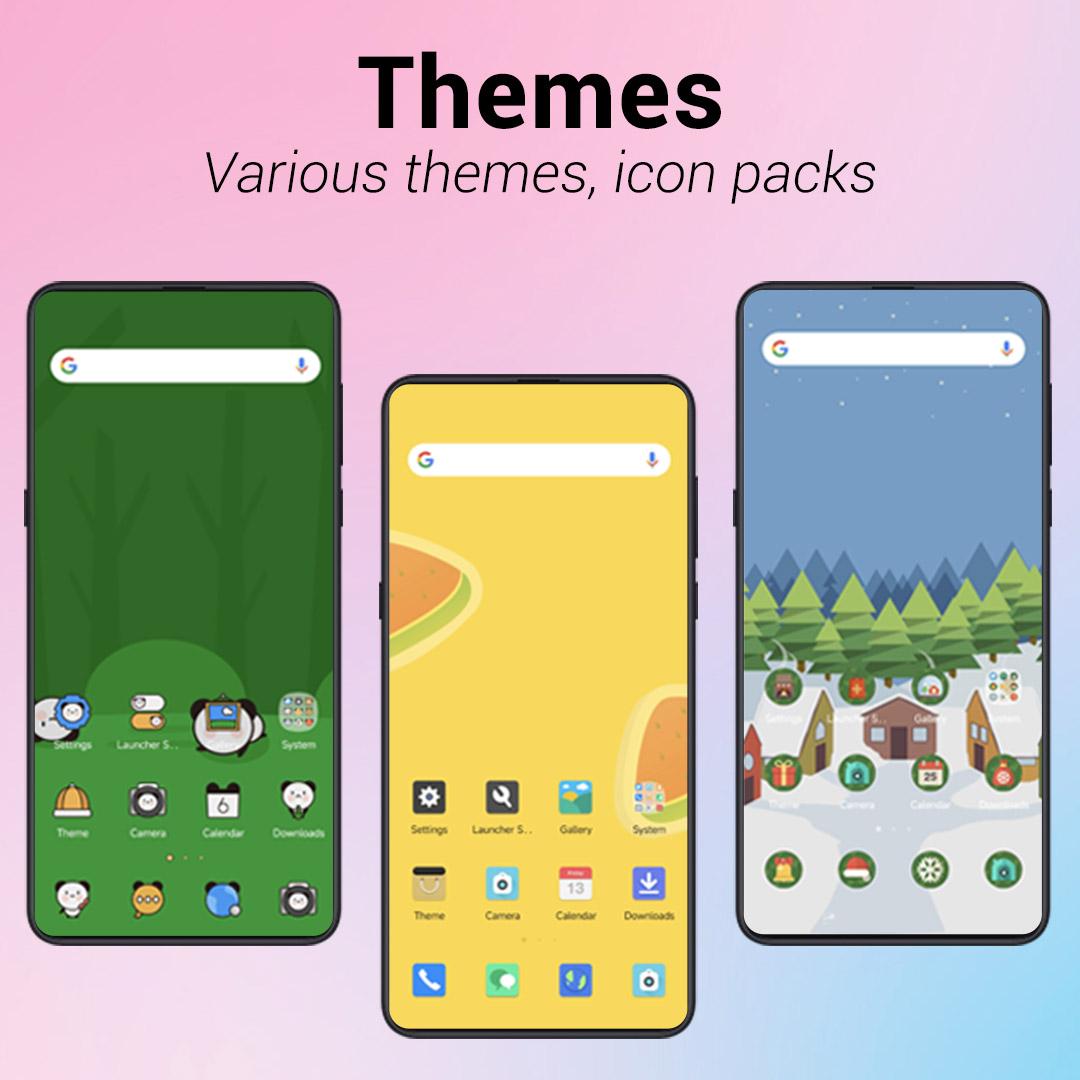
> Icon pack support, support most of the icon pack in Google Play Store
> Theme support, more than 1000+ cool themes, include mi launcher themes
> Mix Launcher can run smoothly on all Android 5.0+ devices
> Apps drawer can choose vertical mode or horizontal mode
> Mix Launcher support hide unused or private apps
> Mix Launcher support notification dots
> Mix Launcher support gestures, such as swipe down/up, pinch in/out, double tap, two fingers swipe down/up
> Many beautiful online wallpapers for your choice
> Many options: you can change grid size, icon size, label size and color, etc
> Gesture feature: swipe up for all app drawer, swipe down back to desktop
> Drawer background option: light, dark, blur, transparent or custom
> Dock background option: rectangle, rounded, arc, platform or none
> Search bar support various look, you have the choice
> You can lock desktop to avoid being messed up by kids
> Wallpaper scrolling or not option
> Edit individual app icon and app label
> Mix Launcher has many transition effect for desktop screen
> There are many 3D parallax wallpapers in Mix Launcher
> Mix Launcher Support Android 16 gestures
> Mix Launcher Support Kids Mode
> Mix Launcher has many other settings to adjust your launcher
❤️ We are trying best to make Mix Launcher better, please rate us if you like Mix Launcher, thanks a lot!
Preview
Tags
PersonalizationInformation
Developer
Beauty Apps Studio
Latest Version
5.7.1
Last Updated
2025-09-18
Category
Personalization
Available on
Google Play
Show More
How to play Mix Launcher with GameLoop on PC
1. Download GameLoop from the official website, then run the exe file to install GameLoop
2. Open GameLoop and search for “Mix Launcher” , find Mix Launcher in the search results and click “Install”
3. Enjoy playing Mix Launcher on GameLoop
Minimum requirements
OS
Windows 8.1 64-bit or Windows 10 64-bit
GPU
GTX 1050
CPU
i3-8300
Memory
8GB RAM
Storage
1GB available space
Recommended requirements
OS
Windows 8.1 64-bit or Windows 10 64-bit
GPU
GTX 1050
CPU
i3-9320
Memory
16GB RAM
Storage
1GB available space