3D Launcher -Perfect 3D Launch PC
Beauty Apps Studio
Download 3D Launcher -Perfect 3D Launch on PC With GameLoop Emulator
3D Launcher -Perfect 3D Launch on PC
3D Launcher -Perfect 3D Launch, coming from the developer Beauty Apps Studio, is running on Android systerm in the past.
Now, You can play 3D Launcher -Perfect 3D Launch on PC with GameLoop smoothly.
Download it in the GameLoop library or search results. No more eyeing the battery or frustrating calls at the wrong time any more.
Just enjoy 3D Launcher -Perfect 3D Launch PC on the large screen for free!
3D Launcher -Perfect 3D Launch Introduction
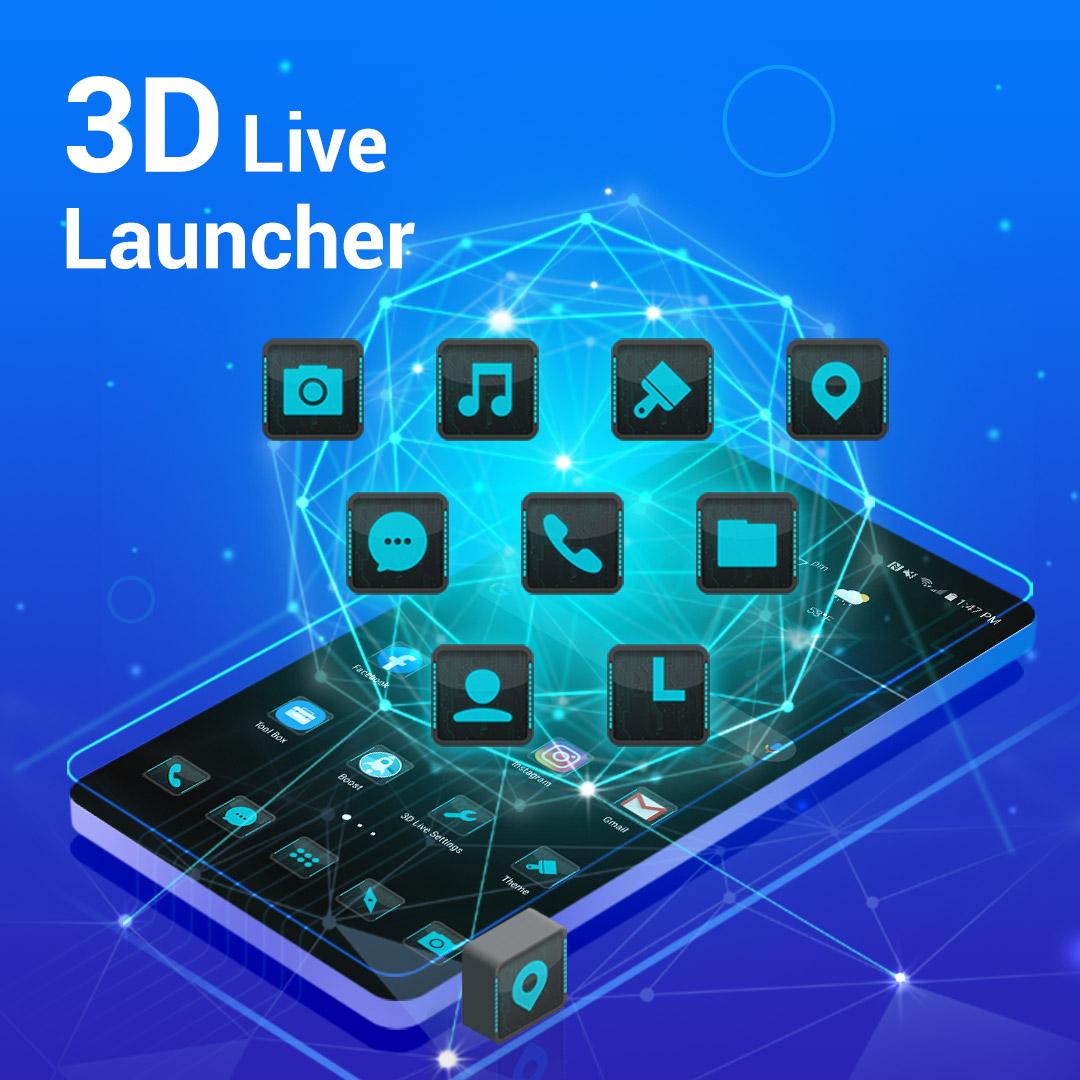
Perfect 3D Launcher is a cool launcher with amazing 3D effects and rich features, it make your phone brand new and cool,
Perfect 3D Launcher also provide many features that don't included in native phone's launcher, make your daily mobile life easy, fresh and efficient!💪
Declare: Android™ is a trademark of Google Inc.
🔥 3D Launcher features:
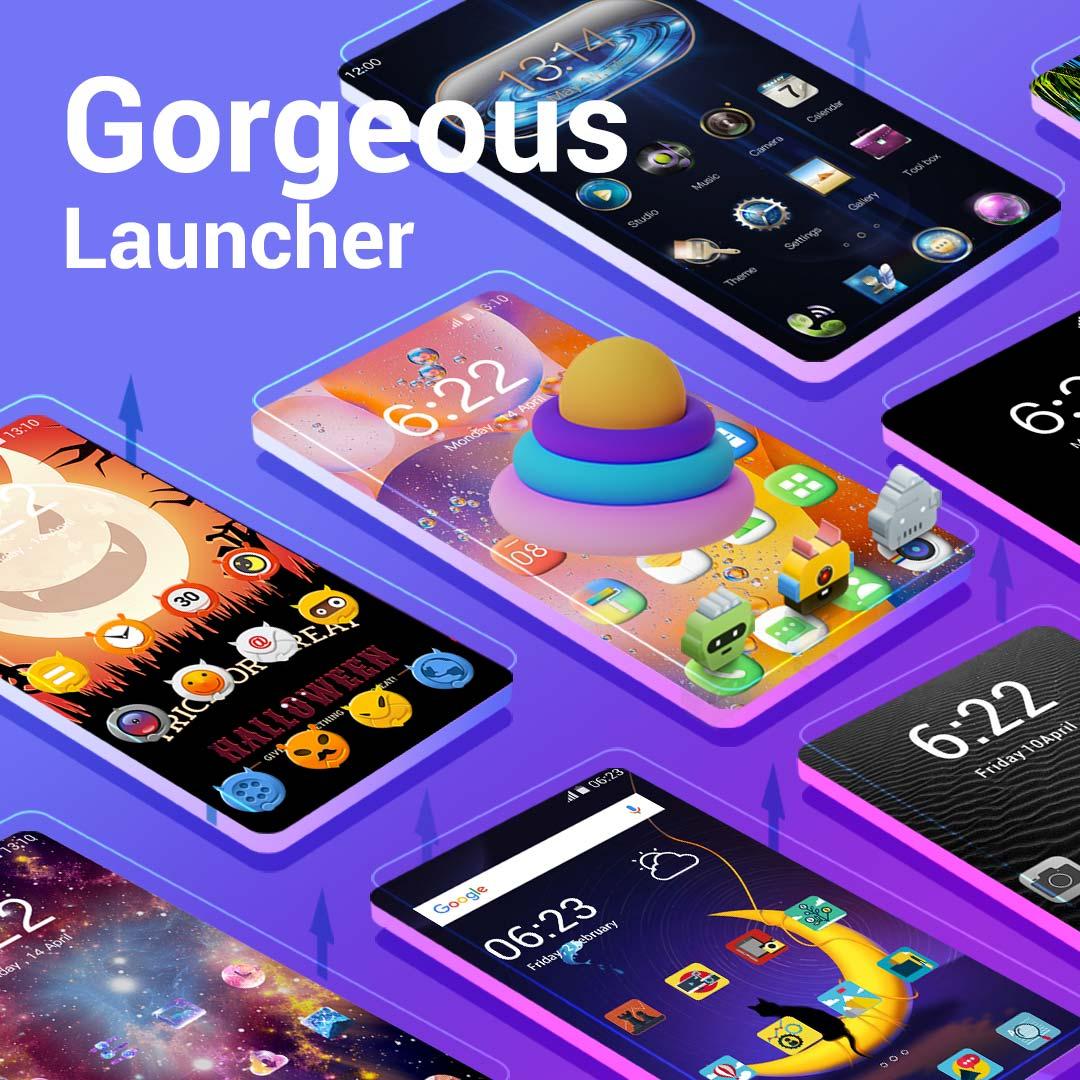
1. 300+ themes included in theme store
2. Icon packs you downloaded from Play Store are supported
3. 3D parallax wallpaper, so cool
4. 1000+ online wallpaper, even you can DIY launcher wallpaper
5. 10+ gestures support
6. Magic finger effects
7. Hide apps, and you can add lock on hidden apps
8. Notification dot, never miss important info
9. Launcher desktop icon size option
10. Launcher desktop label color
11. Launcher desktop grid size
12. Kids Mode
13. App usage stats
14. Rounded corner
15. Fonts setting
16. 3D Launcher desktop transition effect
17. Launcher drawer background color option
18. Launcher drawer with vertical or horizontal
19. Launcher drawer A-Z bar to find app quickly
20. App twin, Dual apps display support
21. More...
Perfect 3D Launcher has been tested by our testers and confirm to work with Samsung Galaxy phones, Huawei Mate/Honor/P series phones, Xiaomi/Redmi phones. It also be designed to works on almost all Android 5.0+ devices, if you meet issue on your devices, please let us know, we will check it and try to fix it ASAP.
💓 If you think Perfect 3D Launcher is valuable, please rate us and leave your comments, thanks a lot.
Preview
Tags
PersonalizationInformation
Developer
Beauty Apps Studio
Latest Version
7.2.1
Last Updated
2024-01-31
Category
Personalization
Available on
Google Play
Show More
How to play 3D Launcher -Perfect 3D Launch with GameLoop on PC
1. Download GameLoop from the official website, then run the exe file to install GameLoop
2. Open GameLoop and search for “3D Launcher -Perfect 3D Launch” , find 3D Launcher -Perfect 3D Launch in the search results and click “Install”
3. Enjoy playing 3D Launcher -Perfect 3D Launch on GameLoop
Minimum requirements
OS
Windows 8.1 64-bit or Windows 10 64-bit
GPU
GTX 1050
CPU
i3-8300
Memory
8GB RAM
Storage
1GB available space
Recommended requirements
OS
Windows 8.1 64-bit or Windows 10 64-bit
GPU
GTX 1050
CPU
i3-9320
Memory
16GB RAM
Storage
1GB available space