Poster Maker, Flyer Maker, Art PC
Beauty Apps Studio
Download Poster Maker, Flyer Maker, Art on PC With GameLoop Emulator
Poster Maker, Flyer Maker, Art on PC
Poster Maker, Flyer Maker, Art, coming from the developer Beauty Apps Studio, is running on Android systerm in the past.
Now, You can play Poster Maker, Flyer Maker, Art on PC with GameLoop smoothly.
Download it in the GameLoop library or search results. No more eyeing the battery or frustrating calls at the wrong time any more.
Just enjoy Poster Maker, Flyer Maker, Art PC on the large screen for free!
Poster Maker, Flyer Maker, Art Introduction
Poster Maker is a cool tool for you to make poster, flyer, banner, card, invitations and many more, Poster Maker help you do art design easily😃 with many free various templates, shapes, stickers, layout, pictures and fonts.
😍 Use Poster Maker, you can create beautiful designs and poster for work, study and entertainment in just a few minutes without design skills or install complex software. Get a professional poster at your fingertips.
👍👍 What Poster Maker can do?
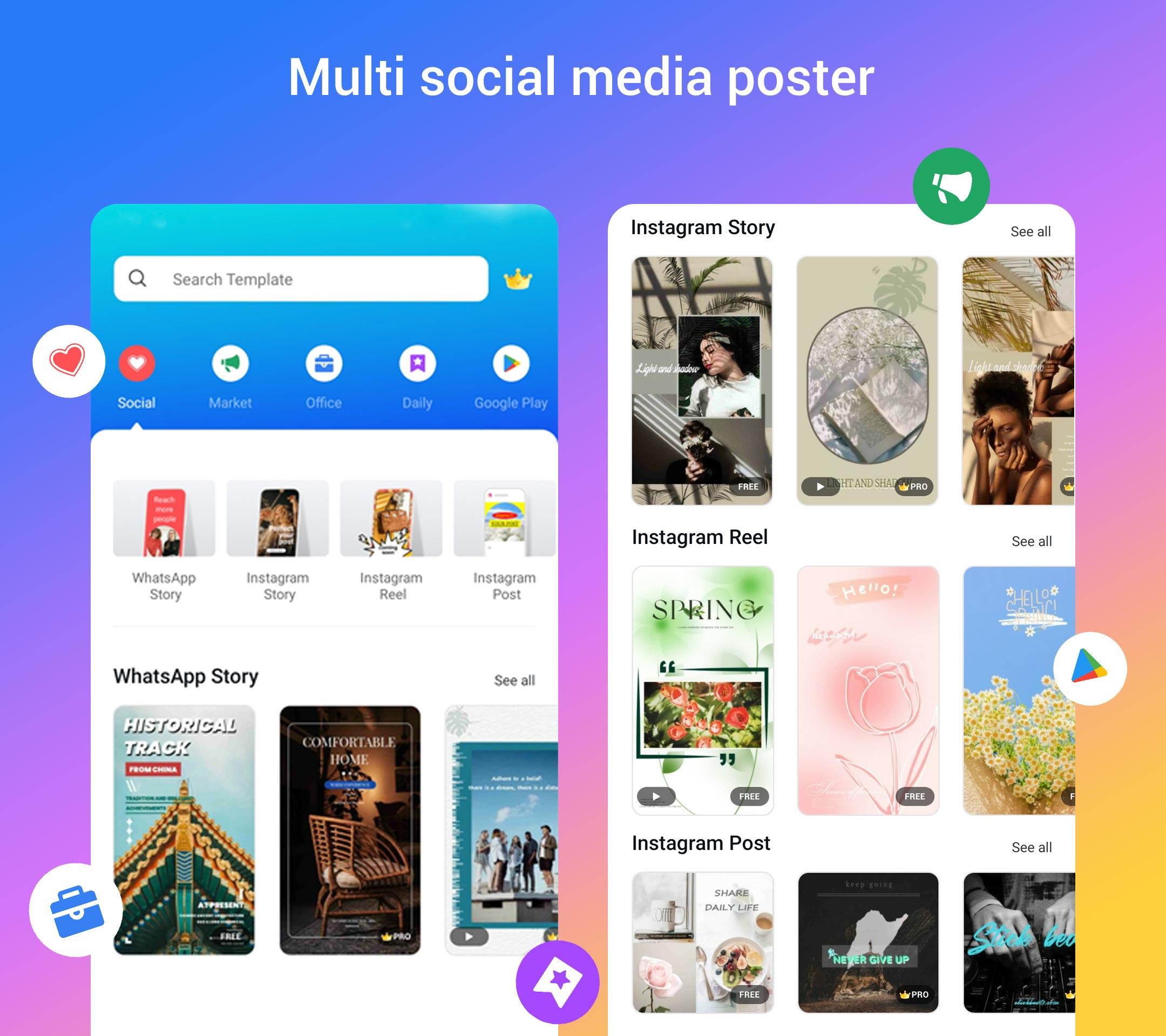
- Poster Maker can create Posters for Facebook, YouTube, WhatsApp, Instagram and all social media platform
- Poster Maker can create Flyers
- Poster Maker can create Business Card
- Poster Maker can create Photo Collage
- Poster Maker can create Social Media Posts, marketing materials
- Create Advertising, Marketing Materials
- Create Promotional Creatives
- Create Quotes Poster, offer announcements
- Create Invitation Posters
- Create many more...
👍👍 Poster Maker provide many poster templates, create cool poster for social platform is so easy😃:
- Poster Maker has poster templates for Instagram Story
- Poster Maker has poster templates for Facebook Cover
- Poster Maker has poster templates for YouTube thumbnail
- Many more cool poster templates are added regularly
👍👍 Poster Maker's easy and cool poster design features:
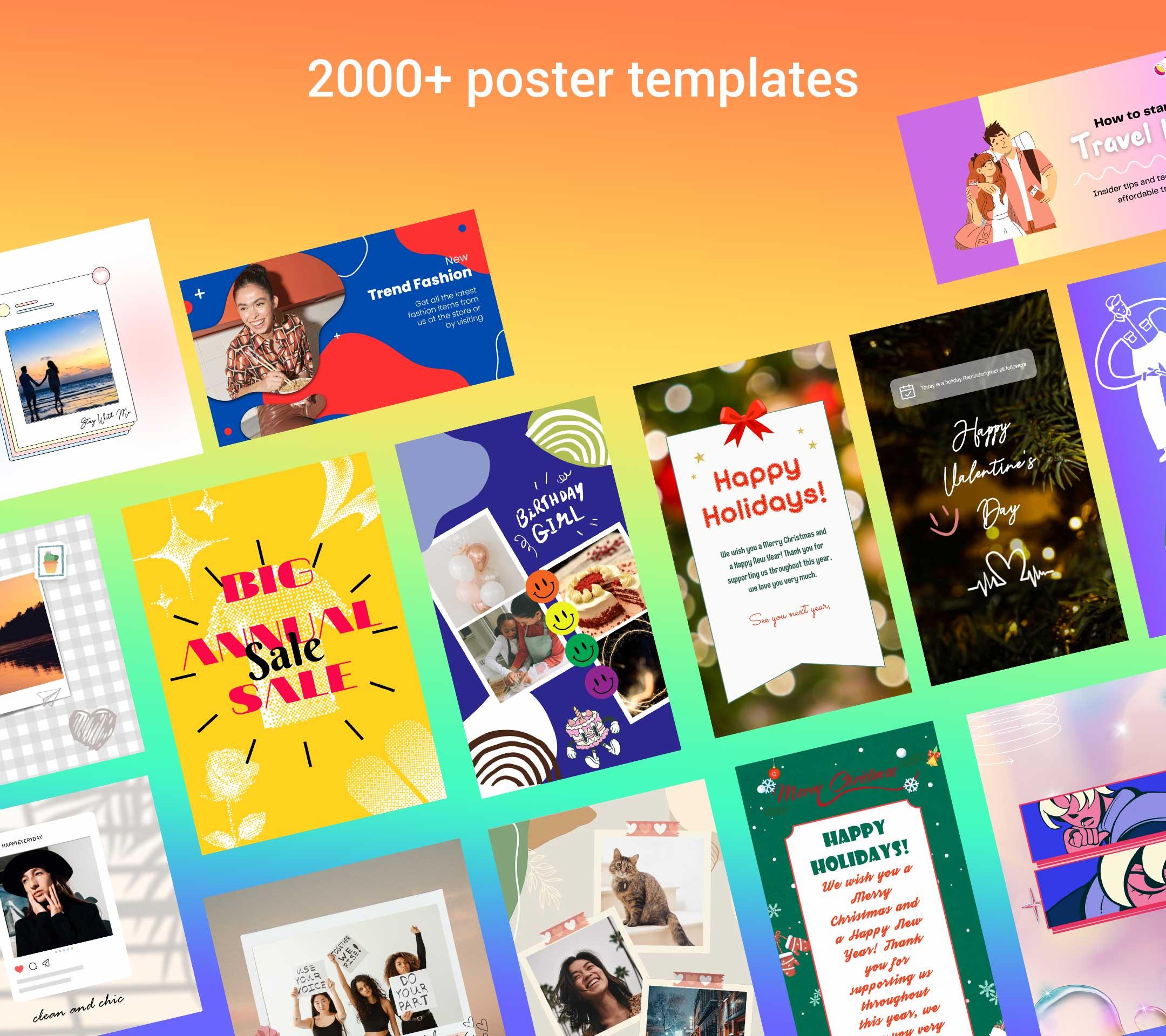
1. 2000+ templates for choice, we continue adding many kinds of templates to help user design poster easily.
2. Many free online pictures - Beautiful free pictures are offered for the poster design which could help you create amazing poster.
3. You can also use local picture in your phone for poster design
4. Exquisite filters for pics - Many amazing effects will be found when you design posters with filters.
5. Add text to your photo with tons of amazing fonts - Refine your poster design by adjusting the font size, color, position, and rotation of the text.
6. Save your design as a poster template - Every poster you designed will be saved as a poster template automatically so that you can continue the poster design at any time.
7. Share poster to social platform - Share your poster to your favorite social network such as Facebook, Instagram, Twitter, etc.
Or you can save your poster design as a photo and share it with communication tools such as WhatsApp, Email, SMS and so on.
⭐⭐⭐⭐⭐ Hope you will enjoy using our Poster Maker to create flyers, posters, card and all arts, using beautiful and cool designed templates!
Preview
Tags
Art-&Information
Developer
Beauty Apps Studio
Latest Version
10.3
Last Updated
2025-01-11
Category
Art-design
Available on
Google Play
Show More
How to play Poster Maker, Flyer Maker, Art with GameLoop on PC
1. Download GameLoop from the official website, then run the exe file to install GameLoop
2. Open GameLoop and search for “Poster Maker, Flyer Maker, Art” , find Poster Maker, Flyer Maker, Art in the search results and click “Install”
3. Enjoy playing Poster Maker, Flyer Maker, Art on GameLoop
Minimum requirements
OS
Windows 8.1 64-bit or Windows 10 64-bit
GPU
GTX 1050
CPU
i3-8300
Memory
8GB RAM
Storage
1GB available space
Recommended requirements
OS
Windows 8.1 64-bit or Windows 10 64-bit
GPU
GTX 1050
CPU
i3-9320
Memory
16GB RAM
Storage
1GB available space