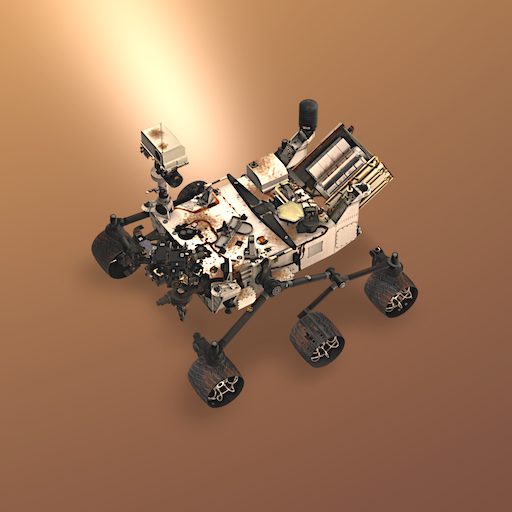
Spacecraft AR PC
Jet Propulsion Laboratory
Download Spacecraft AR on PC With GameLoop Emulator
Spacecraft AR on PC
Spacecraft AR, coming from the developer Jet Propulsion Laboratory, is running on Android systerm in the past.
Now, You can play Spacecraft AR on PC with GameLoop smoothly.
Download it in the GameLoop library or search results. No more eyeing the battery or frustrating calls at the wrong time any more.
Just enjoy Spacecraft AR PC on the large screen for free!
Spacecraft AR Introduction
Created by NASA’s Jet Propulsion Laboratory, this stunning educational app uses native mobile augmented reality to bring spacecraft explorers from across the solar system to whatever space you’re in. Find a flat surface and view interactive 3D models right in front of you, scaled to table-top size or in their true-to-life proportions. Take pics with the spacecraft in your favorite environments, and explore detailed info about their fascinating missions.
This tool is excellent for budding astronauts, teachers, and space enthusiasts. Bring NASA’s journey of exploration to life in the classroom, home, or anywhere.
Features:
Interact with 3D spacecraft models of the Curiosity rover, Opportunity, InSight, SMAP, Voyager, Juno, and Cassini, the 70-Meter Deep Space Network Antenna and more.
Learn about missions that explore Earth, Mars, and beyond
True-to-life and adjustable size interaction
In-depth information about each space mission
Camera functionality
Preview
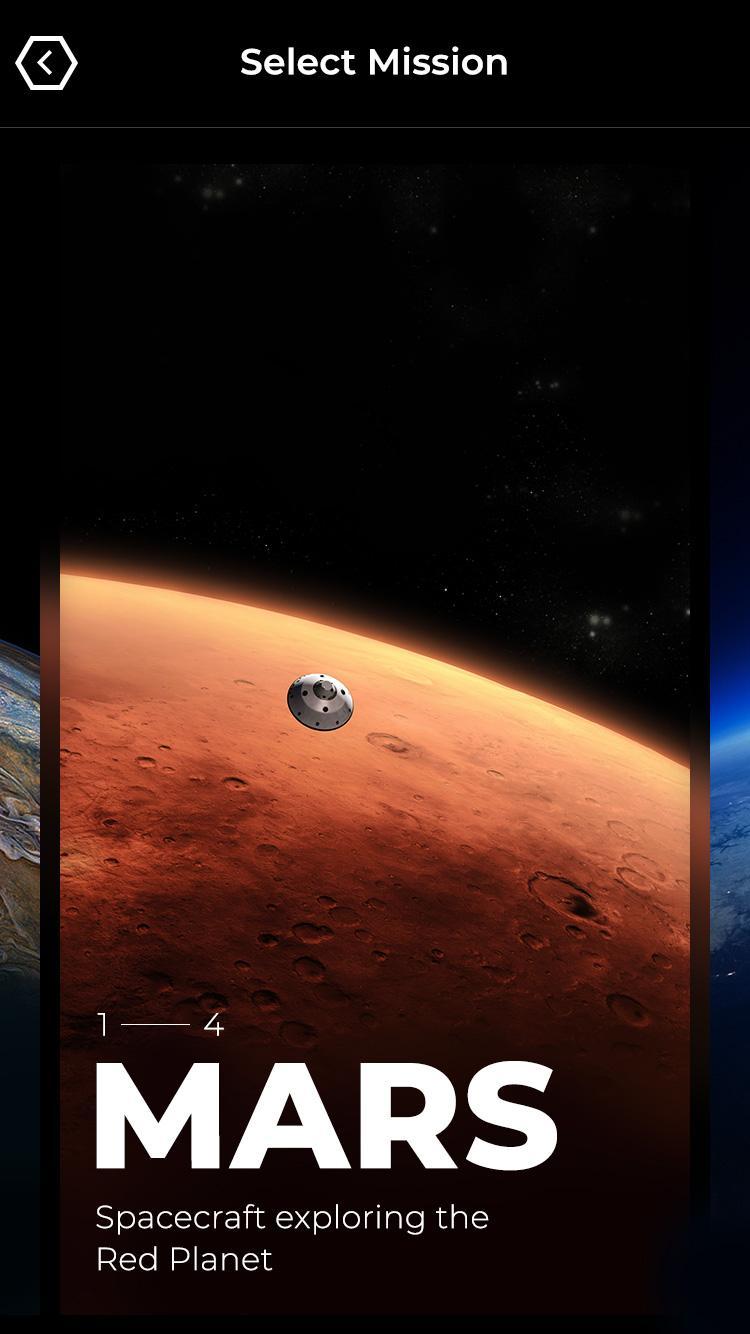
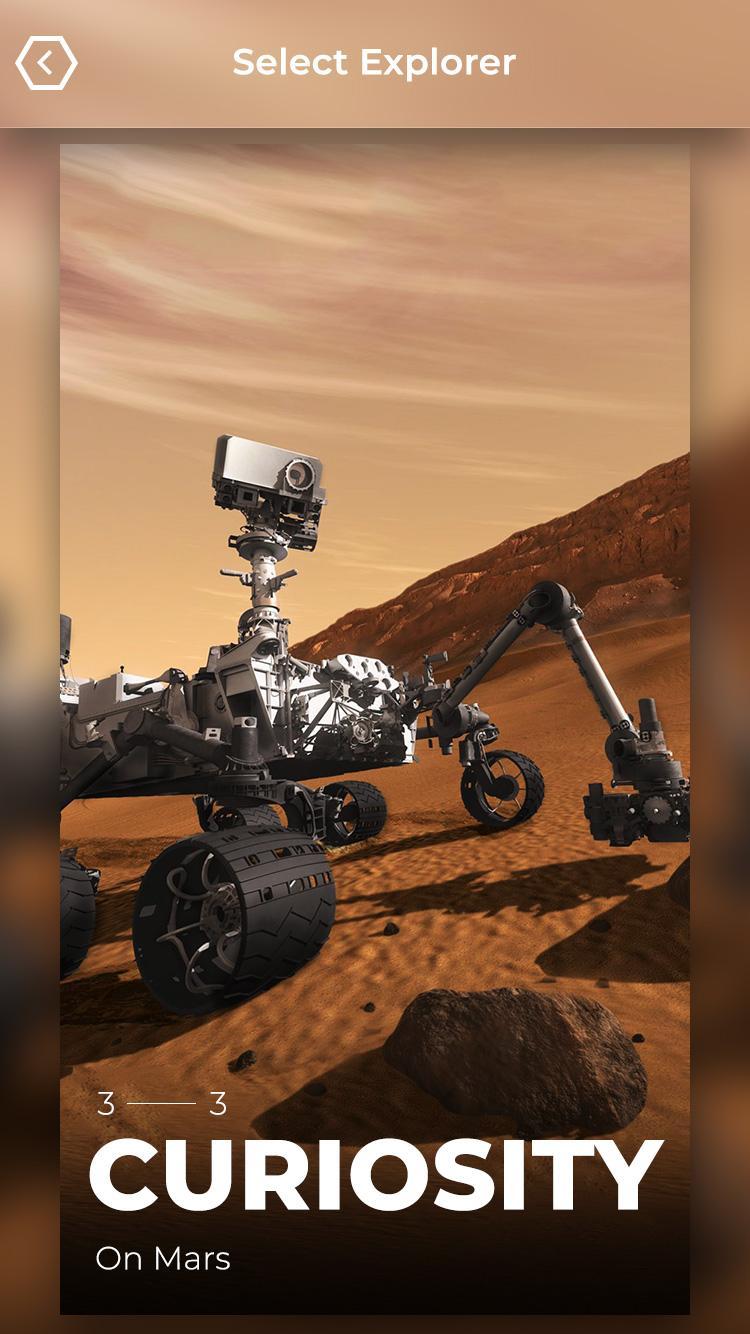
Tags
EducationInformation
Developer
Jet Propulsion Laboratory
Latest Version
1.1
Last Updated
2023-12-22
Category
Education
Available on
Google Play
Show More
How to play Spacecraft AR with GameLoop on PC
1. Download GameLoop from the official website, then run the exe file to install GameLoop
2. Open GameLoop and search for “Spacecraft AR” , find Spacecraft AR in the search results and click “Install”
3. Enjoy playing Spacecraft AR on GameLoop
Minimum requirements
OS
Windows 8.1 64-bit or Windows 10 64-bit
GPU
GTX 1050
CPU
i3-8300
Memory
8GB RAM
Storage
1GB available space
Recommended requirements
OS
Windows 8.1 64-bit or Windows 10 64-bit
GPU
GTX 1050
CPU
i3-9320
Memory
16GB RAM
Storage
1GB available space