
Power Bi - Tutorials & Lessons PC
RushHour Labs
Download Power Bi - Tutorials & Lessons on PC With GameLoop Emulator
Power Bi - Tutorials & Lessons on PC
Power Bi - Tutorials & Lessons, coming from the developer RushHour Labs, is running on Android systerm in the past.
Now, You can play Power Bi - Tutorials & Lessons on PC with GameLoop smoothly.
Download it in the GameLoop library or search results. No more eyeing the battery or frustrating calls at the wrong time any more.
Just enjoy Power Bi - Tutorials & Lessons PC on the large screen for free!
Power Bi - Tutorials & Lessons Introduction
Complete Power Bi Analytics Tutorials Of Critical Reports Lessons enables you to learn step by step one of the most powerful analytic tool on the planet, Power Bi. Power Bi is your solution to manage and maintain all your data regardless of how massive or small it it. You can organize and keep track of all you data, reports and analytics. Power Bi Analytics Tutorials Of Critical Reports helps you learn the app Power Bi from basic to advance thoroughly.
Power Bi Lessons are easy and complete. Once you learn every lesson from this app you will be miles ahead in your career path as Power Bi is the future of data analysis and this app is designed to help you get their.
Beginner - Intermediate - Professional learn Power Bi with Power Bi Analytics Tutorials Of Critical Reports Lessons easily and become a master of Power Bi Analytics in no time. Keep learning the steps & it wouldn't take you much long.
If you are having difficulty with managing your data or reports or just don't know what to do with all your analytics or have zero knowledge of the software Power Bi then worry no more as Power Bi Analytics Tutorials Of Critical Reports will teach you Power Bi like never before with simplest and easiest of examples. The App has broadly explained and easily understandable lessons.. From Zero To 100% in Power Bi world.
- App Features
⭐ Cool Graphics
⭐ Step by Step Explained
⭐ Easy Navigation
⭐ Full OFFLINE does not require an internet connection
About Power Bi :
Its time to make sure your data travels as well you do with power bi app you get a 360 degree view of your business data at the touch of your finger tips so you can do it all seamlessly and in minutes. Got time sensitive issues? Create data driven alerts that will keep fully in the know with a push notification. Connect to you on premises data stored to sequel servery using ADFS & stay on top of all your kPIs & mobile reports. Use the touch screen feature to access editing files and easily custom collaborate dashboard to draw attention to new insights. Get instant insight at glance. Visualize your data. Power Bi is one powerful tool for all your analytic needs.
Power Bi Analytics Tutorials Of Critical Reports is another one of educational app by Team RushHour to help everyone make their lives easier and to improve their working skills in Excel, Power Bi, Linux, ect.
Download our other apps too & review to let us know how we can grow.
Thanks
Team RushHour
Preview
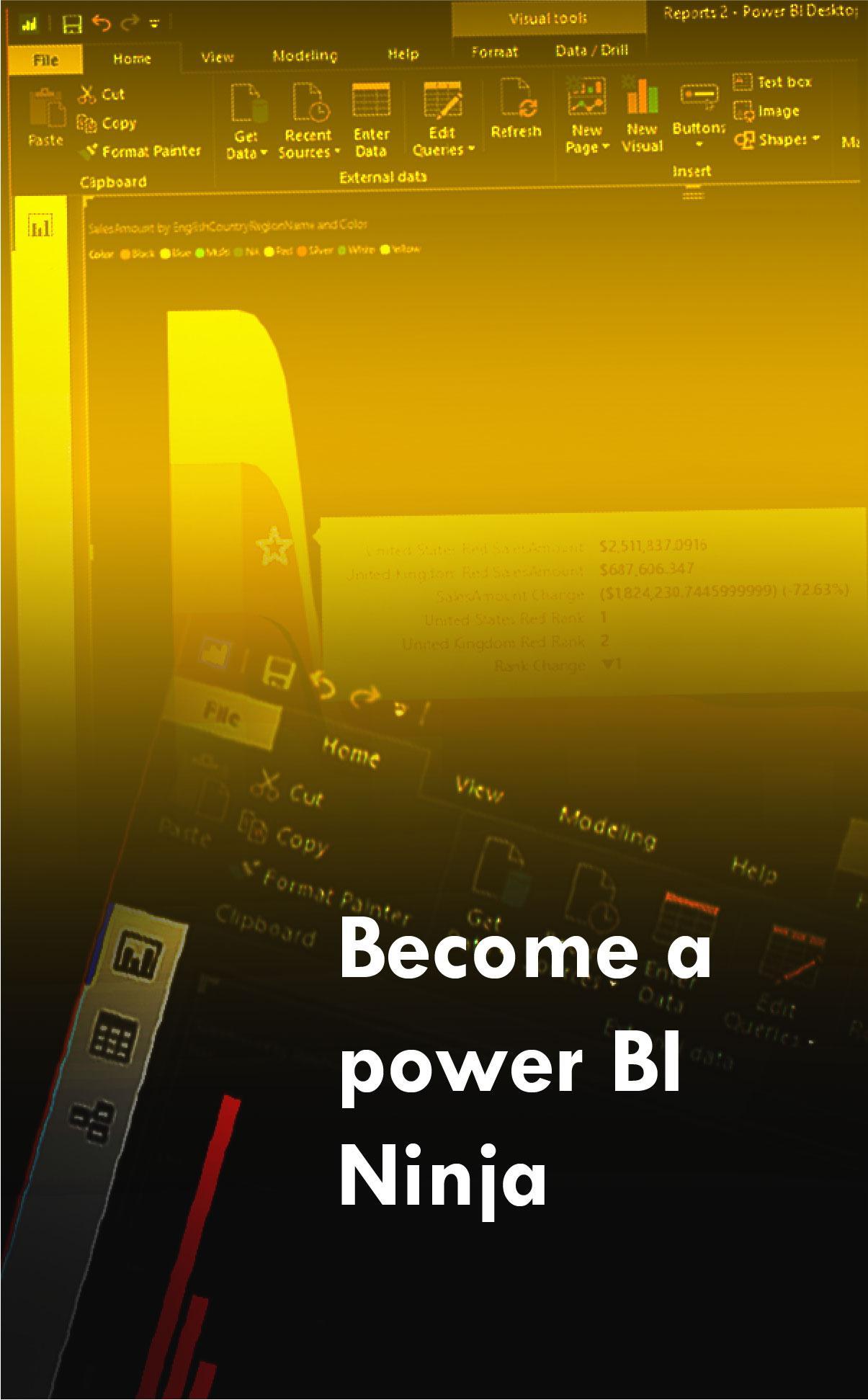
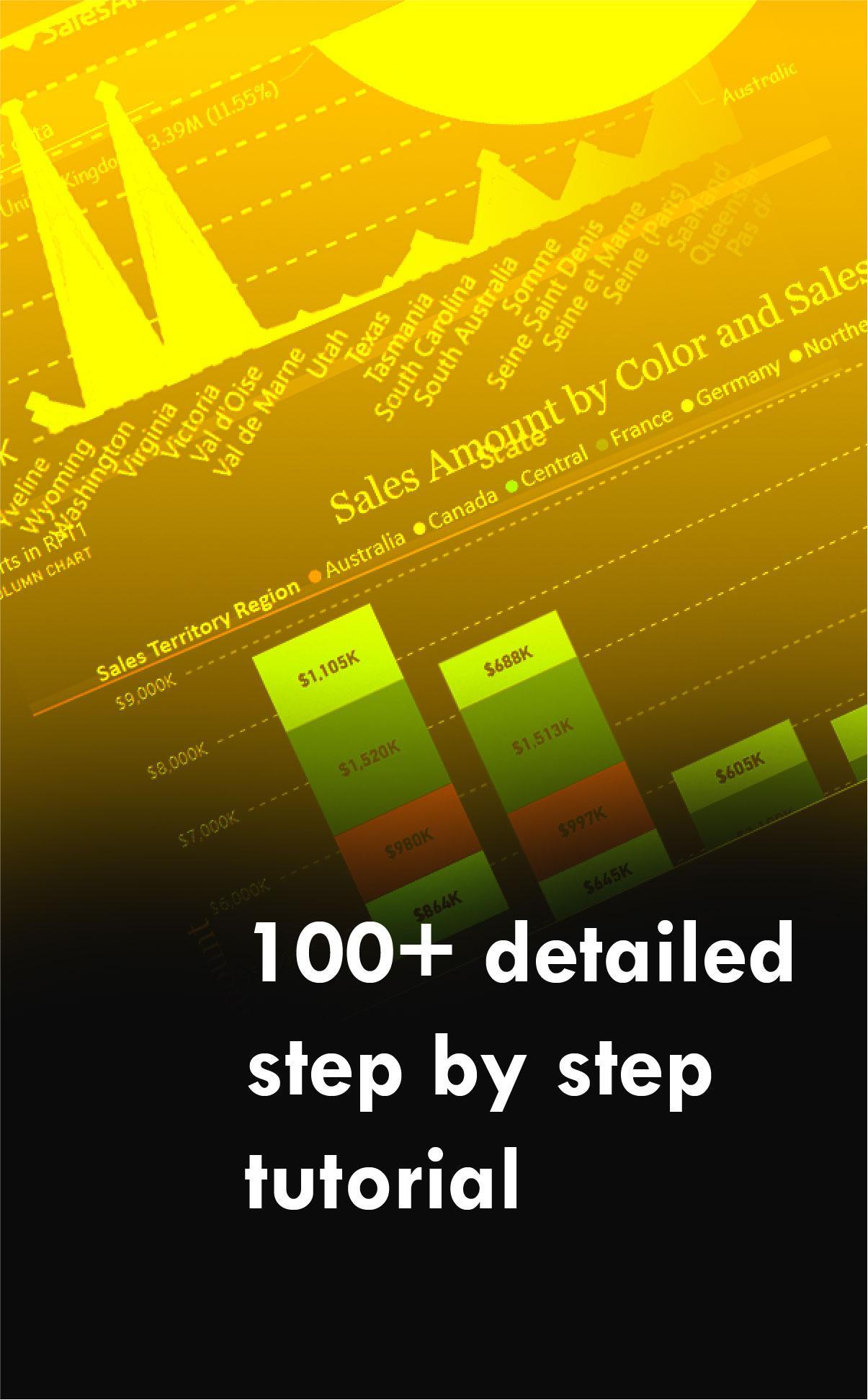
Tags
EducationInformation
Developer
RushHour Labs
Latest Version
1.4
Last Updated
2020-09-20
Category
Education
Available on
Google Play
Show More
How to play Power Bi - Tutorials & Lessons with GameLoop on PC
1. Download GameLoop from the official website, then run the exe file to install GameLoop
2. Open GameLoop and search for “Power Bi - Tutorials & Lessons” , find Power Bi - Tutorials & Lessons in the search results and click “Install”
3. Enjoy playing Power Bi - Tutorials & Lessons on GameLoop
Minimum requirements
OS
Windows 8.1 64-bit or Windows 10 64-bit
GPU
GTX 1050
CPU
i3-8300
Memory
8GB RAM
Storage
1GB available space
Recommended requirements
OS
Windows 8.1 64-bit or Windows 10 64-bit
GPU
GTX 1050
CPU
i3-9320
Memory
16GB RAM
Storage
1GB available space