
Khotta - School Planner PC
Axenda
Download Khotta - School Planner on PC With GameLoop Emulator
Khotta - School Planner on PC
Khotta - School Planner, coming from the developer Axenda, is running on Android systerm in the past.
Now, You can play Khotta - School Planner on PC with GameLoop smoothly.
Download it in the GameLoop library or search results. No more eyeing the battery or frustrating calls at the wrong time any more.
Just enjoy Khotta - School Planner PC on the large screen for free!
Khotta - School Planner Introduction
Khotta is a cross-platform planner for students, it helps student plan effectively to get much more work done and act toward desired outcomes.
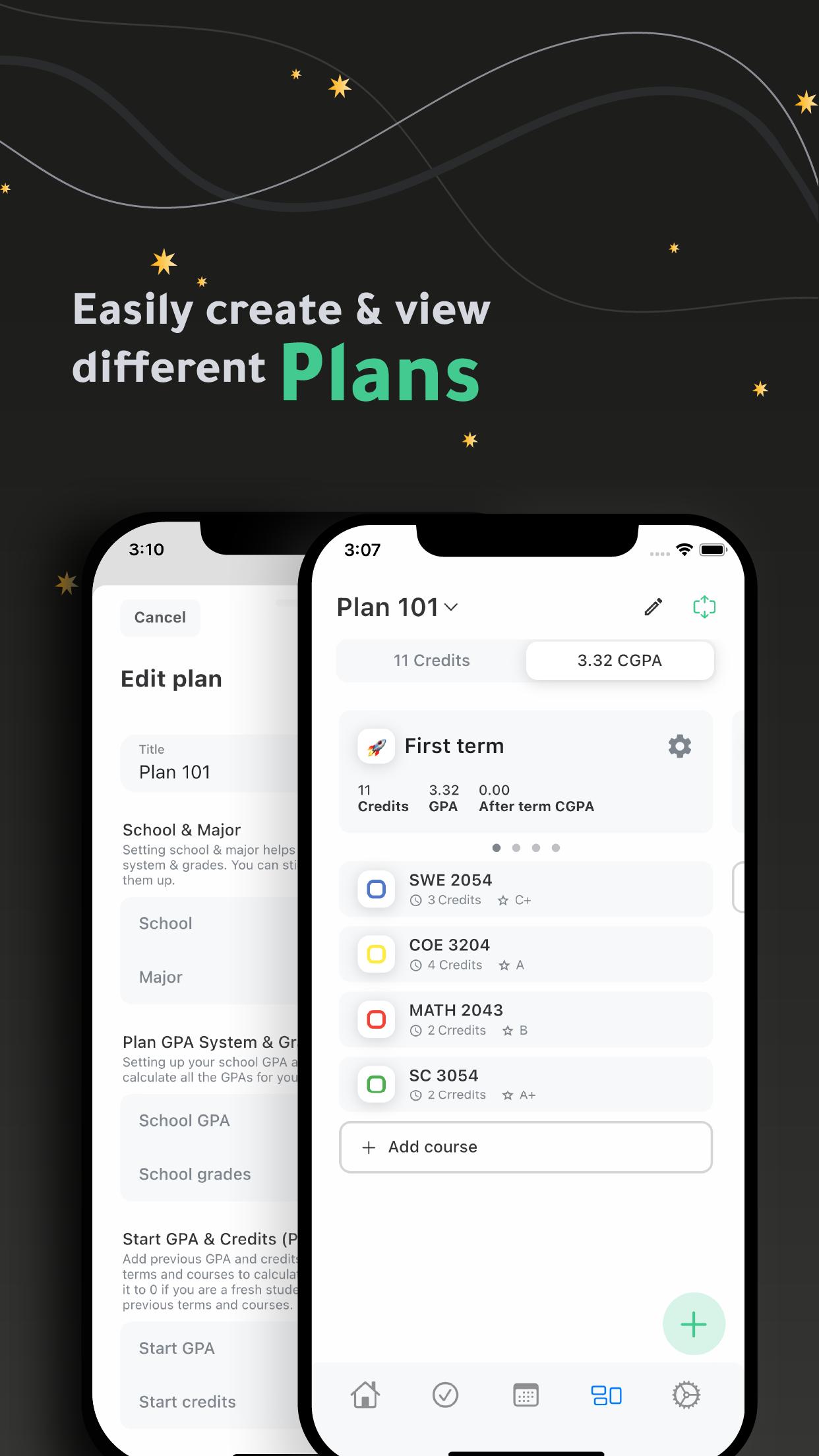
Plans:
- Create multiple plans.
- Set up your plan easily by finding your school & major.
- Easily manage your plan (terms & courses) by adding plans created by other student.
- Track your GPAs for each term.
- Design your plan using emojis for terms and colors for courses.
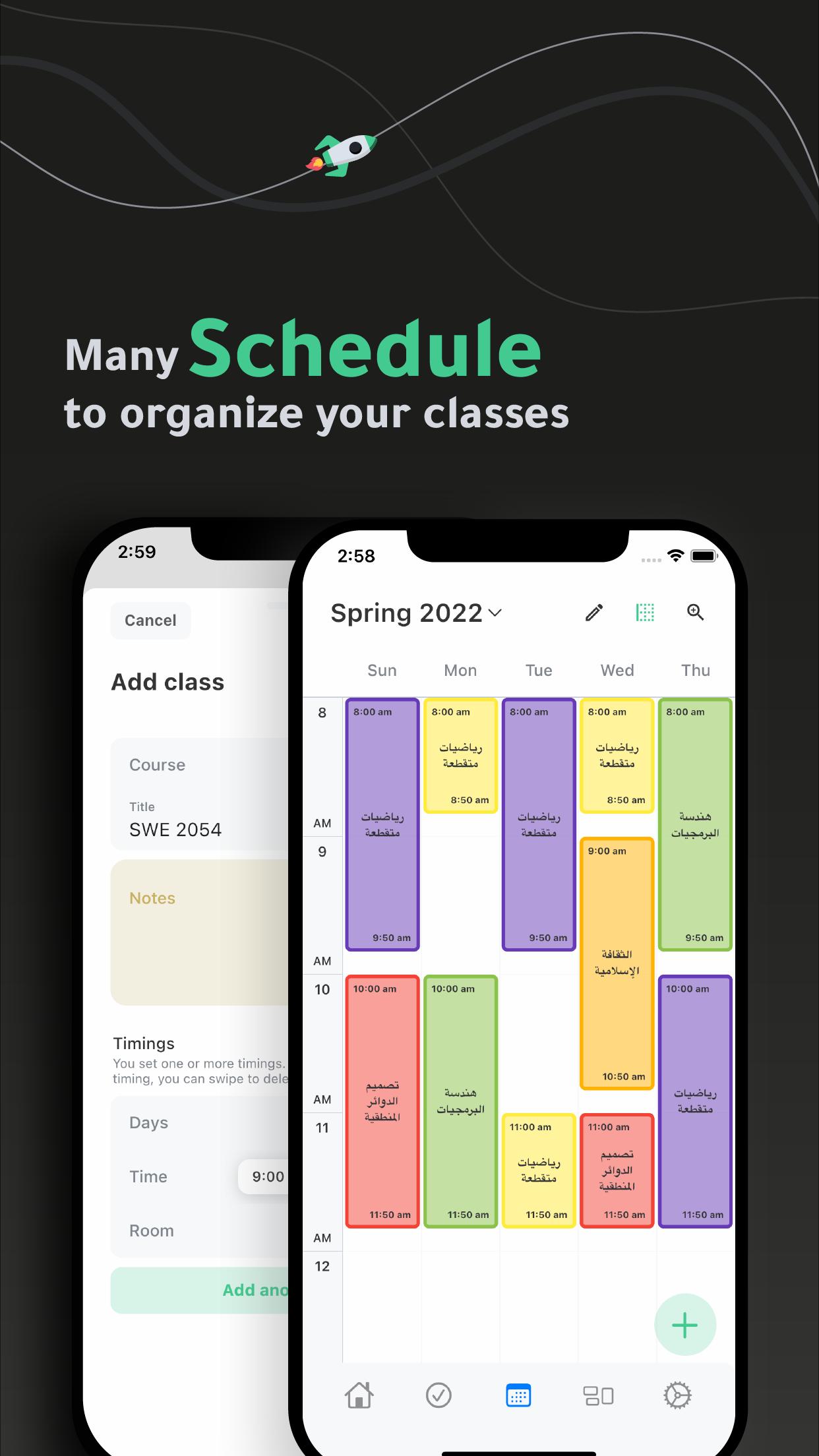
Schedules:
- Create multiple schedules.
- Easily add and organize your classes in your schedule(s).
Tasks:
- Get your tasks organized.
- View your tasks by date, course or priority.
Widget
- Check your daily schedule through home widget.
Settings:
- Use 12 or 24-hour system.
- Manage classes and tasks reminders.
- Manage classes and term default duration.
- Choose from light, dark and black themes.
- Get Sirius and have a flexible planning experience.
Ready to achieve greater results in less time? Stop procrastinating and START planning with Khotta.
Preview
Tags
EducationInformation
Developer
Axenda
Latest Version
3.2.8(2)
Last Updated
2024-09-26
Category
Education
Available on
Google Play
Show More
How to play Khotta - School Planner with GameLoop on PC
1. Download GameLoop from the official website, then run the exe file to install GameLoop
2. Open GameLoop and search for “Khotta - School Planner” , find Khotta - School Planner in the search results and click “Install”
3. Enjoy playing Khotta - School Planner on GameLoop
Minimum requirements
OS
Windows 8.1 64-bit or Windows 10 64-bit
GPU
GTX 1050
CPU
i3-8300
Memory
8GB RAM
Storage
1GB available space
Recommended requirements
OS
Windows 8.1 64-bit or Windows 10 64-bit
GPU
GTX 1050
CPU
i3-9320
Memory
16GB RAM
Storage
1GB available space