Java Full Stack PC
Nexus Yard
Download Java Full Stack on PC With GameLoop Emulator
Java Full Stack on PC
Java Full Stack, coming from the developer Nexus Yard, is running on Android systerm in the past.
Now, You can play Java Full Stack on PC with GameLoop smoothly.
Download it in the GameLoop library or search results. No more eyeing the battery or frustrating calls at the wrong time any more.
Just enjoy Java Full Stack PC on the large screen for free!
Java Full Stack Introduction
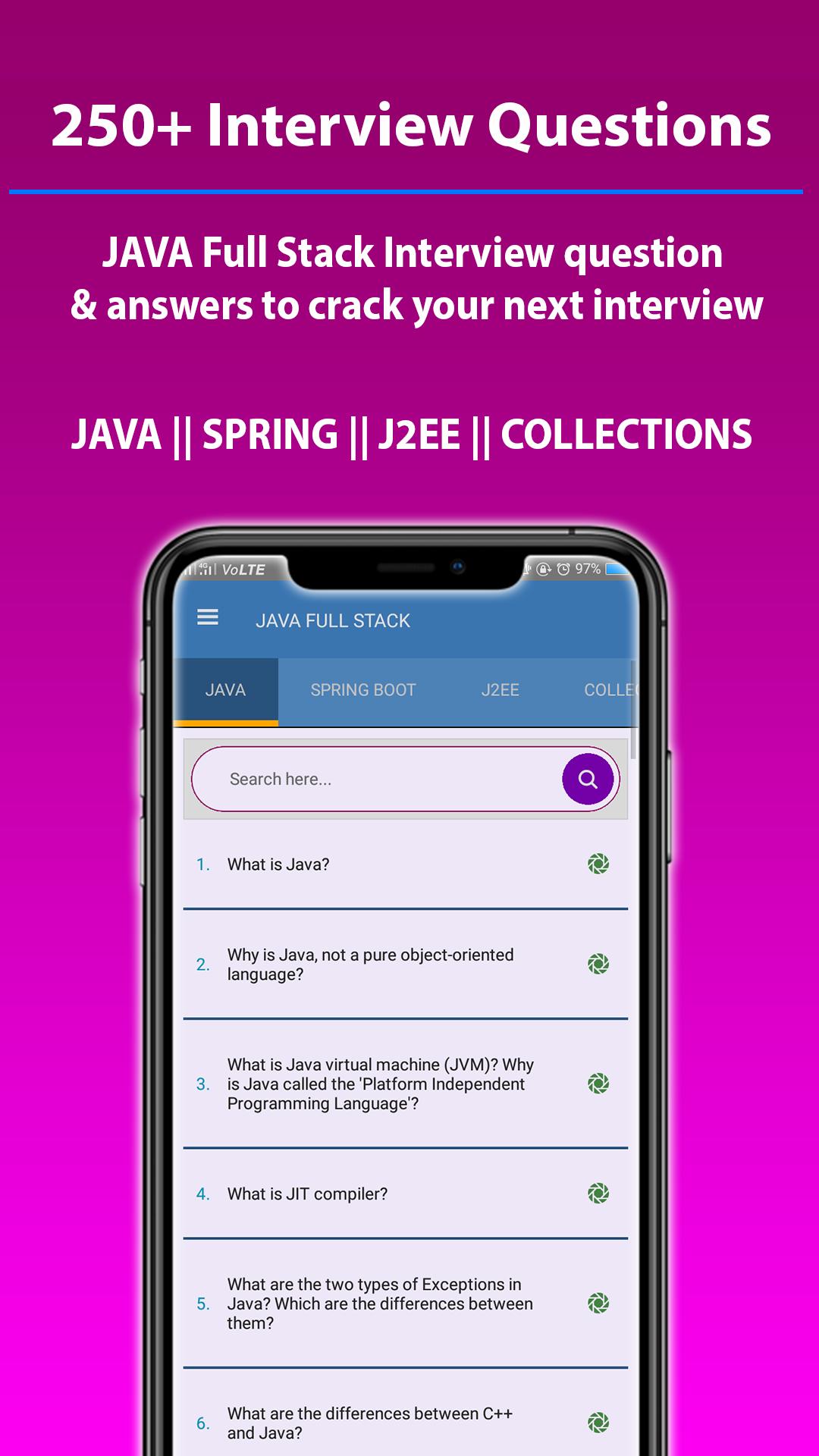
Introducing JAVA full stack interview question app with most top selected questions & answer for Java, Spring, J2EE and Collection framework interview & Java full stack developer. This application is one stop destination for all your Java full stack interview questions.
This interview preparation app provides you a wide range of job interview questions from Freshers to Experienced Job seeking applicants. The interview questions in this app are also useful for the interviewer, employer, human resource HR in order to find the best Java Full Stack developer for a job or the organization.
It will also boost your confidence, communication skills and make you smart enough to impress your employer.
This is the most effective time-saving app for job seekers who do extensive research on searching the suggestions of Java interviews on the internet.
Similarly, this is an offline app. The internet connection is not required. You can read anywhere, without using an internet connection.
FEATURES AND CONTENT
- 250+ Interview Question and Answers
- Browse it offline
- Level wise question (FRESHER, INTERMEDIATE, ADVANCED)
- Search functionality
- Night mode
- Regular updates
- Full Java full stack interview Solution
Preview
Tags
EducationInformation
Developer
Nexus Yard
Latest Version
1.0.1
Last Updated
2023-07-16
Category
Education
Available on
Google Play
Show More
How to play Java Full Stack with GameLoop on PC
1. Download GameLoop from the official website, then run the exe file to install GameLoop
2. Open GameLoop and search for “Java Full Stack” , find Java Full Stack in the search results and click “Install”
3. Enjoy playing Java Full Stack on GameLoop
Minimum requirements
OS
Windows 8.1 64-bit or Windows 10 64-bit
GPU
GTX 1050
CPU
i3-8300
Memory
8GB RAM
Storage
1GB available space
Recommended requirements
OS
Windows 8.1 64-bit or Windows 10 64-bit
GPU
GTX 1050
CPU
i3-9320
Memory
16GB RAM
Storage
1GB available space