
G-ECOLEPLUS PC
ECOLE PLUS
Download G-ECOLEPLUS on PC With GameLoop Emulator
G-ECOLEPLUS on PC
G-ECOLEPLUS, coming from the developer ECOLE PLUS, is running on Android systerm in the past.
Now, You can play G-ECOLEPLUS on PC with GameLoop smoothly.
Download it in the GameLoop library or search results. No more eyeing the battery or frustrating calls at the wrong time any more.
Just enjoy G-ECOLEPLUS PC on the large screen for free!
G-ECOLEPLUS Introduction
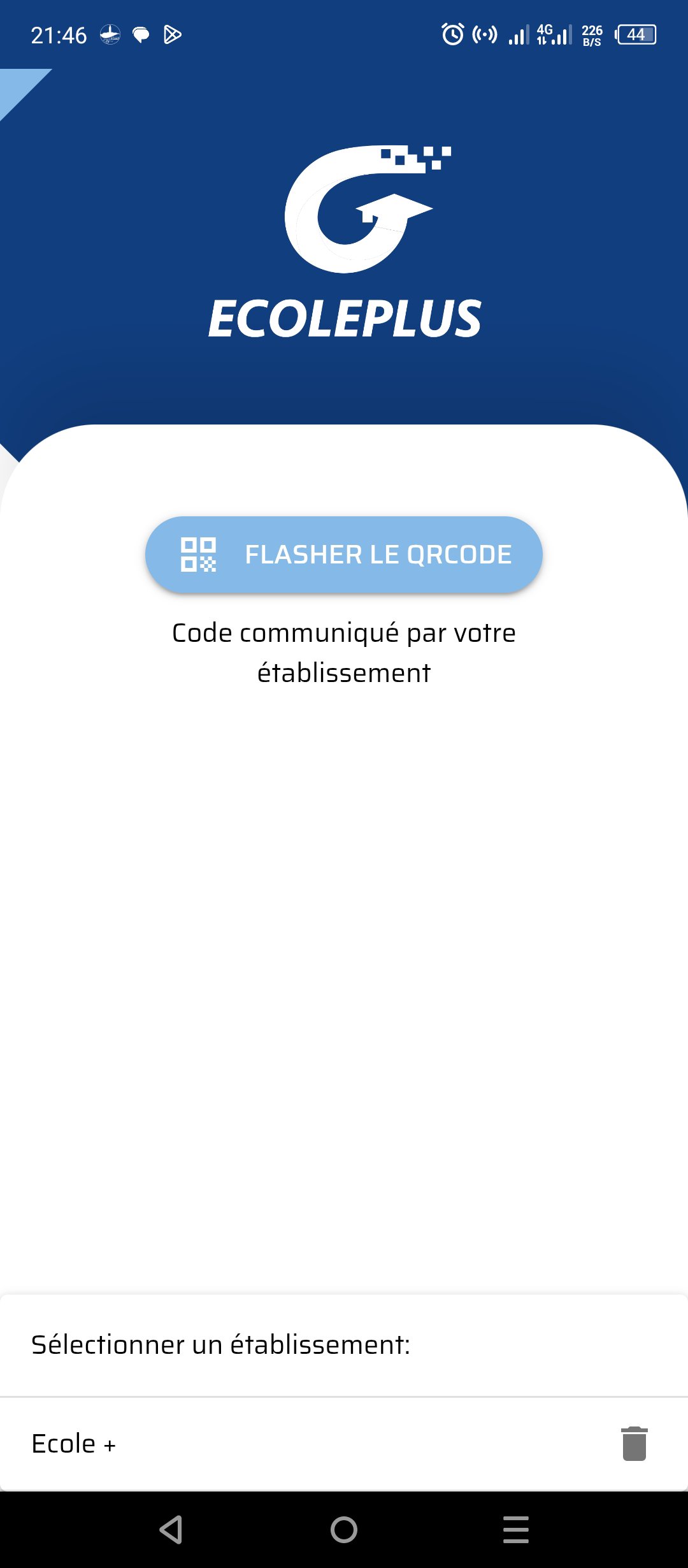
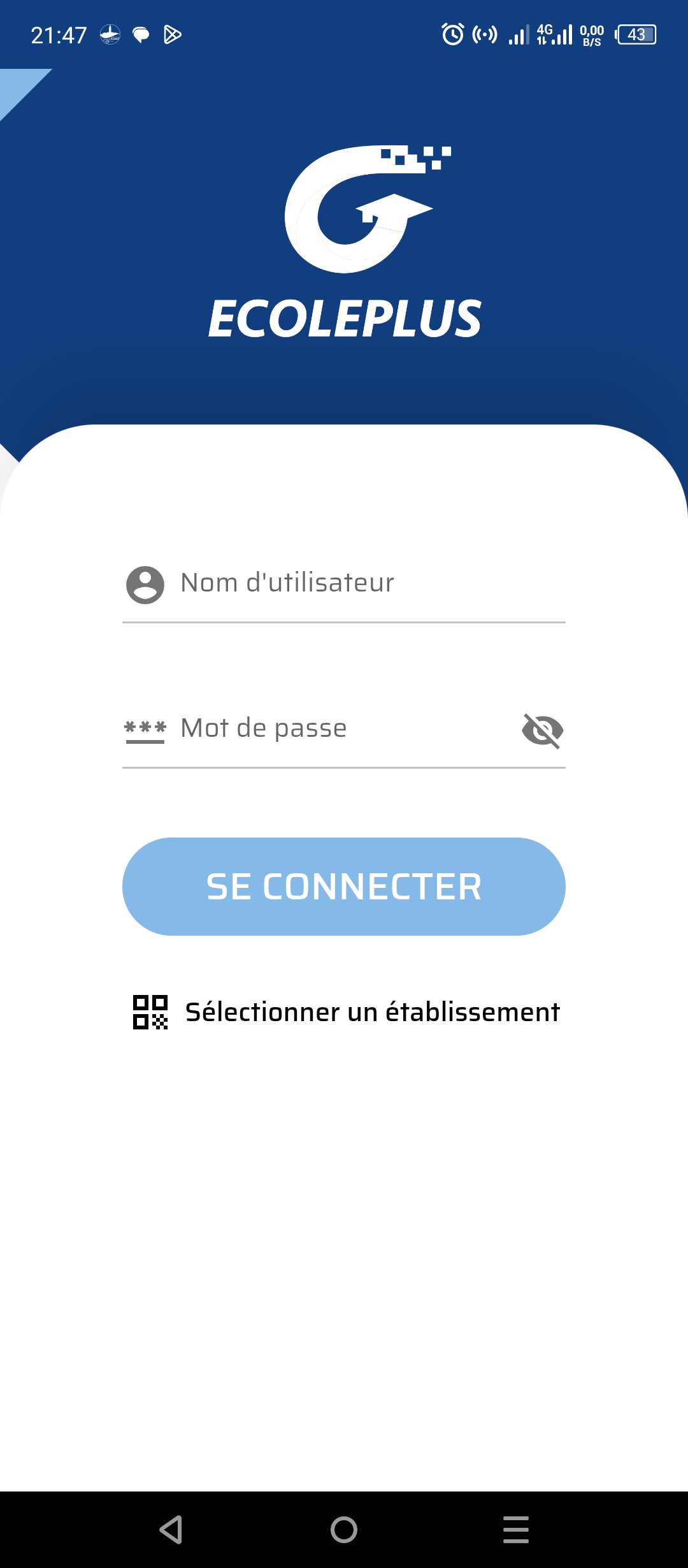
GECOLEPLUS is the digital platform that centralizes all academic information and facilitates communication between the school, students, and parents. Access comprehensive academic monitoring in real time and securely, directly from your smartphone.
Key features for academic success:
Complete Academic Monitoring: Easily view grades, report cards, digital homework books, and exercises assigned by teachers.
Daily Organization: Stay informed about the schedule, absences, tardiness, and possible sanctions. Never miss any important information again!
Simplified Communication: Thanks to integrated messaging and instant notifications, parents stay in constant contact with teachers and the administration. Be alerted to any new information or event.
Educational Resources: Access a portal of digital resources shared by teachers to enhance learning at home.
Simplified Administrative Procedures: Request administrative certificates directly from the app, in just a few clicks.
For parents, students, and teachers:
GECOLEPLUS is designed to offer a seamless and collaborative experience, strengthening the connection between home and school. Our mission is to provide you with the tools you need to ensure every student's success.
Download GECOLEPLUS and become a key player in academic success!
Preview
Tags
EducationInformation
Developer
ECOLE PLUS
Latest Version
2.0.67
Last Updated
2026-03-27
Category
Education
Available on
Google Play
Show More
How to play G-ECOLEPLUS with GameLoop on PC
1. Download GameLoop from the official website, then run the exe file to install GameLoop
2. Open GameLoop and search for “G-ECOLEPLUS” , find G-ECOLEPLUS in the search results and click “Install”
3. Enjoy playing G-ECOLEPLUS on GameLoop
Minimum requirements
OS
Windows 8.1 64-bit or Windows 10 64-bit
GPU
GTX 1050
CPU
i3-8300
Memory
8GB RAM
Storage
1GB available space
Recommended requirements
OS
Windows 8.1 64-bit or Windows 10 64-bit
GPU
GTX 1050
CPU
i3-9320
Memory
16GB RAM
Storage
1GB available space