
AP Art History Practice & Prep PC
Varsity Tutors LLC
Download AP Art History Practice & Prep on PC With GameLoop Emulator
AP Art History Practice & Prep on PC
AP Art History Practice & Prep, coming from the developer Varsity Tutors LLC, is running on Android systerm in the past.
Now, You can play AP Art History Practice & Prep on PC with GameLoop smoothly.
Download it in the GameLoop library or search results. No more eyeing the battery or frustrating calls at the wrong time any more.
Just enjoy AP Art History Practice & Prep PC on the large screen for free!
AP Art History Practice & Prep Introduction
*** From the Makers of Varsity Learning Tools - Best Education App - 2016 Appy Awards ***
Students can utilize the free Varsity Tutors AP Art History app for Android-powered smartphones and tablets to get up-to-speed on the expansive history of art. Test-takers will be drilled on important pieces of art and their functions from the prehistoric, ancient Mediterranean, colonial American, later European and American, and indigenous American time periods. Students will also be required to have knowledge of Asian, Pacific, African, and global contemporary art influences.
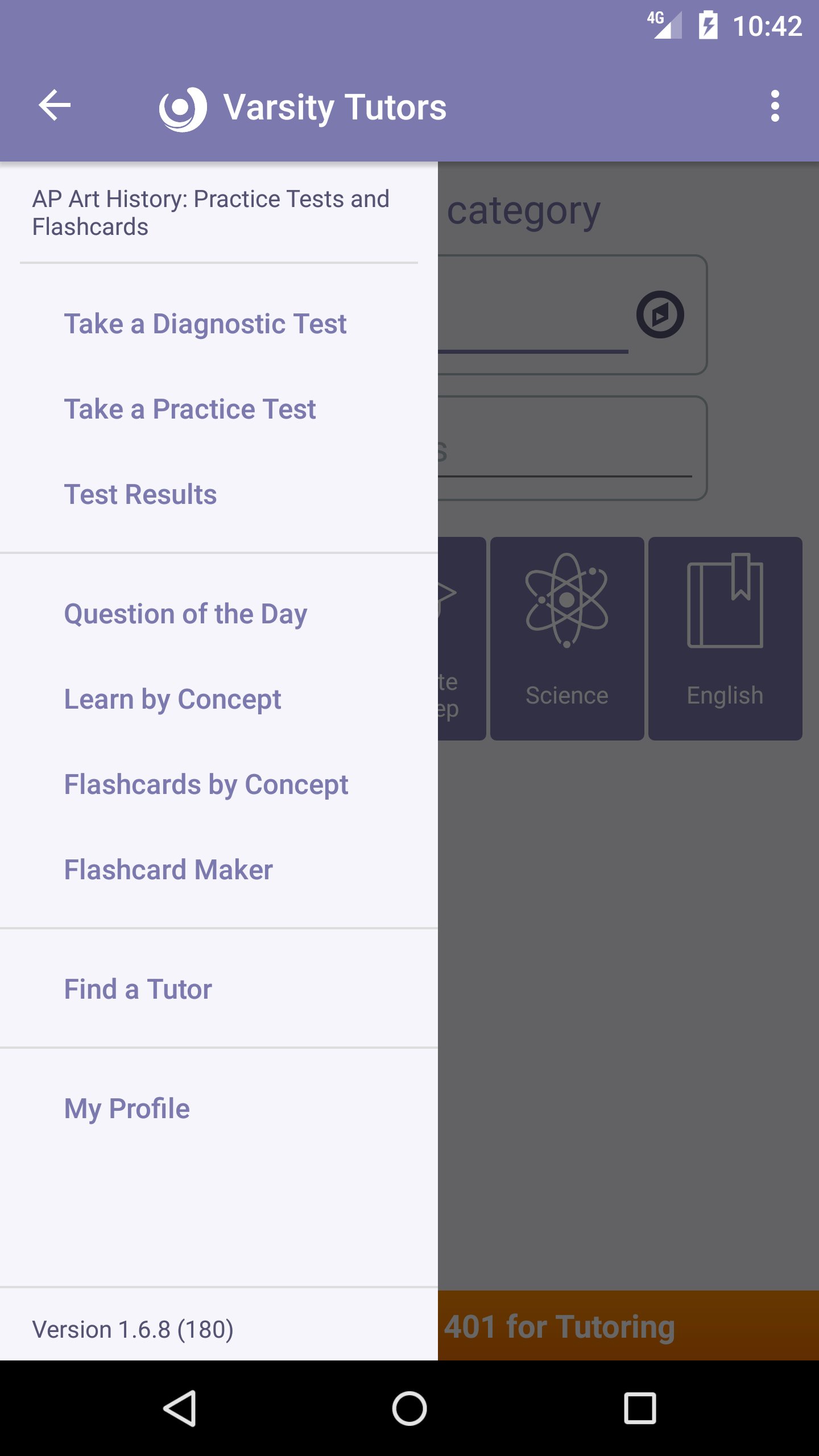
The app has several built-in features to accommodate the AP Art History exam’s visual nature. Since the exam often provides images of artwork for students to analyze, the app’s multiple practice and diagnostic exams also test users on their ability to identify, name, and analyze visual images. In addition, the app’s easy-to-use Flashcard Maker also includes audio and visual capabilities, so students can easily snap a picture of an important work to include on a flashcard.
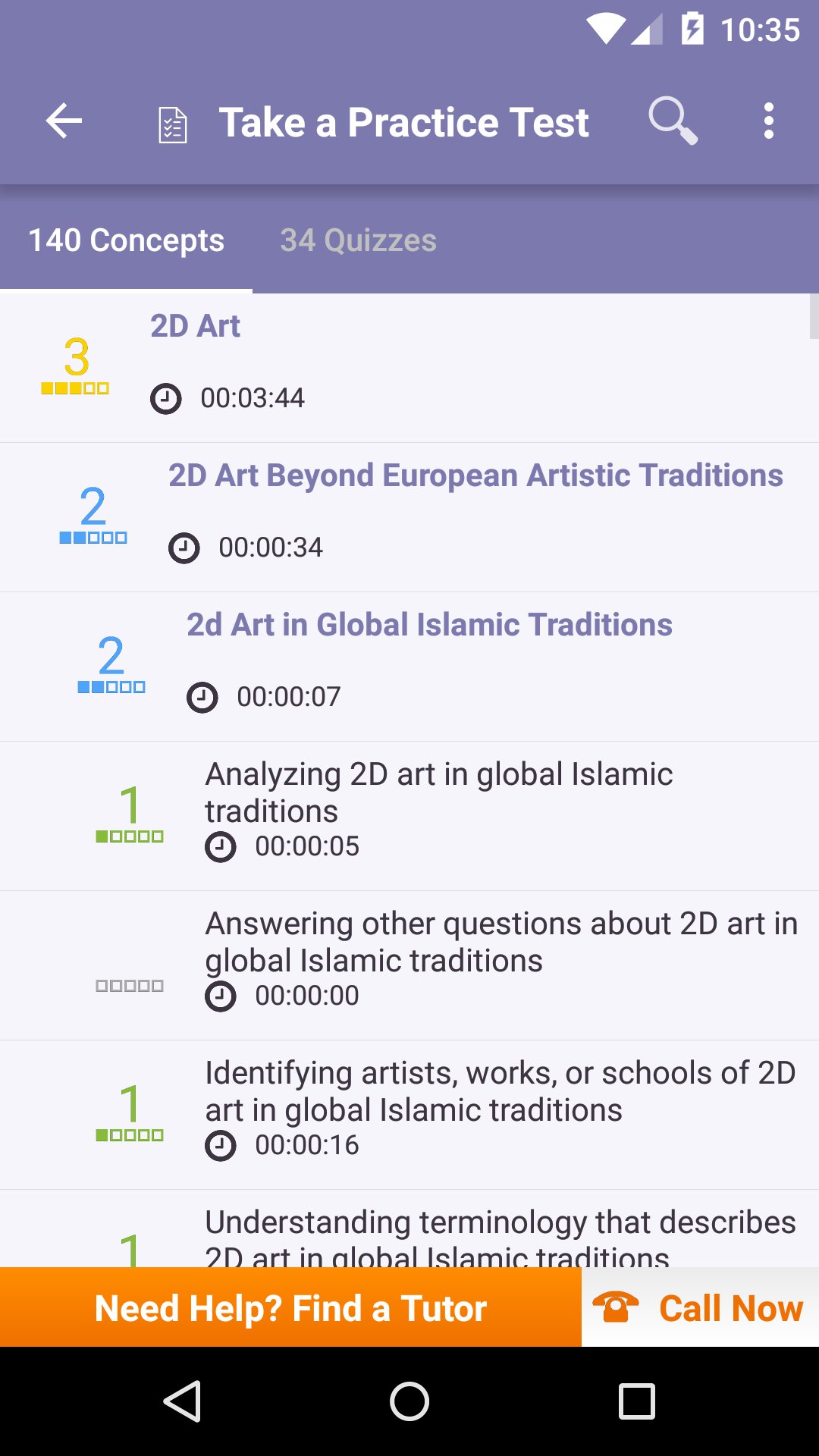
Review and test yourself on individual concepts like art in global Islamic traditions, ancient Greek and Roman architecture, and 21st century sculpture. Plus, take full-length, timed practice and diagnostic assessments featuring professionally written questions to assess your preparedness for the real exam.
The Varsity Tutors AP Art History app for Android devices is the perfect way to stay on top of your study plan. Bring your review materials everywhere you go for quick study boosts whenever they are most convenient.
Preview
Tags
EducationInformation
Developer
Varsity Tutors LLC
Latest Version
1.8.8
Last Updated
2024-03-09
Category
Education
Available on
Google Play
Show More
How to play AP Art History Practice & Prep with GameLoop on PC
1. Download GameLoop from the official website, then run the exe file to install GameLoop
2. Open GameLoop and search for “AP Art History Practice & Prep” , find AP Art History Practice & Prep in the search results and click “Install”
3. Enjoy playing AP Art History Practice & Prep on GameLoop
Minimum requirements
OS
Windows 8.1 64-bit or Windows 10 64-bit
GPU
GTX 1050
CPU
i3-8300
Memory
8GB RAM
Storage
1GB available space
Recommended requirements
OS
Windows 8.1 64-bit or Windows 10 64-bit
GPU
GTX 1050
CPU
i3-9320
Memory
16GB RAM
Storage
1GB available space