
Varsity Tutors Live Tutoring PC
Varsity Tutors LLC
Download Varsity Tutors Live Tutoring on PC With GameLoop Emulator
Varsity Tutors Live Tutoring on PC
Varsity Tutors Live Tutoring, coming from the developer Varsity Tutors LLC, is running on Android systerm in the past.
Now, You can play Varsity Tutors Live Tutoring on PC with GameLoop smoothly.
Download it in the GameLoop library or search results. No more eyeing the battery or frustrating calls at the wrong time any more.
Just enjoy Varsity Tutors Live Tutoring PC on the large screen for free!
Varsity Tutors Live Tutoring Introduction
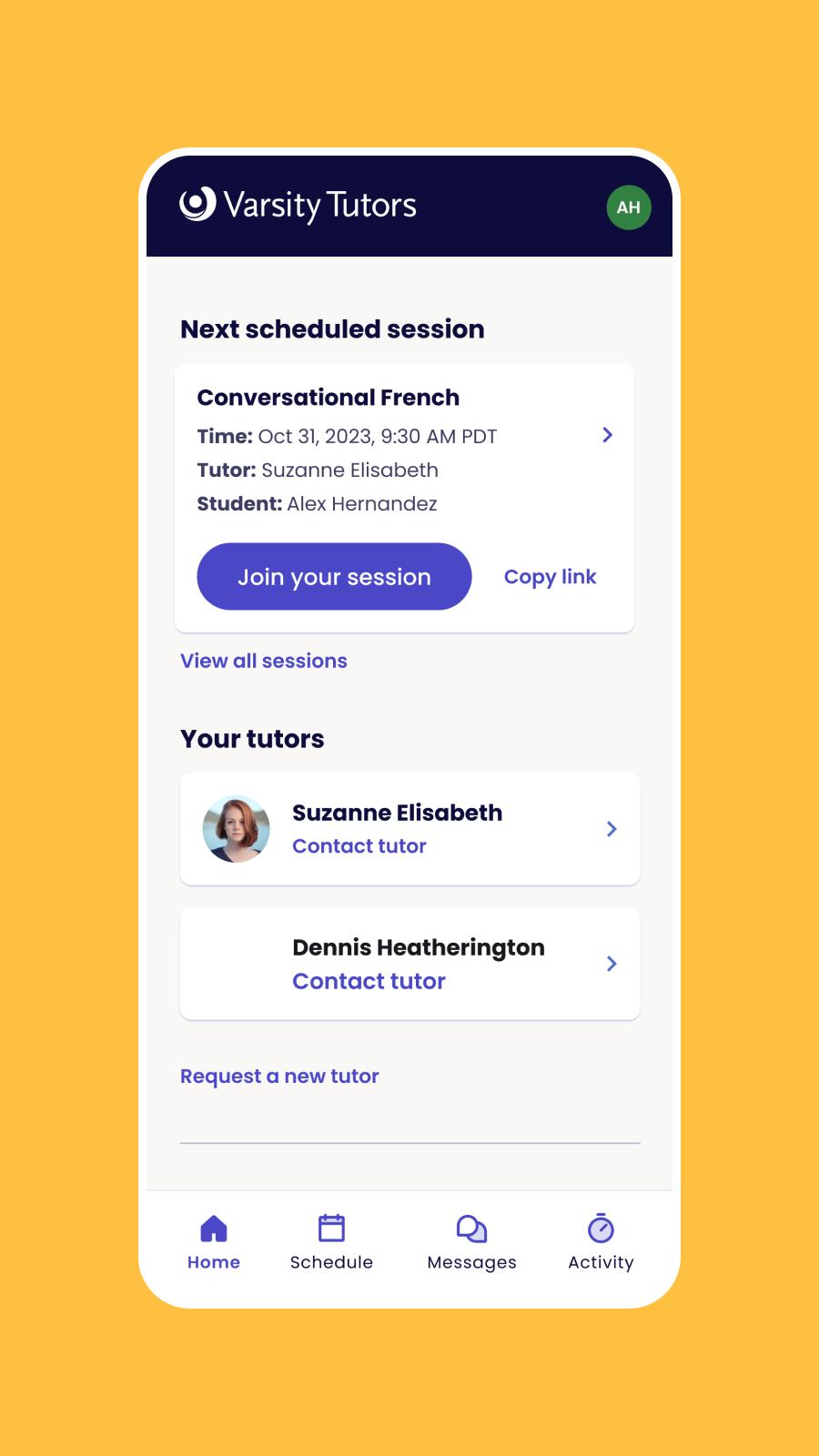
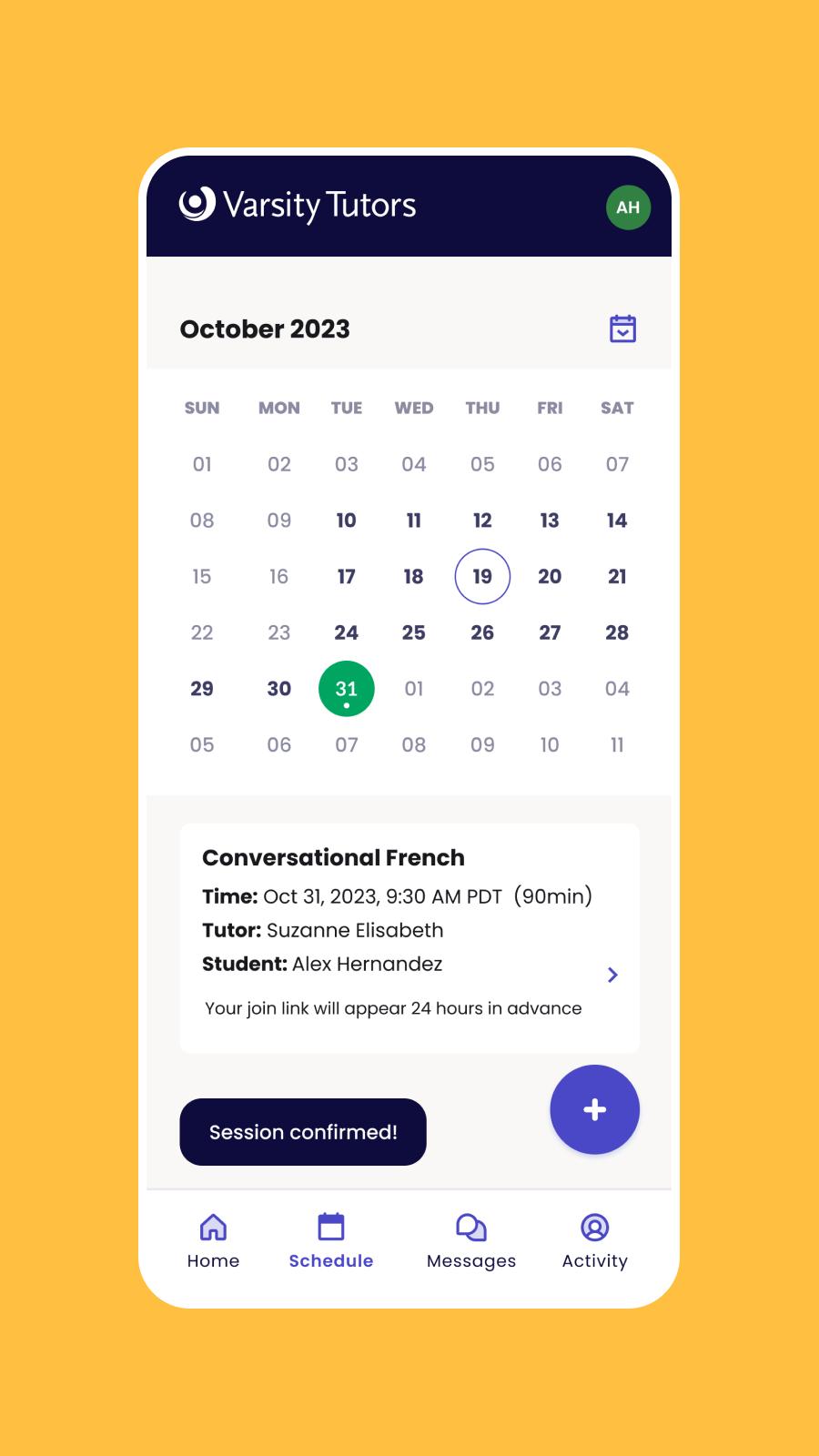
The live online tutoring app by Varsity Tutors for Android helps you get tutoring whenever and wherever you need it with thoroughly qualified tutors. Our tutoring app allows students and tutors to participate in video tutoring, manage their accounts, send and receive messages, and manage appointments.
Features for students:
• Receive video tutoring via mobile phone or tablet, which incorporates chat, photo/homework upload, virtual whiteboard, document collaboration, and graphing
• Screenshare during the video tutoring session
• Work on more than 200,000 high-quality practice and test preparation questions, organized by concept
• Purchase tutoring hours and schedule appointments
• Get live instant tutoring 24/7 in 70+ subjects
• Instant message with tutors
Features for tutors:
• Provide video tutoring via mobile phone or tablet, including instant sessions
• Get notified of and accept or decline tutoring opportunities
• Invoice sessions and enter session notes
• Schedule sessions
• Instant message with students
• Online tutoring session support
The Varsity Tutors' Live Online Tutoring app can connect students to live expert tutors and give students access to thousands of practice questions in many subjects, including:
• ACT prep
• AP exam prep
• GRE prep
• SAT prep
• LSAT prep
• Math (including statistics, trigonometry, calculus, geometry, and algebra)
• Science (including biology, chemistry, human anatomy, and physics)
• Computer Science
• Common Core subjects
• And hundreds of additional topics
Preview
Tags
EducationInformation
Developer
Varsity Tutors LLC
Latest Version
9.0.1
Last Updated
2025-10-10
Category
Education
Available on
Google Play
Show More
How to play Varsity Tutors Live Tutoring with GameLoop on PC
1. Download GameLoop from the official website, then run the exe file to install GameLoop
2. Open GameLoop and search for “Varsity Tutors Live Tutoring” , find Varsity Tutors Live Tutoring in the search results and click “Install”
3. Enjoy playing Varsity Tutors Live Tutoring on GameLoop
Minimum requirements
OS
Windows 8.1 64-bit or Windows 10 64-bit
GPU
GTX 1050
CPU
i3-8300
Memory
8GB RAM
Storage
1GB available space
Recommended requirements
OS
Windows 8.1 64-bit or Windows 10 64-bit
GPU
GTX 1050
CPU
i3-9320
Memory
16GB RAM
Storage
1GB available space