
CENTROID PC
Education Thanos Media
Download CENTROID on PC With GameLoop Emulator
CENTROID on PC
CENTROID, coming from the developer Education Thanos Media, is running on Android systerm in the past.
Now, You can play CENTROID on PC with GameLoop smoothly.
Download it in the GameLoop library or search results. No more eyeing the battery or frustrating calls at the wrong time any more.
Just enjoy CENTROID PC on the large screen for free!
CENTROID Introduction
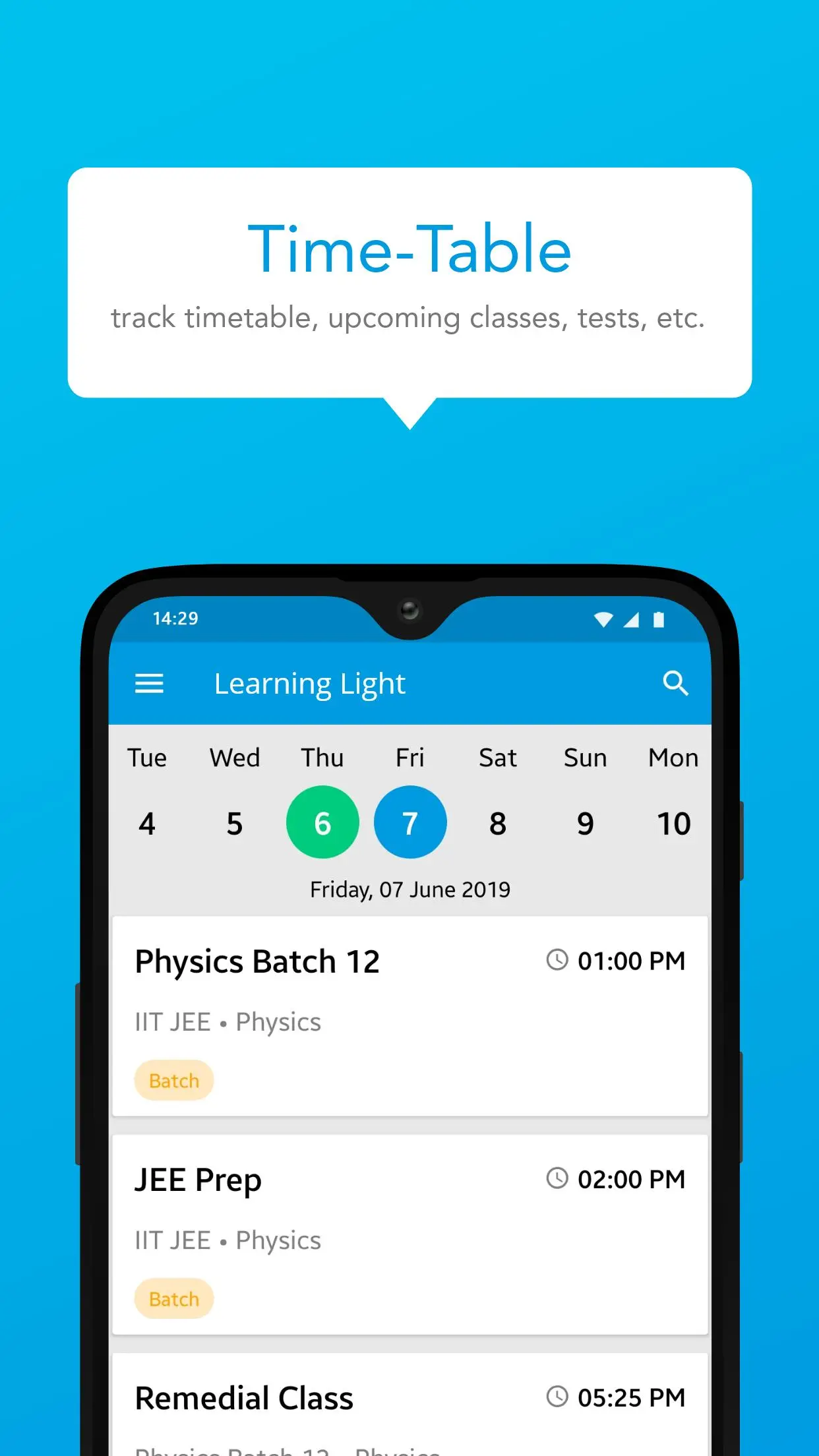
Experience a new dimension in learning with CENTROID! Our app is designed to provide a dynamic and interactive educational experience across various subjects. CENTROID offers a range of high-quality courses tailored for students and professionals alike. Dive into expertly crafted video lectures, interactive simulations, and engaging quizzes to enhance your understanding of complex topics. Whether you're mastering mathematics, exploring science, or delving into technology, CENTROID’s personalized learning paths and real-time feedback ensure effective study and retention. With a user-friendly interface and comprehensive study materials, CENTROID is your gateway to academic and professional success. Download CENTROID now and elevate your learning journey to new heights!
Preview
Tags
EducationInformation
Developer
Education Thanos Media
Latest Version
1.8.2.1
Last Updated
2025-05-26
Category
Education
Available on
Google Play
Show More
How to play CENTROID with GameLoop on PC
1. Download GameLoop from the official website, then run the exe file to install GameLoop
2. Open GameLoop and search for “CENTROID” , find CENTROID in the search results and click “Install”
3. Enjoy playing CENTROID on GameLoop
Minimum requirements
OS
Windows 8.1 64-bit or Windows 10 64-bit
GPU
GTX 1050
CPU
i3-8300
Memory
8GB RAM
Storage
1GB available space
Recommended requirements
OS
Windows 8.1 64-bit or Windows 10 64-bit
GPU
GTX 1050
CPU
i3-9320
Memory
16GB RAM
Storage
1GB available space