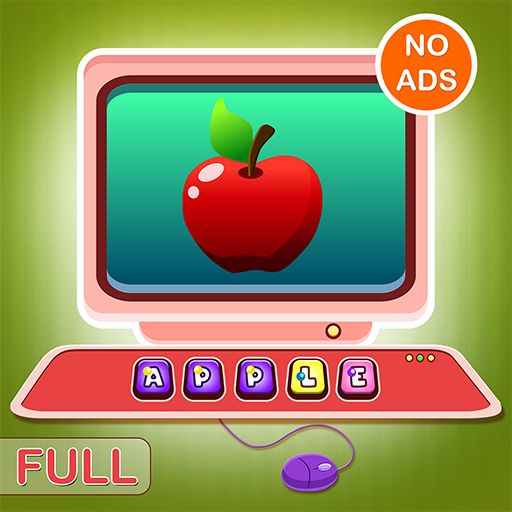
ABC Spelling & Phonics PC
NeoEd
Download ABC Spelling & Phonics on PC With GameLoop Emulator
ABC Spelling & Phonics on PC
ABC Spelling & Phonics, coming from the developer NeoEd, is running on Android systerm in the past.
Now, You can play ABC Spelling & Phonics on PC with GameLoop smoothly.
Download it in the GameLoop library or search results. No more eyeing the battery or frustrating calls at the wrong time any more.
Just enjoy ABC Spelling & Phonics PC on the large screen for free!
ABC Spelling & Phonics Introduction
Best Spelling & Phonics App ever!
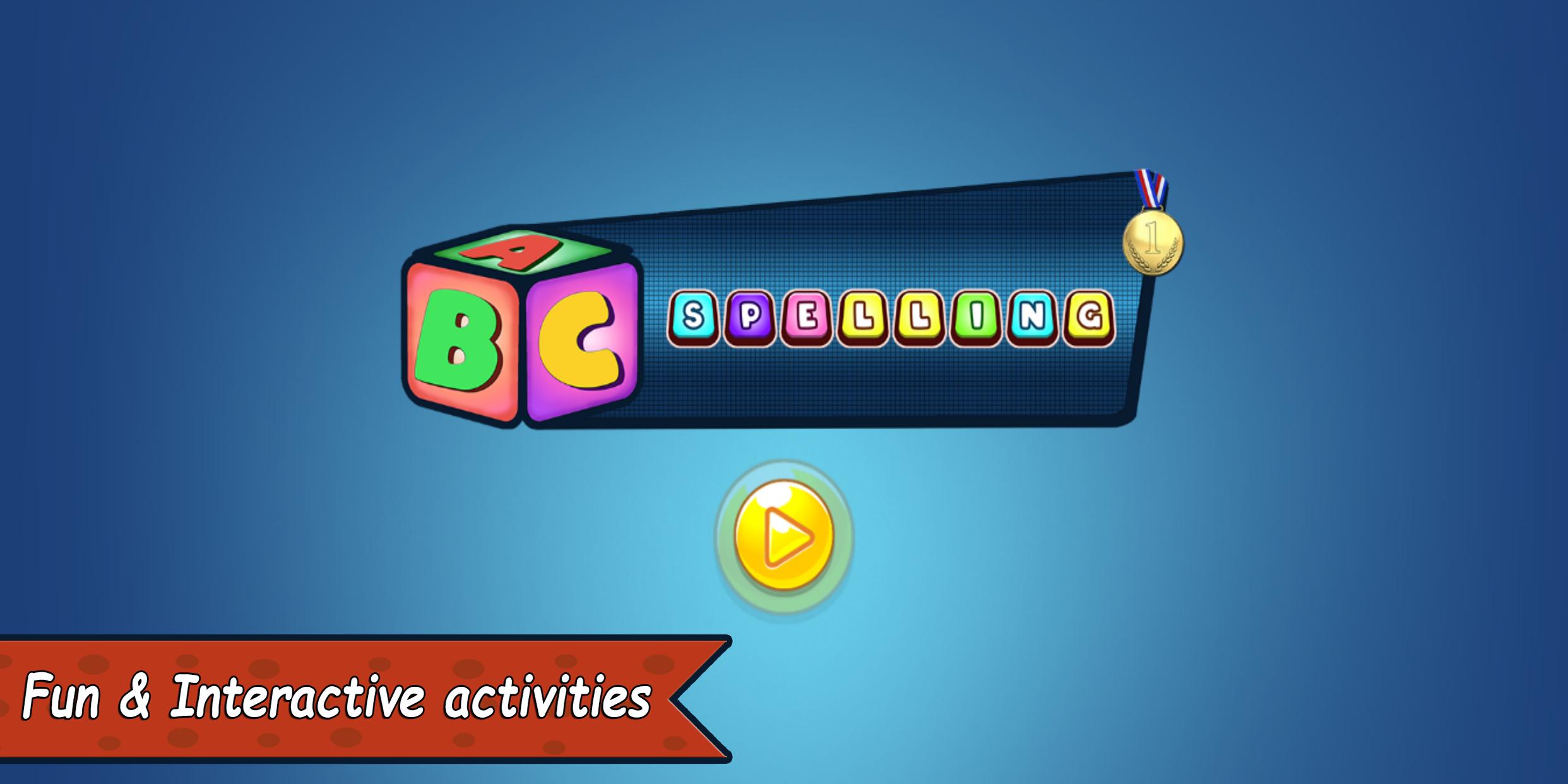
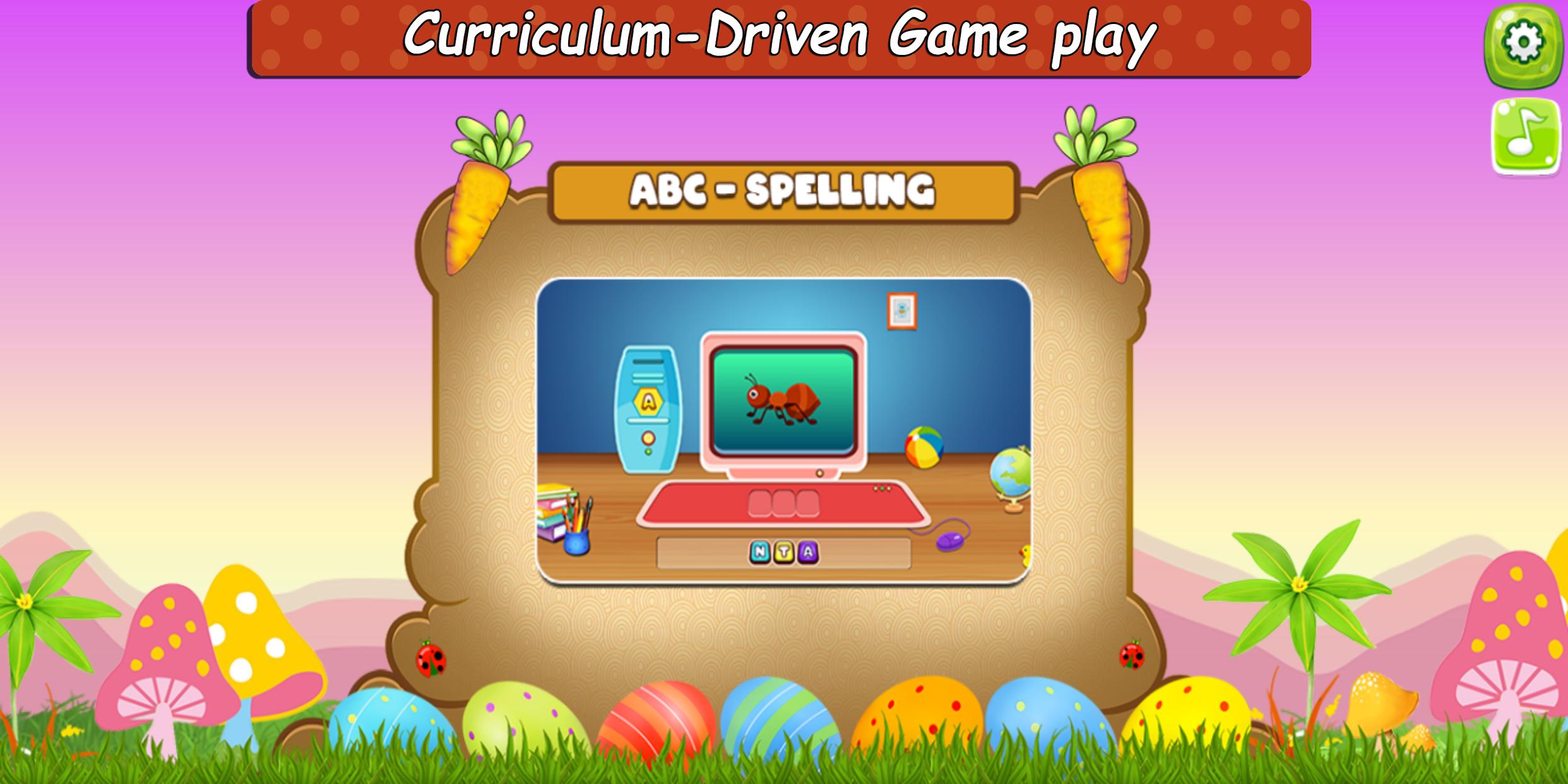
It helps children learn how to spell and recognize words in English in a better way. This not only helps the children to learn spellings, but also encourages them to improve spelling vocabulary.
This educational spelling game allows young kids to develop, improve, and practice their spelling skills, build their vocabulary, and learn new words!
The "ABC Spelling & Phonics" designed especially for Pre-k children (2-5 age group), to lay the groundwork for learning English Alphabet and Letters with the help of fun activities.
Features:
• 80+ Objects to learn spellings
• Colorful graphics and pronunciation sounds of objects
• Supports all screen sizes
• The distraction-free design allows the children to focus on the subject
• 100% child safe, No Ads, No Data collection, No In-App purchases
• Universal app for all Phones and Tablets
• Free! and pure educational fun!!
Our content is aligned with the common core standards of early childhood education and it was developed in consultation with professionals in children's development and literacy.
The "ABC Spelling & Phonics" will turn your phone/tab into an interactive toy and gives you a lot of fun.
Note to Parents, Teachers, Educators & Preschool stakeholders,
NeoEd Mission is to help millions of children all over the world have access to a digital library of FREE, world-class educational resources. So we can unlock a child's true potential without the worry of a Price Tag!
But this is not possible without your support!
Please Download, Share, Donate to make a positive difference in the child's education!
Preview
Tags
EducationInformation
Developer
NeoEd
Latest Version
1.0.4
Last Updated
2021-06-30
Category
Education
Available on
Google Play
Show More
How to play ABC Spelling & Phonics with GameLoop on PC
1. Download GameLoop from the official website, then run the exe file to install GameLoop
2. Open GameLoop and search for “ABC Spelling & Phonics” , find ABC Spelling & Phonics in the search results and click “Install”
3. Enjoy playing ABC Spelling & Phonics on GameLoop
Minimum requirements
OS
Windows 8.1 64-bit or Windows 10 64-bit
GPU
GTX 1050
CPU
i3-8300
Memory
8GB RAM
Storage
1GB available space
Recommended requirements
OS
Windows 8.1 64-bit or Windows 10 64-bit
GPU
GTX 1050
CPU
i3-9320
Memory
16GB RAM
Storage
1GB available space