Burning Dead PC
Vivid Unity
Download Burning Dead on PC With GameLoop Emulator
Burning Dead on PC
Burning Dead, coming from the developer Vivid Unity, is running on Android systerm in the past.
Now, You can play Burning Dead on PC with GameLoop smoothly.
Download it in the GameLoop library or search results. No more eyeing the battery or frustrating calls at the wrong time any more.
Just enjoy Burning Dead PC on the large screen for free!
Burning Dead Introduction
Survive the terror in Burning Dead.
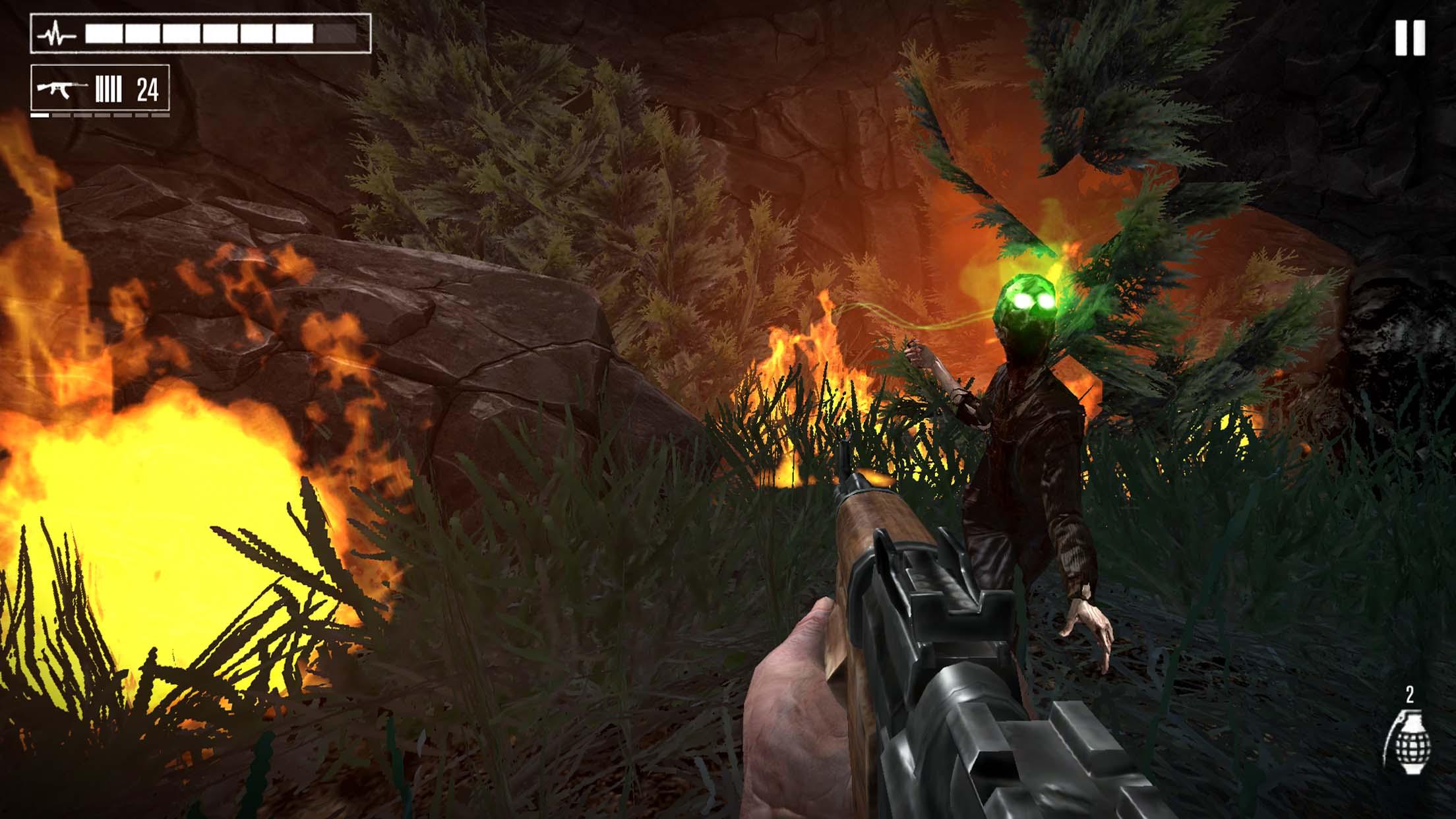
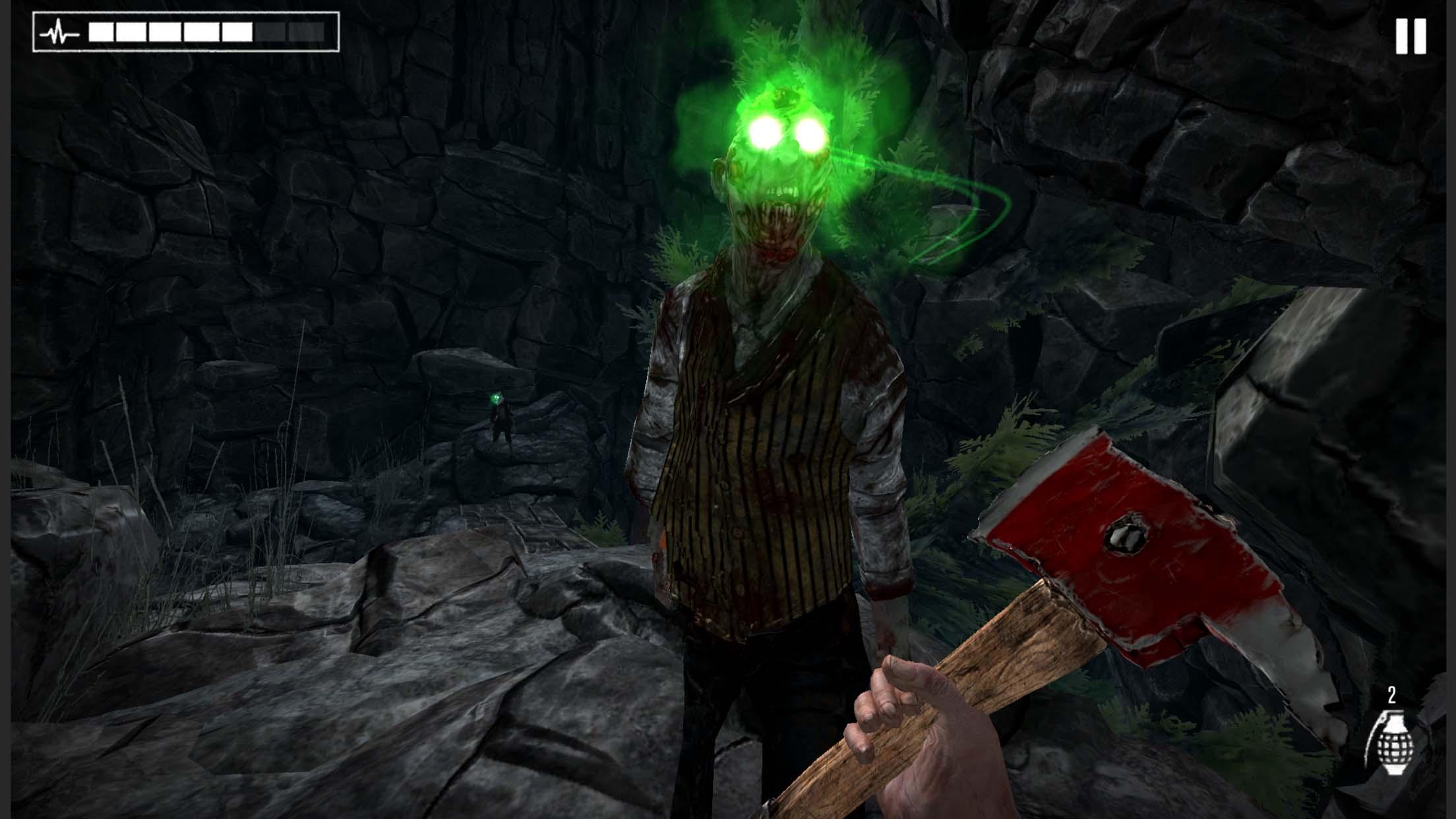
Escape through forests and mountains full of zombies.
Rescue your daughter and become a hero.
ZOMBIE INVASION
Try to overcome the zombies hordes attack!
THE FOREST IS NOT SAFE
Dangerous paths will not give you respite.
EXTREME PARKOUR
Climb huge mountains and jump cliffs on your way to salvation.
NATURE'S POWER
Go through dangerous fires and spectacular storms that will take your breath away.
WEAPONS AT YOUR DISPOSAL
Use pistols, shotguns, machine guns, crossbows and even grenades to survive.
IMMERSIVE
Fully 3D environment
Live a unique story
Unlimited action in Burning Dead
Like us on Facebook at www.facebook.com/vividunitygames
Follow us on Twitter @vividunitygames
Follow us on Instagram @vividunitygames
Visit our web page at www.vividunity.games
Preview
Tags
ShooterBulletstormCasualSingle playerStylizedOfflineInformation
Developer
Vivid Unity
Latest Version
1.1.51
Last Updated
2021-12-21
Category
Action
Available on
Google Play
Show More
How to play Burning Dead with GameLoop on PC
1. Download GameLoop from the official website, then run the exe file to install GameLoop
2. Open GameLoop and search for “Burning Dead” , find Burning Dead in the search results and click “Install”
3. Enjoy playing Burning Dead on GameLoop
Minimum requirements
OS
Windows 8.1 64-bit or Windows 10 64-bit
GPU
GTX 1050
CPU
i3-8300
Memory
8GB RAM
Storage
1GB available space
Recommended requirements
OS
Windows 8.1 64-bit or Windows 10 64-bit
GPU
GTX 1050
CPU
i3-9320
Memory
16GB RAM
Storage
1GB available space