
Bomber Classic Adventure PC
CodeMatics Media Solutions
Download Bomber Classic Adventure on PC With GameLoop Emulator
Bomber Classic Adventure on PC
Bomber Classic Adventure, coming from the developer CodeMatics Media Solutions, is running on Android systerm in the past.
Now, You can play Bomber Classic Adventure on PC with GameLoop smoothly.
Download it in the GameLoop library or search results. No more eyeing the battery or frustrating calls at the wrong time any more.
Just enjoy Bomber Classic Adventure PC on the large screen for free!
Bomber Classic Adventure Introduction
Bomber Adventure is a well-crafted bomb battle game with classic gameplay that spans multiple challenges to make you a super bomb man. Strategically place the bomb to blast away your enemy, get the key and make your way to the door, and be the last one to stand out! Features of Bomber Adventure Battle
> Captivating bomb battle gameplay
> Fine equity of challenges and rewards
> Easy to hard bomb blast levels
> Powerful pickups to reach the levels
> Workable virtual pad
> Offline casual action bomber game
The craze of exploring the hidden key and making new strategies to bomb blast the enemies will never make you feel like a slogging chore. The interactive bomb man game power-ups will help you in reaching more entertaining bomber battle levels of Bomber Adventure and scoring high.
Unlock the gateway to the captivating dragon city of 2nd World by completing the first 50 challenging levels. In the second world, a dragon of immersive power awaits to aid you, but you must prove your strength against zombies and other enemies to unlock the powers of the dragon.
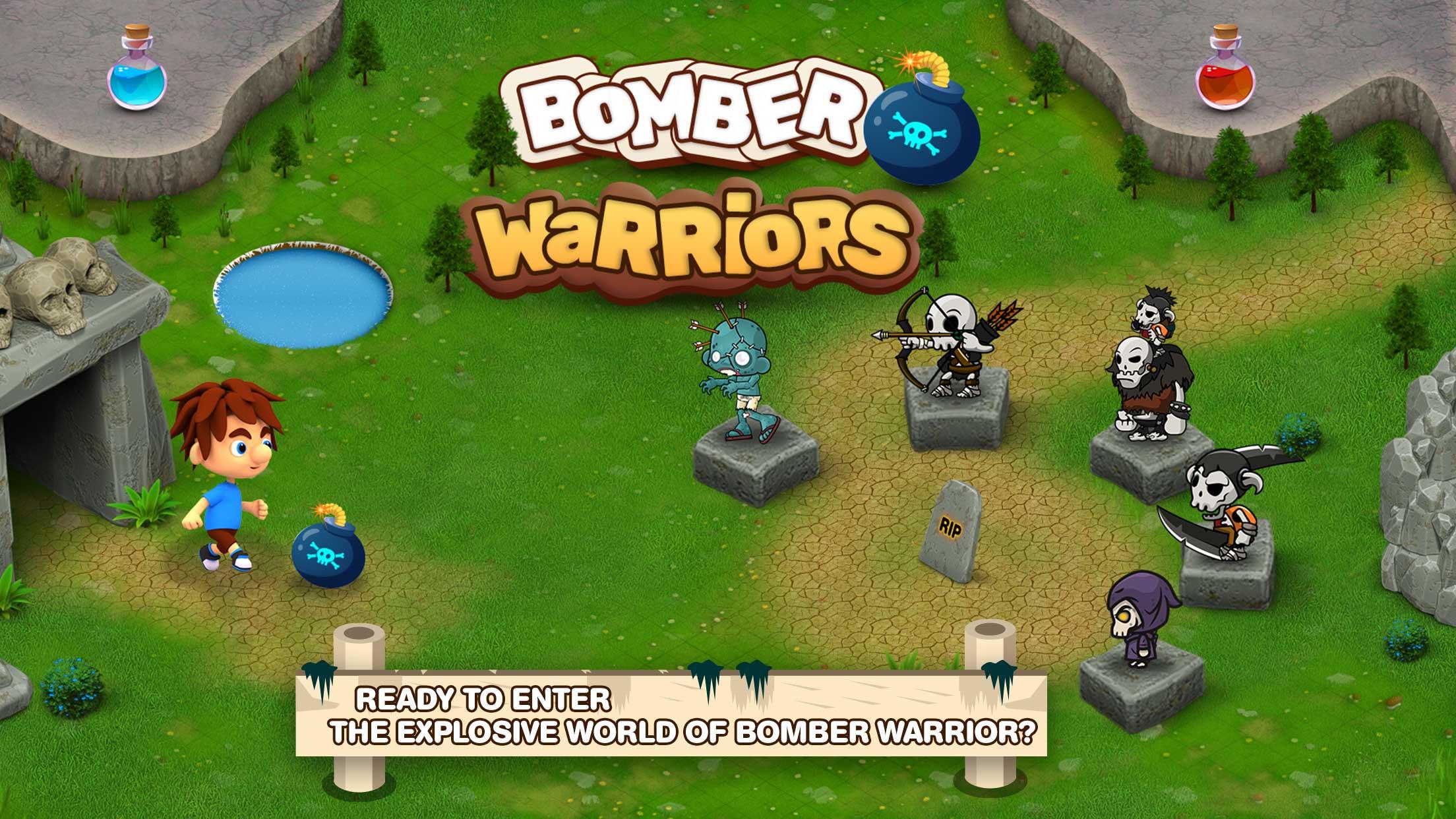
In the bomber adventure game, a player is faced with daunting challenges to protect the bomb man’s house from an onslaught of fearless zombies, archers, and skeletons. Only skilled and strategic thinkers can dodge enemies and claim victory.
How to Play the Bomber Classic Adventure?
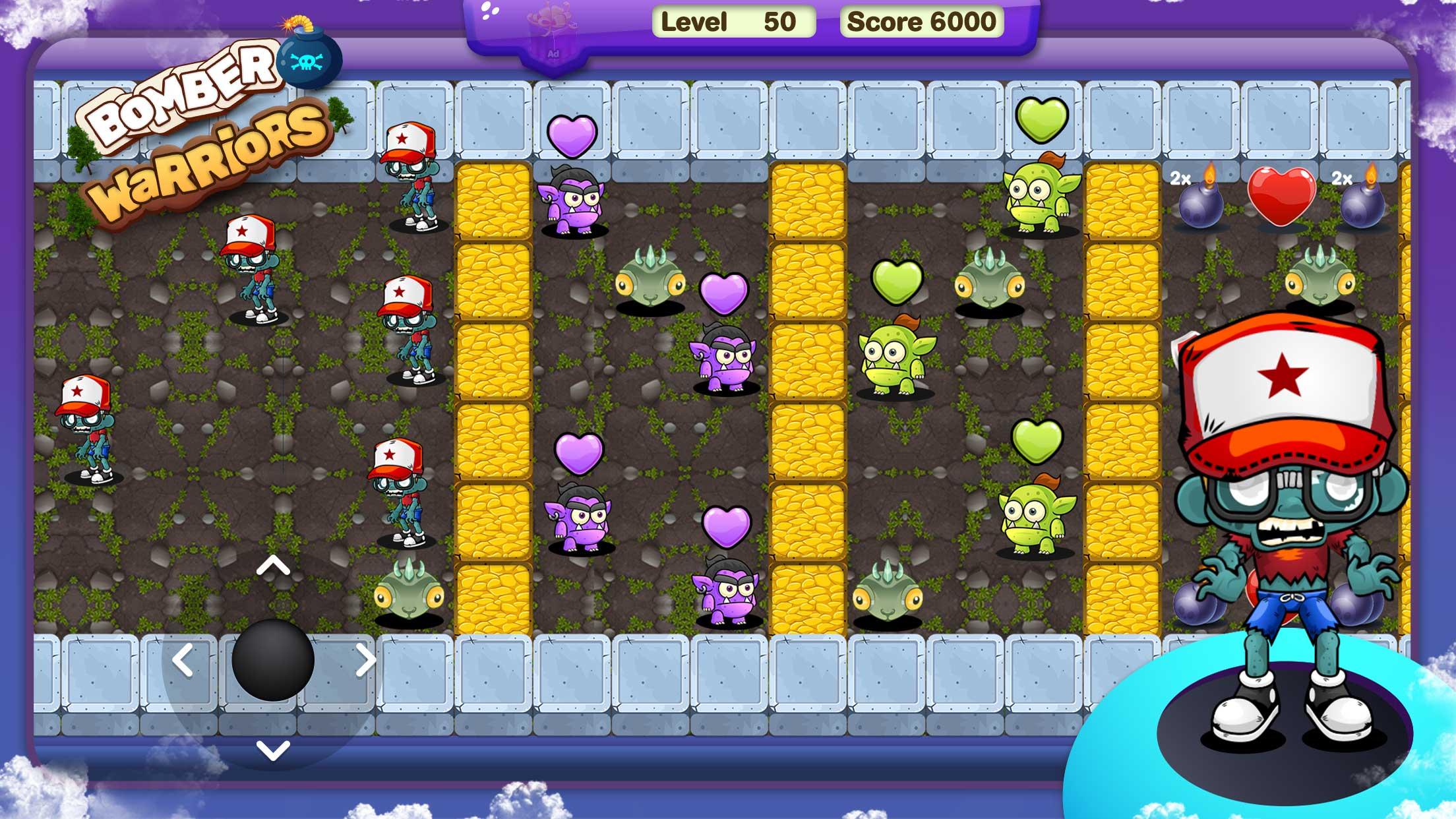
> A Virtual Pad is placed on the left bottom corner to move the bomb man. > Drop the explosive bombs to blow away your enemy and find the key to unlock the door.
For getting a win, 2 types of blocks (destructible and indestructible) are placed on the main screen.
> Some power-ups like Bomb Range, Double Bomb, Shield, Speed, Lives, and Key are added throughout the bomber Arcade Battle. Find them out and make your chances of getting a win more obvious.
> Once your bomb man gets killed by the enemy, you will have to start the level again. So, get your thumbs and mind ready to enter the bomber battle arcade. Hit the comment section if you like the Bomber Classic Adventure-Bomb Blast game or you can send your suggestions which we really appreciate.
Preview
Tags
ActionInformation
Developer
CodeMatics Media Solutions
Latest Version
6.2
Last Updated
2025-07-30
Category
Action
Available on
Google Play
Show More
How to play Bomber Classic Adventure with GameLoop on PC
1. Download GameLoop from the official website, then run the exe file to install GameLoop
2. Open GameLoop and search for “Bomber Classic Adventure” , find Bomber Classic Adventure in the search results and click “Install”
3. Enjoy playing Bomber Classic Adventure on GameLoop
Minimum requirements
OS
Windows 8.1 64-bit or Windows 10 64-bit
GPU
GTX 1050
CPU
i3-8300
Memory
8GB RAM
Storage
1GB available space
Recommended requirements
OS
Windows 8.1 64-bit or Windows 10 64-bit
GPU
GTX 1050
CPU
i3-9320
Memory
16GB RAM
Storage
1GB available space