
Blue Invader PC
AMEPAY Games Studio
Download Blue Invader on PC With GameLoop Emulator
Blue Invader on PC
Blue Invader, coming from the developer AMEPAY Games Studio, is running on Android systerm in the past.
Now, You can play Blue Invader on PC with GameLoop smoothly.
Download it in the GameLoop library or search results. No more eyeing the battery or frustrating calls at the wrong time any more.
Just enjoy Blue Invader PC on the large screen for free!
Blue Invader Introduction
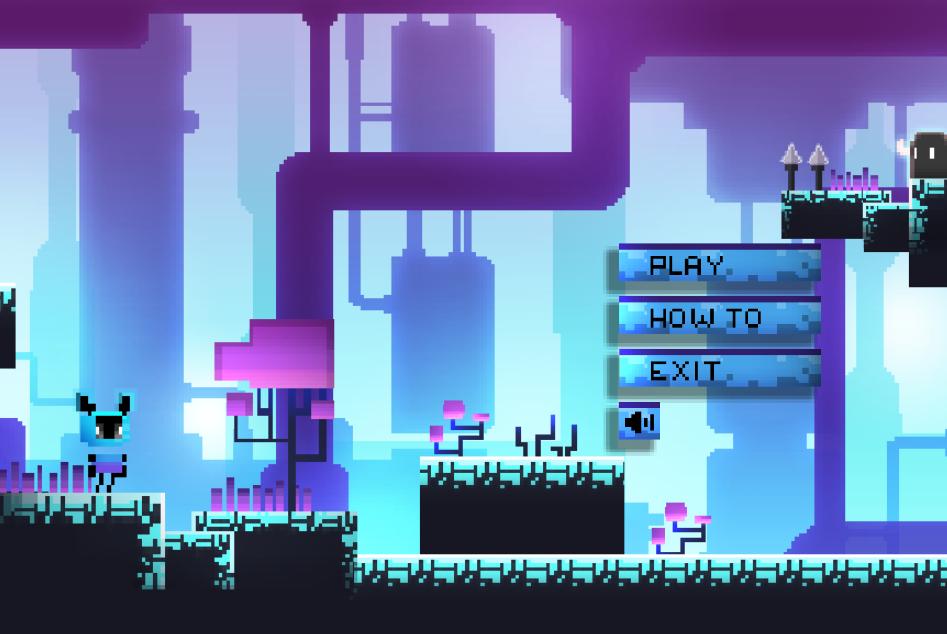
Play as a little blue man and find your way through all the levels!
'Blue Invader' is a casual game yet highly challenging.
How to Play:
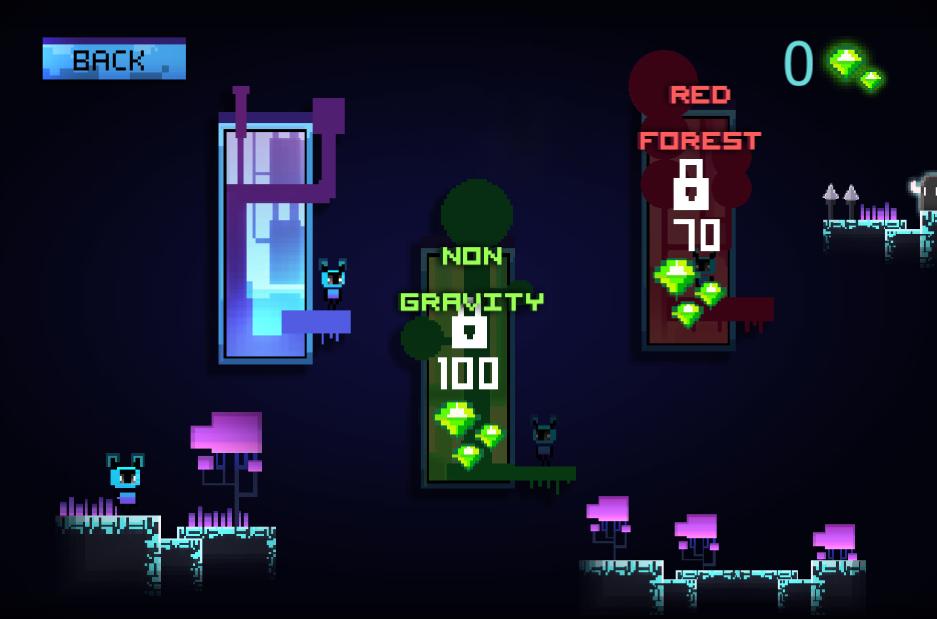
Play the blue man, cross the obstacles, collect as many as gems you can & reach the door. Use Gems to unlock new new challenging chapter!
Free to Play:
The game is completely free to play! Woo!
Contains Ads:
We do use a bit of advertising to monetise the experience. Nothing too obnoxious, just the occasional ad. 50% of the revenue will be used to find new users, 30% of the revenue will be used to develop new games and 20% will be used to burn $AME.
"But I HATE ads!!!!"
Well you are in luck! For those who don't have time to waste viewing loosely relevant ads, there is in-app purchase on offer for a modest fee, that removes all those immersion-killing ads from the game. You may still want to opt-in to save yourself when dying, but that's your call!
Love the game?
We love making games, and hope you enjoy the fruits of our labour! If you have any feedback or just want to say "Hi", drop us a line at admin@gale.in. Have fun!
Preview
Tags
CasualInformation
Developer
AMEPAY Games Studio
Latest Version
3
Last Updated
2021-05-27
Category
Action
Available on
Google Play
Show More
How to play Blue Invader with GameLoop on PC
1. Download GameLoop from the official website, then run the exe file to install GameLoop
2. Open GameLoop and search for “Blue Invader” , find Blue Invader in the search results and click “Install”
3. Enjoy playing Blue Invader on GameLoop
Minimum requirements
OS
Windows 8.1 64-bit or Windows 10 64-bit
GPU
GTX 1050
CPU
i3-8300
Memory
8GB RAM
Storage
1GB available space
Recommended requirements
OS
Windows 8.1 64-bit or Windows 10 64-bit
GPU
GTX 1050
CPU
i3-9320
Memory
16GB RAM
Storage
1GB available space