
Zoom Video Player PC
Jâvan Palmer (App Establishment)
Download Zoom Video Player on PC With GameLoop Emulator
Zoom Video Player on PC
Zoom Video Player, coming from the developer Jâvan Palmer (App Establishment), is running on Android systerm in the past.
Now, You can play Zoom Video Player on PC with GameLoop smoothly.
Download it in the GameLoop library or search results. No more eyeing the battery or frustrating calls at the wrong time any more.
Just enjoy Zoom Video Player PC on the large screen for free!
Zoom Video Player Introduction
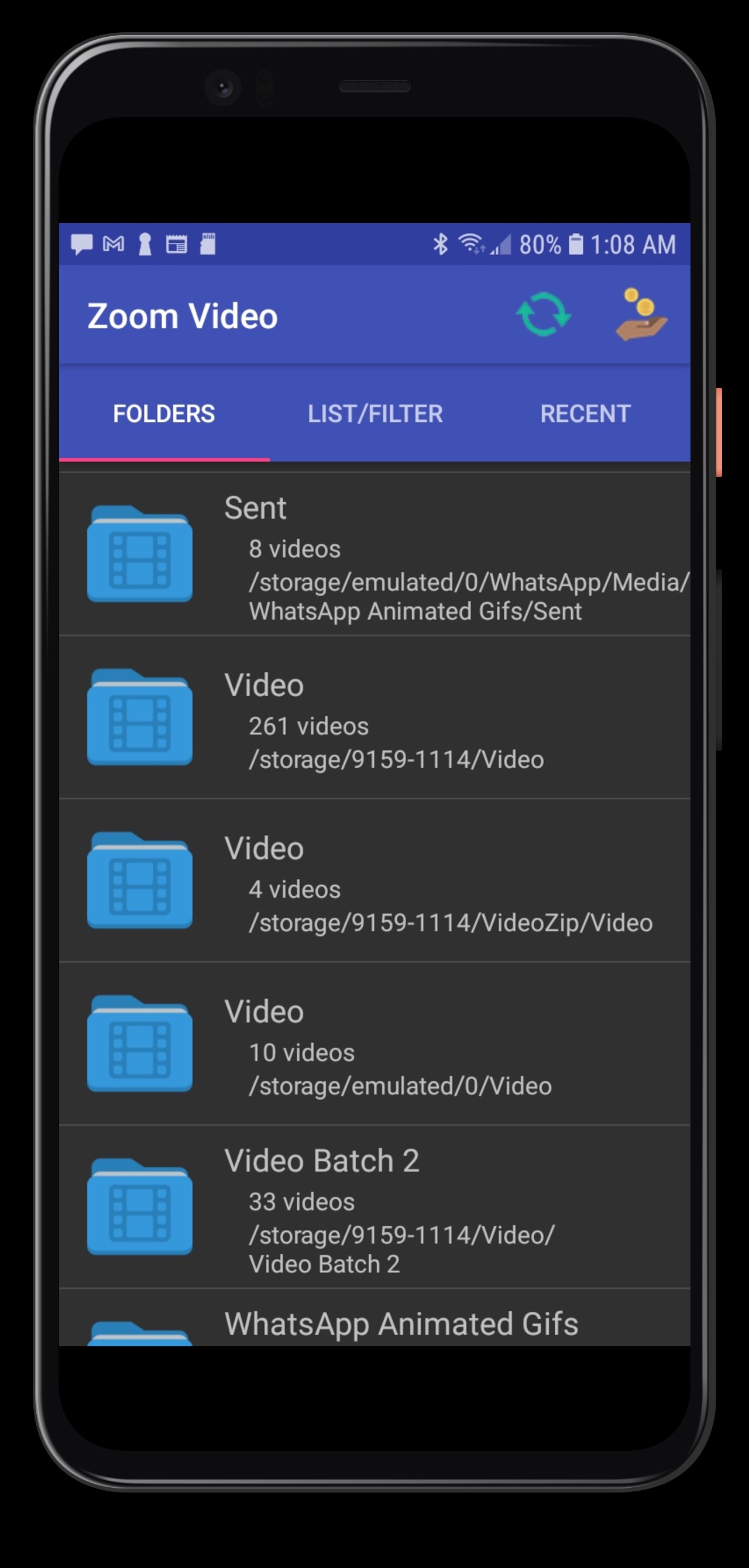
You can now always enlarge any small video content, much as you can do with photographs on your smartphone or tablet. Watch your high-quality videos on screens up to four times the size.
★Zoom Video Player uses a flexible core module.
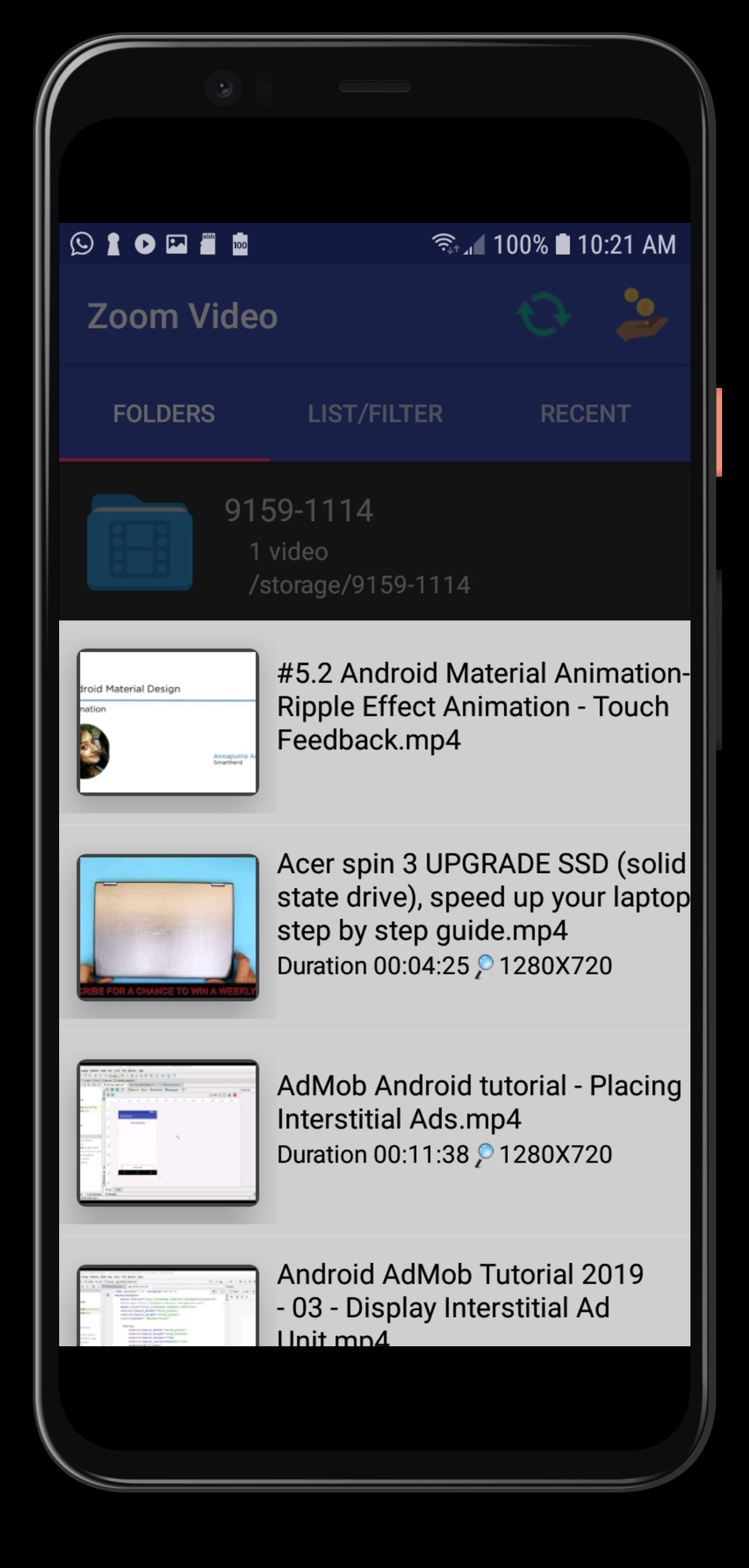
★Zoom Video Player supports★ AVI / ASF / WMV / WMA, MP4 / MOV / 3GP, OGG / OGM/ FLV/ WEBM / MKV
★Enlarge the football games, basketball games and other sports.
★Convenience when watching software usage tutorial videos.
★Relax and watch video demonstrations (How-to-Videos).
★Zoom Video Player for education-based videos.
★Slow motion artistical drawing videos.
★Zoom Video Player for the elderly and near-sighted individuals.
educational videos.
★Allows free to scroll around the contents of the video.
★Supports portrait and landscape modes, Auto-rotate, and A-B Repeat.
★Zoom Videos with slow-motion and fast-motion playback with audio.
★Access files on your external SD card and network URL streaming contents.
★★Thank you VideoLAN Open Source community.★★
Preview
Tags
Video-PlayersInformation
Developer
Jâvan Palmer (App Establishment)
Latest Version
R.v80 adfree-don
Last Updated
2025-11-16
Category
Video-players-editors
Available on
Google Play
Show More
How to play Zoom Video Player with GameLoop on PC
1. Download GameLoop from the official website, then run the exe file to install GameLoop
2. Open GameLoop and search for “Zoom Video Player” , find Zoom Video Player in the search results and click “Install”
3. Enjoy playing Zoom Video Player on GameLoop
Minimum requirements
OS
Windows 8.1 64-bit or Windows 10 64-bit
GPU
GTX 1050
CPU
i3-8300
Memory
8GB RAM
Storage
1GB available space
Recommended requirements
OS
Windows 8.1 64-bit or Windows 10 64-bit
GPU
GTX 1050
CPU
i3-9320
Memory
16GB RAM
Storage
1GB available space