Slow Motion Video Editor: Fast PC
XDeev Studio
Download Slow Motion Video Editor: Fast on PC With GameLoop Emulator
Slow Motion Video Editor: Fast on PC
Slow Motion Video Editor: Fast, coming from the developer XDeev Studio, is running on Android systerm in the past.
Now, You can play Slow Motion Video Editor: Fast on PC with GameLoop smoothly.
Download it in the GameLoop library or search results. No more eyeing the battery or frustrating calls at the wrong time any more.
Just enjoy Slow Motion Video Editor: Fast PC on the large screen for free!
Slow Motion Video Editor: Fast Introduction
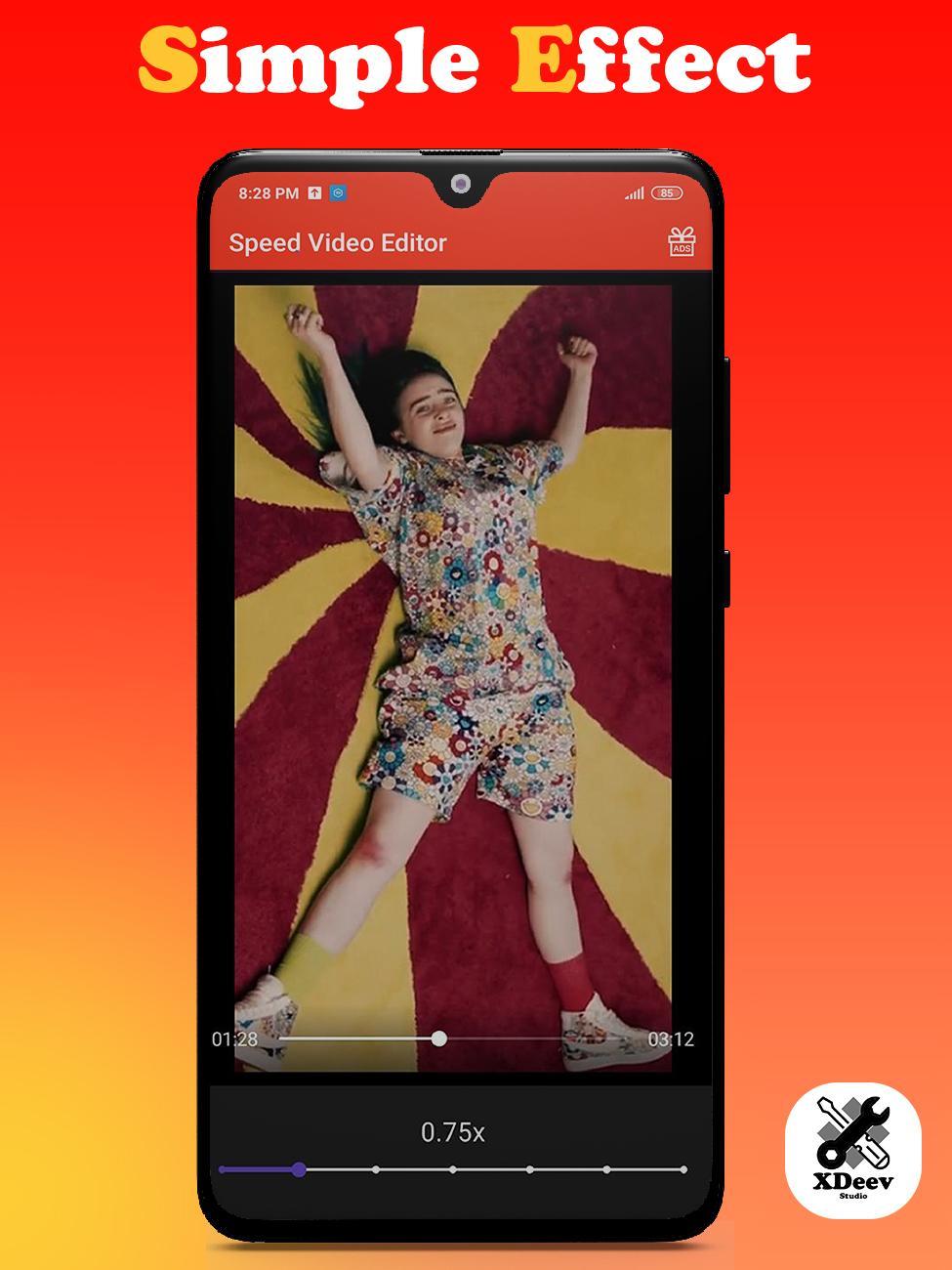
Slow Motion Video Maker is an app help you create a Slow motion video, fast motion video, magic video.Slow Motion Video app allows users edit your videos for FREE. You need record a new video or get a video from your phone then increase speed or decrease speed videos, slow motion video.
🐌 Slow Motion Video Editor is the fastest and easiest way to edit video speed: slow-motion video, fast video as you like
🐌 You will make yourself a very special video that is incredibly simple, with effects that slow down video or fast video, Lets you choose the speed of the output movie. for example, you can make your speech fast - you will sound like a tiny little mouse! Slow motion video editor app is free to create your own style and personal videos. You can also make your favorite videos effects and have fun with fast motion video.
💫 Key Features of Slow Motion Video Editor app 💫
🌱 Simple slow down video and very easy to use!
🌱 Edit video with original video of the same quality.
🌱 This is an awesome Slow down video Player.
🌱 Slow motion video editor app is very fast and easy to use with user friendly
🌱 Share your generated fast video, slow motion video editor .
🌱 Edit video with selected time interval and generate slow motion video editor.
🌱 Offline Slow motion Video editor for android.
🌱With effects that slow down video or fast video, you will make yourself a very special video that is incredibly simple.
🌱 Does not affect resolution of a video, create fast video.
🌱 Play slow motion video camera or slow down video - fast motion video
🌱 Fast motion video, slow motion – Video Editor, edit video camera
🌱Slow down video is a mobile application that helps you edit video camera very fast and can use video to share.
🌱 Slow Motion Video - video camera - edit video
🌱 Slow down Video - video camera - fast video
=>Use the slow motion video editor application to slow down video. You can edit video camera make the whole video run in slow motion, fast video
=> We created the slow-motion video editor application that will help you deal with the hobby of slow down motion processing and you can comfortably use your video camera professionally
How to use Slow Motion Video Editor app⁉️⁉️
📌 Open the app and open your video.
📌 Select videos from your Gallery, video camera.
📌 Edit your video fast, slow.
📌 Done and Wait for complete process, create slow-motion video editor, fast motion video .
♻️ Were you waiting for a great fast motion video? This can work smoothly and is compatible with all your favorite video download files - fast video.
♻️ Slow motion video editor is an application that allows you to watch your favorite videos in slow motion. You can manually edit your video playback speed to see details you never saw before. Spend time enjoying your friends by showing videos in slow motion. It is easy to use and completely free.
If you have any problems or any ideas to make this Slow Motion Video Editor - Fast motion video app mode batter, please reply to us via email.
If you find this Slow Motion Video Editor app useful, you can leave ★★★★★ for our Slow Motion Video Editor - Fast motion video and show your love on the reviews below
Preview
Tags
Video-PlayersInformation
Developer
XDeev Studio
Latest Version
1.5
Last Updated
2021-04-26
Category
Video-players-editors
Available on
Google Play
Show More
How to play Slow Motion Video Editor: Fast with GameLoop on PC
1. Download GameLoop from the official website, then run the exe file to install GameLoop
2. Open GameLoop and search for “Slow Motion Video Editor: Fast” , find Slow Motion Video Editor: Fast in the search results and click “Install”
3. Enjoy playing Slow Motion Video Editor: Fast on GameLoop
Minimum requirements
OS
Windows 8.1 64-bit or Windows 10 64-bit
GPU
GTX 1050
CPU
i3-8300
Memory
8GB RAM
Storage
1GB available space
Recommended requirements
OS
Windows 8.1 64-bit or Windows 10 64-bit
GPU
GTX 1050
CPU
i3-9320
Memory
16GB RAM
Storage
1GB available space