Roku - Phone Mirror Screen PC
XDeev Studio
Download Roku - Phone Mirror Screen on PC With GameLoop Emulator
Roku - Phone Mirror Screen on PC
Roku - Phone Mirror Screen, coming from the developer XDeev Studio, is running on Android systerm in the past.
Now, You can play Roku - Phone Mirror Screen on PC with GameLoop smoothly.
Download it in the GameLoop library or search results. No more eyeing the battery or frustrating calls at the wrong time any more.
Just enjoy Roku - Phone Mirror Screen PC on the large screen for free!
Roku - Phone Mirror Screen Introduction
Upgrade your Roku Stick, Roku Box and Roku TV to watch webvideos, online movies, livestreams and live-tv shows directly on your biggest screen with the no#1 web video streamer. Mp4, m3u8, hls livestreams, video over https and of course Full HD are supported.
[User Story] Why you need it?
+ (Game) When playing game, mirror screen to TV, share with friends, the visual effect is more exciting.
+ (Digital Gallery)Enjoy photos and famous painting on TV at any time, like take gallery home.
+ (Movie) Streaming movie to smart TV, enjoy the theater experience!
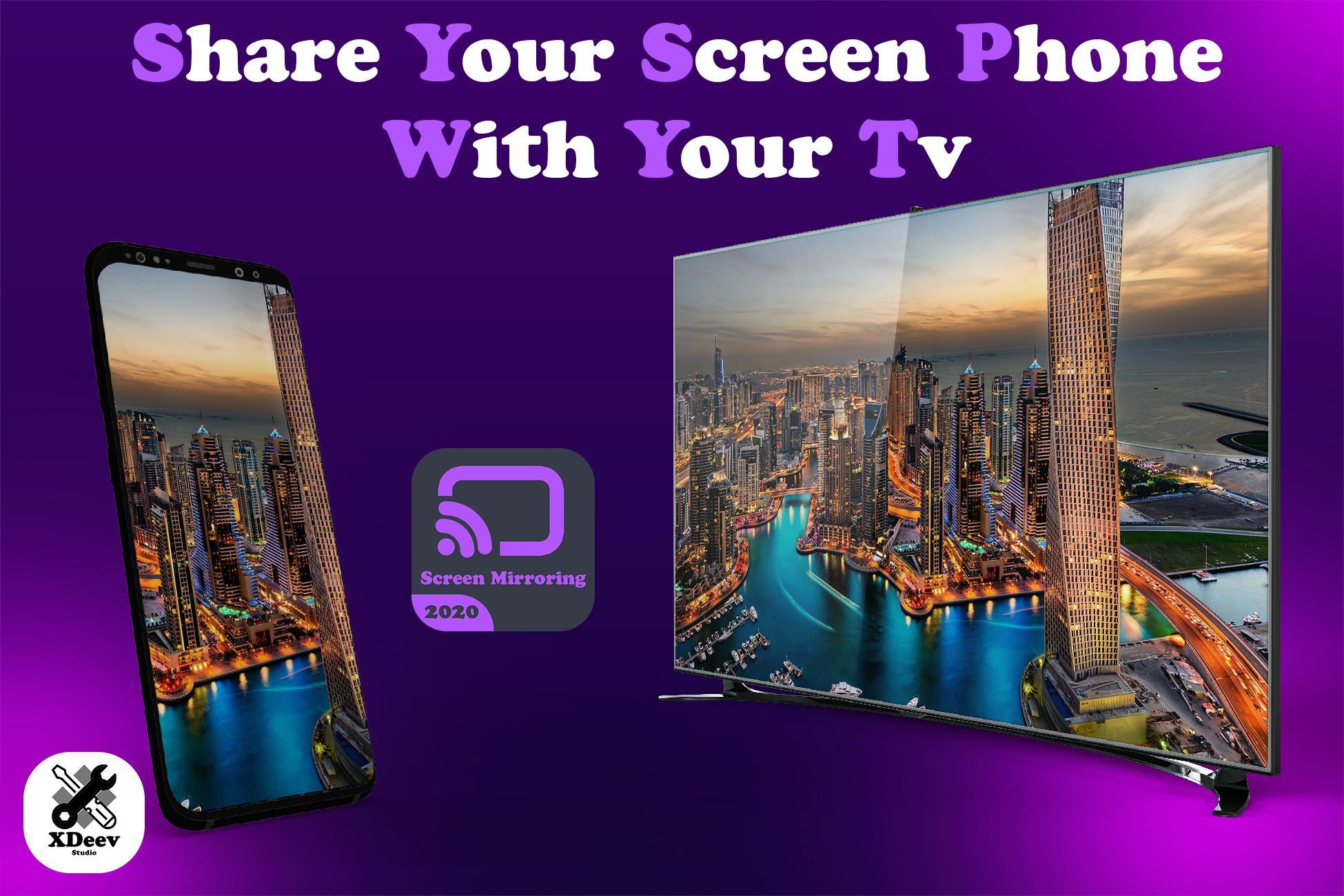
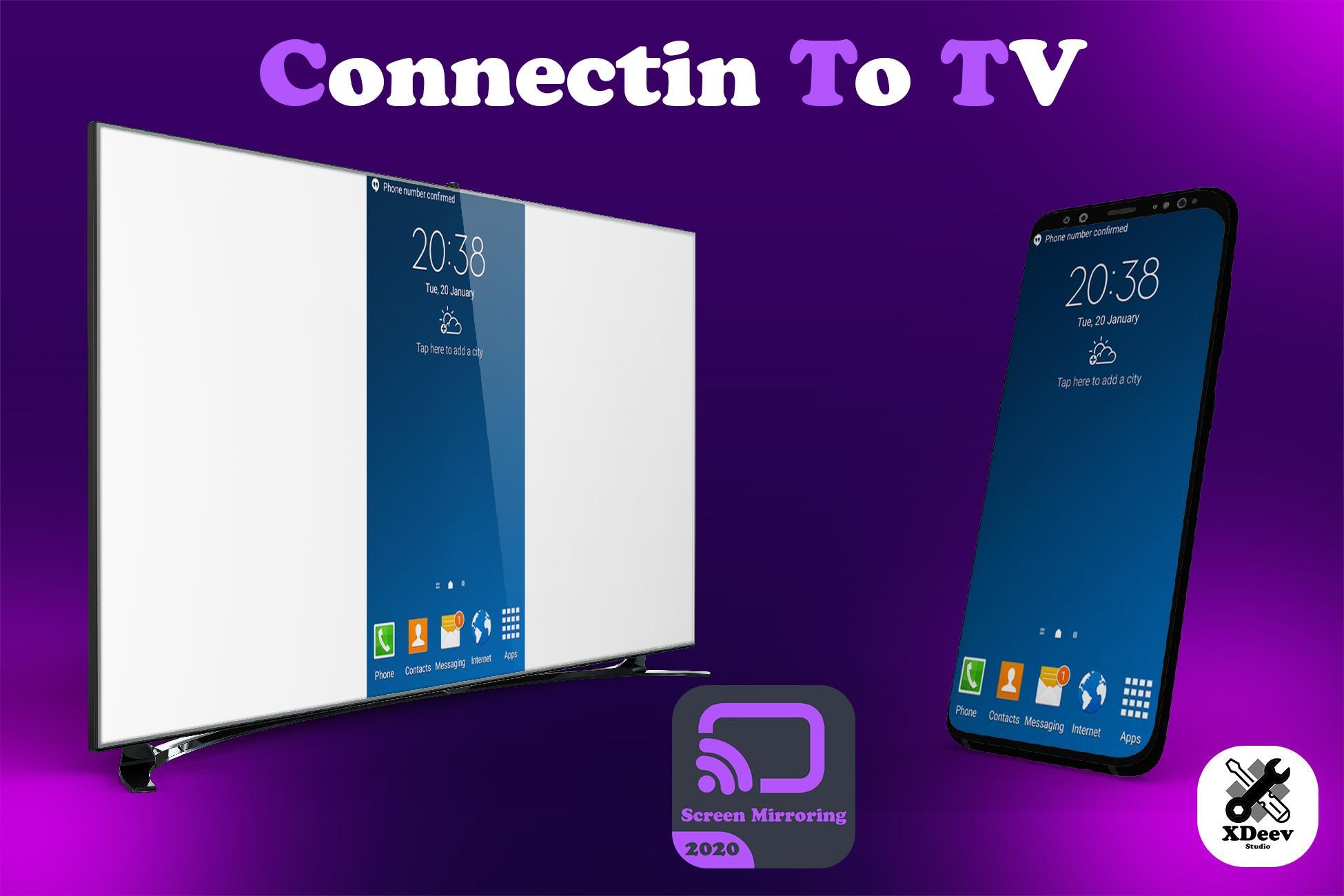
+ (Meeting) Show phone's screen when have a presentation, mirror screen to projector or TV.
+ (Education) It's harmful to watch videos on phone for children eyes, much better to mirror screen to TV.
+ (Reading) When reading e-books, mirror the phone's screen to TV, more efficient.
+ (Training) Cast the screen of fitness app to TV, do exercise while watching it.
+ (Stock) Mirror the screen of stock app to TV, it's more comfortable.
Control your Roku with the integrated roku remote.
*** This app only works with a Roku streaming device ***
With Video & TV Cast you can browse through the web and stream or cast any video you want on your Roku. Just navigate to your favorite website and send the embedded video with a single tap to your Roku. The discovered video will be shown below the browser. A tap on the video link will send it to your Roku immediately.
>>> IMPORTANT NOTES, PLEASE READ
* SUPPORTED Roku Players: Roku TV, Roku Streaming Stick, Roku Express, Roku Premiere, Roku Ultra, Roku 2, Roku 3, Roku 4, Roku HD (2500), Roku LT (2400+2450) Player. Please make sure that firmware 5.1 or later is installed.
* NOT SUPPORTED Roku Players: Roku classic models (N1000, N1050, N1100, N1101), Roku 2000, 2050, 2100, Now TV Box.
* NOT SUPPORTED Videos: Flash video, Google Play movies, Netflix, Amazon and HBO and other DRM protected videos web-videos, online-movies, livestreams and live-tv shows.
* Please test your websites and videos in the free edition! If casting fails, upgrading will NOT make it work magically.
* The app does NOT mirror your full Android device, it just pushes the video part of a website to your Roku.
* To play mp4, m3u8 or other videofiles directly on Roku just enter or paste the full video-url in the browser address bar.
* Sometimes it is necessary to play the video on your Android device before the link gets detected for casting.
* If the connection does not work, please try to restart your Android device, Roku and wifi router.
* If a specific web-video, online-movie, livestream or live-tv show does not cast, please check our FAQ or send the website and video link to xdeev.studio@gmail.com by using the report feature in the app. We will try to add support for your video as soon as possible. Leaving negative Play Store reviews without any information about your issue will not give us a chance to help you.
>>> QUICK START GUIDE
1) Google your favorite video (e.g. on youtube) or enter the video-url directly in the browser address bar by tapping on the pen icon in the menu bar.
2) After the link is detected tap on "Tap here to cast" below the browser and casting will start.
3) Enjoy your web-video, online-movie, livestream or live-tv show and share our app on Twitter or Facebook :)
>>> A MESSAGE FROM THE DEVELOPERS
If you have suggestions or discover any problems with Video & TV Cast, please let us know at xdeev-studio@gmail.com We will help you as soon as we can.
If you like the app, please support us by giving a 5-star rating on Google Play. Thank you for all your support!
Disclaimer: This app is not affiliated with Roku or any other trademark mentioned here.
Preview
Tags
ToolsInformation
Developer
XDeev Studio
Latest Version
2.0
Last Updated
2022-07-16
Category
Tools
Available on
Google Play
Show More
How to play Roku - Phone Mirror Screen with GameLoop on PC
1. Download GameLoop from the official website, then run the exe file to install GameLoop
2. Open GameLoop and search for “Roku - Phone Mirror Screen” , find Roku - Phone Mirror Screen in the search results and click “Install”
3. Enjoy playing Roku - Phone Mirror Screen on GameLoop
Minimum requirements
OS
Windows 8.1 64-bit or Windows 10 64-bit
GPU
GTX 1050
CPU
i3-8300
Memory
8GB RAM
Storage
1GB available space
Recommended requirements
OS
Windows 8.1 64-bit or Windows 10 64-bit
GPU
GTX 1050
CPU
i3-9320
Memory
16GB RAM
Storage
1GB available space