
WPlayer - HD Video Player PC
WaleedDev
Download WPlayer - HD Video Player on PC With GameLoop Emulator
WPlayer - HD Video Player on PC
WPlayer - HD Video Player, coming from the developer WaleedDev, is running on Android systerm in the past.
Now, You can play WPlayer - HD Video Player on PC with GameLoop smoothly.
Download it in the GameLoop library or search results. No more eyeing the battery or frustrating calls at the wrong time any more.
Just enjoy WPlayer - HD Video Player PC on the large screen for free!
WPlayer - HD Video Player Introduction
WPlayer is a powerful HD video player that supports subtitle. It is the leading free player for Android. Player will automatically detects videos from device storage and play in high quality.
WPlayer supports all the popular video formats including MKV, MP4 , 3GP, M4V, MOV, MTS, TS, FLV, WEBM etc.
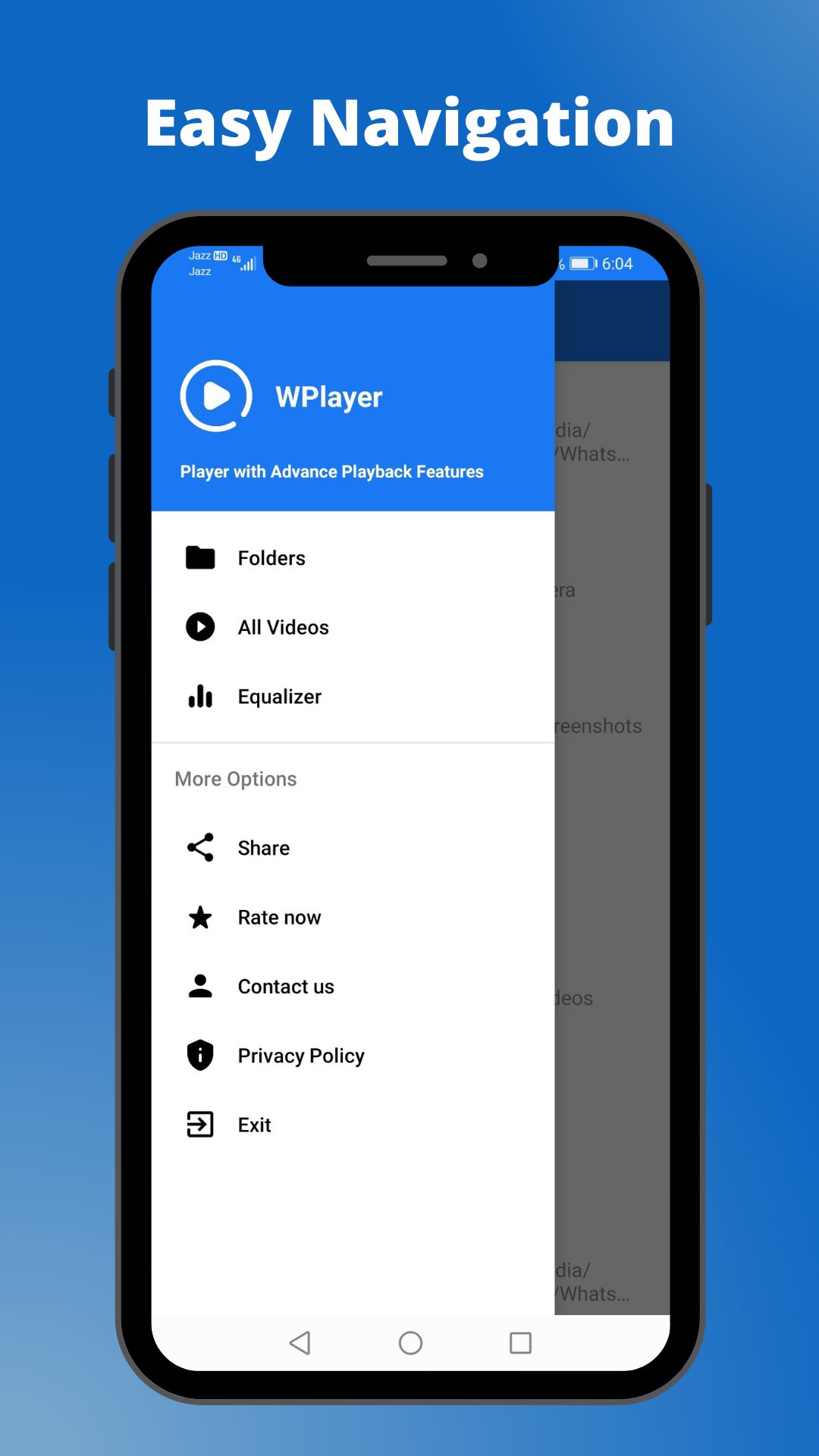
WPlayer can show videos in folders as well as without folders in a separate section. It provides the best equalizer for managing audio track frequencies.
WPlayer features:
● Bass Boost Equailzer
● Zoom in / Zoom out
● Plays all the popular video formats smoothly
● Full HD video player with 1080p resolution
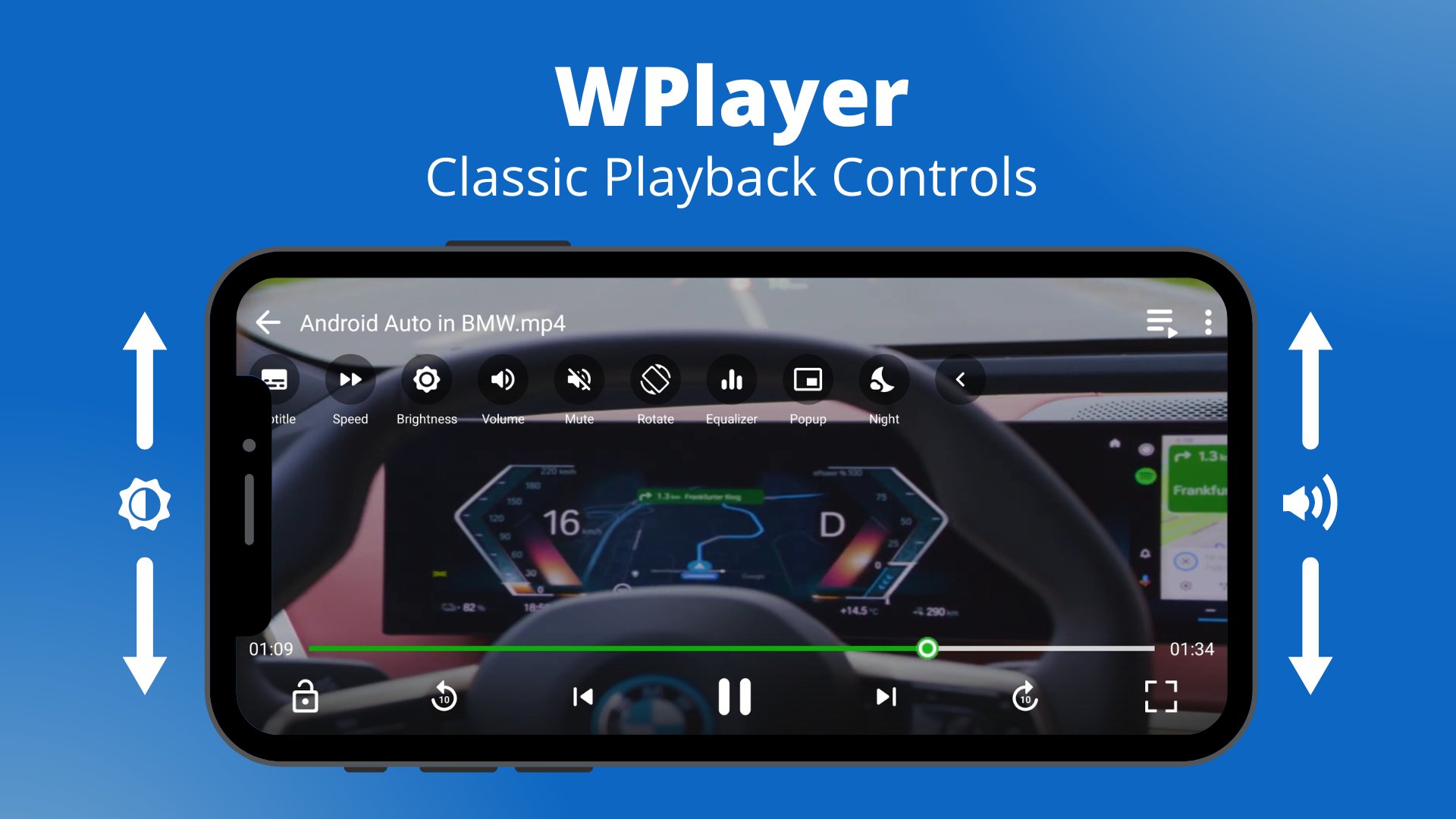
● Swipe for volume and brightness change
● Support Subtitles
● Manage Playback Speed of Video
● Picture in Picture mode for playing video in small window
● Double Tap to Play Pause
● Night Mode
● Section for showing all videos of device
● Properties of video (video name, path, size, length, duration, resolution)
● Share Videos with friends
● Search Video with Name
● Lock and unLock video
● Scaling (Fullscreen, Zoom, Fit)
● Play next previous video
● Sort Video files by name, date, length and size in Ascending or Descending
order
This is the app to meet all the requirements of the media player and along with attractive UI will bring you the best experience.
Preview
Tags
Video-PlayersInformation
Developer
WaleedDev
Latest Version
1.5
Last Updated
2022-08-13
Category
Video-players-editors
Available on
Google Play
Show More
How to play WPlayer - HD Video Player with GameLoop on PC
1. Download GameLoop from the official website, then run the exe file to install GameLoop
2. Open GameLoop and search for “WPlayer - HD Video Player” , find WPlayer - HD Video Player in the search results and click “Install”
3. Enjoy playing WPlayer - HD Video Player on GameLoop
Minimum requirements
OS
Windows 8.1 64-bit or Windows 10 64-bit
GPU
GTX 1050
CPU
i3-8300
Memory
8GB RAM
Storage
1GB available space
Recommended requirements
OS
Windows 8.1 64-bit or Windows 10 64-bit
GPU
GTX 1050
CPU
i3-9320
Memory
16GB RAM
Storage
1GB available space