
Video Velocity-Slow mo Fast mo PC
Grade Star Apps
Download Video Velocity-Slow mo Fast mo on PC With GameLoop Emulator
Video Velocity-Slow mo Fast mo on PC
Video Velocity-Slow mo Fast mo, coming from the developer Grade Star Apps, is running on Android systerm in the past.
Now, You can play Video Velocity-Slow mo Fast mo on PC with GameLoop smoothly.
Download it in the GameLoop library or search results. No more eyeing the battery or frustrating calls at the wrong time any more.
Just enjoy Video Velocity-Slow mo Fast mo PC on the large screen for free!
Video Velocity-Slow mo Fast mo Introduction
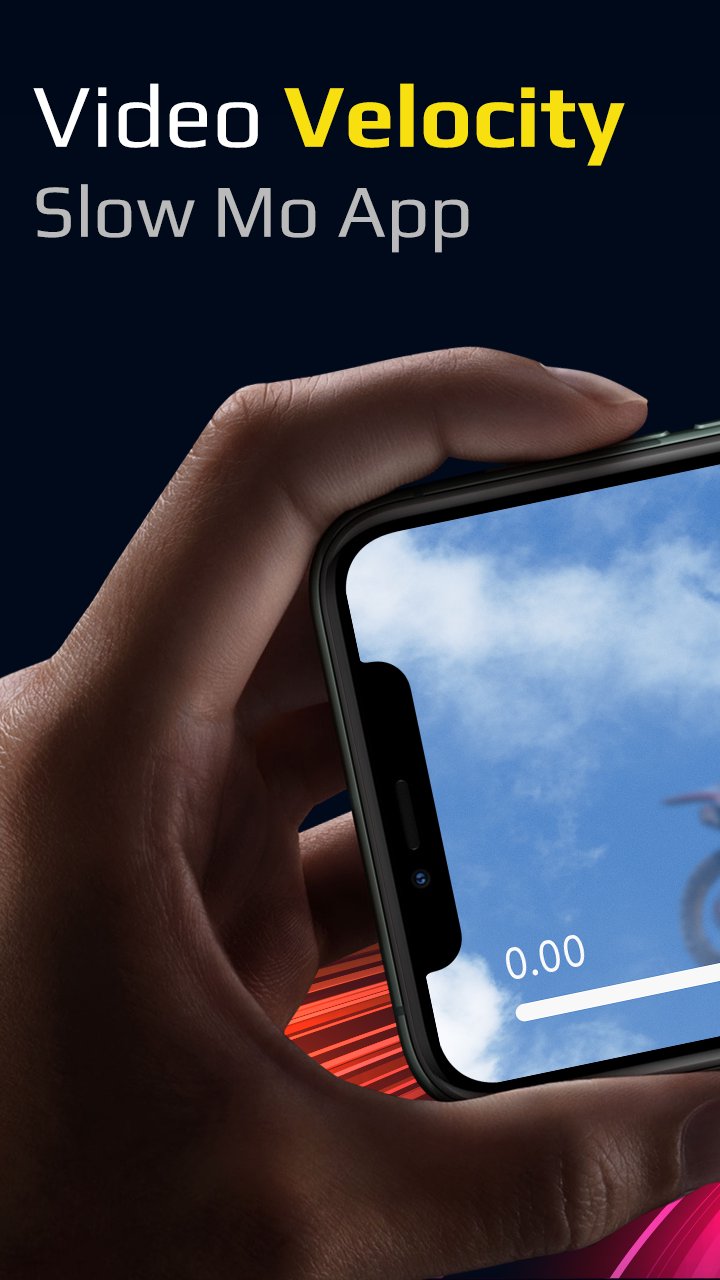
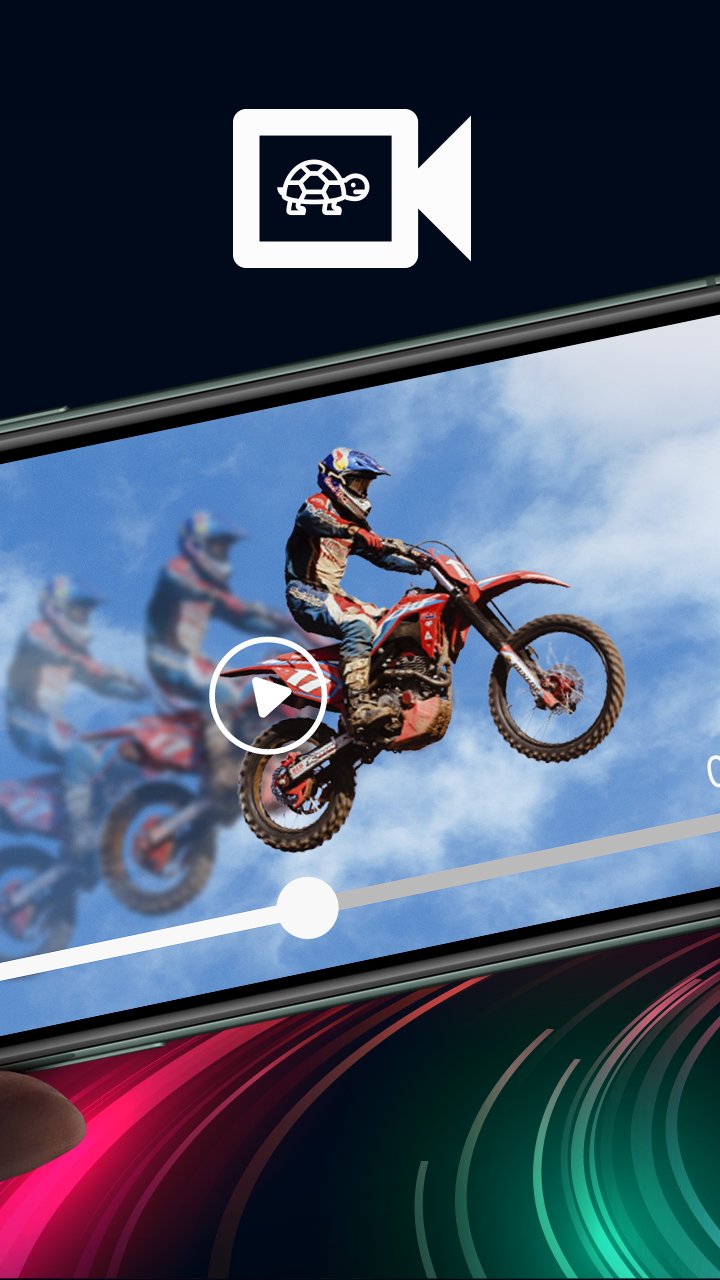
Video Velocity or Slow Motion Fast Motion Video app lets you create a slow motion video as well as fast forward video. Slow motion video editor can easily create slow-mo and fast motion effect. You can slow down the playback speed of the video and also fast forward the video playback rate.
Slow down videos
To make slow mo effect, select the speed you want, support 0.1x, 0.2x, 0.25x, 0.3x, 0.4x, 0.5x, 0.6x, 0.8x, 0.9x, 0.95x
Fast forward videos
To make fast motion effect, just select the supported fast speed 1.25x, 1.5x, 1.75x, 2.0x, 2.5x, 3.0x, 4.0x, 5.0x, 6.0x, 7.0x, 8.0x, 10.0x to speed up video.
Watch videos in slow motion and fast motion. Simple user interface and easy to use as well! Shoot, edit, and share videos on any social networking platforms in a stunning smooth slow motion. Slow Motion Camera supports all type of popular video formats including AVI, 3GP, MKV, TS, MPG , M4V, MOV, MP4, WMV and more.
§ FEATURES §
• Slow motion video and Fast motion video with live preview in video player during editing.
• Change resolution of video.
• Speed up video up to 10x
• Slow down video up to 0.1x
• Add Multiple Fast Motion, Slow Motion effect in the Same Video
• Add audio to video with audio trim feature before adding audio to video.
• Share screen after exporting video.
• My Creation
Get the all new Video Velocity - Slow mo, Fast mo Video app for FREE!!!
Preview
Tags
Video-PlayersInformation
Developer
Grade Star Apps
Latest Version
1.0
Last Updated
2022-07-29
Category
Video-players-editors
Available on
Google Play
Show More
How to play Video Velocity-Slow mo Fast mo with GameLoop on PC
1. Download GameLoop from the official website, then run the exe file to install GameLoop
2. Open GameLoop and search for “Video Velocity-Slow mo Fast mo” , find Video Velocity-Slow mo Fast mo in the search results and click “Install”
3. Enjoy playing Video Velocity-Slow mo Fast mo on GameLoop
Minimum requirements
OS
Windows 8.1 64-bit or Windows 10 64-bit
GPU
GTX 1050
CPU
i3-8300
Memory
8GB RAM
Storage
1GB available space
Recommended requirements
OS
Windows 8.1 64-bit or Windows 10 64-bit
GPU
GTX 1050
CPU
i3-9320
Memory
16GB RAM
Storage
1GB available space