
DigiVideo Background and Music PC
Photo Collage Photo Editor
Download DigiVideo Background and Music on PC With GameLoop Emulator
DigiVideo Background and Music on PC
DigiVideo Background and Music, coming from the developer Photo Collage Photo Editor, is running on Android systerm in the past.
Now, You can play DigiVideo Background and Music on PC with GameLoop smoothly.
Download it in the GameLoop library or search results. No more eyeing the battery or frustrating calls at the wrong time any more.
Just enjoy DigiVideo Background and Music PC on the large screen for free!
DigiVideo Background and Music Introduction
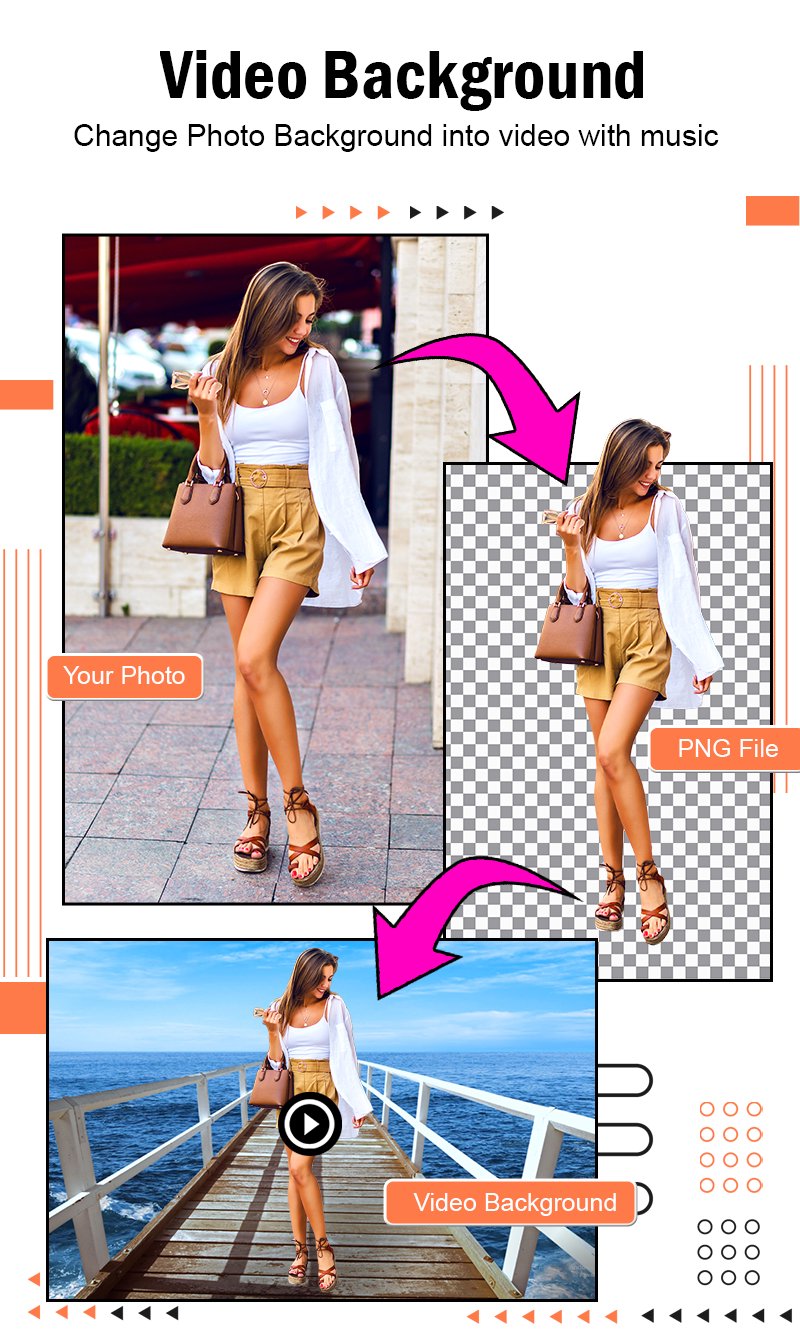
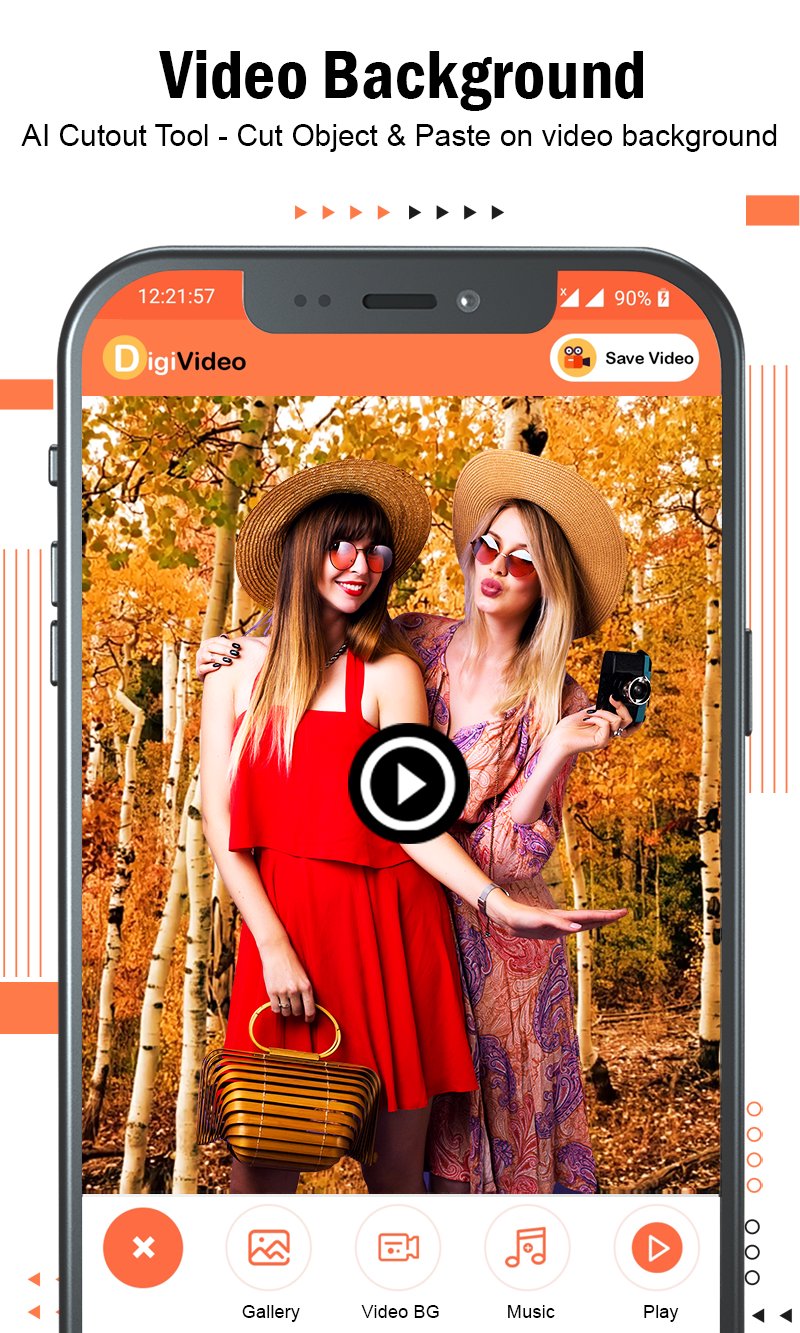
DigiVideo is a free-to-use 100% free photo editor app that contain AI intelligent cutout - cut objects and paste on video background with music.
Change photo background automatically in 1 click into Video Background with Music.
Convert photo background into video that provides HD Video Background with editing tools including 3D Flimix Video Background, add music, photo adjustments. Simple & easy photo to video background changer as photo to video maker.
Powerful video editor - synthesis function, seamlessly synthesize video, providing large amount video backgrounds for you to choose. Each one is the effect of shooting a large film in a studio as video frame.
Photo to video maker with music offers fully licensed music to make your video popular. You can pick all the trendy music you like to make an impressive video.
Video editor provides 720P/1080P HD export with no quality loss and no duration limit. You can save the video frame to your draft or album at any time.
Easily sharing your video frames to Facebook, YouTube, Instagram, Whatsapp and more.
DigiVideo : Video Background with Music has different categories video background. It only takes one tap to create an awesome music video and make you look vivacious. Video Maker & Video Editor makes it easy for you to grab attention and gain more followers and likes on social media.
With this DigiVideo : Video Maker, creating a video with photos, music, and other elements become easy and fun. You can beautify your videos with almost anything you want in a creative and personalized way.
Rate us and give your valuable comment for this awesome DigiVideo Background and Music to create more cool application like this.
If you find anything wrong or any copyright things then mail us. We would love to hear everyone.
If you like this DigiVideo Background and Music application then share with your friends and family member.
Enjoy.
Happy to help you.
Preview
Tags
Video-PlayersInformation
Developer
Photo Collage Photo Editor
Latest Version
1.45
Last Updated
2025-09-03
Category
Video-players-editors
Available on
Google Play
Show More
How to play DigiVideo Background and Music with GameLoop on PC
1. Download GameLoop from the official website, then run the exe file to install GameLoop
2. Open GameLoop and search for “DigiVideo Background and Music” , find DigiVideo Background and Music in the search results and click “Install”
3. Enjoy playing DigiVideo Background and Music on GameLoop
Minimum requirements
OS
Windows 8.1 64-bit or Windows 10 64-bit
GPU
GTX 1050
CPU
i3-8300
Memory
8GB RAM
Storage
1GB available space
Recommended requirements
OS
Windows 8.1 64-bit or Windows 10 64-bit
GPU
GTX 1050
CPU
i3-9320
Memory
16GB RAM
Storage
1GB available space