Universal remote control for v PC
Remote Control Tv
Download Universal remote control for v on PC With GameLoop Emulator
Universal remote control for v on PC
Universal remote control for v, coming from the developer Remote Control Tv, is running on Android systerm in the past.
Now, You can play Universal remote control for v on PC with GameLoop smoothly.
Download it in the GameLoop library or search results. No more eyeing the battery or frustrating calls at the wrong time any more.
Just enjoy Universal remote control for v PC on the large screen for free!
Universal remote control for v Introduction
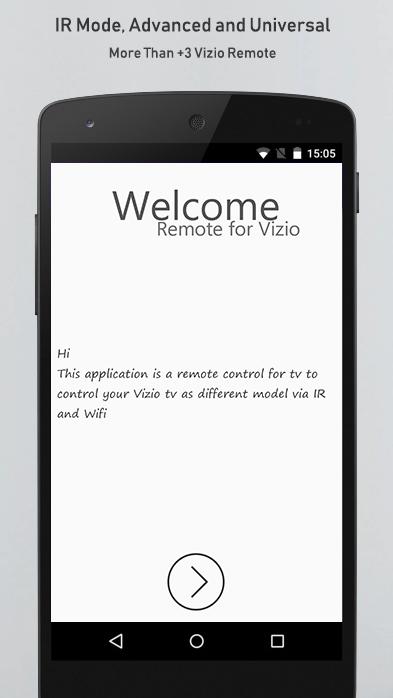
The remote control for vizio is the new virtual tool developed to replaced your real device losted or not working to take controle of all most television for the same brand.
The remote vizio application have many features and functions, let's mentioned about it:
- Power ON/OFF control.
- Menu and Changing Channels.
- Volume adjust: Increase / decrease.
- Support the most TVs model.
- Quick access to favorite remotes saved.
- Support all real remotes functionality.
- Content the most available IR code.
How Can use the application, is very easy and sample just follow those steps:
- Open application, test model that the app contain, if work click OK, if not test the next.
- Rename and saved.
Note important about the vizio remote for tv:
- Should your devices support Infrared sensor.
- Experimenting with it in a close range not exceeding 3 meters because the infrared blaster technology cannot control from long distances.
DISCLAIMER:
- Unofficial product, NOT affiliated with any brand.
- Not relation with any company.
Please feel free to give suggestions, drop us email in case if any issue is found or have questions.
Thank you & share app with friends.
Preview
Tags
Video-PlayersInformation
Developer
Remote Control Tv
Latest Version
8.8
Last Updated
2019-09-13
Category
Video-players-editors
Available on
Google Play
Show More
How to play Universal remote control for v with GameLoop on PC
1. Download GameLoop from the official website, then run the exe file to install GameLoop
2. Open GameLoop and search for “Universal remote control for v” , find Universal remote control for v in the search results and click “Install”
3. Enjoy playing Universal remote control for v on GameLoop
Minimum requirements
OS
Windows 8.1 64-bit or Windows 10 64-bit
GPU
GTX 1050
CPU
i3-8300
Memory
8GB RAM
Storage
1GB available space
Recommended requirements
OS
Windows 8.1 64-bit or Windows 10 64-bit
GPU
GTX 1050
CPU
i3-9320
Memory
16GB RAM
Storage
1GB available space