
Video Downloader App - Mesh PC
Zag Technology
Download Video Downloader App - Mesh on PC With GameLoop Emulator
Video Downloader App - Mesh on PC
Video Downloader App - Mesh, coming from the developer Zag Technology, is running on Android systerm in the past.
Now, You can play Video Downloader App - Mesh on PC with GameLoop smoothly.
Download it in the GameLoop library or search results. No more eyeing the battery or frustrating calls at the wrong time any more.
Just enjoy Video Downloader App - Mesh PC on the large screen for free!
Video Downloader App - Mesh Introduction
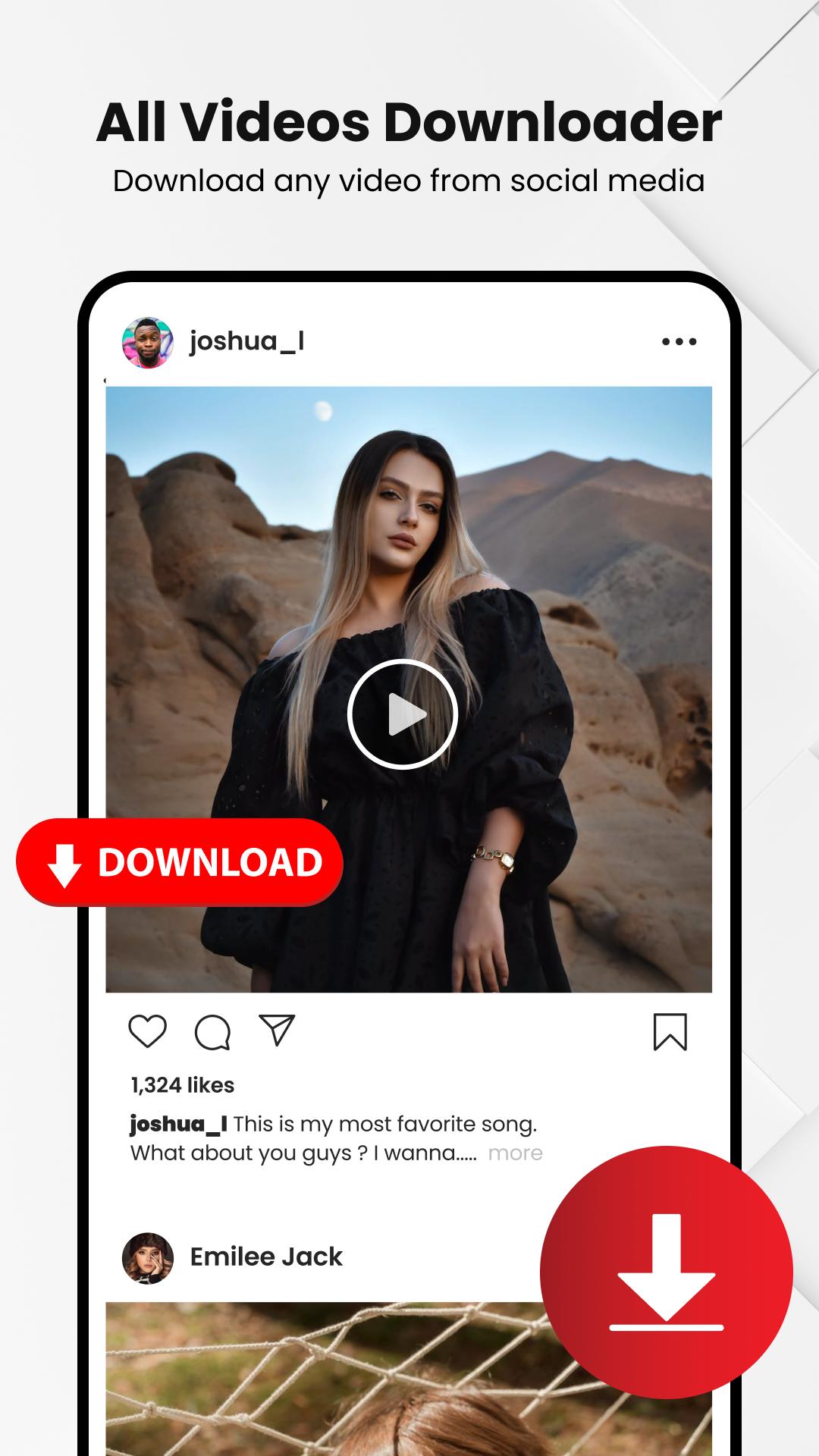
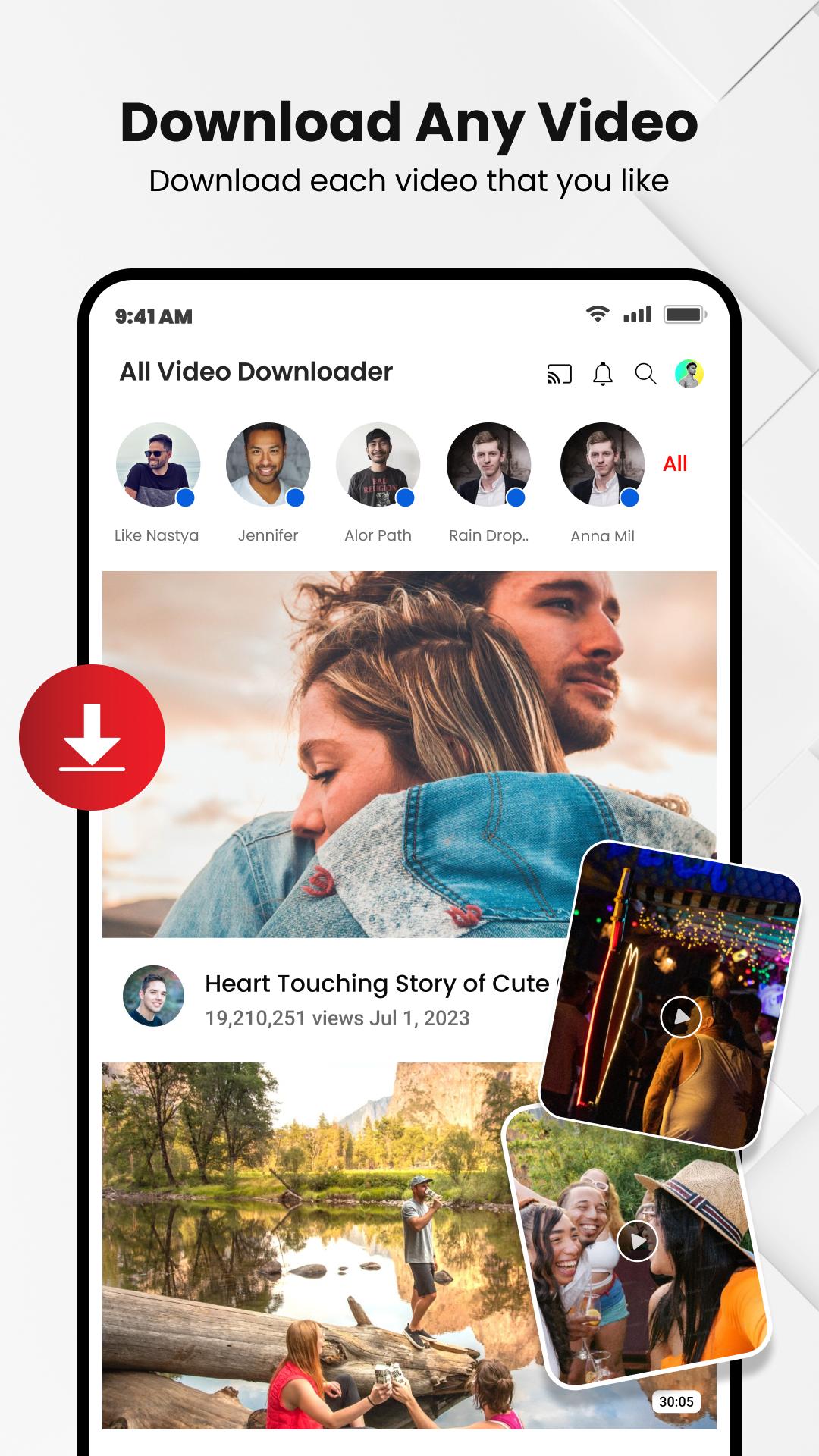
Video downloader - Vdownloader can download video easily from any website or social media platform on a single click. HD video downloader and music downloader for your favorite music, reels and story.
Fast video saver & video player for all formats from social media reels to online video streaming by this music downloader . Video Download from this high-speed private downloader which is a fast tool to save video & trending music.
HD video download from Video downloader - Vdownloader in a few seconds through this dynamic link downloader. When speed matters, a movie downloader has you offered with its fast downloads. All video downloader for music, video songs, video link download and download reels. Downloading made simple with downloadvideo with one-click video download, if you want to do is paste the video link and click download from such online video downloader.
Auto detection of link
Video downloader just opens, it fetches the URL automatically, and Video Downloader - VDownloader will start downloading your favorite videos on the spot. Video downloader browser downloads the trending video clips with auto detect link to video in a very easy way through the video downloader & save video.
Enjoy & Play download of any video you want with this all HD video downloader. Save & share video with others. Video downloader is a reliable tool to download videos using music downloader and video saver. Enjoy fast video downloading from the internet with uninterrupted 4k video downloader and music downloader - all in one.
📌 Features That Make Video downloader - Vdownloader Important:
★ Fast download HD videos downloader & video player easily.
★ Large file-supported download video in Vdownloader app.
★ HD downloader have pause, resume & delete and select quality options to control your downloads
★ Easy Downloads and smoothly playback for all videos
★ No limitations for Video downloading files
★ Video Story & reel downloader
★ Download from private websites
★ Viral video downloader app
★ Download in the background and manage downloads video
All video downloader app download HD all videos with the help of trending Video Downloader for all easily. Download video and download clips by video downloader app to save video. Multiple downloading files like viral videos at the same time across the URL downloader. Enjoy the 4k video downloader player for downloading video mp4 without any difficulty.
⬇️ How to download a Viral video❓
🔸Copy the viral video link from any website or social media platform
🔸Open Video Downloader - VDownloader and paste & fetch the link here
🔸Click on Download and enjoy fast downloads video
✨ Explore the app now quickly to get the ultimate all video download experience with Video Downloader - VDownloader, your favorite reels downloader app. Tap to get the app and enjoy with viral videos downloader.
Your advice and feedback are important for us, Please give you precious feedback on official@zagtechnology.com
Notice:
YouTube videos cannot be download due to their terms of service In movie downloader and all video downloader.
Preview
Tags
Video-PlayersInformation
Developer
Zag Technology
Latest Version
1.6.18
Last Updated
2025-08-08
Category
Video-players-editors
Available on
Google Play
Show More
How to play Video Downloader App - Mesh with GameLoop on PC
1. Download GameLoop from the official website, then run the exe file to install GameLoop
2. Open GameLoop and search for “Video Downloader App - Mesh” , find Video Downloader App - Mesh in the search results and click “Install”
3. Enjoy playing Video Downloader App - Mesh on GameLoop
Minimum requirements
OS
Windows 8.1 64-bit or Windows 10 64-bit
GPU
GTX 1050
CPU
i3-8300
Memory
8GB RAM
Storage
1GB available space
Recommended requirements
OS
Windows 8.1 64-bit or Windows 10 64-bit
GPU
GTX 1050
CPU
i3-9320
Memory
16GB RAM
Storage
1GB available space