Easycap & UVC Player(FPViewer) PC
Labsp
Download Easycap & UVC Player(FPViewer) on PC With GameLoop Emulator
Easycap & UVC Player(FPViewer) on PC
Easycap & UVC Player(FPViewer), coming from the developer Labsp, is running on Android systerm in the past.
Now, You can play Easycap & UVC Player(FPViewer) on PC with GameLoop smoothly.
Download it in the GameLoop library or search results. No more eyeing the battery or frustrating calls at the wrong time any more.
Just enjoy Easycap & UVC Player(FPViewer) PC on the large screen for free!
Easycap & UVC Player(FPViewer) Introduction
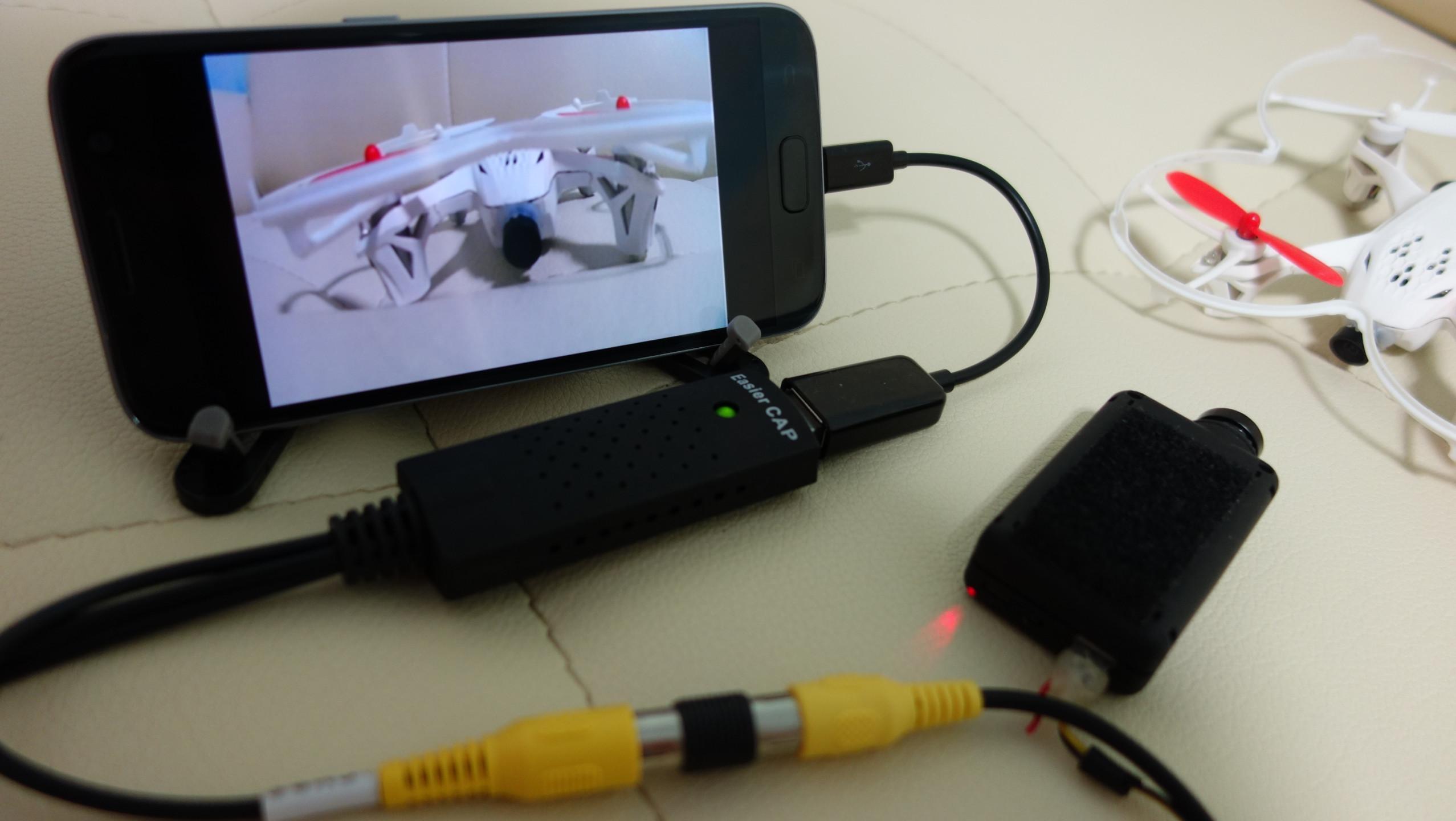
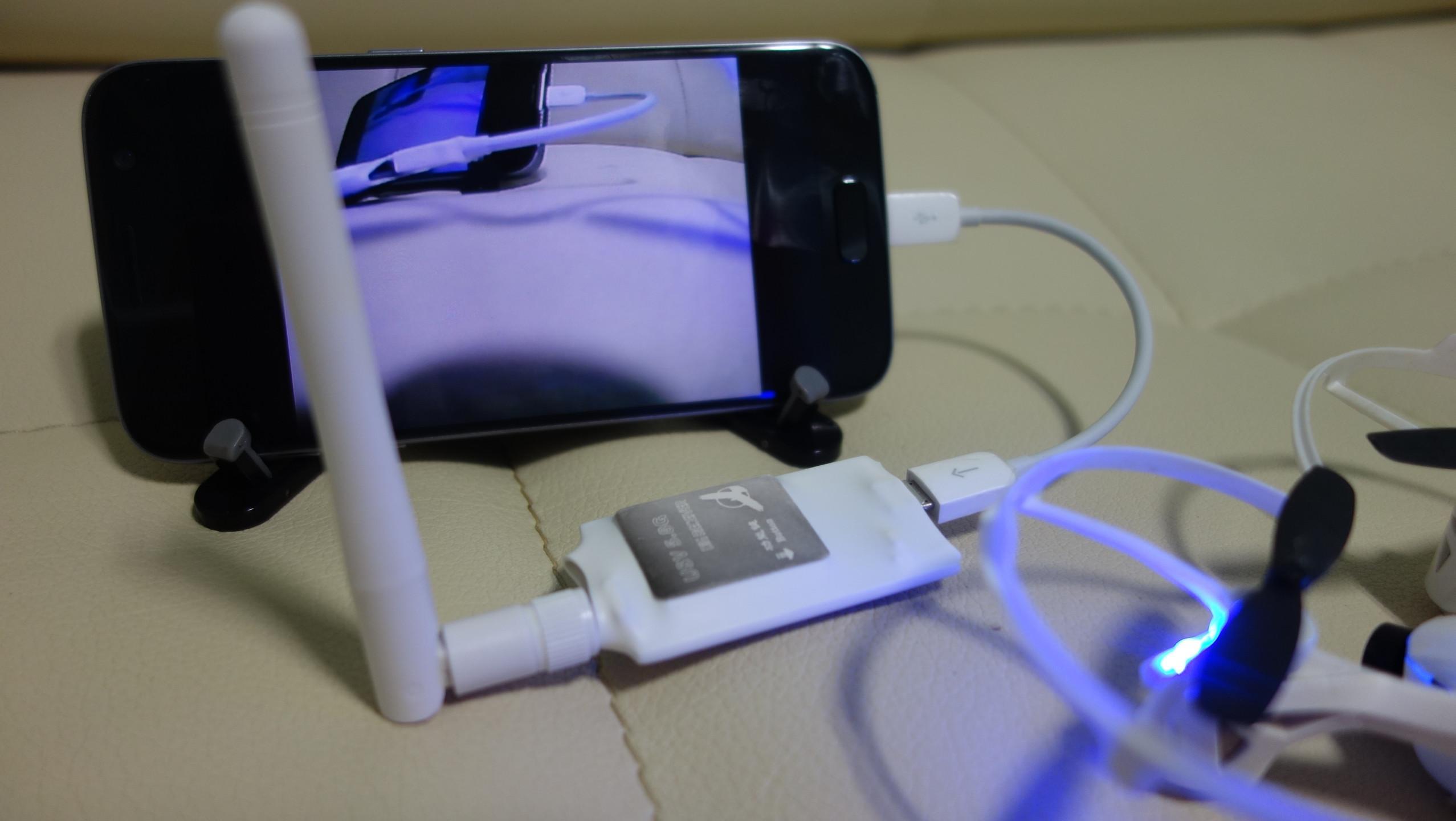
FPViewer is an application to display analog video using Easycap & UVC video grabber device connected via OTG cable to android device.(no root)
Also, FPViewer offers an optimized feature allows you to use the Android devices as FPV monitor.
■ Features
Easycap Viewer
Display analog video using Easycap video grabber device on android device.(only support UTV007, HTV600, HTV800 version Easycap and not support audio input)
FPV 5.8G Receiver OTG Viewer
Display a FPV 5.8G Receiver device.(Eachine ROTG01, ROTG02, ATX03, R051 and more)
UVC Video Grabber or UVC Webcam Viewer
Display analog video using UVC video grabber device on android device.(this device's function is same with Easycap) Also, If your USB camera is UVC type then, you can use the camera with this app.(only support 640x480 resolution)
Video Recording
Save display video as a MP4 file.(Android 4.3 or higher)
Side by Side(VR)
Support Side by Side(VR) mode, so you can use android device as fpv goggle.
Always On Top
Set the viewer screen to the top of the phone screen. so viewer screen never disappear even if you get a phone call or text notification.
Preview
Tags
Video-PlayersInformation
Developer
Labsp
Latest Version
1.4.0
Last Updated
2021-10-20
Category
Video-players-editors
Available on
Google Play
Show More
How to play Easycap & UVC Player(FPViewer) with GameLoop on PC
1. Download GameLoop from the official website, then run the exe file to install GameLoop
2. Open GameLoop and search for “Easycap & UVC Player(FPViewer)” , find Easycap & UVC Player(FPViewer) in the search results and click “Install”
3. Enjoy playing Easycap & UVC Player(FPViewer) on GameLoop
Minimum requirements
OS
Windows 8.1 64-bit or Windows 10 64-bit
GPU
GTX 1050
CPU
i3-8300
Memory
8GB RAM
Storage
1GB available space
Recommended requirements
OS
Windows 8.1 64-bit or Windows 10 64-bit
GPU
GTX 1050
CPU
i3-9320
Memory
16GB RAM
Storage
1GB available space