
IP Webcam PC
Pavel Khlebovich
Download IP Webcam on PC With GameLoop Emulator
IP Webcam on PC
IP Webcam, coming from the developer Pavel Khlebovich, is running on Android systerm in the past.
Now, You can play IP Webcam on PC with GameLoop smoothly.
Download it in the GameLoop library or search results. No more eyeing the battery or frustrating calls at the wrong time any more.
Just enjoy IP Webcam PC on the large screen for free!
IP Webcam Introduction
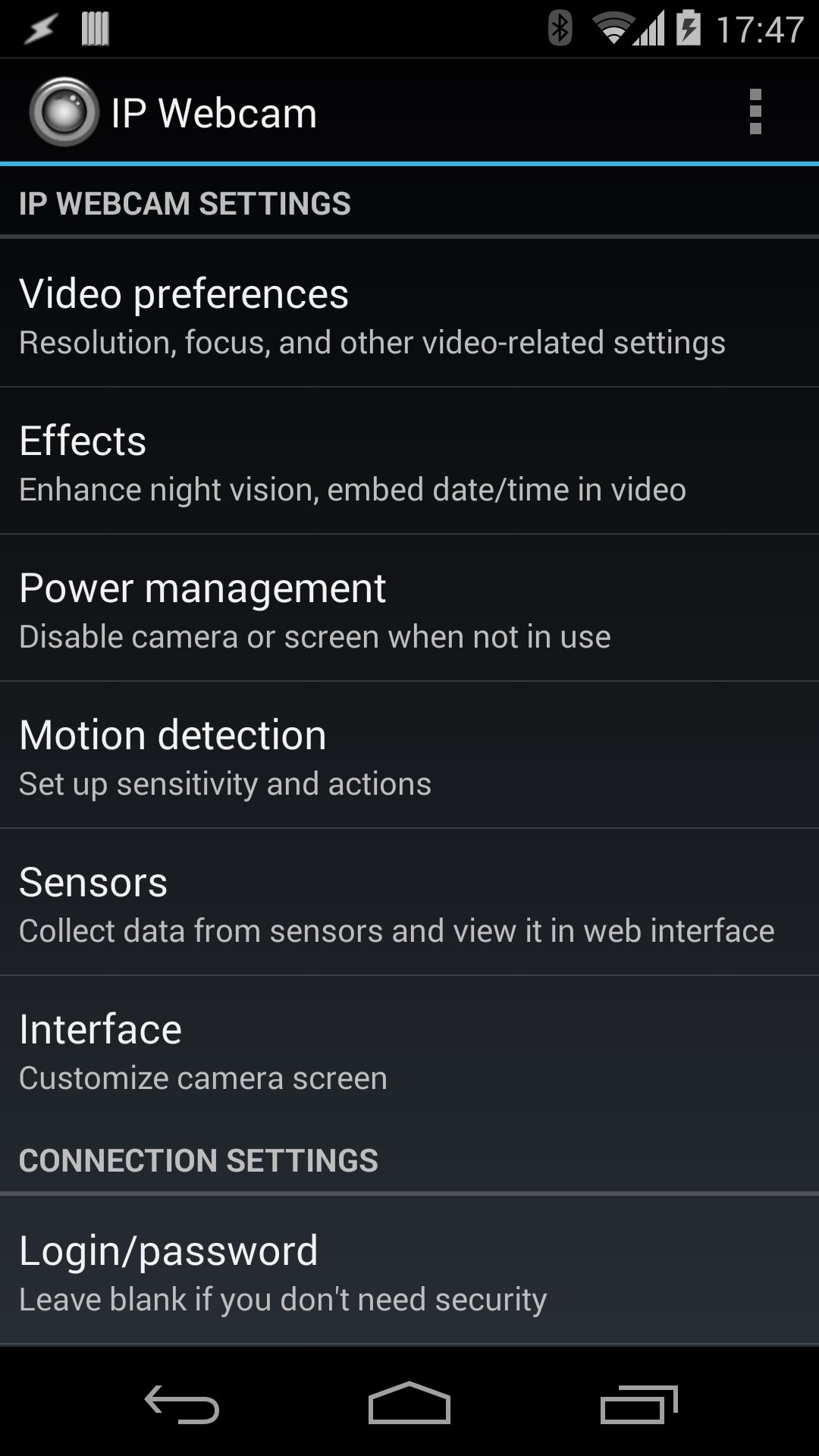
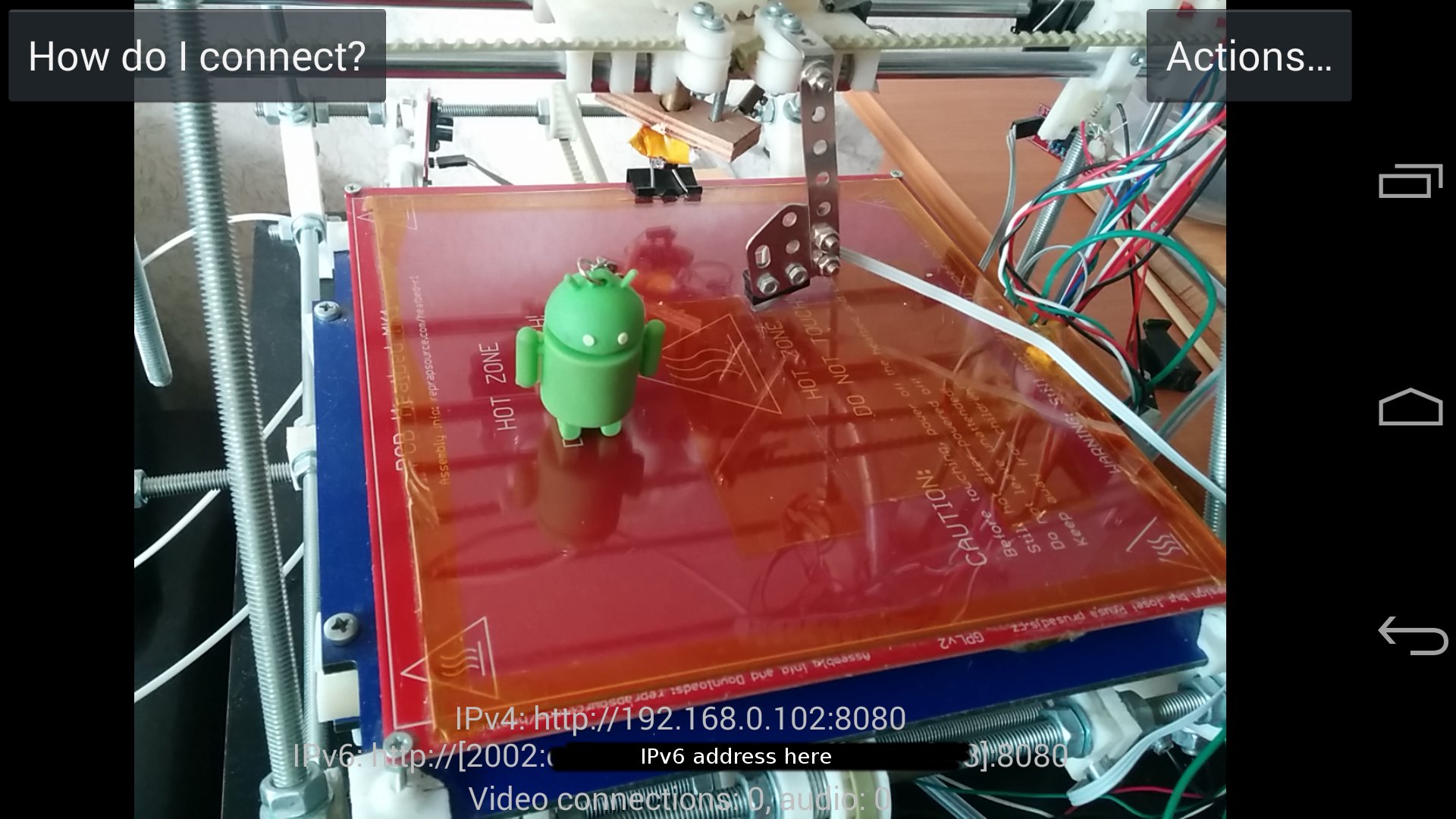
IP Webcam turns your phone into a network camera with multiple viewing options. View your camera on any platform with VLC player or web browser. Stream video inside WiFi network without internet access.
Optional Ivideon cloud broadcasting is supported for instant global access.
Two-way audio supported in tinyCam Monitor on another android device.
Use IP Webcam with third-party MJPG software, including video surveillance software, security monitors and most audio players.
Features include:
• Video upload to Dropbox, SFTP, FTP and Email using Filoader plugin
• Several web renderers to choose from: Flash, Javascript or built-in
• Video recording in WebM, MOV, MKV or MPEG4 (on Android 4.1+)
• Audio streaming in wav, opus and AAC (AAC requires Android 4.1+)
• Motion detection with sound trigger, Tasker integration.
• Date, time and battery level video overlay.
• Sensor data acquisition with online web graphing.
• Videochat support (video stream only for Windows and Linux via an universal MJPEG video streaming driver)
• Cloud push notifications on motion and sound, cloud recording for motion-triggered records, online video broadcasting powered by Ivideon.
• Useful features for baby and pet monitors: Night mode, motion detection, sound detection, two-way audio.
Lite version is supported with unobtrusive ads. It's fully functional, but lacks Tasker integration, customizable user interface (only editor is present) and has a watermark over recorded videos.
Email me if you have questions after reading the FAQ.
Preview
Tags
Video-PlayersInformation
Developer
Pavel Khlebovich
Latest Version
1.18.3r.911 (multiarch)
Last Updated
2025-10-28
Category
Video-players-editors
Available on
Google Play
Show More
How to play IP Webcam with GameLoop on PC
1. Download GameLoop from the official website, then run the exe file to install GameLoop
2. Open GameLoop and search for “IP Webcam” , find IP Webcam in the search results and click “Install”
3. Enjoy playing IP Webcam on GameLoop
Minimum requirements
OS
Windows 8.1 64-bit or Windows 10 64-bit
GPU
GTX 1050
CPU
i3-8300
Memory
8GB RAM
Storage
1GB available space
Recommended requirements
OS
Windows 8.1 64-bit or Windows 10 64-bit
GPU
GTX 1050
CPU
i3-9320
Memory
16GB RAM
Storage
1GB available space