
Halo Video Player PC
Bahria Studio
Download Halo Video Player on PC With GameLoop Emulator
Halo Video Player on PC
Halo Video Player, coming from the developer Bahria Studio, is running on Android systerm in the past.
Now, You can play Halo Video Player on PC with GameLoop smoothly.
Download it in the GameLoop library or search results. No more eyeing the battery or frustrating calls at the wrong time any more.
Just enjoy Halo Video Player PC on the large screen for free!
Halo Video Player Introduction
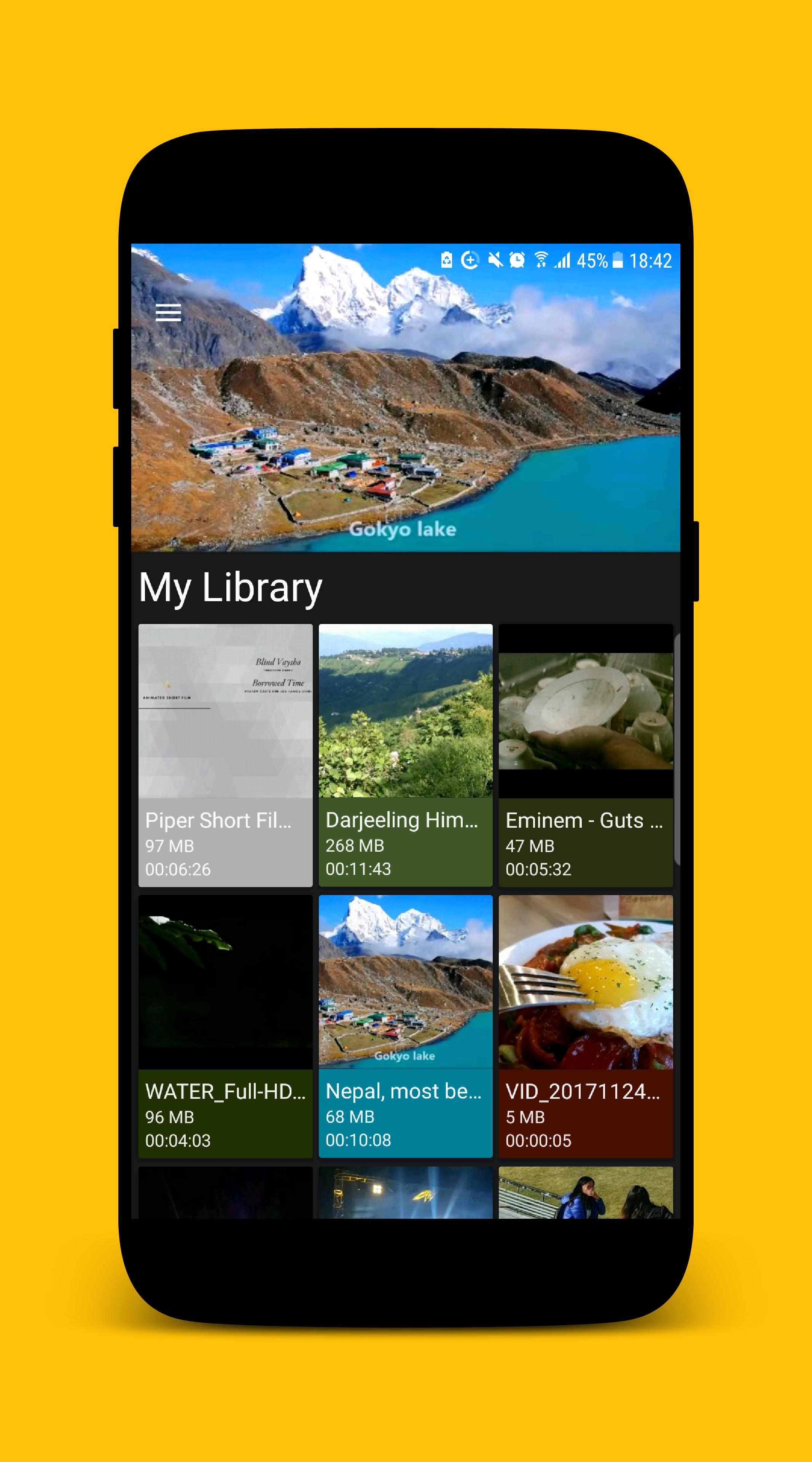
MP4 Video Player for Android is a free Multimedia player which allows you to browse and play all the popular video formats on your phone or tablet smoothly and control the seek, brightness and volume easily.
KEY FEATURES
• Supports all popular video formats.
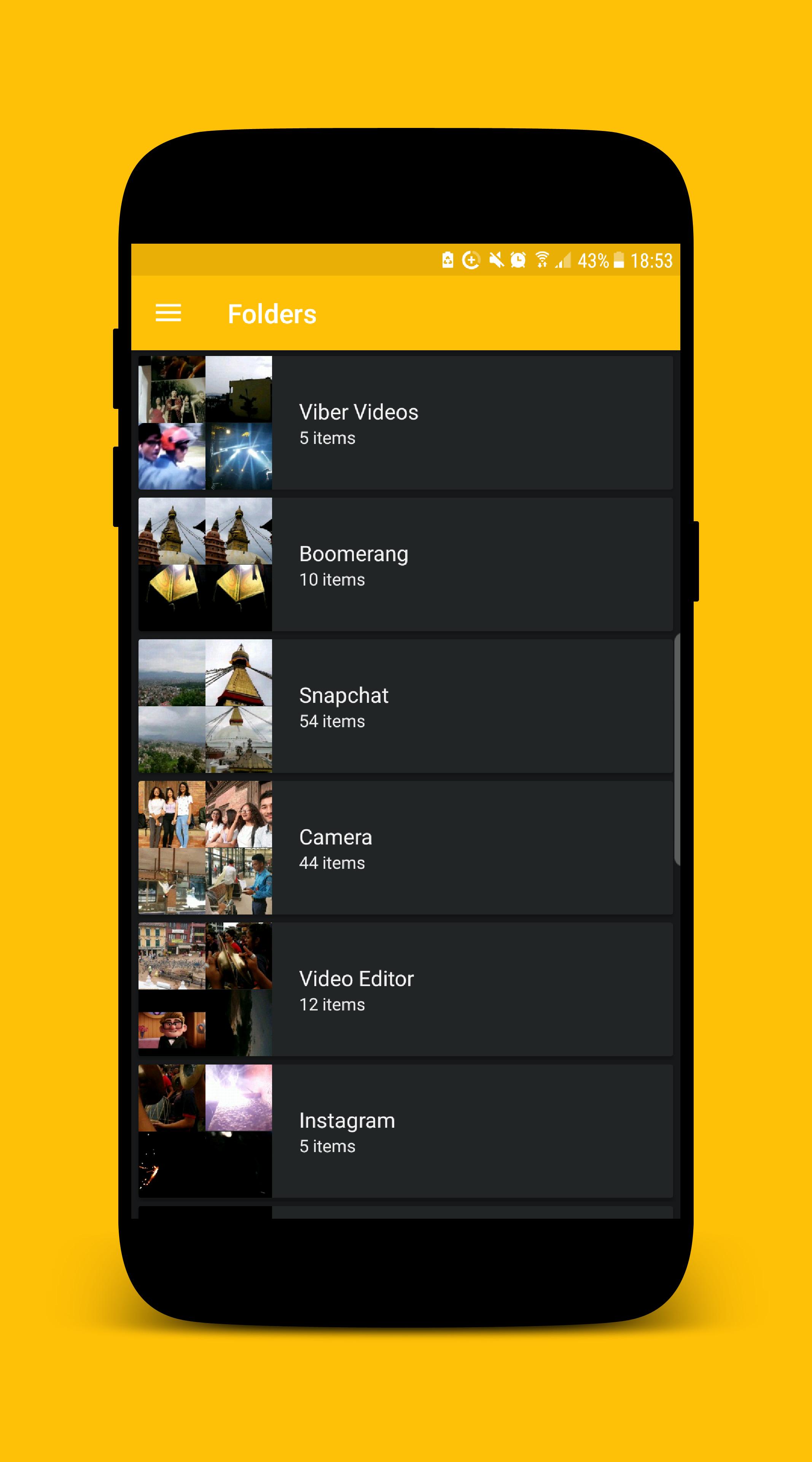
• Built-in powerful video manager.
• Gesture to seek the video.
• Gesture to control the volume.
• Gesture to control the brightness.
• Provides 'Hide Video' mode which hides the video from the videos list inside the app. (The video file will still be visible while exploring using other apps.)
We ensure you will love this MP4 Video Player after using it. If you are looking for an MP4 video player with a better user experience and user interface MP4 Video Player is the best choice for you.
If you face any problem while using MP4 Video Player app or want to request new features or just want to say hello, then feel free to contact us, we will try our best to make you happy.
Thank you for using MP4 Video Player.
Preview
Information
Developer
Bahria Studio
Latest Version
2.0.1
Last Updated
2017-12-26
Category
Video-players-editors
Available on
Google Play
Show More
How to play Halo Video Player with GameLoop on PC
1. Download GameLoop from the official website, then run the exe file to install GameLoop
2. Open GameLoop and search for “Halo Video Player” , find Halo Video Player in the search results and click “Install”
3. Enjoy playing Halo Video Player on GameLoop
Minimum requirements
OS
Windows 8.1 64-bit or Windows 10 64-bit
GPU
GTX 1050
CPU
i3-8300
Memory
8GB RAM
Storage
1GB available space
Recommended requirements
OS
Windows 8.1 64-bit or Windows 10 64-bit
GPU
GTX 1050
CPU
i3-9320
Memory
16GB RAM
Storage
1GB available space