
Photo Video Maker PC
Smart Mobile Tools
Download Photo Video Maker on PC With GameLoop Emulator
Photo Video Maker on PC
Photo Video Maker, coming from the developer Smart Mobile Tools, is running on Android systerm in the past.
Now, You can play Photo Video Maker on PC with GameLoop smoothly.
Download it in the GameLoop library or search results. No more eyeing the battery or frustrating calls at the wrong time any more.
Just enjoy Photo Video Maker PC on the large screen for free!
Photo Video Maker Introduction
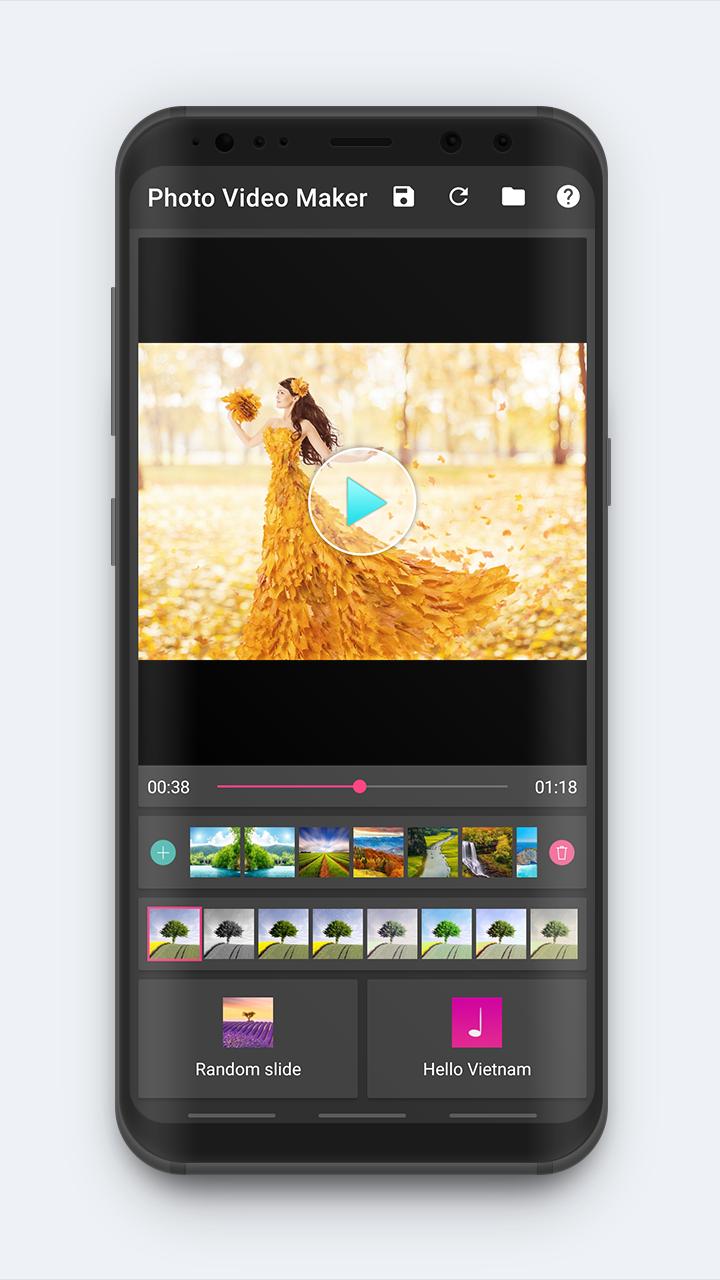
Photo Video Maker is the easiest way to create, edit and share amazing music videos, slideshows and stories with your photos, videos and free licensed music.
You can make your own music videos with only 5 steps:
• Step 1. Select photos
• Step 2. Select music
• Step 3. Select style
• Step 4. Select filter
• Step 5. Save video
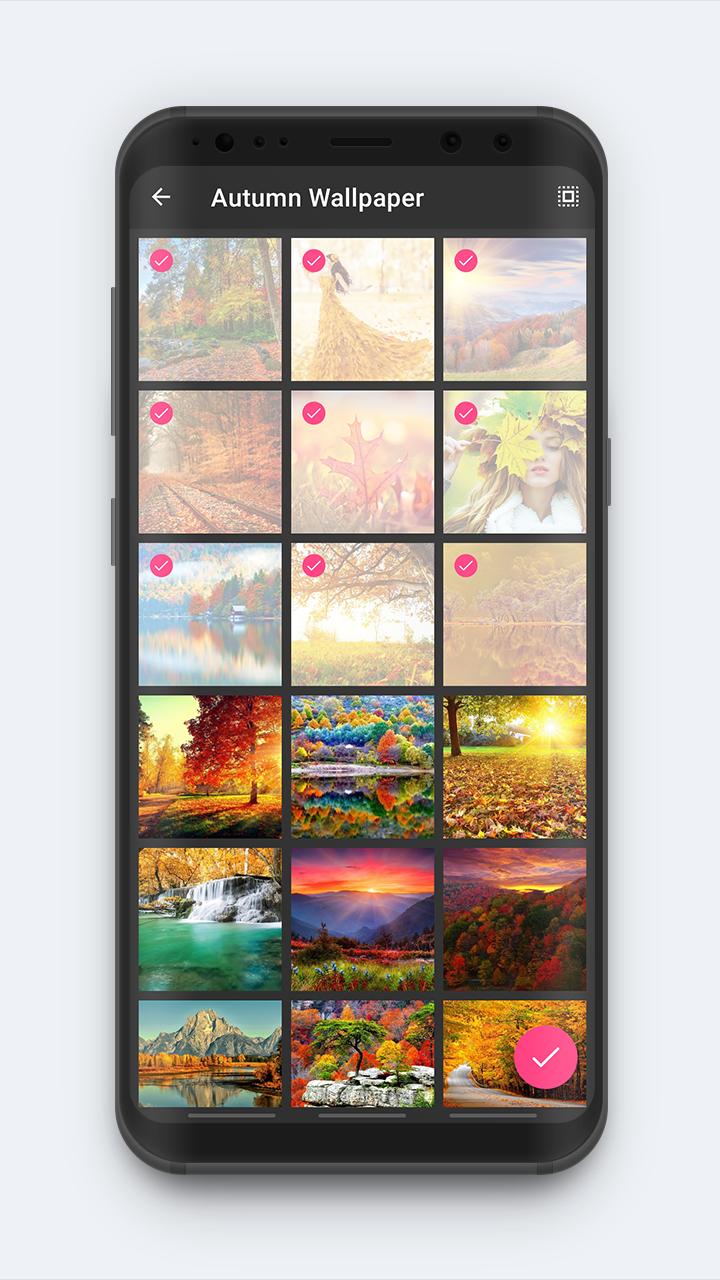
The image picker helps you choose your best photos from albums. Arrange the photos or remove them from the video if you want.
The music chooser helps you choose favorite songs for videos easily. You can listen to songs, search for songs by name or artist. You may also not use music for your videos.
The photos are shown with many beautiful effects to choose from. For example, horizontal slide, vertical slide, window, zoom in, zoom out, ...
The application provides you with different video color filters, you can freely choose as you like.
The video preview player allows you to preview changes immediately before you save the video. You can edit the video until you really like it.
The videos are saved with the best quality. The application will help you manage them easily. You can play, share them with friends, share via social networks or delete them if you don't like.
Download the Photo Video Maker app now to make the best videos for your loved ones!
If you have any questions or problems want to fix, please mail me, I will help you.
Your 5-star rating will encourage us to create and develop the best free apps.
Preview
Tags
Video-PlayersInformation
Developer
Smart Mobile Tools
Latest Version
1.2.4
Last Updated
2023-12-11
Category
Video-players-editors
Available on
Google Play
Show More
How to play Photo Video Maker with GameLoop on PC
1. Download GameLoop from the official website, then run the exe file to install GameLoop
2. Open GameLoop and search for “Photo Video Maker” , find Photo Video Maker in the search results and click “Install”
3. Enjoy playing Photo Video Maker on GameLoop
Minimum requirements
OS
Windows 8.1 64-bit or Windows 10 64-bit
GPU
GTX 1050
CPU
i3-8300
Memory
8GB RAM
Storage
1GB available space
Recommended requirements
OS
Windows 8.1 64-bit or Windows 10 64-bit
GPU
GTX 1050
CPU
i3-9320
Memory
16GB RAM
Storage
1GB available space